
AOI FIELD GUIDE / 8 MILESTONES / 29 PATHS
Pixel Art Timeline: From Hardware Limits to HD-2D
A small grid. Some unreasonable constraints. An astonishing number of worlds. Follow pixel art from home-computer colour bargains to cinematic hybrids, then take the controls yourself.
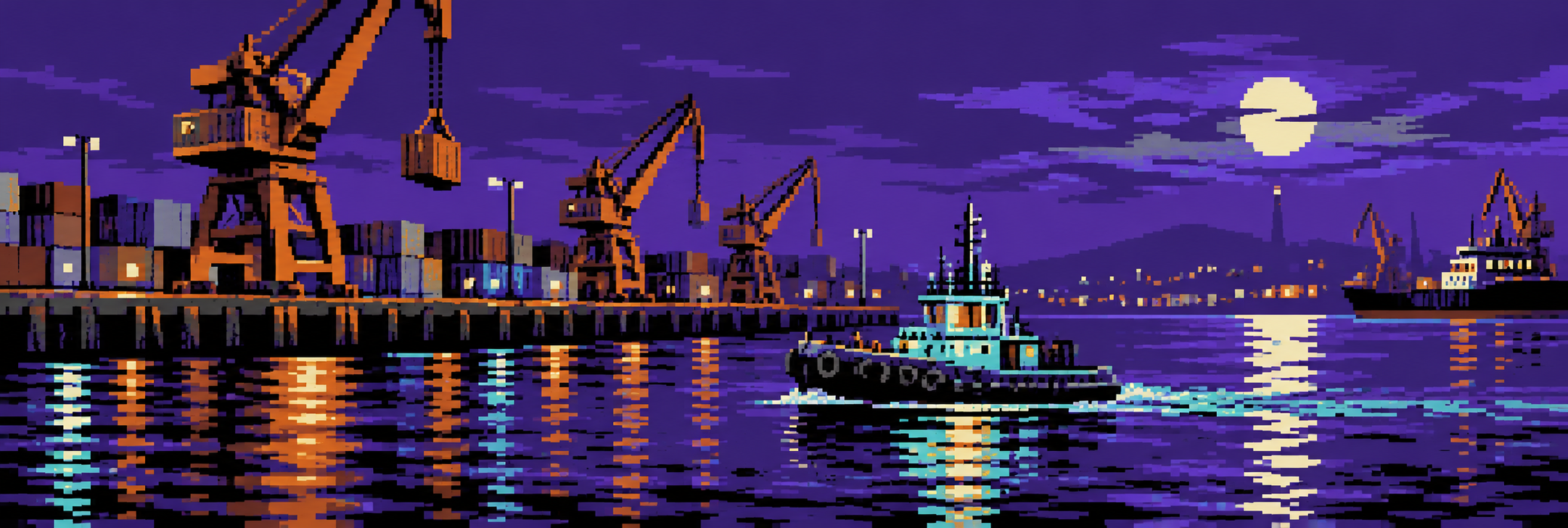
Pixel art did not wait for one inventor, one console or one approved number of colours. It grew through many display systems, tools and artistic practices. This timeline follows selected milestones that explain why familiar looks differ. It also connects every pixel-related guide in our current catalogue, from practical drawing to deliberately strange AOI experiments.
Read the dates correctly: these are hardware or product milestones, not birthdays for entire styles. Dithering, isometric views and limited-colour drawing cross multiple eras. “8-bit,” “16-bit” and “32-bit” can describe computing architectures, image formats or loose aesthetic labels; those meanings are not interchangeable.
1982 · TWO VERY DIFFERENT BARGAINS
1. The home computer asks: which limitation would you like?
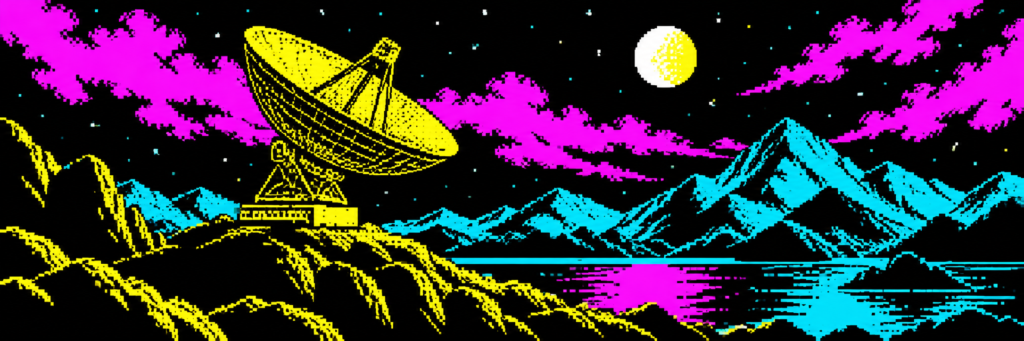
The Commodore 64 and ZX Spectrum arrived in 1982, but their images did not have to look alike. In the C64’s familiar multicolour bitmap mode, horizontal resolution is traded for more local colour choices: the broad pixels become part of the design. Strong masses and deliberate ramps can make that width feel purposeful. Explore Commodore 64 Multicolor Pixel Art for the visual consequences.
The Spectrum has a different conversation with the artist. An 8-by-8 attribute cell shares INK and PAPER colours, with brightness constraints. When a moving figure and its background want incompatible colours in the same cell, the negotiation can become visible. ZX Spectrum Pixel Art explains how graphic shapes and carefully placed colour regions work with that system.
Think of these as two tiny art departments. One says, “We can offer more colour if you accept wider pixels.” The other says, “You and the eight-pixel neighbourhood must agree on the paint.” Neither department has approved your request for a sunset gradient.
1983 · FAMICOM IN JAPAN
2. Tiles become worldbuilding infrastructure
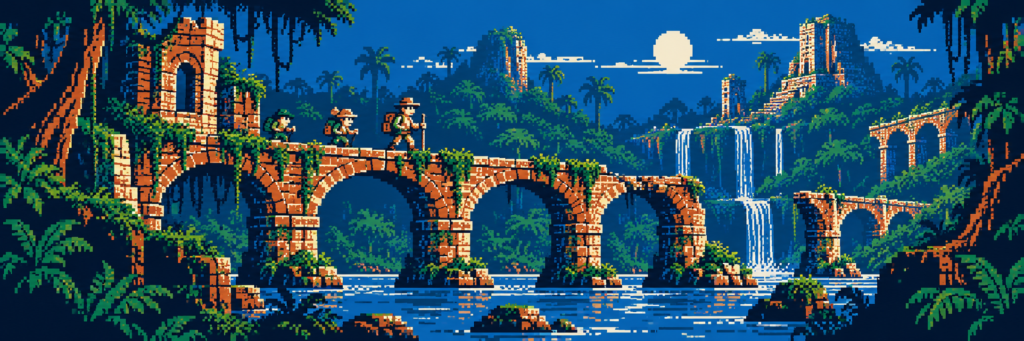
Nintendo’s Famicom launched in Japan in 1983; the NES arrived in other markets later. Reusable tiles and local palette choices encourage scenery built from a clear visual vocabulary. A brick, window or platform edge must work alone and as part of a repeated system. This is design economy with a very practical budget.
Our NES / Famicom Pixel Art guide examines readable silhouettes and controlled colour groups. For a broader introduction, pair it with 8-Bit Pixel Art. An “8-bit look” does not mean that the console displayed only eight colours. The bits did not form a committee and select one colour each.
1985 · THE AMIGA ARRIVES
3. More colour, but the next pixel has questions
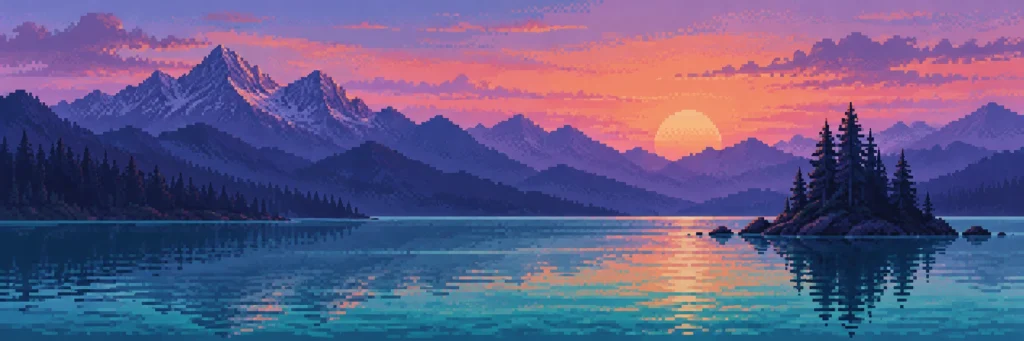
The Amiga’s Hold-And-Modify mode offers a distinctive colour strategy. A pixel can use a base palette entry or modify a component of the preceding colour. This can produce rich tonal imagery, but abrupt horizontal colour changes require care. It is a different problem from simply selecting any RGB colour independently at every position.
Amiga HAM Pixel Image explores the resulting tension between colour richness and edge behaviour. Do not reduce it to “retro blur”: the interesting part is the colour dependency. A soft-looking transition may arise from a technical bargain, while an artist can also choose softer contrast for entirely compositional reasons.
1989 · ORIGINAL MONOCHROME HANDHELD
4. Four shades take the train everywhere
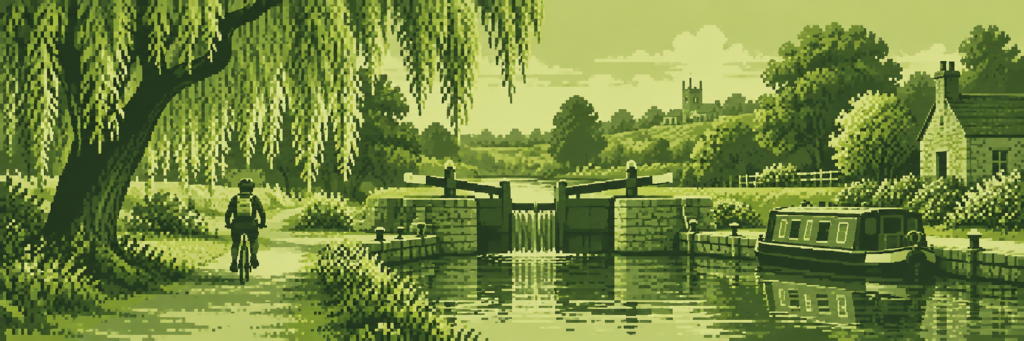
Nintendo’s original Game Boy puts a 160-by-144 display and four shades into a portable context. Tiny figures still need to stand apart from scenery. A window, tree and coat may share a value, so placement and silhouette do much of the storytelling. The familiar green LCD appearance is a display association, not a rule that all four-tone art must be green.
Read Game Boy Pixel Art (DMG) alongside 2-Bit Pixel Art and Monochrome Pixel Art. They overlap, but one names a hardware tradition, one names four possible pixel values, and one organizes an image within a single colour family. The art director asked for a richer sunset. The artist added a kettle in the window. Suddenly everyone agreed it felt warm.
1990 · NEO GEO / 1996 · METAL SLUG
5. The arcade sprite develops a personality
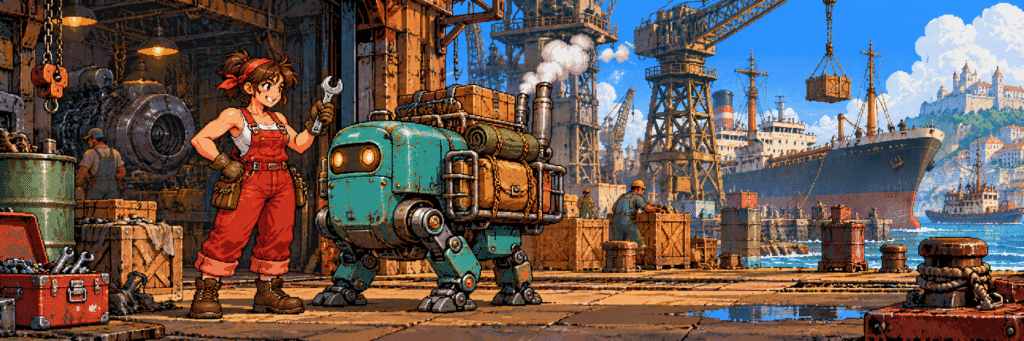
SNK’s Neo Geo platform arrived in 1990. Its library contains many visual voices; there is no single mandatory Neo Geo style. Detailed sprites and expressive poses are nevertheless useful reference points. Metal Slug, which debuted in 1996, is a particularly vivid example of pixel craft making characters and machinery feel alive.
Neo Geo Arcade Pixel Art looks at clear silhouettes, grouped detail and animation-friendly structure. A hundred lovingly placed rivets cannot rescue a confusing pose. Before polishing the robot’s exhaust pipe, establish which way the robot is going.
One naming trap is now signposted: Neo-Geo (Neo-Geometric Conceptualism) belongs to a separate fine-art discussion. The Neo Geo naming guide connects the two meanings without blending their histories.
2015 · DOCUMENTED EARLY PICO-8 RELEASE
6. We acquire powerful computers, then voluntarily shrink the canvas
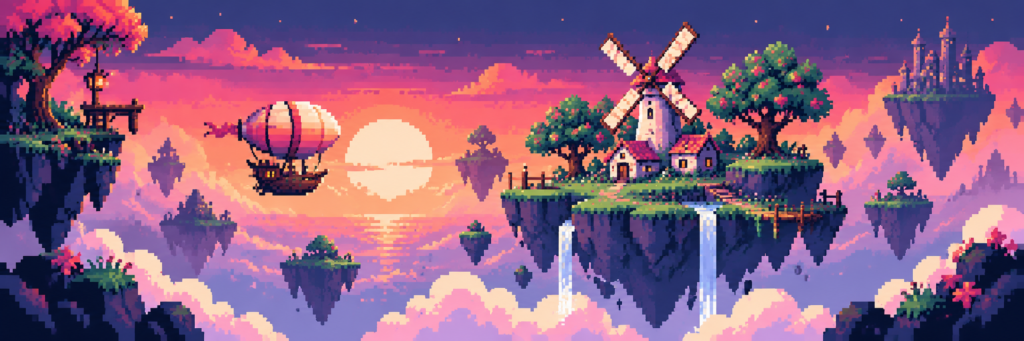
Lexaloffle’s PICO-8 v0.1.1 announcement provides a documented 2015 milestone for this fantasy console. Its familiar default screen is 128 by 128 pixels with a 16-colour palette. Modern creators can choose those limits because the compact environment makes decisions clear and complete small projects feel possible. Advanced modes and extensions mean the default is not a description of every conceivable PICO-8 experiment.
PICO-8 Pixel Art covers that contemporary practice. It is not recovered 1980s hardware; the constraint is part of a designed creative environment. We finally obtained machines capable of millions of colours and immediately asked them for sixteen. Artists are extremely efficient at making their own problems.
2018 · OCTOPATH TRAVELER
7. Pixel characters enter a dimensional stage
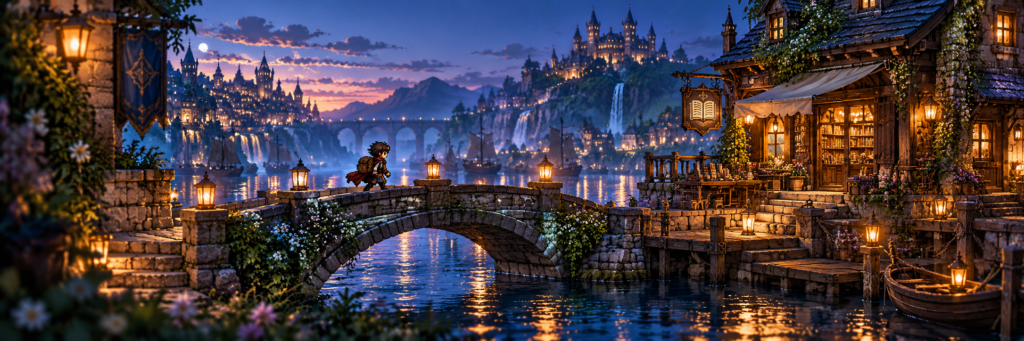
Octopath Traveler was released on 13 July 2018. Square Enix’s HD-2D approach combines pixel-character imagery with dimensional environments and modern lighting. The appeal lies in the relationship between the two: a compact sprite can feel present in a scene with depth, atmospheric light and a carefully directed camera.
Read HD-2D alongside Hi-Bit Pixel Art. Hi-bit is a loose label for richer pixel work; HD-2D refers to a more particular hybrid approach associated with Square Enix. Adding bloom to every sprite does not automatically reproduce its spatial staging. If the light makes the character unreadable, the expensive atmosphere has misplaced the protagonist.
CROSS-ERA · NO SINGLE RELEASE DATE
8. The craft keeps branching
Several of the most useful distinctions are techniques, not console generations. Dithering Pixel Art mixes existing colours through patterns. Isometric Pixel Art organizes space around a consistent projected grid. Chibi Pixel Art changes character proportions, while Minimalist Pixel Art makes fewer clusters carry more meaning.
Animated Pixel Art adds timing and deliberate poses. Color Cycling Pixel Art can create motion by changing colour assignments while keeping the pixel-index map fixed. These are different kinds of movement. The demonstration below lets you see the second mechanism without mistaking a still gallery image for an animation.
Then there is mood: 8-Bit Lo-Fi Pixel Art favours quiet scenes and selective warmth. A soft emotional atmosphere can coexist with hard pixel edges. Reduce distant contrast before reaching for blur; a crisp silhouette can remain readable while the world around it feels calm.
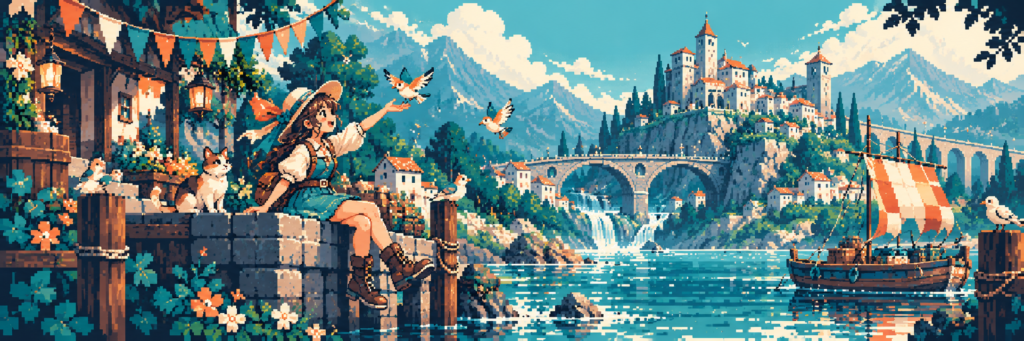
FOUR SMALL EXPERIMENTS / ONE DELIBERATE GRID
Pixel animation lab: colour, poses, depth and weight
Four different ways to make a small image feel alive. Every experiment starts paused. Play a loop, step through it, then change one variable and look again. These original teaching sketches explain visual ideas; they do not emulate a particular console.
INTERACTIVE / NO CARTRIDGE REQUIRED
01. Palette cycling: move the colours, keep the map
The little house stays fixed. Water pixels use four repeating indices; cycling changes which colour each index displays. This is a teaching sketch, not a hardware emulator. Palette choices are illustrative.
EXPERIMENT 02 / PIXEL MOTION
Eight poses, one very determined robot
A walk cycle alternates contact, down, passing and up poses. The robot stays in place so you can inspect its feet, opposite arm swing and small body bob. The strip above it shows all eight poses; the buttons select them individually. Onion skinning overlays the preceding pose in translucent blue.
Try this: Select poses 1, 3 and 5, then switch on the onion skin. Play at 4 and 12 frames per second: the drawings stay the same, but the pace changes. Our robot has eight poses and absolutely no destination.
Explore Animated Pixel Art and Chibi Pixel Art. For the editing workflow, see Aseprite’s animation documentation.
EXPERIMENT 03 / PIXEL MOTION
A town with three different ideas of speed
A distant mountain, a middle-distance town and a foreground fence slide at different speeds. The difference suggests depth without rotating a 3D scene. All positions are snapped to the canvas grid; the distant layer therefore holds some positions longer.
Try this: Play with depth on, then turn it off. When every layer moves together, the scene feels flatter. Reverse the travel direction and watch the fence lead the motion. The mountains have wisely declined to hurry.
Compare the staging in NES / Famicom Pixel Art and HD-2D. This flat-layer sketch demonstrates parallax, not the complete HD-2D rendering approach.
EXPERIMENT 04 / PIXEL MOTION
Give a tiny square some weight
A 24-frame bounce compares gravity-like spacing with even vertical spacing. In the first, the sprite moves farther between frames near the ground and slows near the apex. Squash widens it on contact; a little stretch follows take-off and precedes landing. Width and height roughly preserve area, with rounding to whole pixels.
Try this: Step across frames 24, 1 and 2 to inspect the landing. Set squash to zero, then restore it. Compare the two spacing modes: one feels heavier, the other more mechanical. The square has no bones, but it still deserves a convincing landing.
Continue with Animated Pixel Art and Minimalist Pixel Art: a handful of clusters can carry both character and weight.
CHOOSE YOUR NEXT SIDE QUEST
All 29 pixel-art guides
Search or filter by family. Dated cards follow hardware and product milestones; cross-era techniques and AOI experiments are deliberately undated. Select a card to open its full guide.
1982 · Hardware & hybridsCommodore 64 Multicolor Pixel Art
Commodore 64: broad multicolour pixels turn a small palette into bold surfaces.
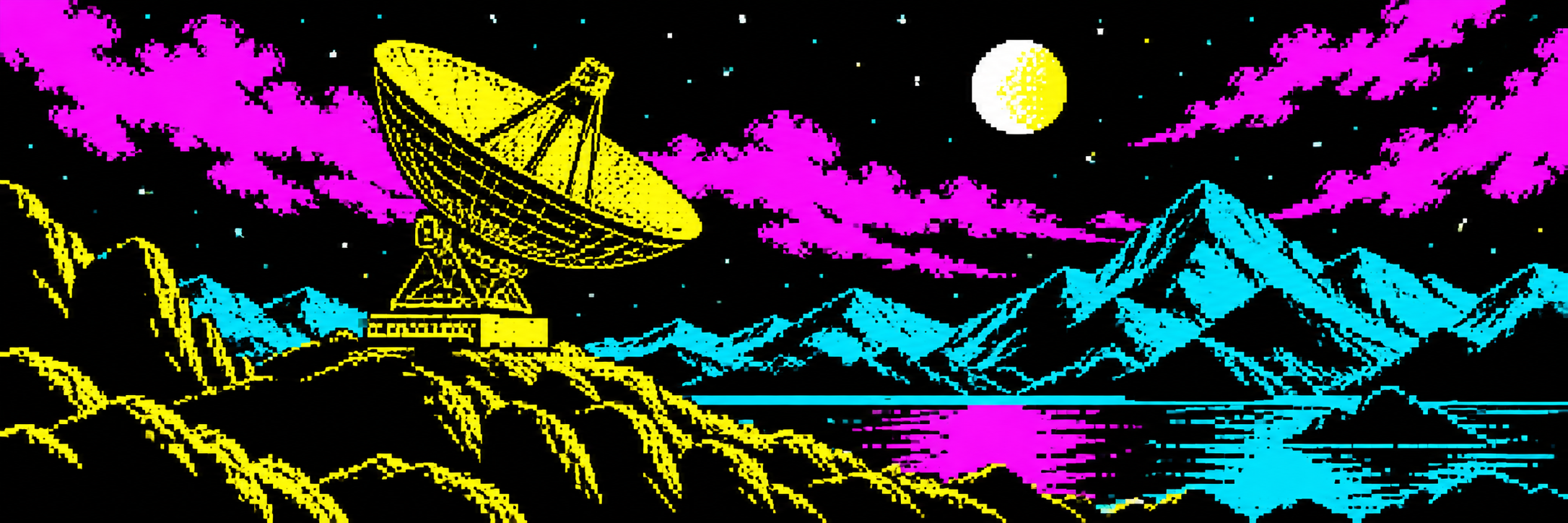 1982 · Hardware & hybrids
ZX Spectrum Pixel Art
INK and PAPER share colour cells: sharp silhouettes negotiate attribute limits.
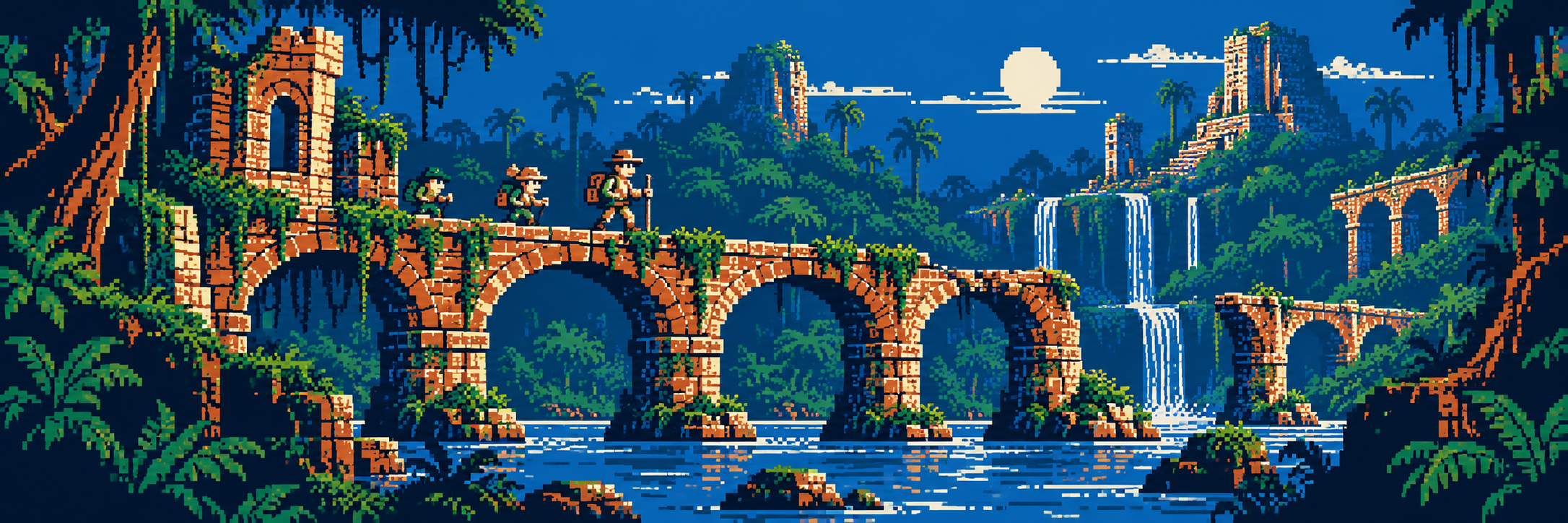 1983 · Hardware & hybrids
NES / Famicom Pixel Art
Famicom launches in Japan; tiles and local palettes shape readable game worlds.
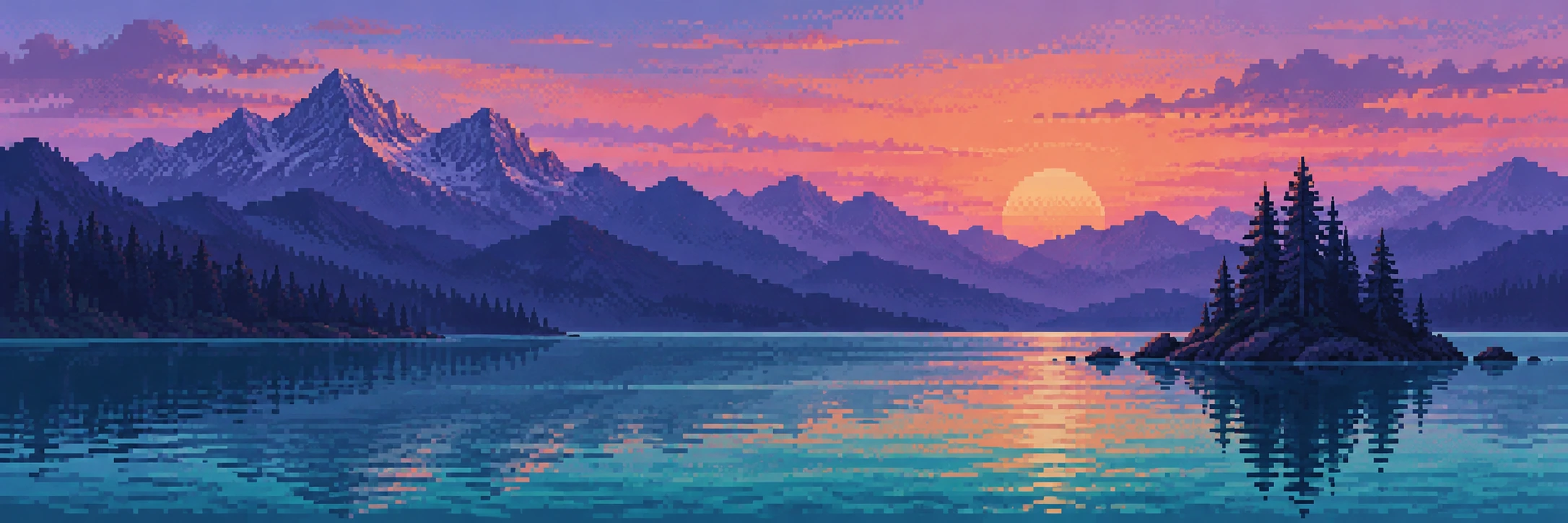 1985 · Hardware & hybrids
Amiga HAM Pixel Image
The Amiga era introduces a different bargain: rich colour with horizontal dependencies.
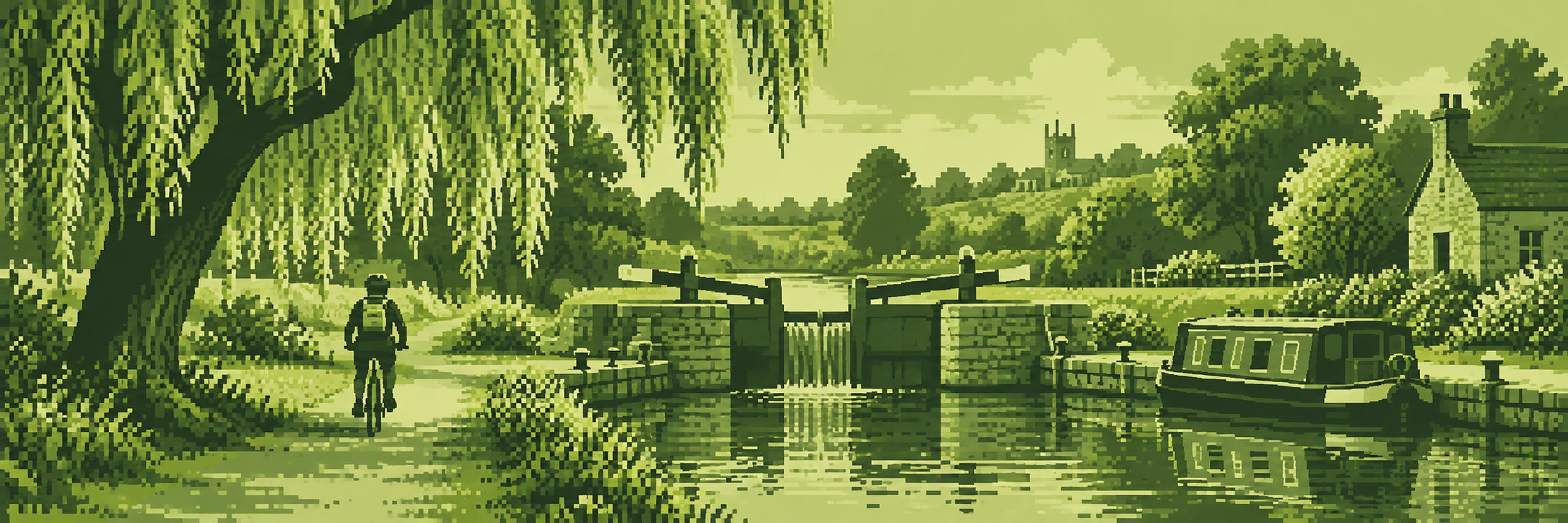 1989 · Hardware & hybrids
Game Boy Pixel Art (DMG)
The original handheld makes four shades and a tiny screen remarkably expressive.
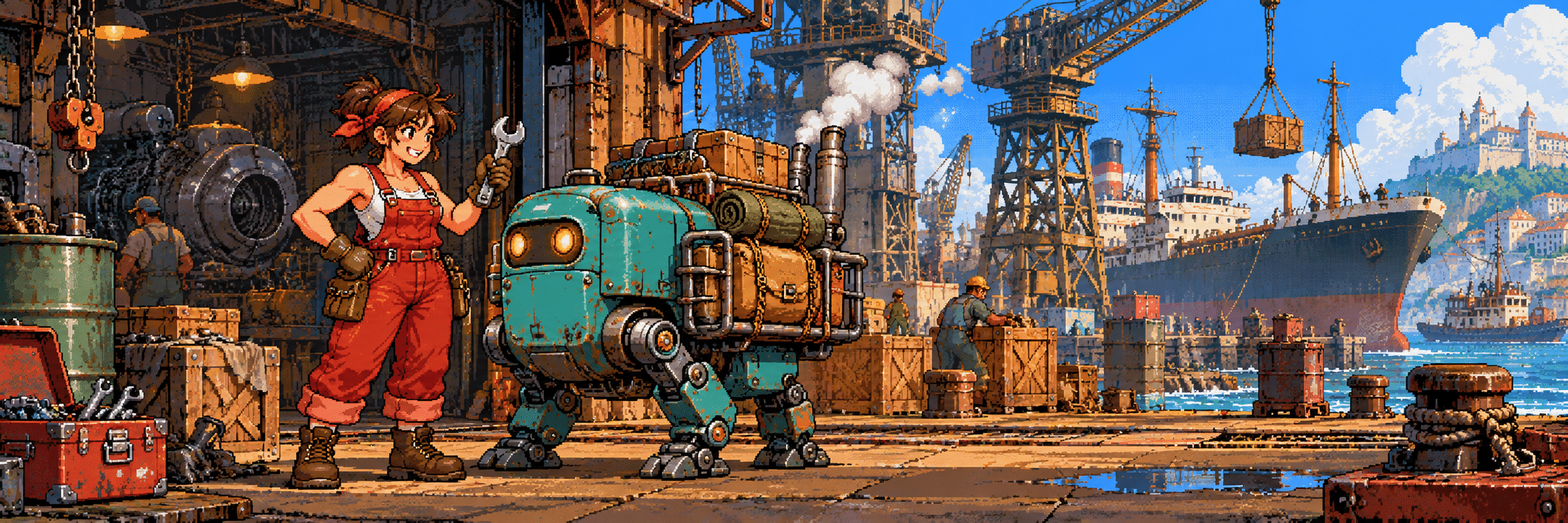 1990 · Hardware & hybrids
Neo Geo Arcade Pixel Art
SNK arcade traditions: detailed sprites, lively poses and machines with personality.
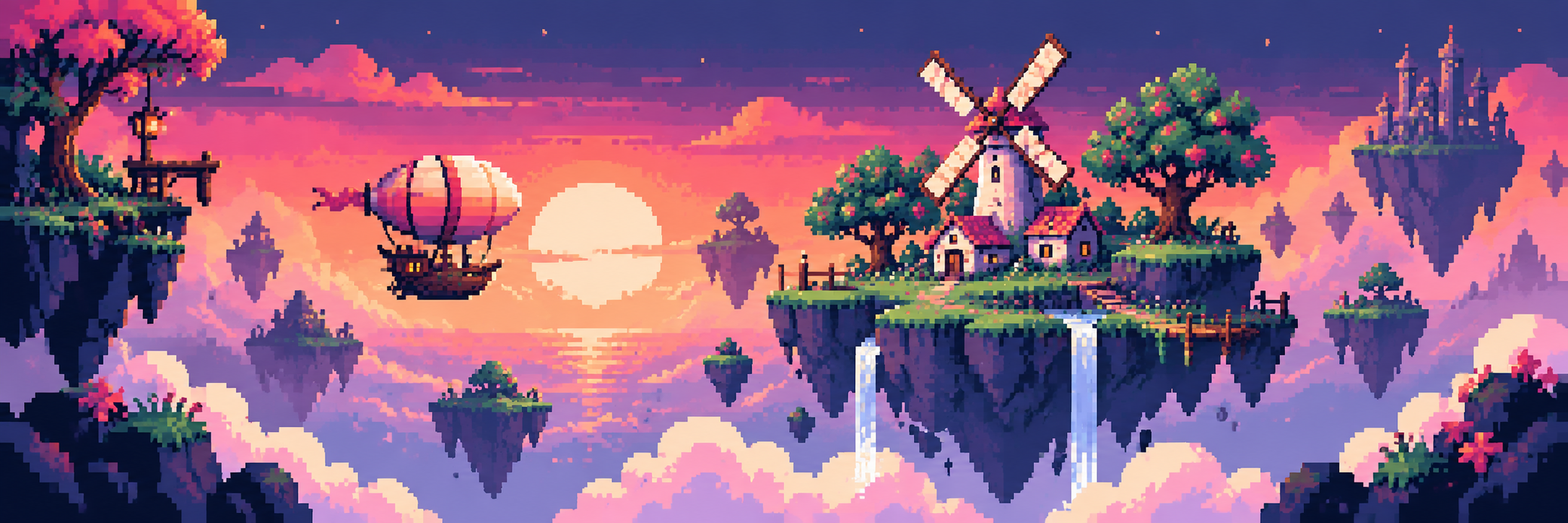 2015 · Hardware & hybrids
PICO-8 Pixel Art
A documented early PICO-8 release: contemporary creators choose compact constraints.
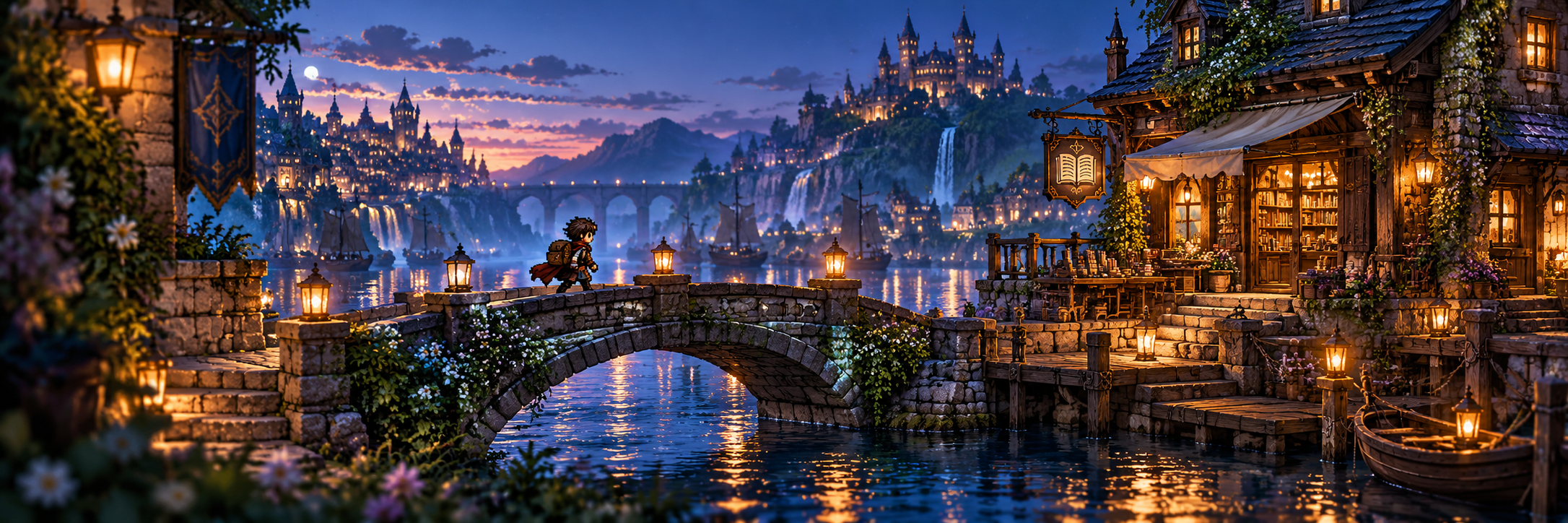 2018 · Hardware & hybrids
HD-2D
Octopath Traveler brings pixel characters into a dimensional, dramatically lit world.
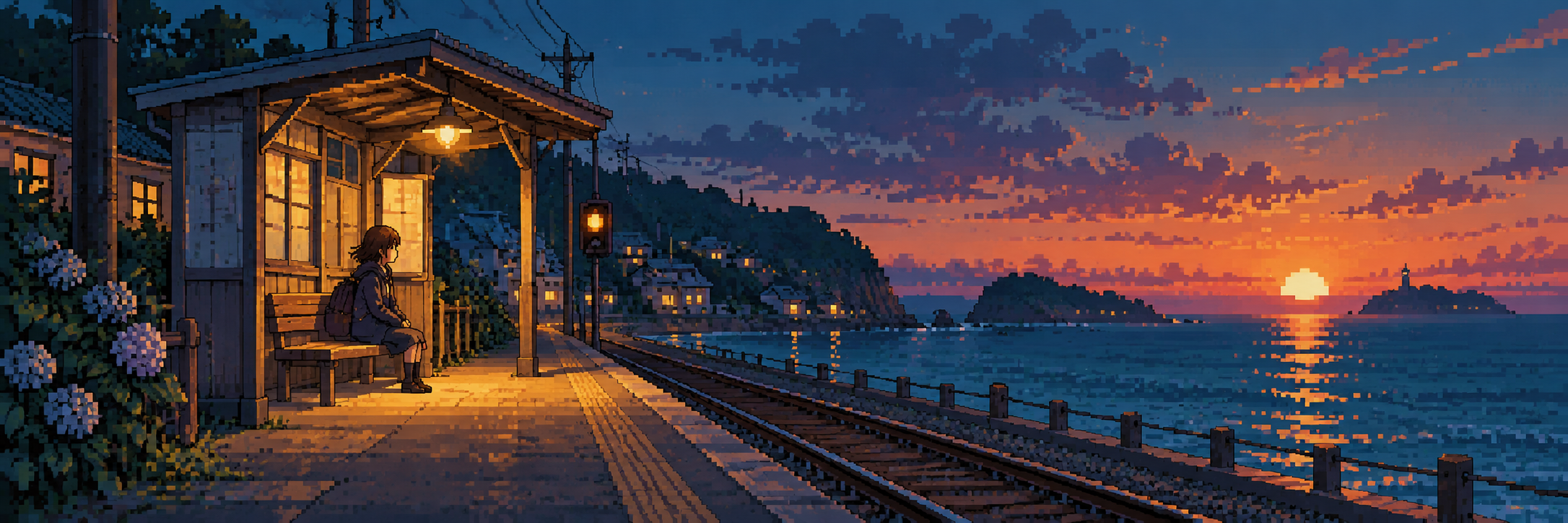 Contemporary · Techniques & design
8-Bit Lo-Fi Pixel Art
Quiet scenes, selective warmth and visible clusters make a contemporary lo-fi mood.
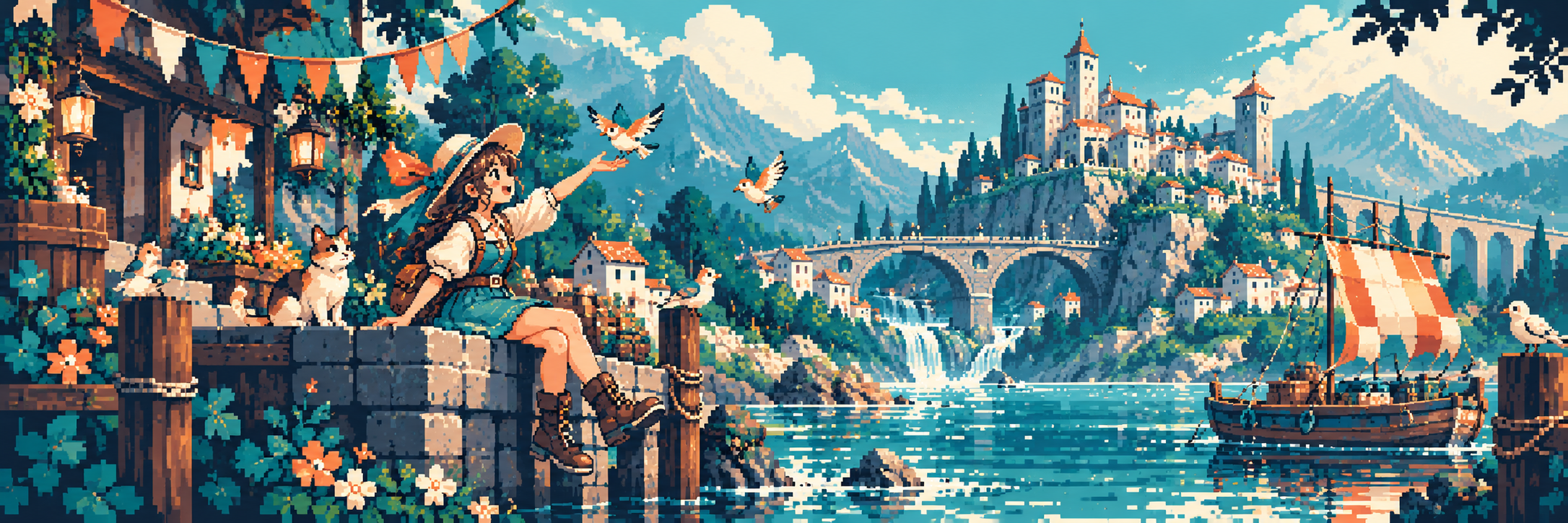 Cross-era · Techniques & design
Animated Pixel Art
Add timing, anticipation and clear poses; motion needs more than extra frames.
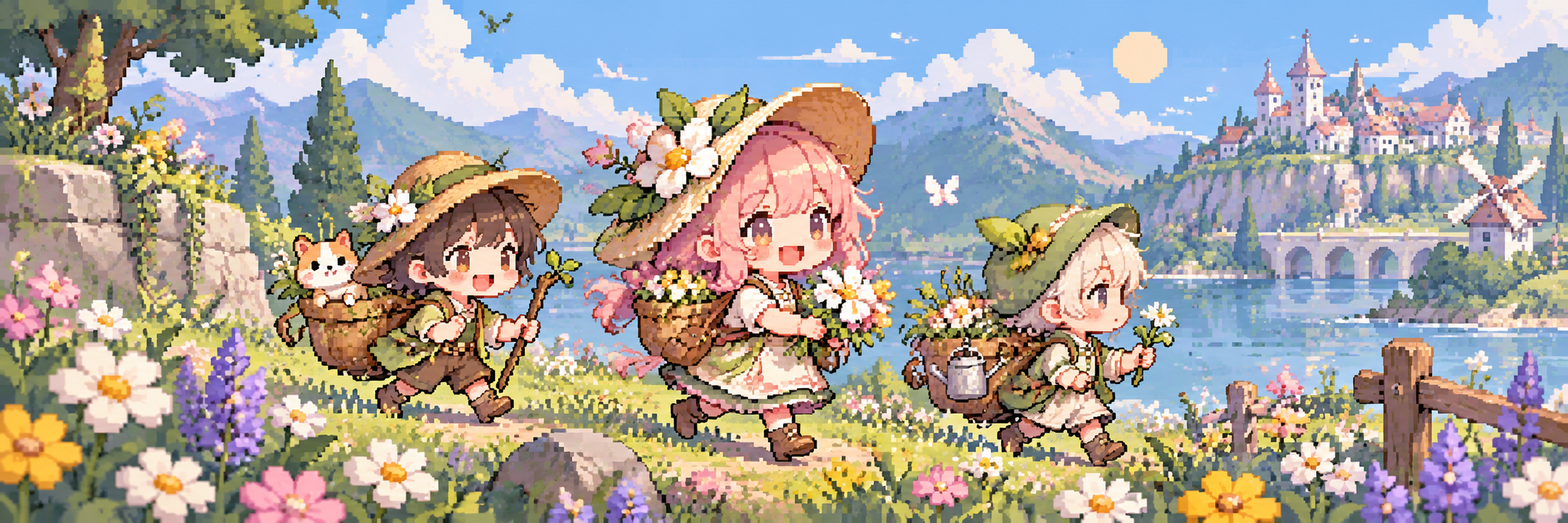 Cross-era · Techniques & design
Chibi Pixel Art
Large heads and compact bodies let tiny characters communicate big gestures.
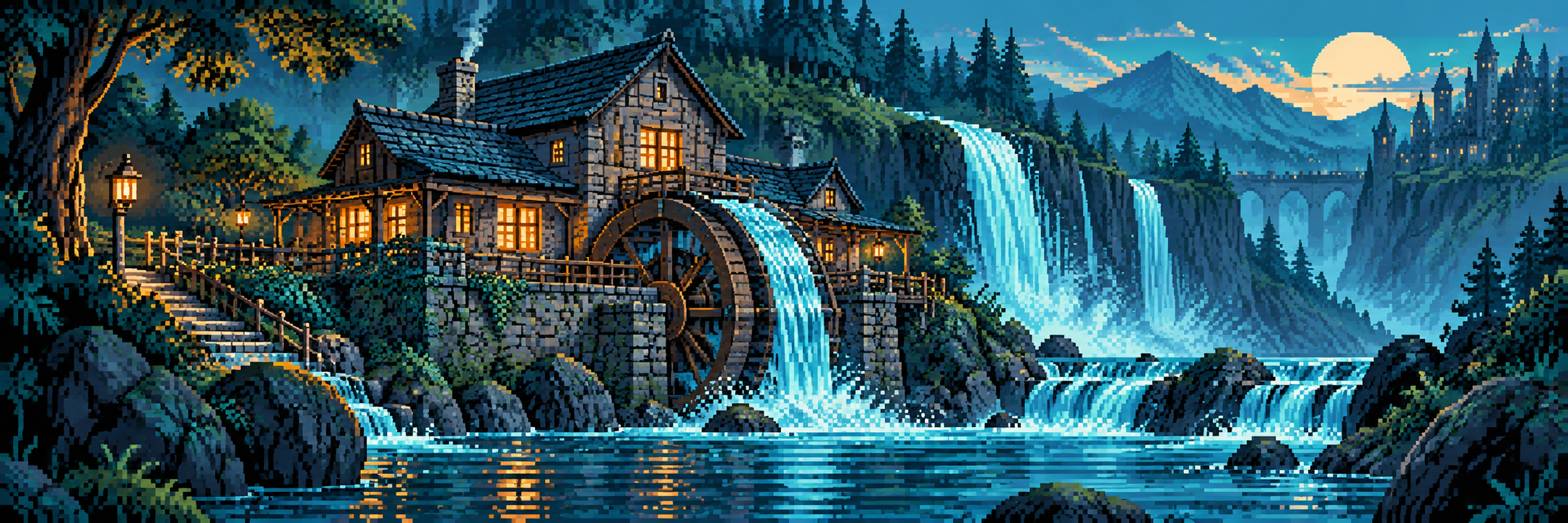 Cross-era · Techniques & design
Color Cycling Pixel Art
Move the palette assignments while the pixel-index map stays in place.
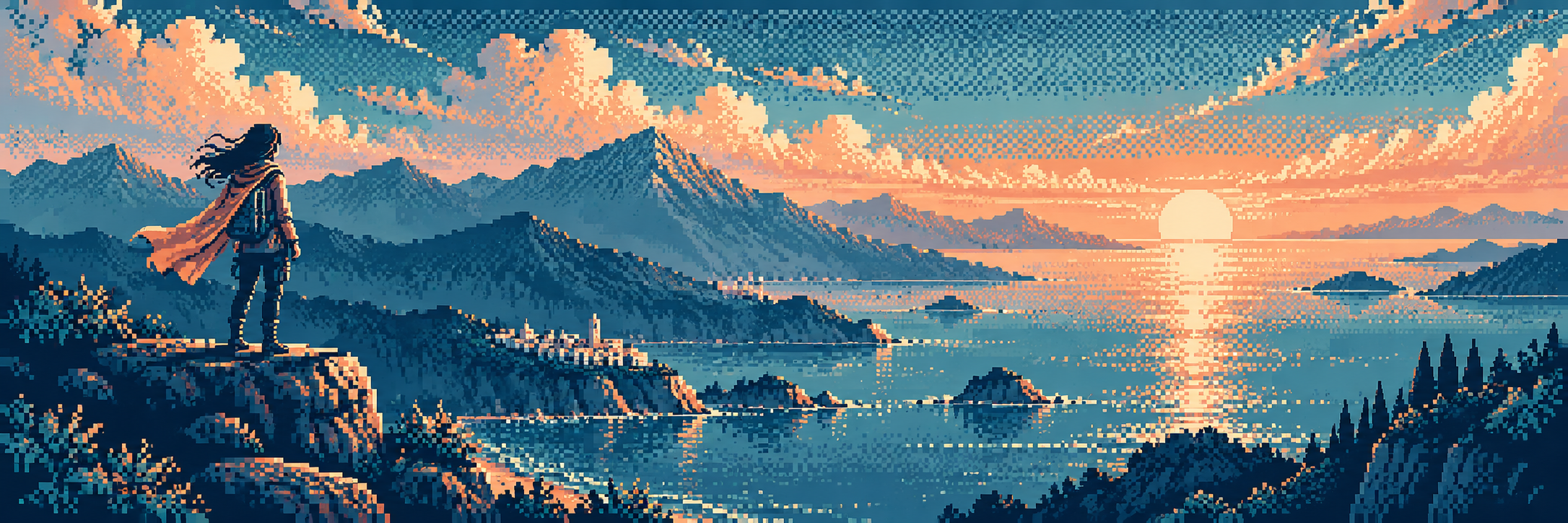 Cross-era · Techniques & design
Dithering Pixel Art
Alternating pixels suggest tonal mixtures while retaining discrete colours.
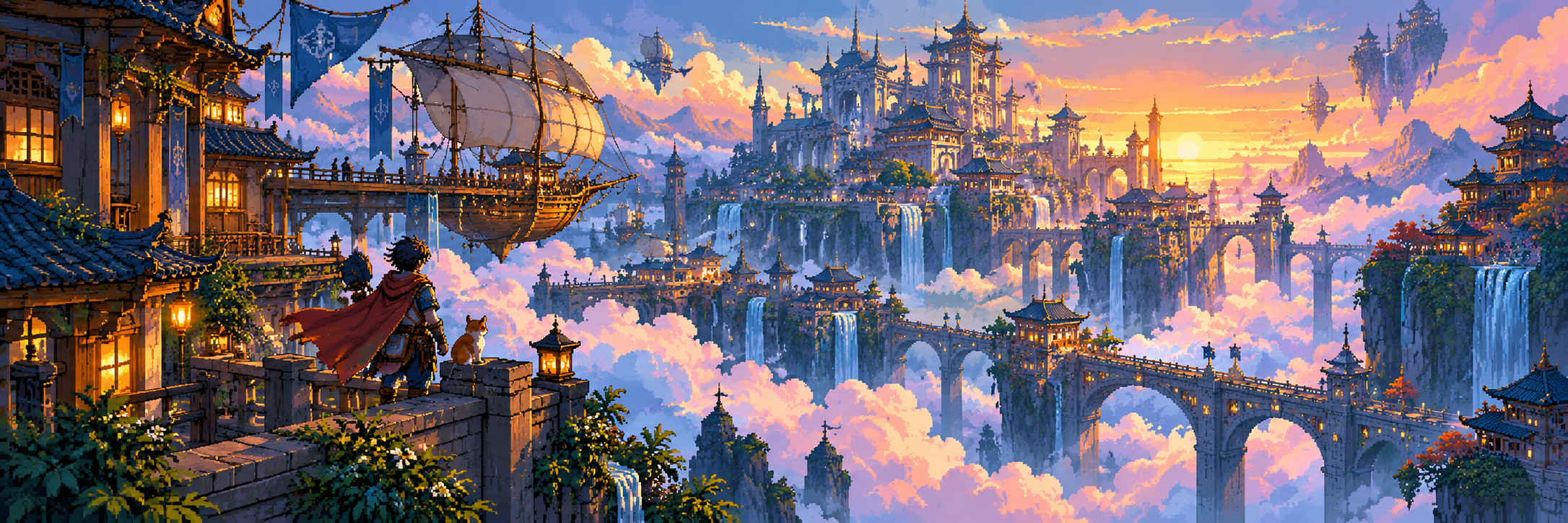 Contemporary · Techniques & design
Hi-Bit Pixel Art
Richer detail and lighting retain pixel construction without a fixed hardware specification.
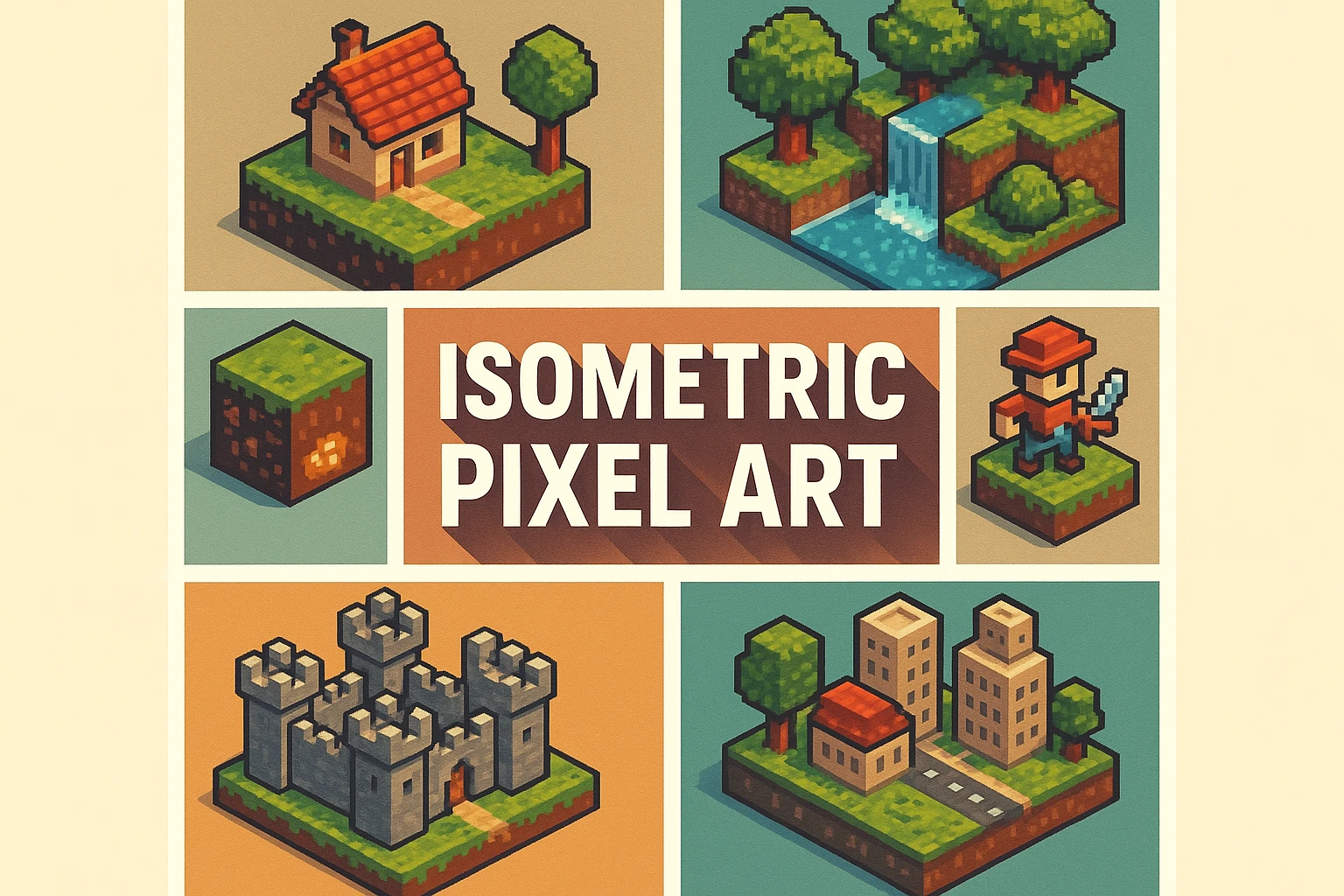 Cross-era · Techniques & design
Isometric Pixel Art
Build a consistent oblique world; check the grid before the furniture.
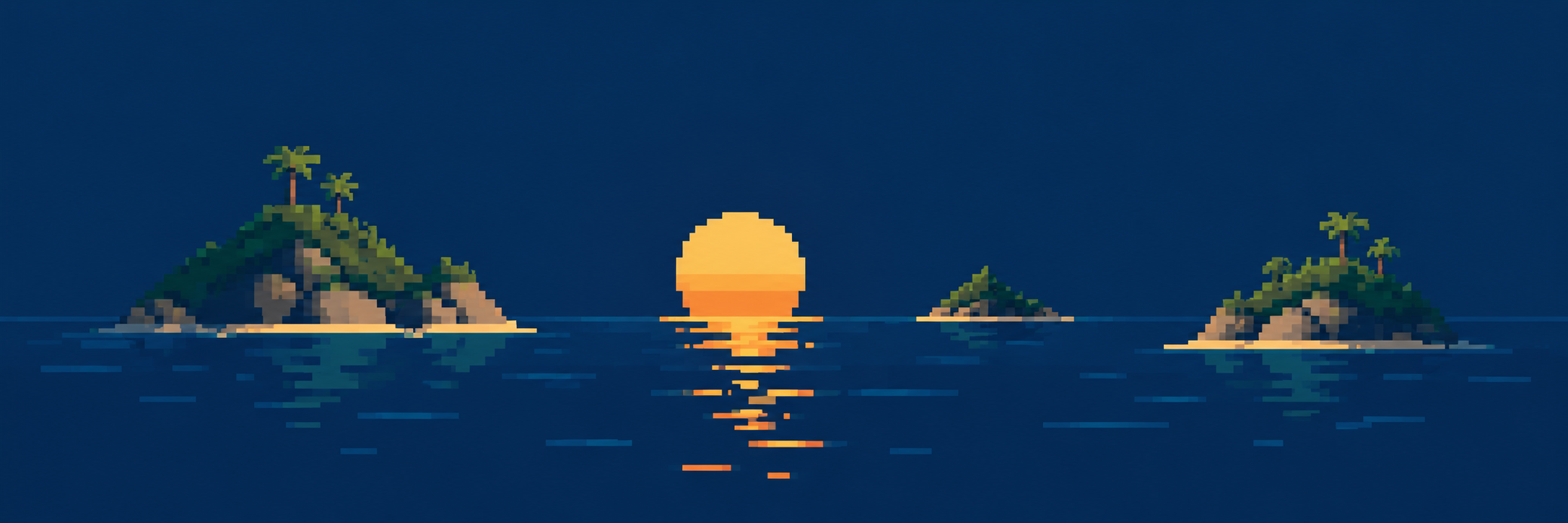 Cross-era · Techniques & design
Minimalist Pixel Art
Reduce the clusters and let surrounding space carry part of the story.
 Cross-era · Techniques & design
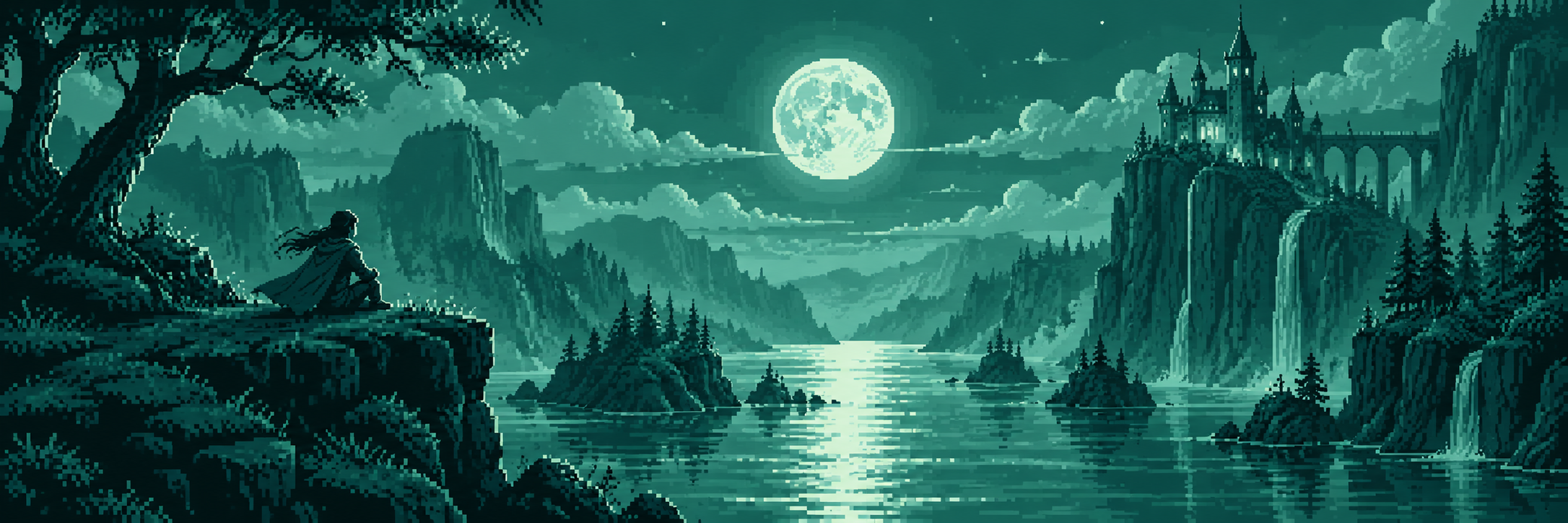
Monochrome Pixel Art
One colour family puts value, spacing and silhouette in charge.
 Cross-era · Techniques & design
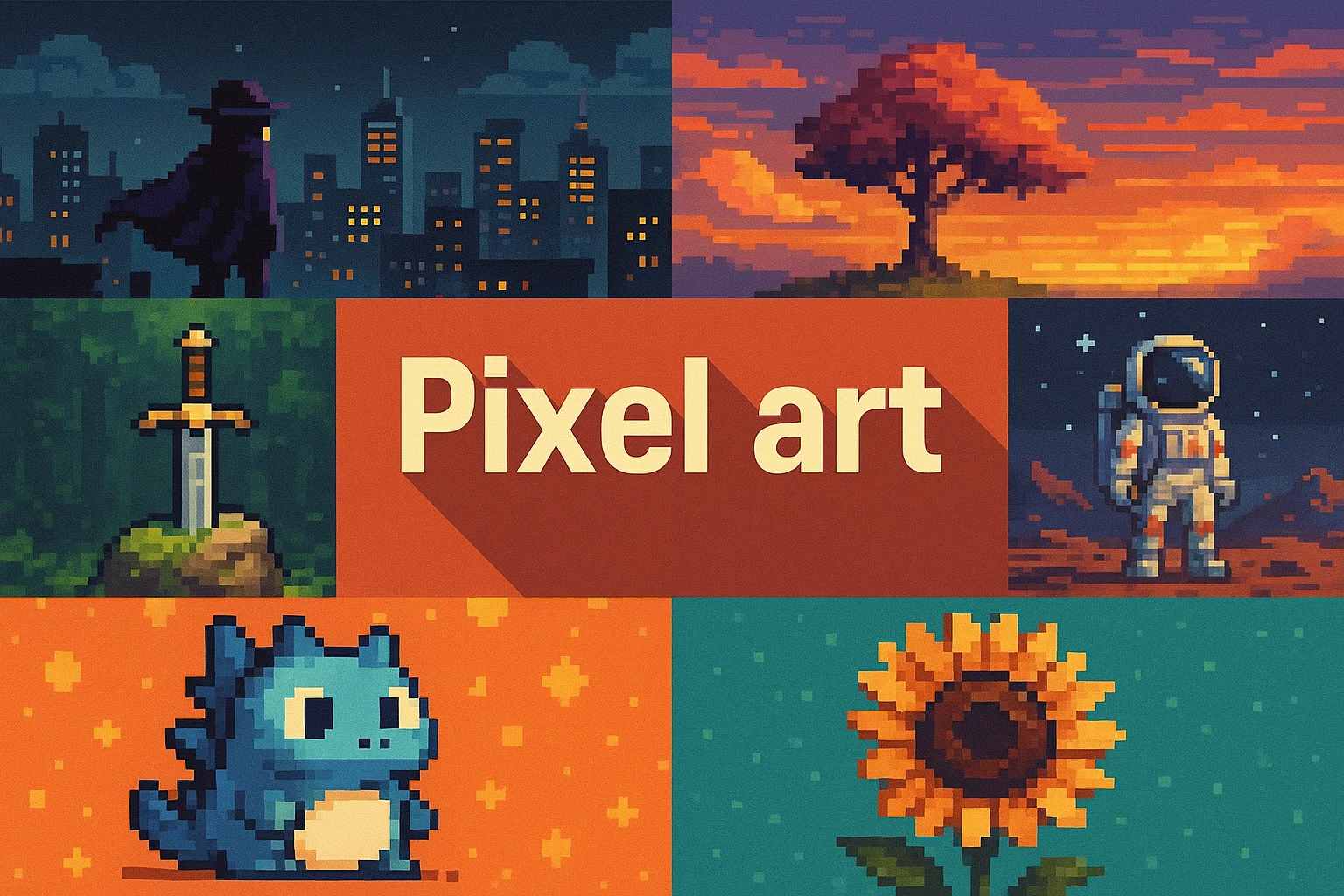
Pixel art
Start with the core practice: intentional clusters, readable silhouettes and a chosen grid.
 Cross-era · Techniques & design
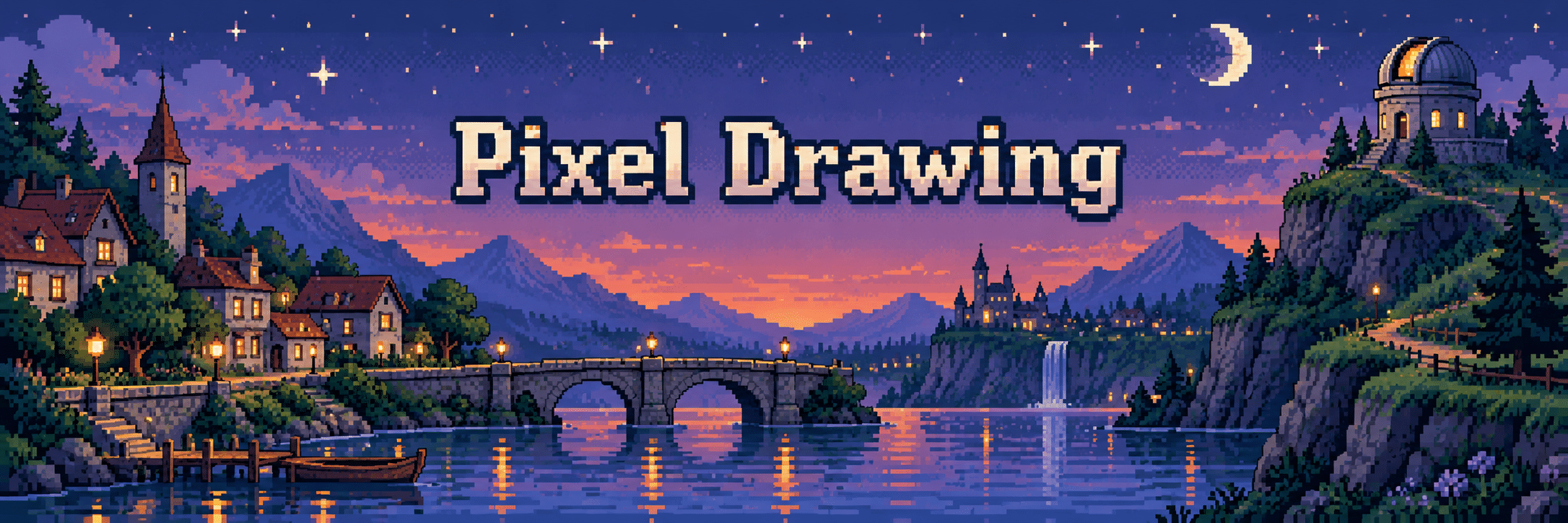
Pixel Drawing
Learn how a few deliberate marks describe an edge, a face or a reflected light.
 Terminology · Bit-depth vocabulary
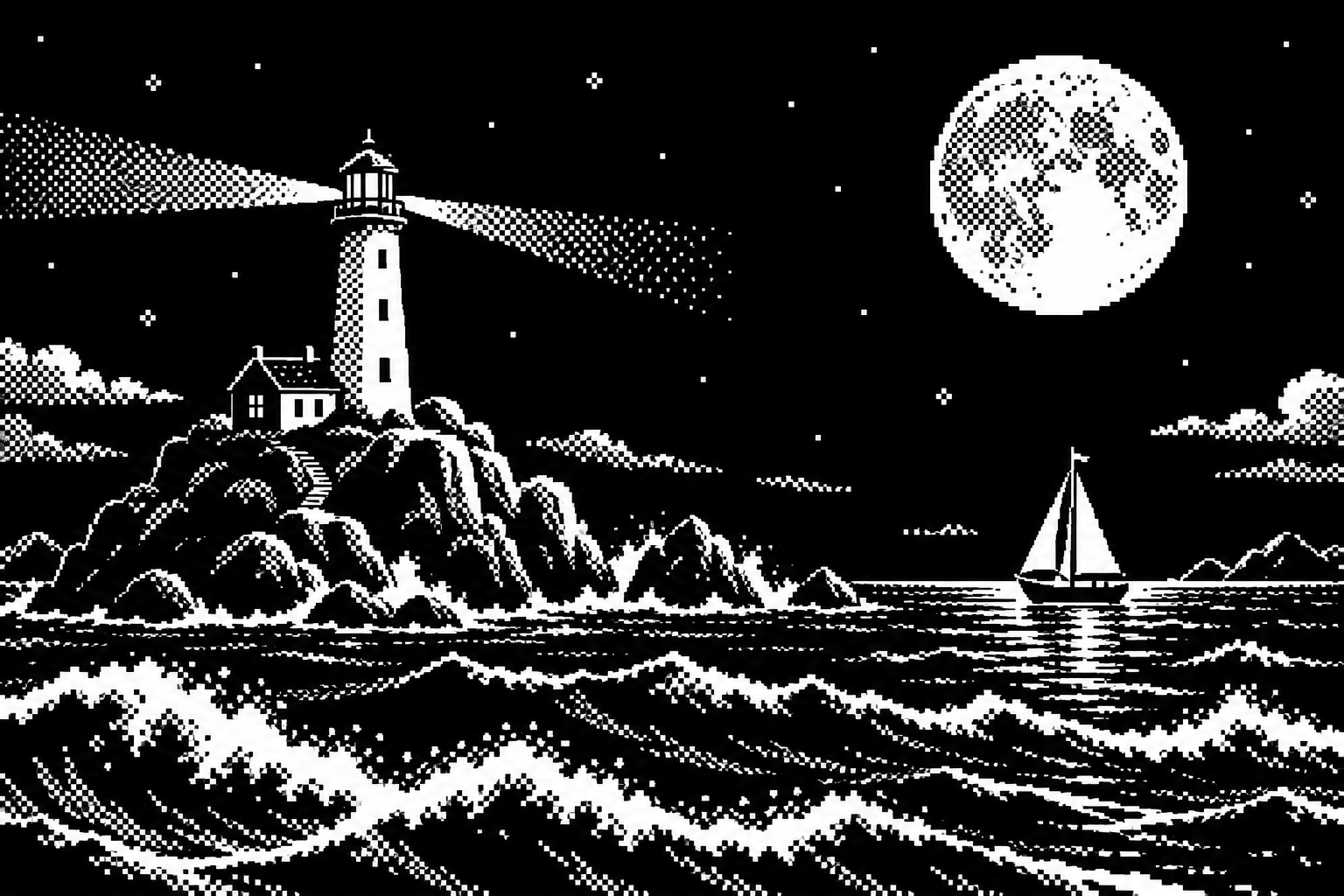
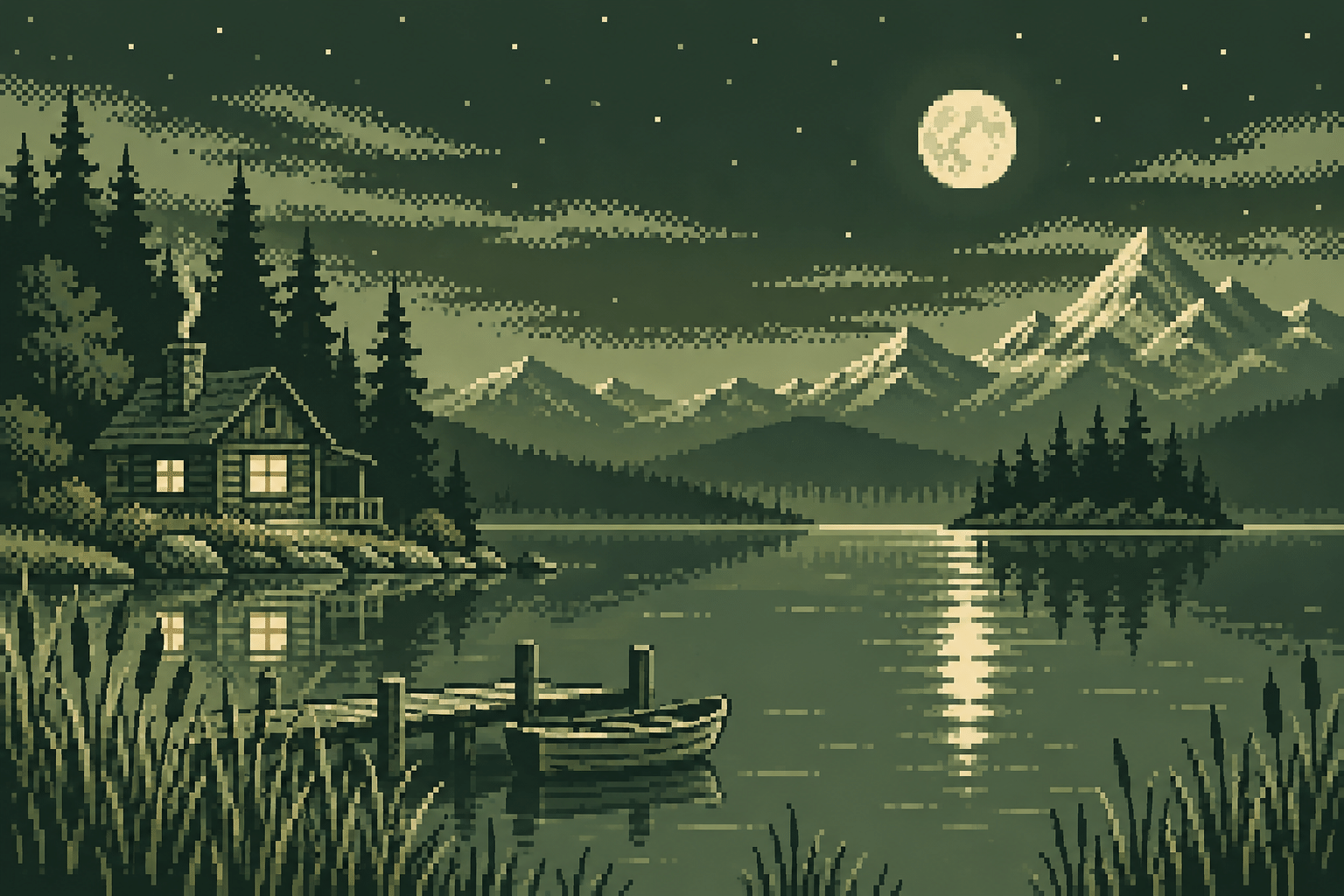
1-Bit Pixel Art
Two possible values per pixel: a direct exercise in silhouette and negative space.
 Terminology · Bit-depth vocabulary
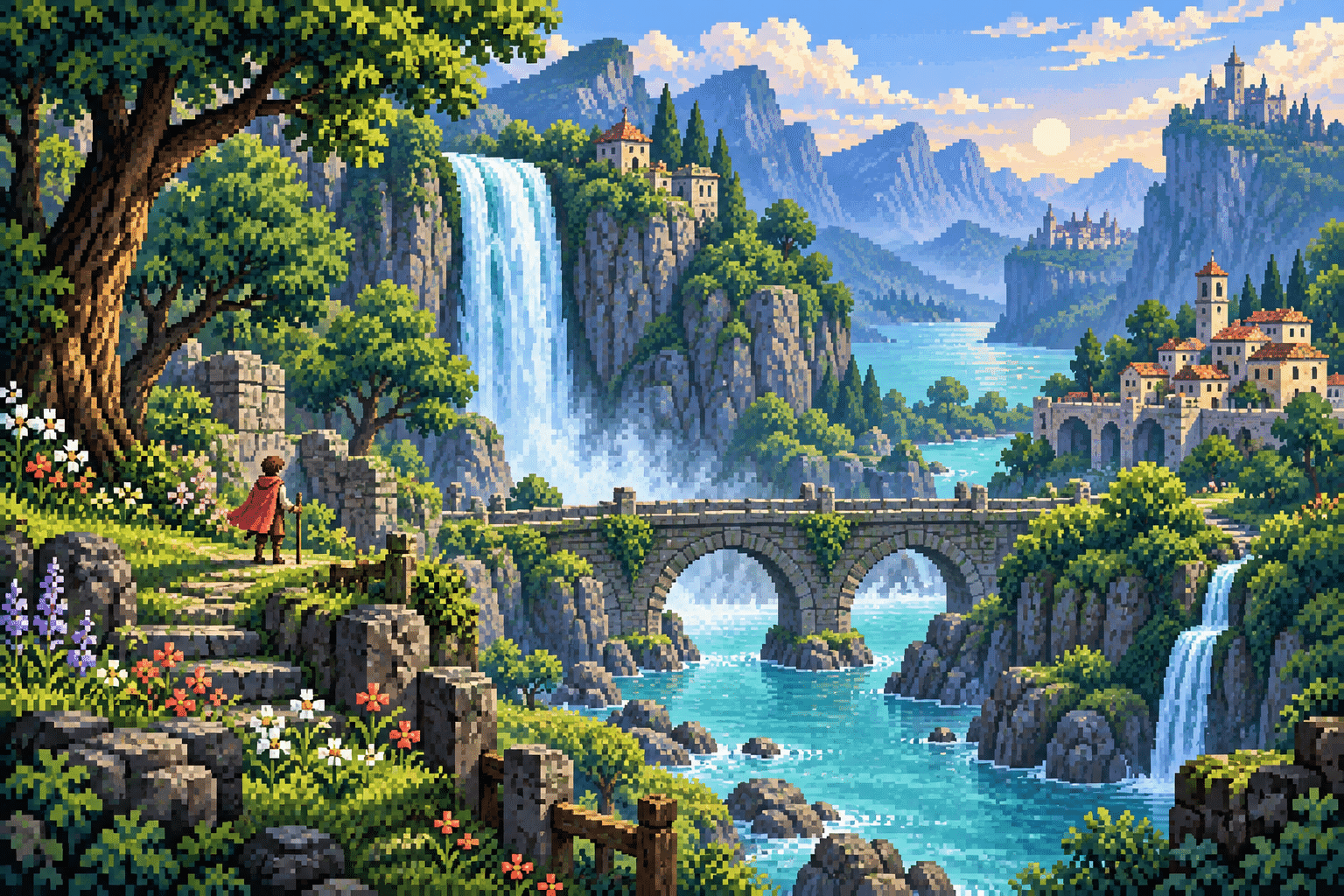
16-Bit Pixel Art
A familiar console-era aesthetic label, not a promise of sixteen colours.
 Terminology · Bit-depth vocabulary
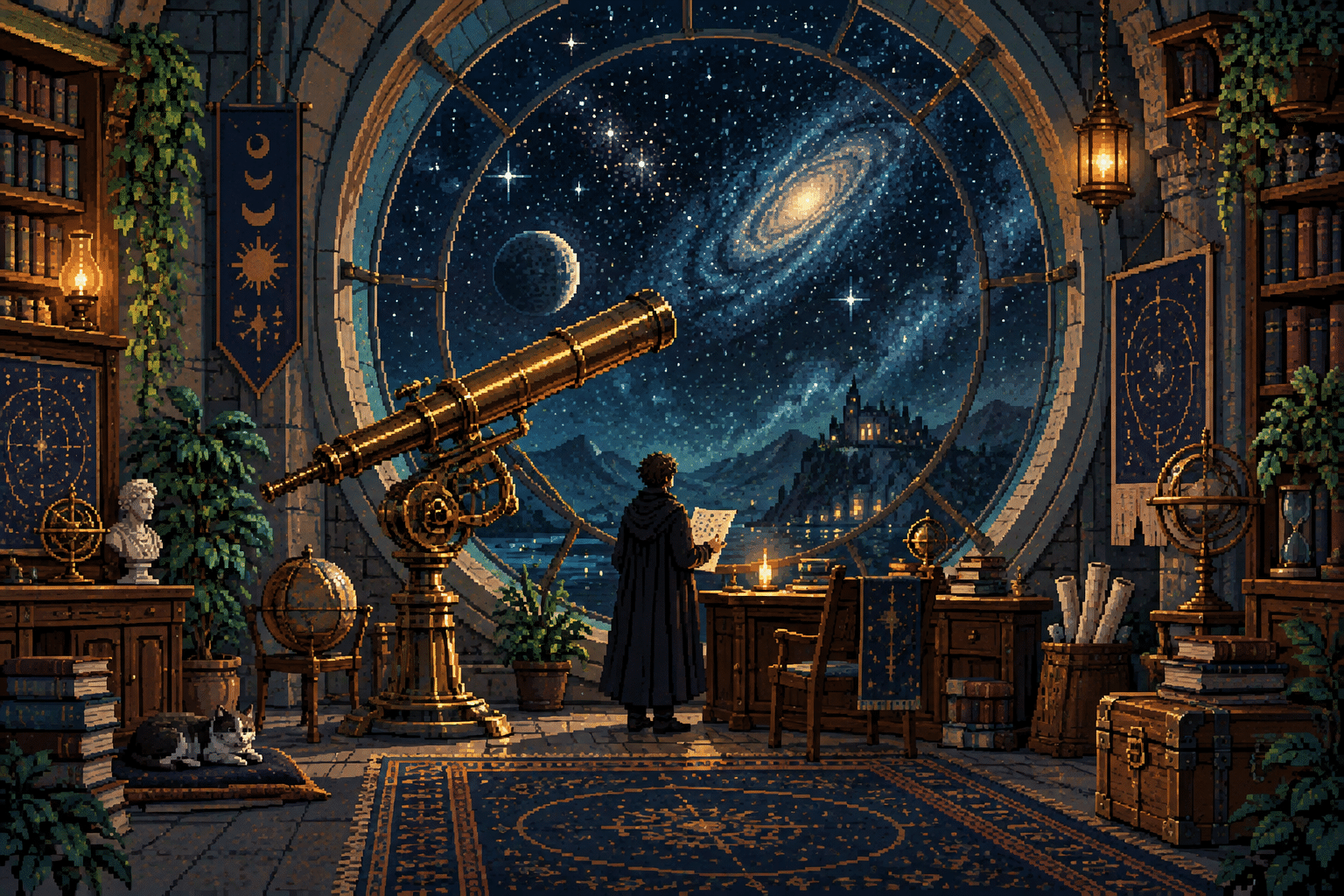
2-Bit Pixel Art
Four possible values per pixel; assign each tone a compositional job.
 Terminology · Bit-depth vocabulary
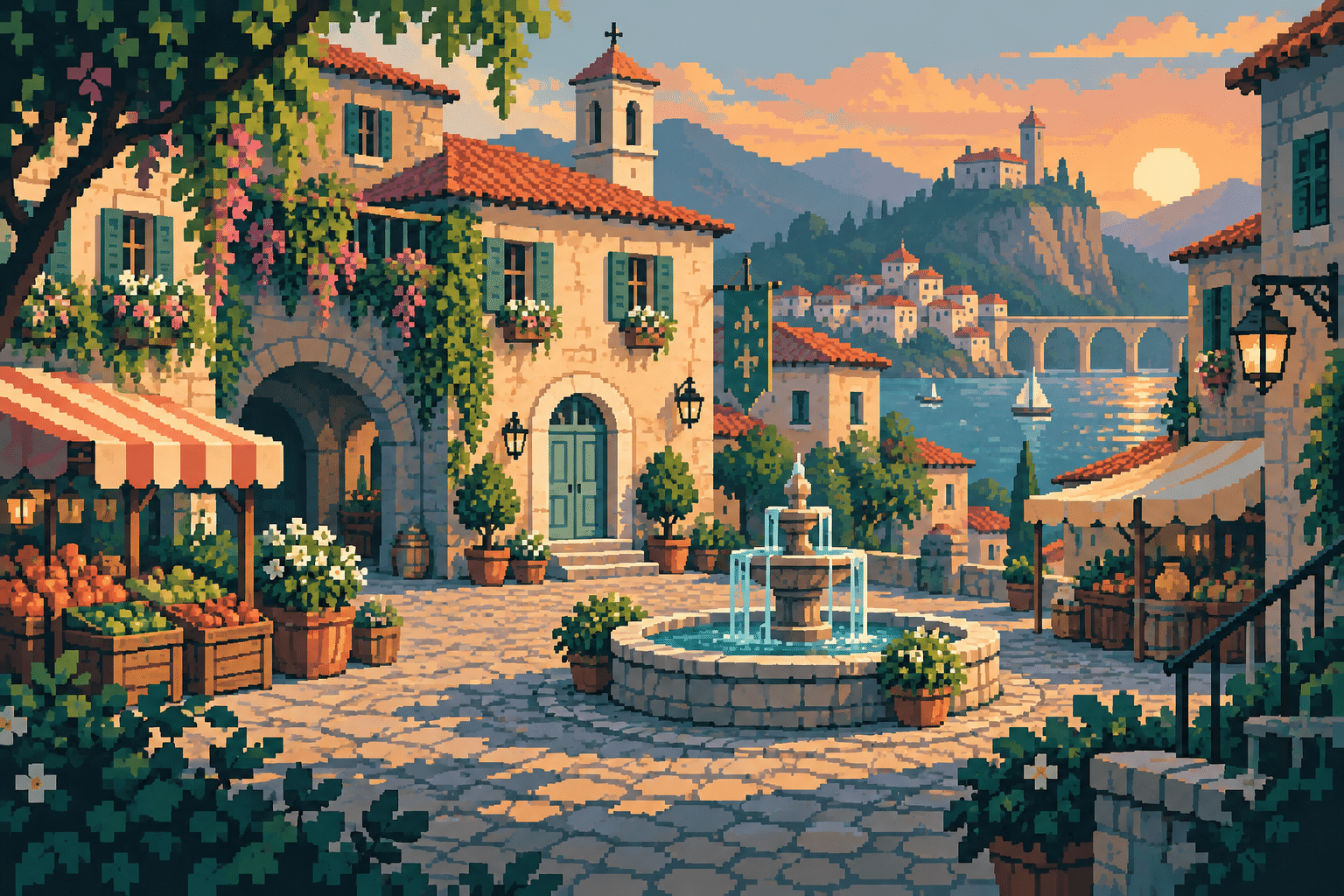
32-Bit Pixel Art
A loose era-inspired label for elaborate sprites and scenes, not one universal format.
 Terminology · Bit-depth vocabulary
4-Bit Pixel Art
Sixteen possible indices in a four-bit indexed pixel: palette design matters.
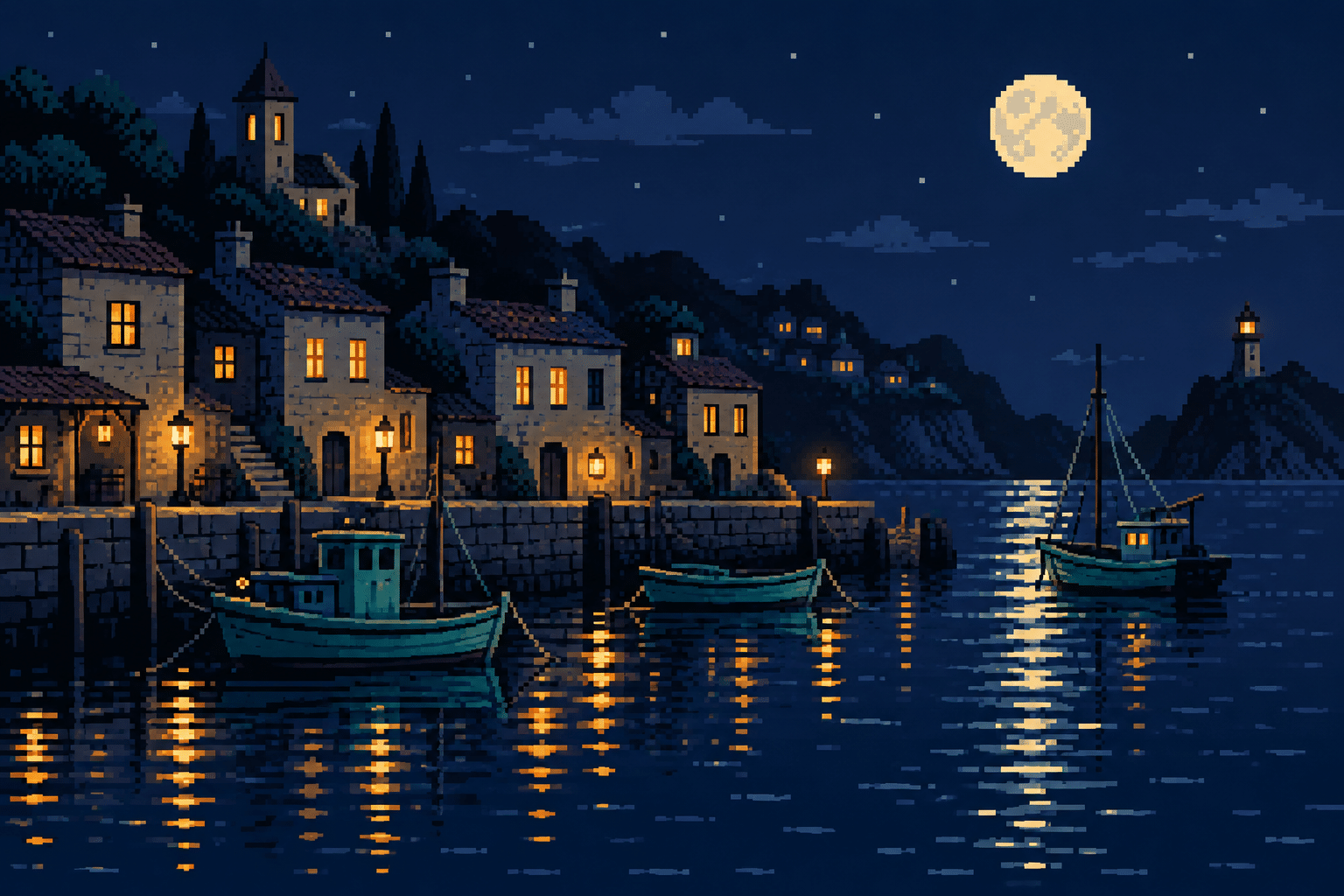 Terminology · Bit-depth vocabulary
8-Bit Pixel Art
Distinguish an era-inspired aesthetic from an actual eight-bit indexed image.
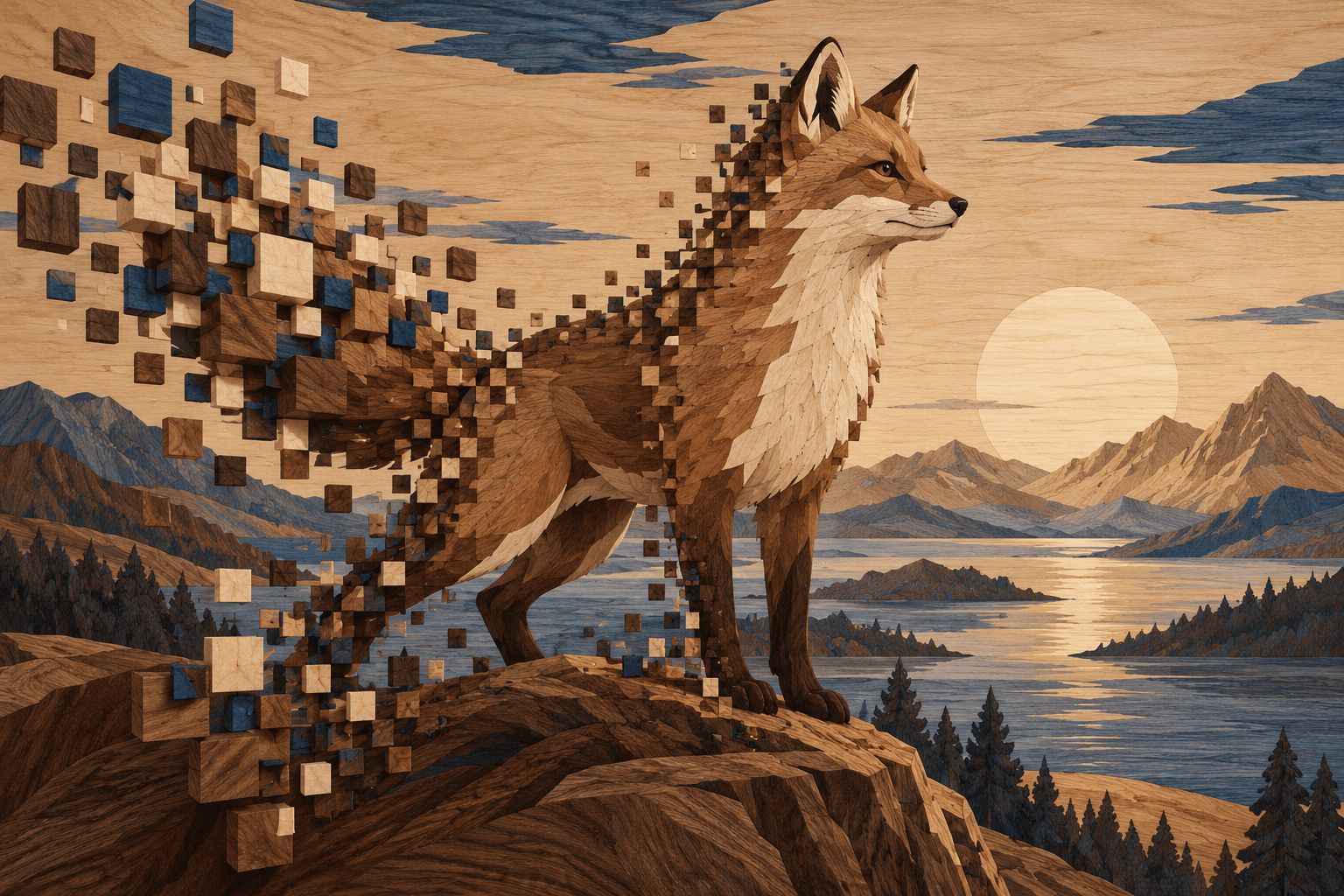 AOI concept · AOI & archive experiments
Pixel Drift Marquetry
An original AOI proposal translates shifting pixel-like blocks into wooden inlay.
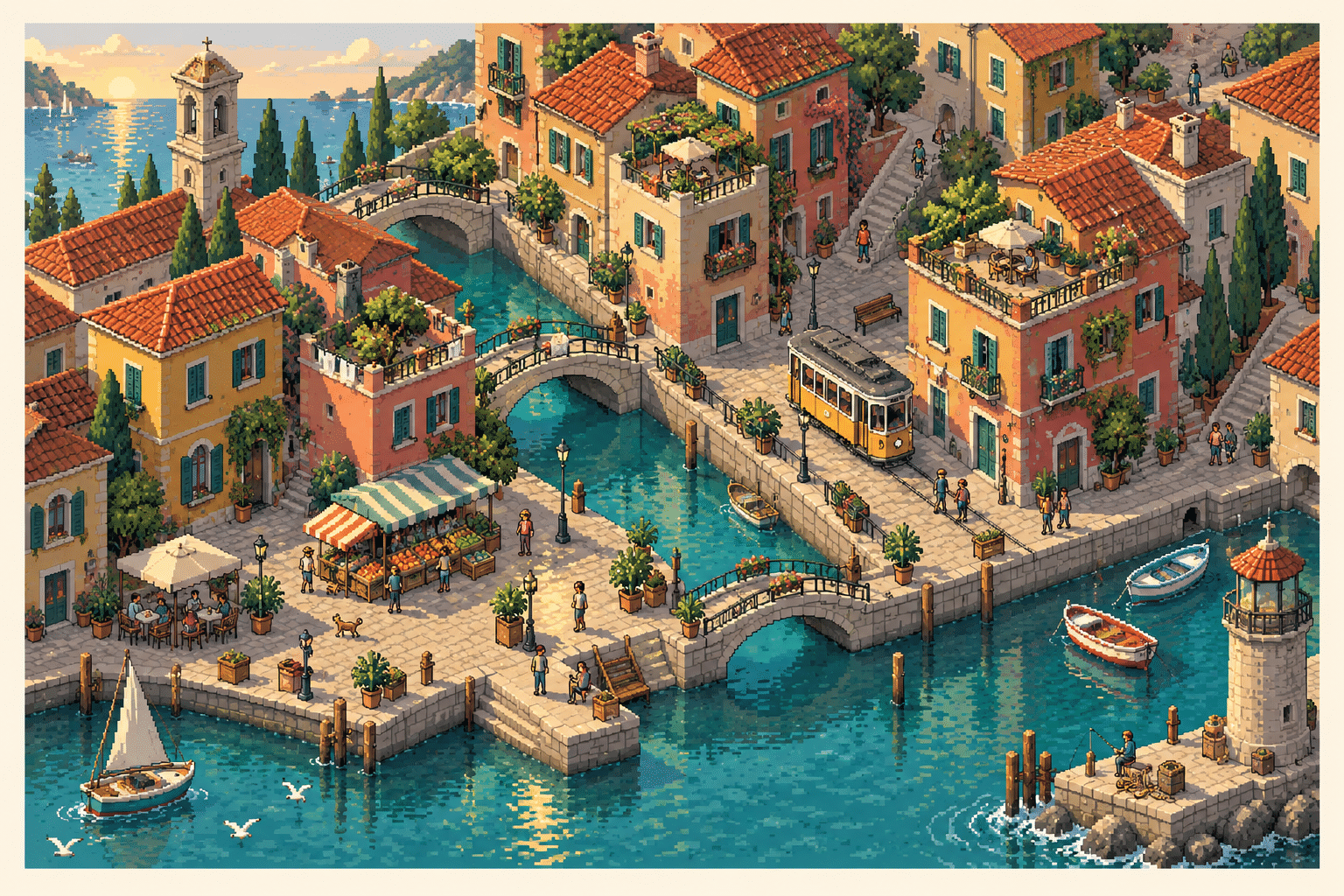 AOI concept · AOI & archive experiments
Pixelated Isometric Droneshot
An imagined elevated camera turns a designed pixel world into a readable diorama.
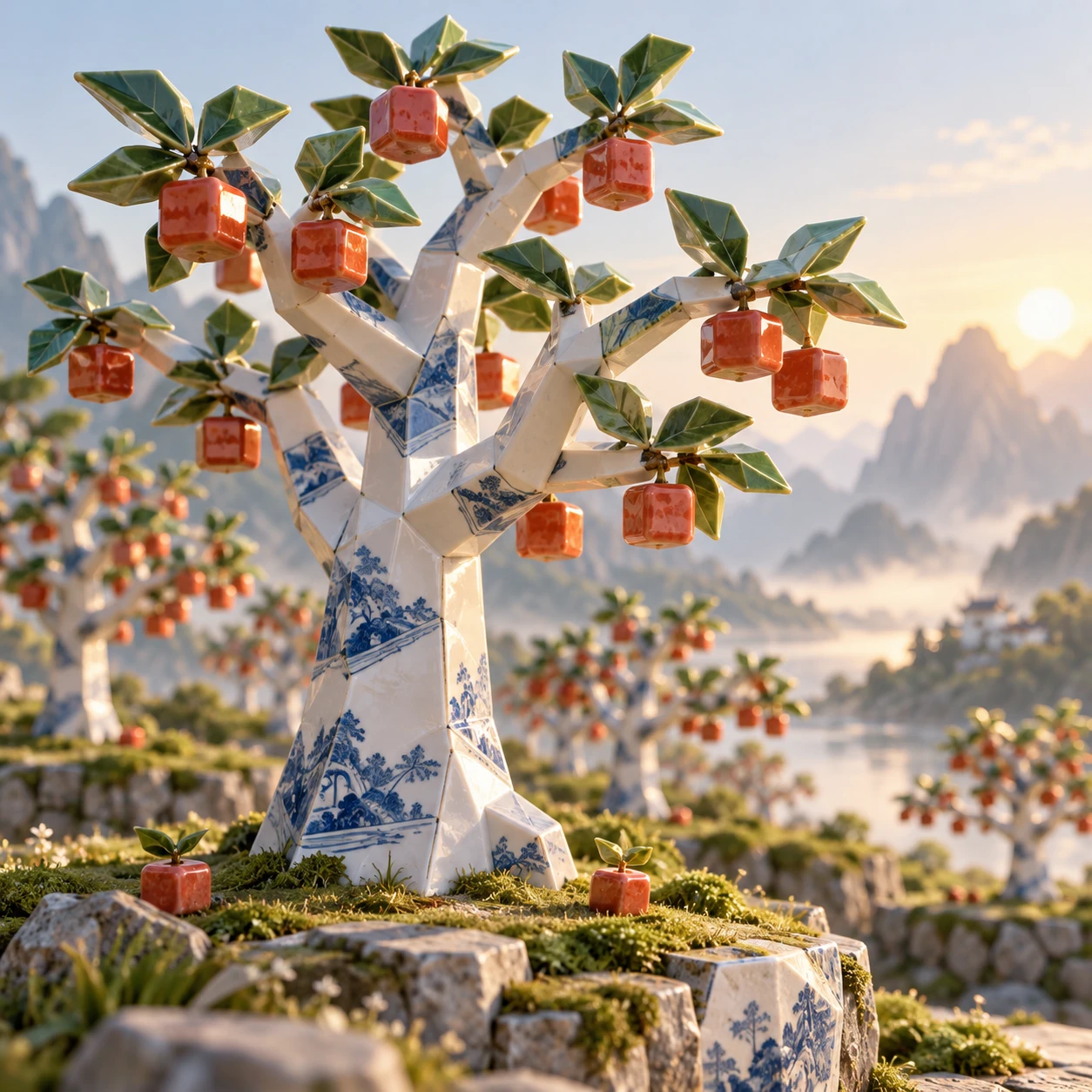 AOI concept · AOI & archive experiments
Porcelain Pixel Orchard
An AOI ceramic experiment grows modular trees and glazed cubic fruit.
 Archive experiment · AOI & archive experiments
Subpixel Lattice Art
An experimental archive label for luminous lattices; not an established historical movement.
Choose a useful starting point
For drawing practice, begin with Pixel art and Pixel Drawing. Compare 1-Bit Pixel Art, 2-Bit Pixel Art and 4-Bit Pixel Art as palette exercises. Read the 16-Bit Pixel Art and 32-Bit Pixel Art guides as explanations of aesthetic vocabulary, not as a progression in artistic quality.
The experiment filter includes Pixel Drift Marquetry, Pixelated Isometric Droneshot, Porcelain Pixel Orchard and the older Subpixel Lattice Art archive entry. These are creative side paths, not newly discovered historical movements. Subpixel Lattice Art should also not be confused with the established animation practice of suggesting movement smaller than a whole pixel.
Sources and further exploration
Milestones are grounded in manufacturer, developer and museum records. The individual guides explain palette and construction rules in more detail. AOI gallery pictures are generated interpretations; inspect actual palettes, tiles and exports before using them as hardware assets.
- Smithsonian: Commodore 64 introduction in 1982
- Centre for Computing History: ZX Spectrum launch
- Nintendo: Famicom history
- Computer History Museum: 1985 and the Amiga
- Nintendo: company history and the original Game Boy
- SNK Neo Geo Museum: the platform’s history
- SNK: Metal Slug’s 1996 debut and expressive pixel craft
- Lexaloffle: PICO-8 v0.1.1 announcement, June 2015
- Lexaloffle: PICO-8 manual and default specifications
- Nintendo: Octopath Traveler, released 13 July 2018
- Square Enix / Acquire interview: building the HD-2D world
- PixelOver documentation: how colour cycling works
- Canvas Cycle: Mark Ferrari landscape demonstrations
Part of Art Styles: Reading Lists, Essays & Visual Explorers. Browse the complete art-style catalogue for more techniques and visual ideas.