
Hardware-inspired aesthetic · Commodore 64 Multicolor Pixel Art
Some pixels are wider than others. Commodore 64 multicolor art makes that fact a compositional resource: broad marks, a recognisable palette and economical local colour turn machinery, landscapes and characters into chunky, rhythmic images.
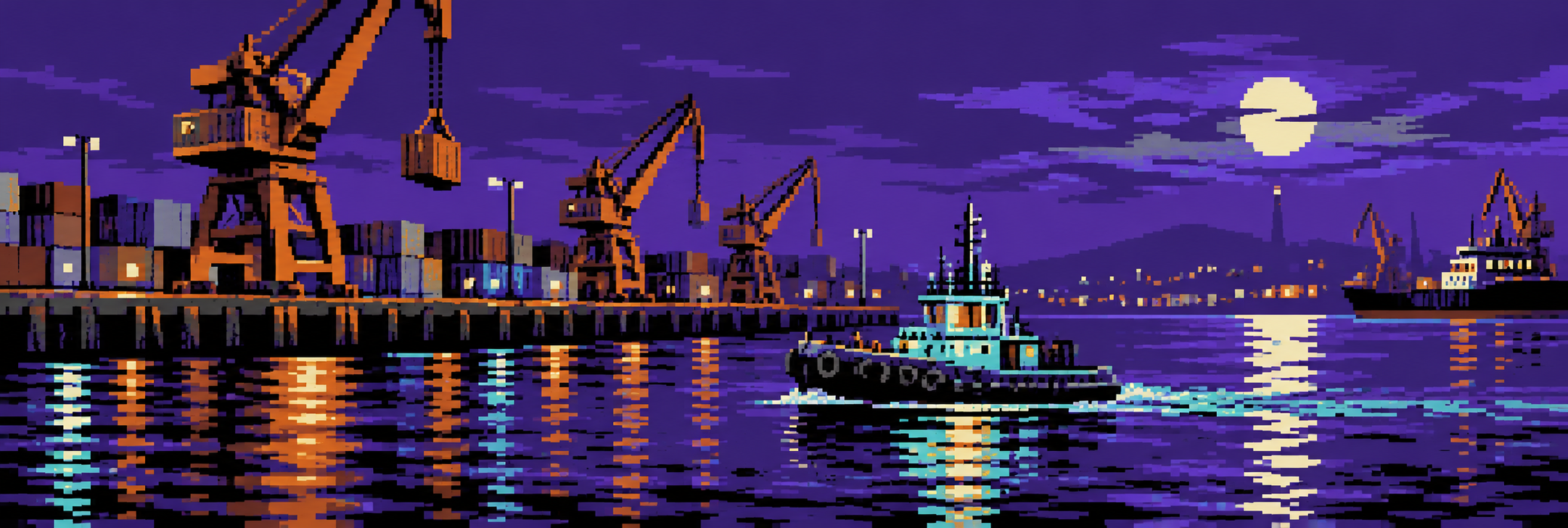
A visual introduction
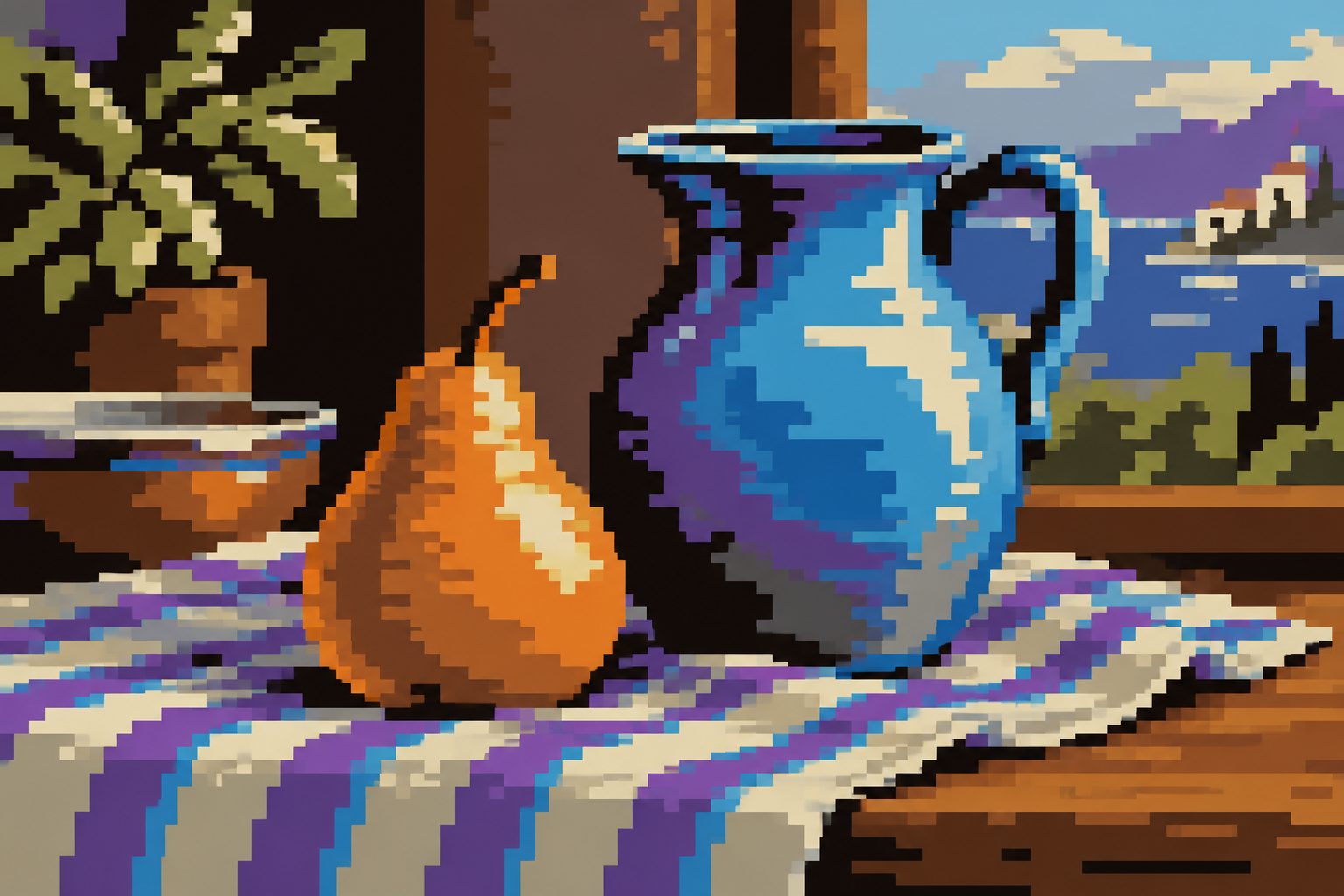
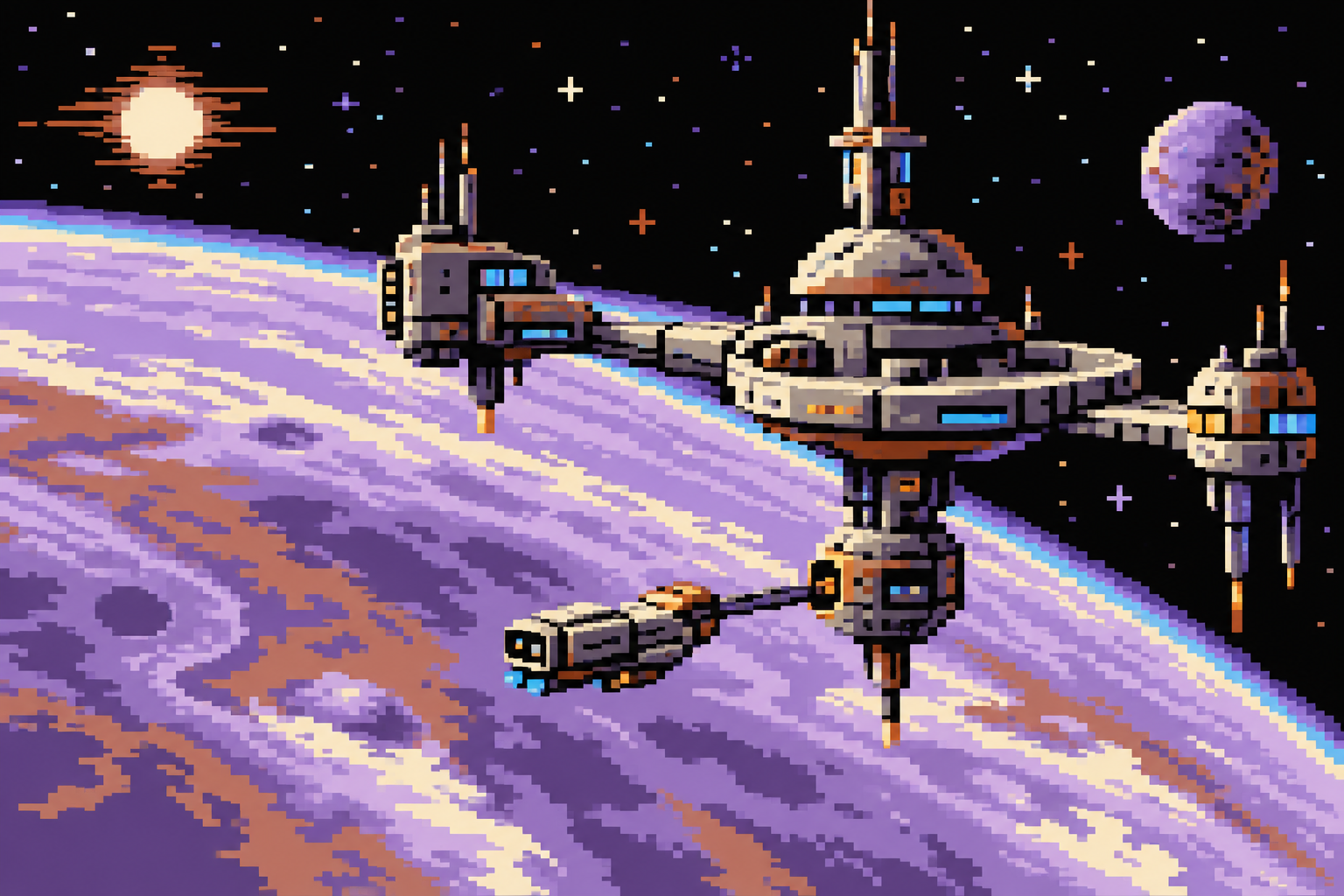
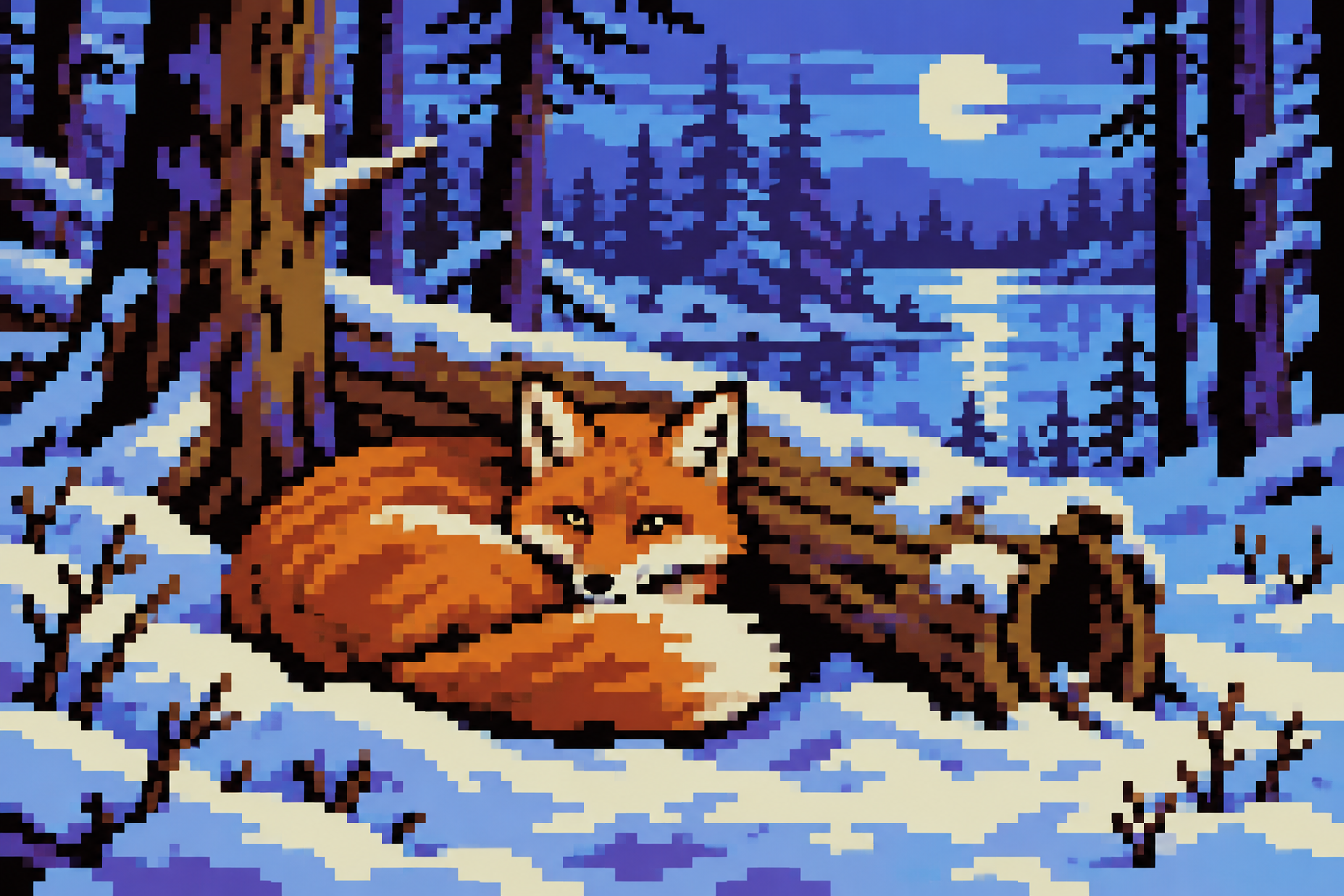
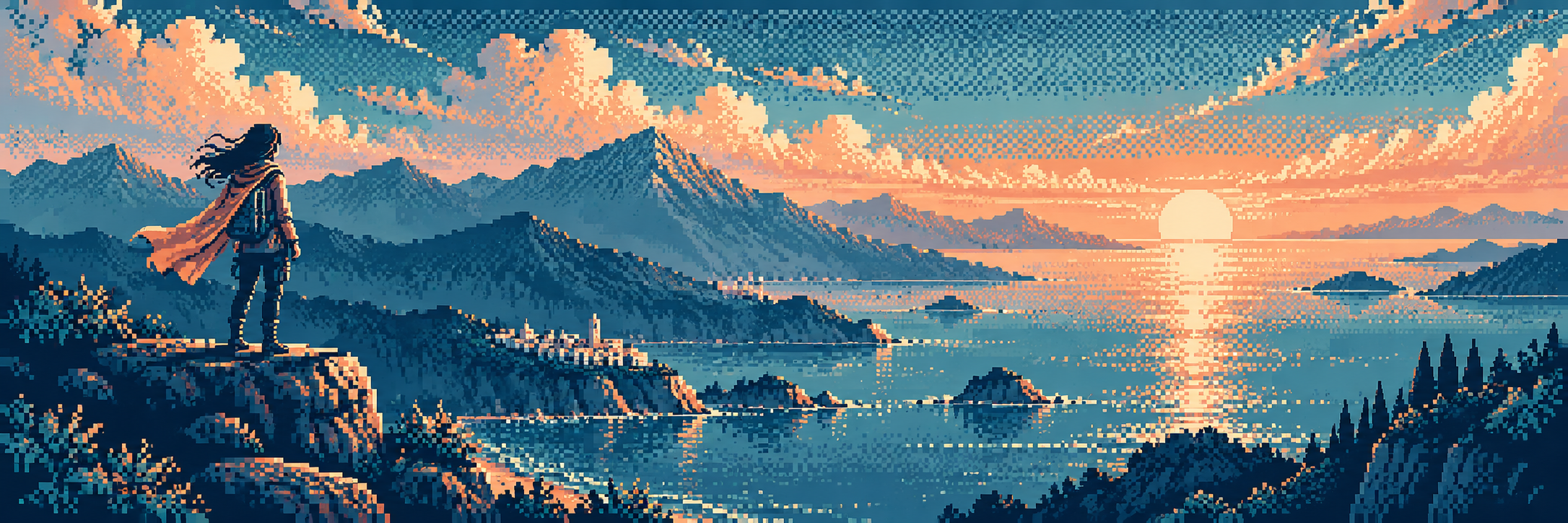
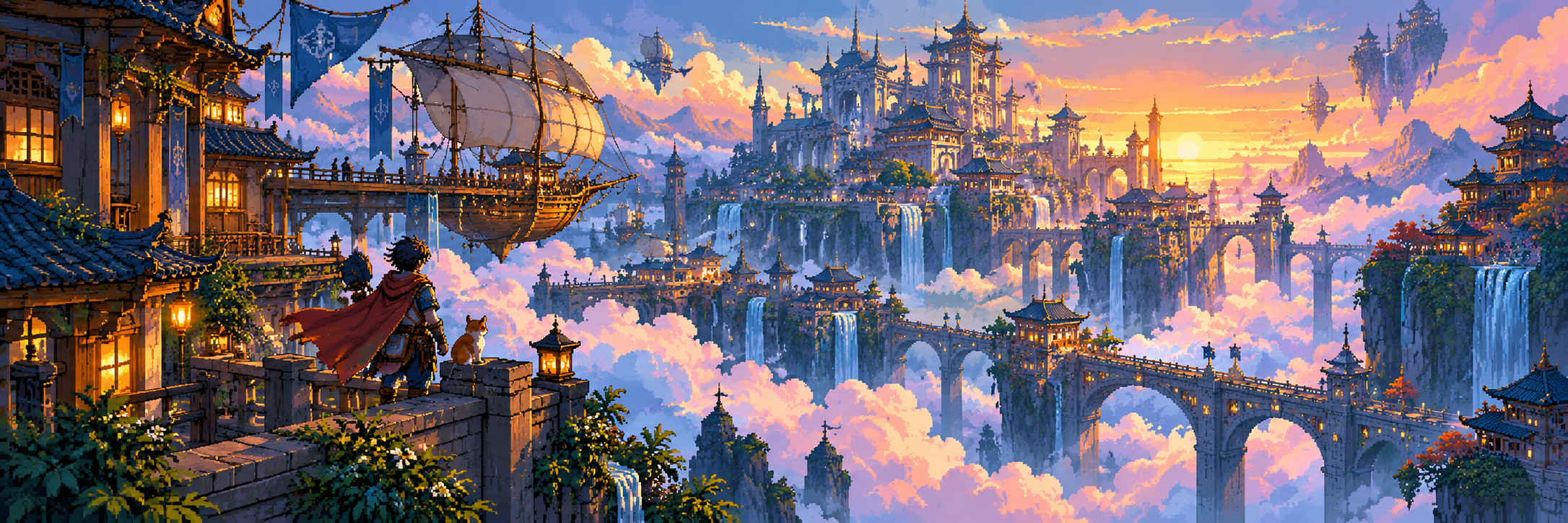
Seven original AI-generated interpretations: a dedicated banner, a centrally titled collage and five visual studies. These are contemporary illustrations, not historical game screenshots or certified hardware-ready assets.
Select an image for a closer look. Use the thumbnails, arrow keys or a swipe to compare examples. Zoom in to inspect details, or share the image that inspires you.
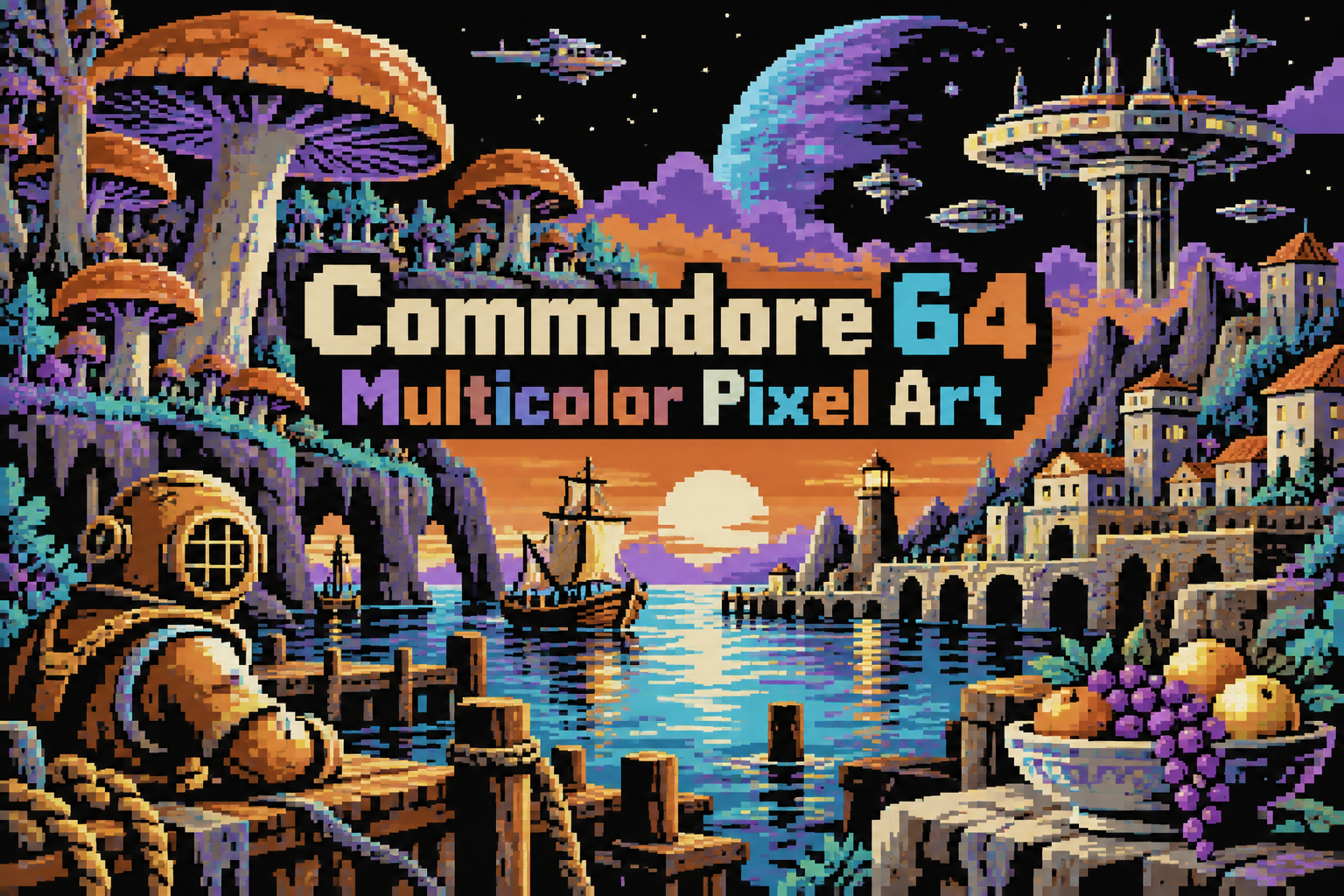
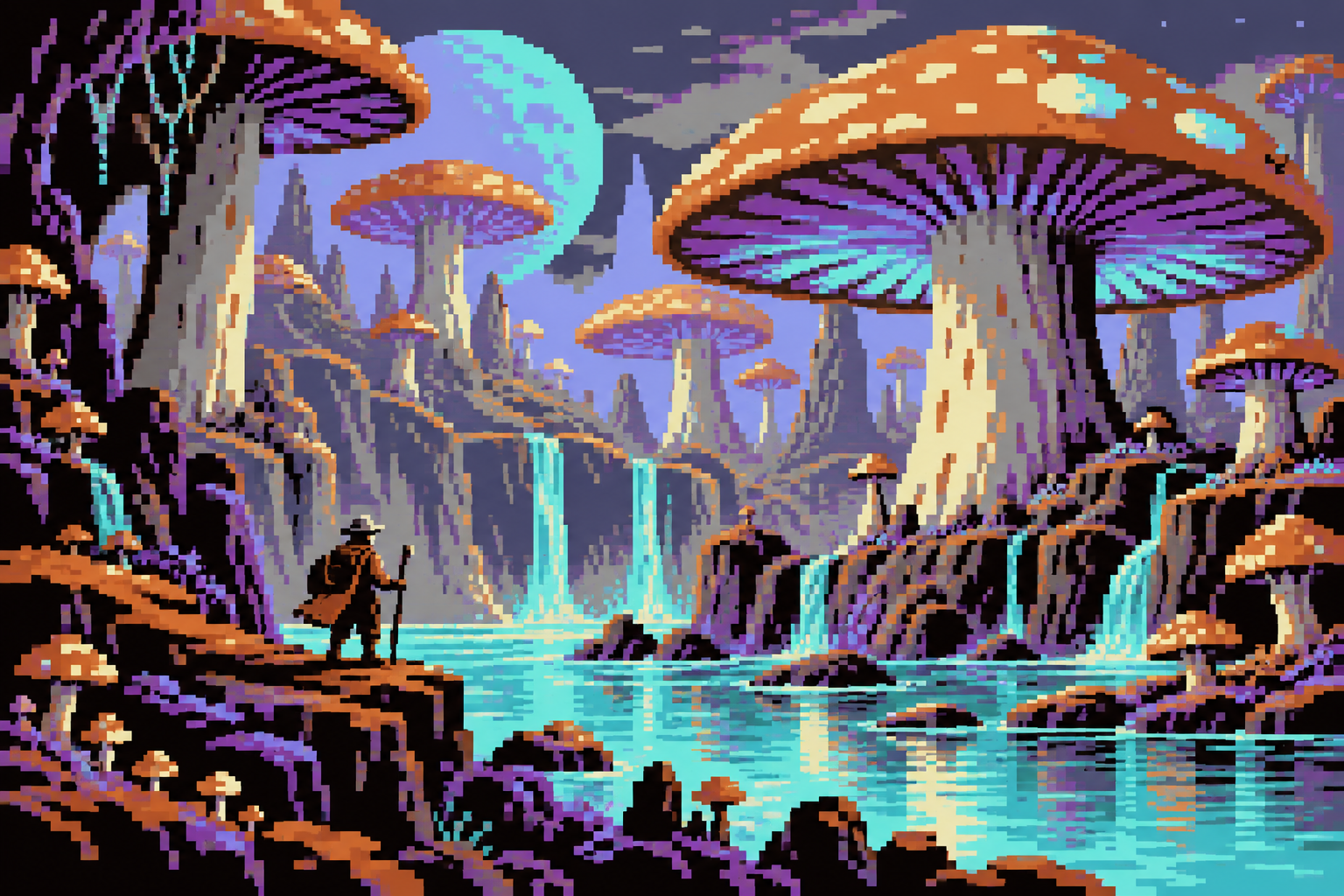
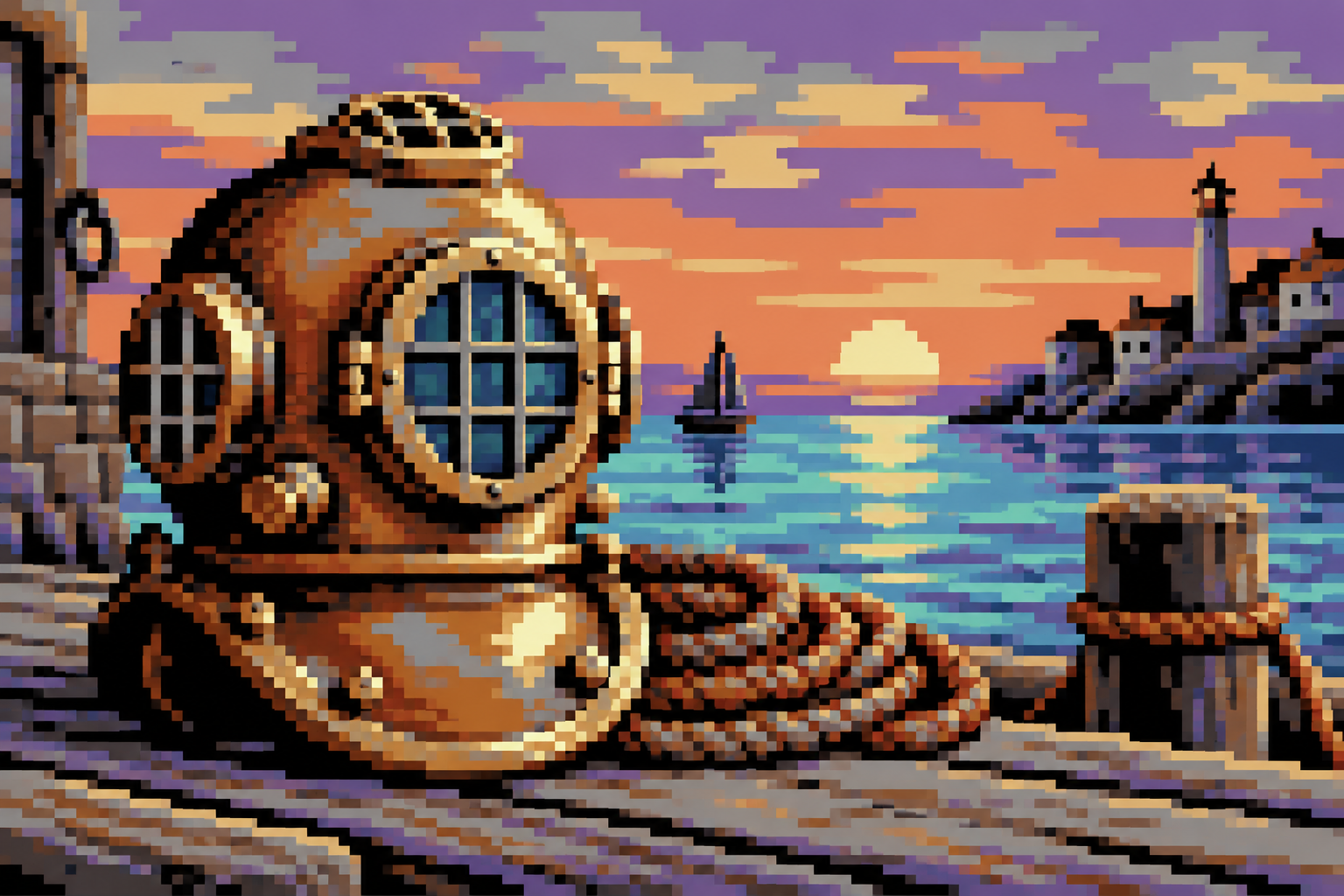
Creative toolbox · take this style further
Choose an input and a destination. Search sends your words to the chosen site; Copy & open puts them on your clipboard to paste there.
Create with AI
Turn your chosen input into an image prompt or a new creative direction.
ChatGPT
Copy your input and paste it into a ChatGPT conversation or image request.
Copy & open ChatGPT (new tab)Claude · Anthropic
Develop an image prompt or explore the style in a new Claude conversation.
Copy & open Claude · Anthropic (new tab)Midjourney
Paste your input into the Imagine bar on the Create page.
Copy & open Midjourney (new tab)Adobe Firefly
Copy your input, open Firefly, and paste it into the prompt field.
Copy & open Adobe Firefly (new tab)Leonardo.Ai
Copy your input, open Leonardo, and paste it into the generation field.
Copy & open Leonardo.Ai (new tab)Image search
Find visual references. Short, concrete keywords usually work best.
Lexica
Search AI images and prompts using your selected input.
Search with this input Lexica (new tab)Pexels
Search the photo and video library. Short keywords often work best.
Search with this input Pexels (new tab)Pixabay
Search photos, illustrations and other images.
Search with this input Pixabay (new tab)Unsplash
Search photographs using the style name or your own keywords.
Search with this input Unsplash (new tab)Wikimedia Commons
Search photographs, artworks and historical images. Check each file for its source and reuse terms.
Search with this input Wikimedia Commons (new tab)Art & research
Explore artists, collections and the ideas behind a style.
Wikipedia
Search for background reading. A style may not have its own article.
Search with this input Wikipedia (new tab)WikiArt
Copy your input into WikiArt’s search to explore artists and artworks.
Copy & open WikiArt (new tab)Europeana
Paste your keywords into the search to explore European museum, library and archive collections.
Copy & open Europeana (new tab)Inspiration
Discover portfolios and visual ideas from creative communities.
Instagram hashtags
Search a hashtag made from your input: spaces and punctuation are removed. Instagram may require sign-in.
Search with this input Instagram hashtags (new tab)ArtStation
Paste your input into artwork search for concept art, environments, characters and visual development.
Copy & open ArtStation (new tab)Behance
Paste your input into project search for illustration, design and visual storytelling.
Copy & open Behance (new tab)A closer look
Double-width pixel marks, a characteristic 16-colour family, short local ramps, broad horizontal accents and carefully separated silhouettes.
The shape of the pixel matters
The Commodore 64 arrived in 1982. In its common multicolor bitmap arrangement, the logical image is 160 by 200 multicolor pixels displayed across the width used by 320 high-resolution positions. Each multicolor pixel is therefore twice as wide as a high-resolution pixel. This is one mode within a system that also supports high-resolution graphics and different sprite arrangements. C64 does not mean every image must use wide pixels.
A palette and a set of local budgets
The machine offers sixteen base colours, but the number that can coexist within a particular region depends on the mode. A standard multicolor bitmap cell uses four colour choices, with some values assigned locally and a background shared across the image. Display hardware and palette reconstructions affect the apparent RGB values; there is no single browser swatch that reproduces every original television. Pro Motion’s C64 reference explains the practical mode distinctions.
Draw for rectangles
A long roof, tugboat hull or mushroom cap can make wide marks feel natural. Narrow diagonals and tiny facial details require more care: a one-pixel adjustment changes horizontal weight sharply. Establish a large silhouette, then choose short ramps that separate planes without outlining every object. The broad marks can make the harbour forceful, while quieter local contrast can make distant trees atmospheric. Softness comes from colour relationships and pattern, not from stretching a finished square-pixel illustration and calling it done.
Where it helps and where it resists
Use this approach for compact poster-like scenes, demoscene-inspired illustration and studies of horizontal rhythm. It can be less forgiving for delicate lettering or tightly packed facial features. The generated gallery is an original visual interpretation, not a mode-validated C64 bitmap. A true export needs exact dimensions, pixel aspect, palette allocation and regional checks. Keep the modern illustration and the hardware deliverable clearly identified.
Positive editorial assessment · AI-authored
Wide marks give ships, industrial shapes and landscape bands a strong rhythm. The distinctive palette supports atmosphere without needing smooth gradients, and the best compositions embrace the rectangle instead of disguising it.
Negative editorial assessment · AI-authored
A stretched image alone is a weak imitation. Unplanned diagonals become lumpy and faces lose identity. Draw at the intended pixel aspect from the start, simplify fragile details and check the chosen mode’s regional colour budget.
Neutral editorial assessment · AI-authored
This is one important C64 graphics family within a broader hardware and creative culture. It is suitable for studying pixel aspect and limited colour; the label should specify multicolor rather than imply all C64 images share the same resolution.
A small poetic detour
Original words from the AOI studio.
Poetry
A wider way to rain
The harbour lays its light in little bars;
the crane leans out above a violet bay.
We give the tug two windows and three stars,
then let the broad dark water have its say.
A narrow mark would tell another tale.
These stubborn bricks are learning how to float.
The moon comes wide and pale above the rail;
one orange square becomes the heart of a boat.
The prompt workshop
Original creative exercises. These prompts create new illustrations, not documentary evidence.
Think in wide marks
Create an original small harbour tugboat in a C64 multicolor-inspired palette. Design with twice-wide pixel marks from the beginning, using a clear hull and a few bright cabin windows.
For hardware output, validate the bitmap mode and cell palettes.
Build a broad landscape
Compose a mushroom forest with a tiny explorer and a cyan pool. Use broad rectangular clusters, muted brown and purple masses and sparse pale highlights. No smooth gradients.
Keep the figure simpler and clearer than surrounding texture.
Compare the pixel aspect
Draw the same brass diving helmet twice, once with square pixels and once with double-width logical pixels. Redesign the contours rather than stretching the first image.
Compare how the viewport and rim change weight.
Your next inspiration
Discover another art style
Follow a visual thread to the next subject.
A smile from the studio
Jokes
The pixel applied for a job drawing tall, elegant portraits. “Your proportions are unusual,” said the recruiter. “I specialise in horizontal opportunities,” replied the pixel. It now runs a successful business in tugboats, mushroom caps and exceptionally confident sunsets.
Sources and further exploration
Smithsonian — the Commodore 64 and its 1982 introduction
Cosmigo Pro Motion — C64 graphics modes, palettes and pixel aspect