
Computer graphics process
3D rendering turns a scene described in three dimensions into an image. It is a computer-graphics process rather than one fixed art style: the result can be realistic, simplified, diagrammatic or deliberately painterly.
A visual introduction
Compare the retained archive interpretations with the visual principles below.
Select an image for a closer look. Use the thumbnails, arrow keys or a swipe to compare examples. Zoom in to inspect details, or share the image that inspires you.
Creative toolbox · take this style further
Choose an input and a destination. Search sends your words to the chosen site; Copy & open puts them on your clipboard to paste there.
Create with AI
Turn your chosen input into an image prompt or a new creative direction.
ChatGPT
Copy your input and paste it into a ChatGPT conversation or image request.
Copy & open ChatGPT (new tab)Claude · Anthropic
Develop an image prompt or explore the style in a new Claude conversation.
Copy & open Claude · Anthropic (new tab)Midjourney
Paste your input into the Imagine bar on the Create page.
Copy & open Midjourney (new tab)Adobe Firefly
Copy your input, open Firefly, and paste it into the prompt field.
Copy & open Adobe Firefly (new tab)Leonardo.Ai
Copy your input, open Leonardo, and paste it into the generation field.
Copy & open Leonardo.Ai (new tab)Image search
Find visual references. Short, concrete keywords usually work best.
Lexica
Search AI images and prompts using your selected input.
Search with this input Lexica (new tab)Pexels
Search the photo and video library. Short keywords often work best.
Search with this input Pexels (new tab)Pixabay
Search photos, illustrations and other images.
Search with this input Pixabay (new tab)Unsplash
Search photographs using the style name or your own keywords.
Search with this input Unsplash (new tab)Wikimedia Commons
Search photographs, artworks and historical images. Check each file for its source and reuse terms.
Search with this input Wikimedia Commons (new tab)Art & research
Explore artists, collections and the ideas behind a style.
Wikipedia
Search for background reading. A style may not have its own article.
Search with this input Wikipedia (new tab)WikiArt
Copy your input into WikiArt’s search to explore artists and artworks.
Copy & open WikiArt (new tab)Europeana
Paste your keywords into the search to explore European museum, library and archive collections.
Copy & open Europeana (new tab)Inspiration
Discover portfolios and visual ideas from creative communities.
Instagram hashtags
Search a hashtag made from your input: spaces and punctuation are removed. Instagram may require sign-in.
Search with this input Instagram hashtags (new tab)ArtStation
Paste your input into artwork search for concept art, environments, characters and visual development.
Copy & open ArtStation (new tab)Behance
Paste your input into project search for illustration, design and visual storytelling.
Copy & open Behance (new tab)A closer look
Shape, surface response, lighting and camera placement work together. Read the silhouette, cast shadows, highlights and perspective before judging the amount of detail.
From scene to image
The Blender Manual defines rendering as the conversion of a 3D scene into a 2D image. A model describes form; rendering produces a view of a scene that can also contain materials, lights and a camera. Modelling and rendering are therefore related tasks, not interchangeable names. A finished image does not by itself reveal which software or production method created it.
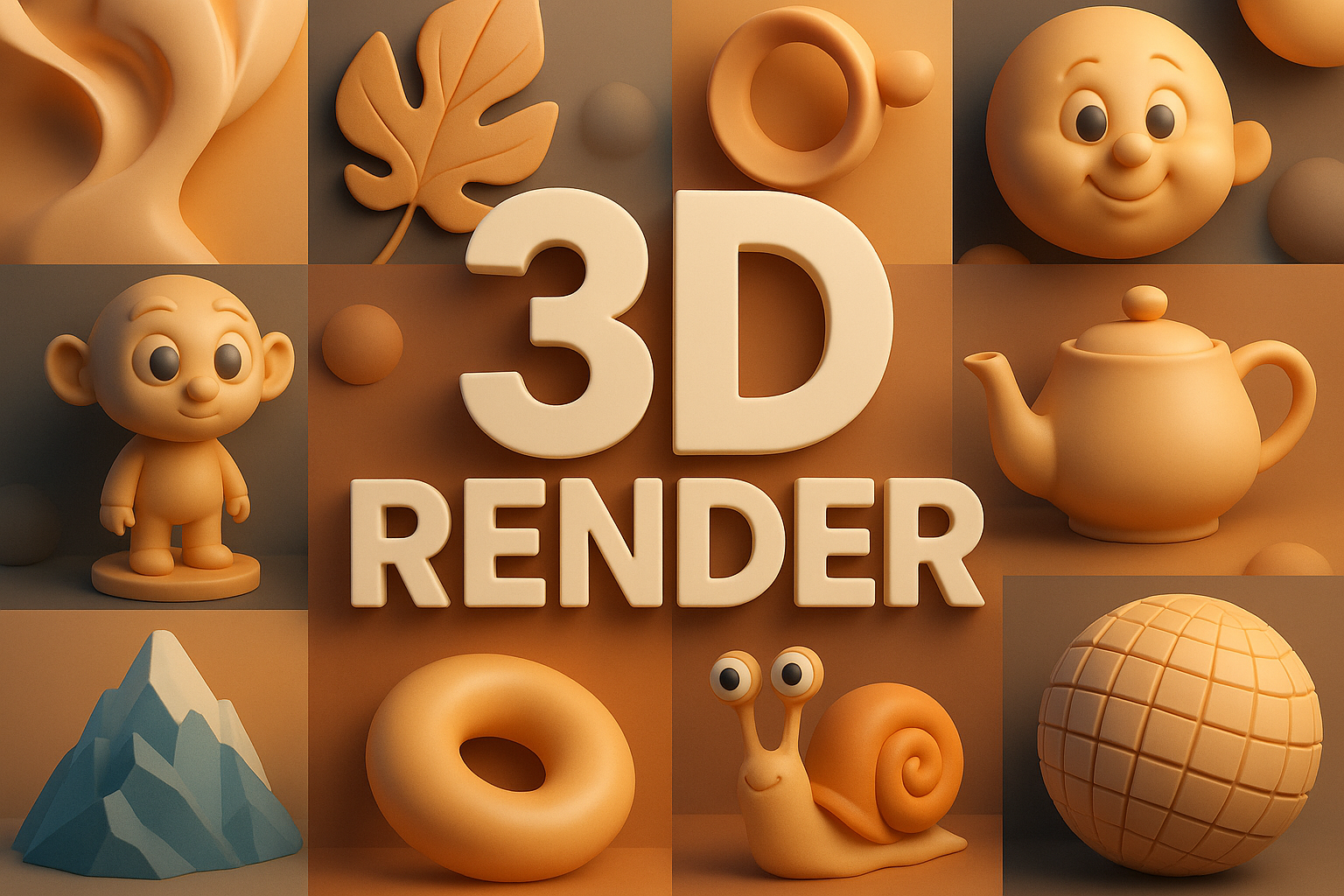
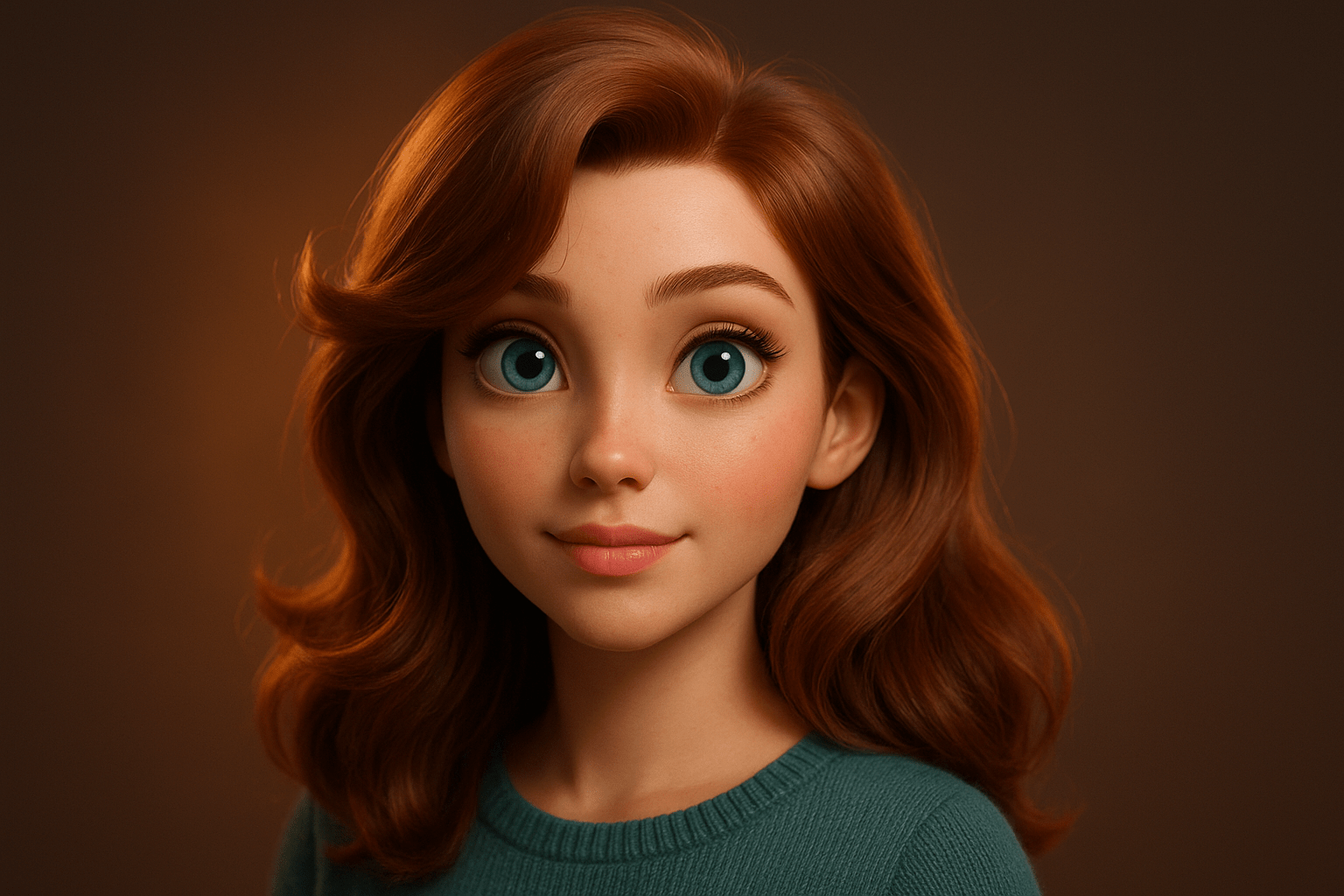
The retained portrait illustrates a stylized dimensional appearance: large eyes, smooth facial volumes, softly separated hair and warm directional light. The collage brings together simple rounded objects, a teapot, characters and a faceted mountain. These are AOI archive illustrations. Their appearance is useful for comparison, but no editable 3D scene or rendering settings have been verified for these particular images.
Make the scene readable before polishing it
Begin a practical scene with one object on a plain surface. Choose the camera angle and make the silhouette clear before adding fine texture. A slightly rounded edge can catch light and distinguish a manufactured object from a perfectly sharp mathematical block. Use surface detail to explain the material rather than covering every area with equal noise.
Place one main light and observe the shape of its highlight and shadow. A broad highlight suggests a different surface response from a small sharp reflection, but lighting and viewing angle also matter. Compare materials under the same illumination before deciding that a color or texture change improved them. Keep enough separation between the subject and background to preserve the form at thumbnail size.
For a controlled exercise, keep the geometry and camera fixed while changing only one material or light. Save the comparisons so the effect remains visible. A text-to-image prompt can imitate the appearance of a render without producing a reusable model, consistent alternate views or an actual scene. Label that result as an illustration. If a project needs measured dimensions, animation or reliable camera changes, retain and inspect the underlying scene rather than relying on the finished picture alone.
The prompt workshop
Original creative exercises. These prompts create new illustrations, not documentary evidence.
A simple material study
Create an original illustration with a stylized 3D-rendered appearance: one rounded ceramic cup on a matte gray surface, broad side lighting, readable handle and a soft cast shadow. Clear silhouette, restrained palette, no lettering. This is an image study, not a verified editable 3D model.
Character and light
Create an original stylized portrait of an invented adult with simplified facial volumes, coherent eyes, softly grouped hair and a knitted teal sweater. Warm side light against a quiet dark background, dimensional shading without excessive gloss, no text or signature.
Compare surface responses
Create a three-panel concept illustration showing the same simple sphere and camera angle with matte clay, polished metal and translucent glass appearances. Keep lighting direction and object size consistent, with plausible shadows and reflections. No labels or text; illustrative comparison rather than measured material data.
Sources and further exploration
Blender Manual: rendering introduction and scene-to-image workflow