
Pixel-art approach · Hi-Bit Pixel Art
Hi-bit is a loose contemporary label for pixel art that embraces richer detail, colour and lighting while retaining deliberate pixel construction. It is useful shorthand for an aesthetic, not a standard bit depth, resolution or production format.
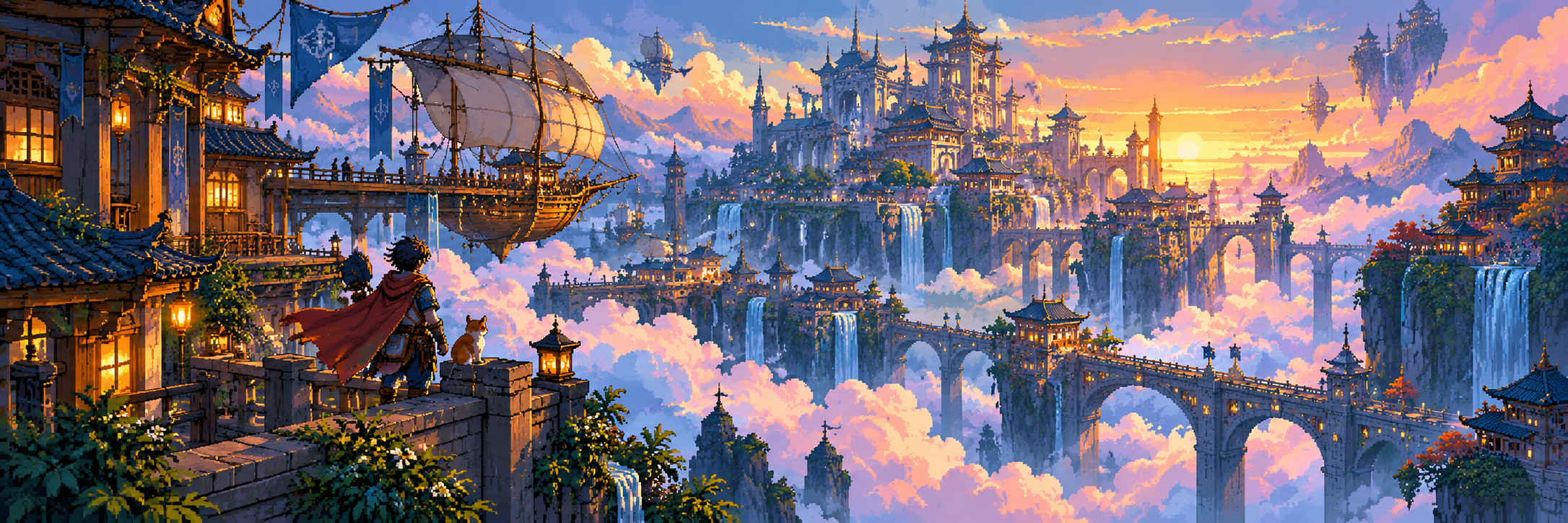
A visual introduction
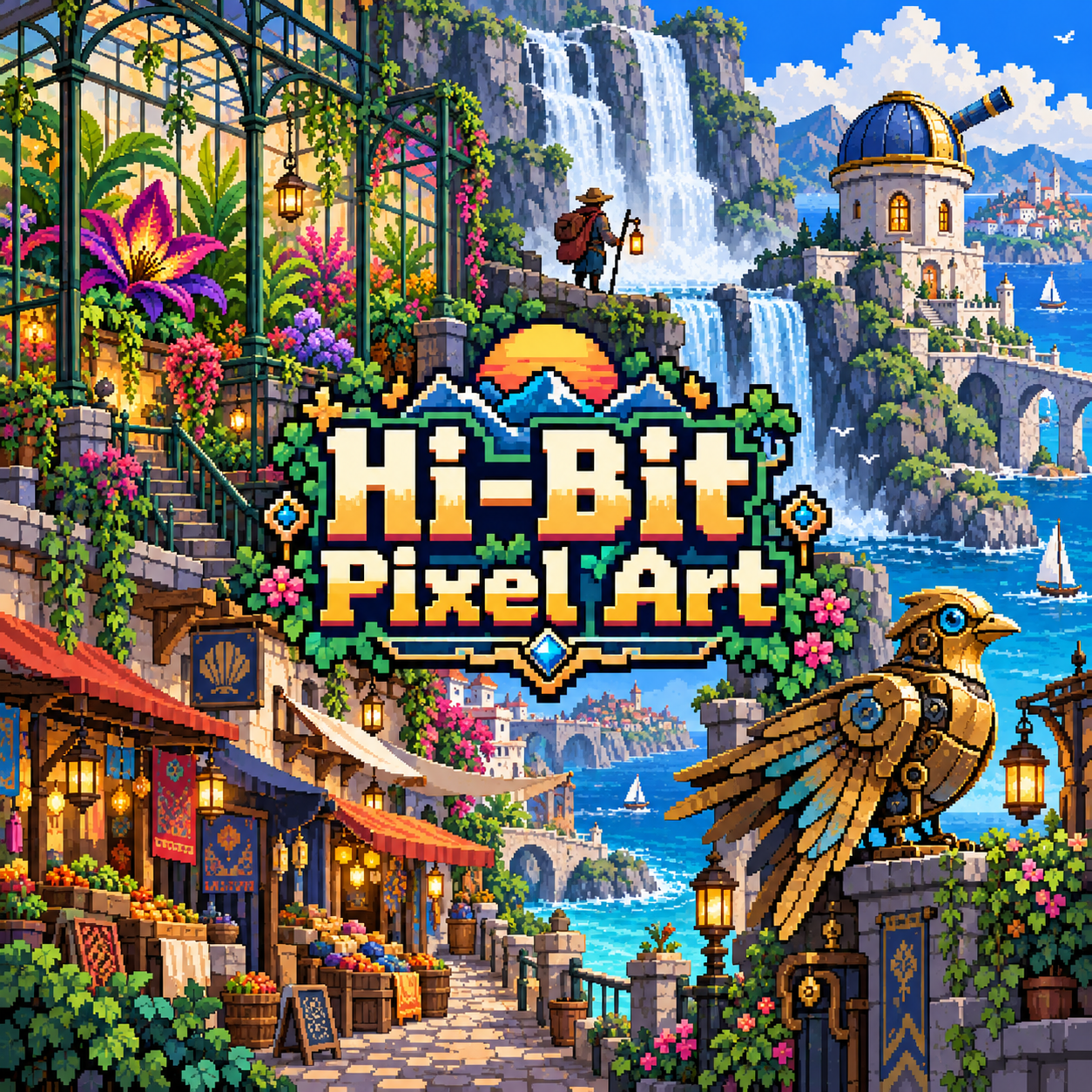
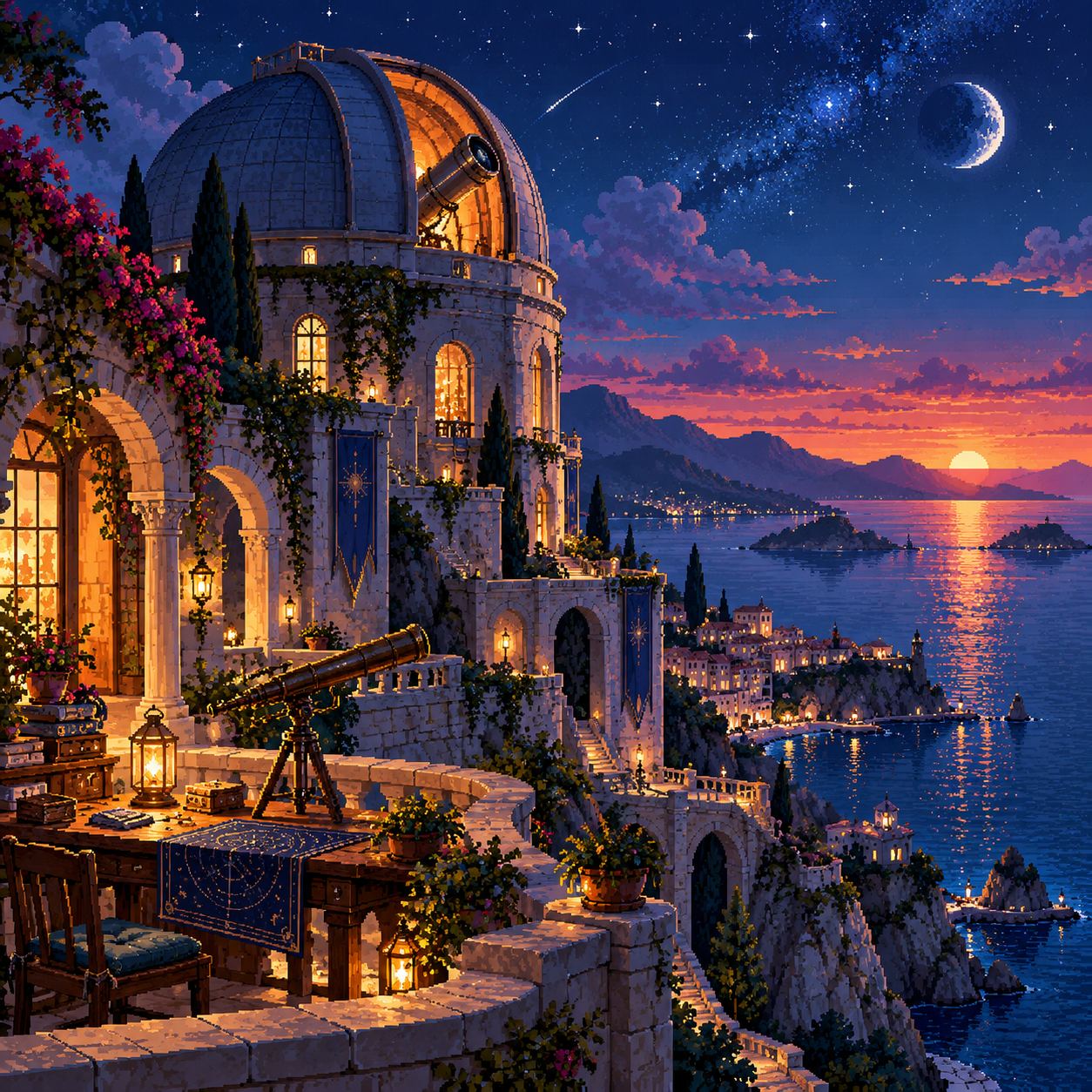
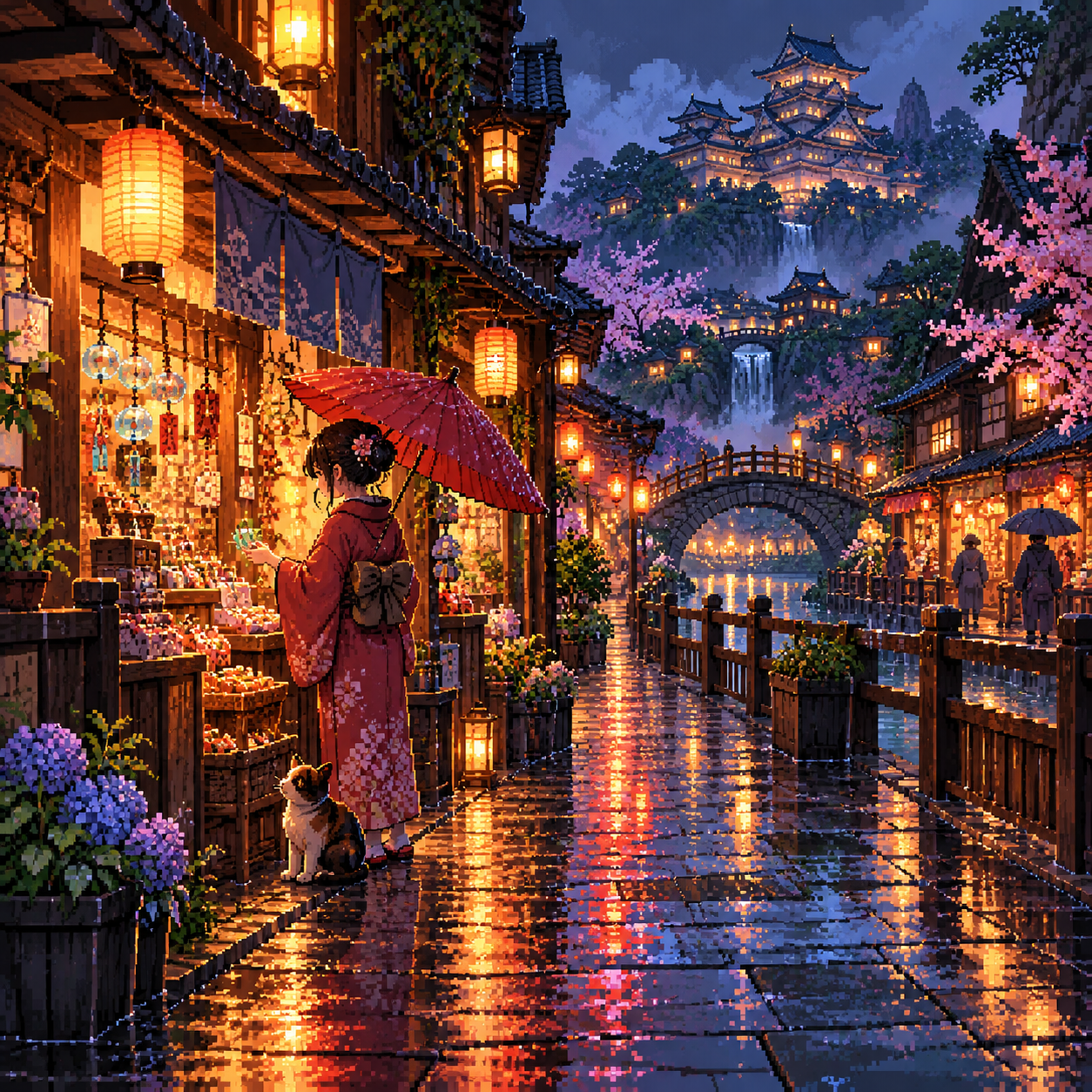
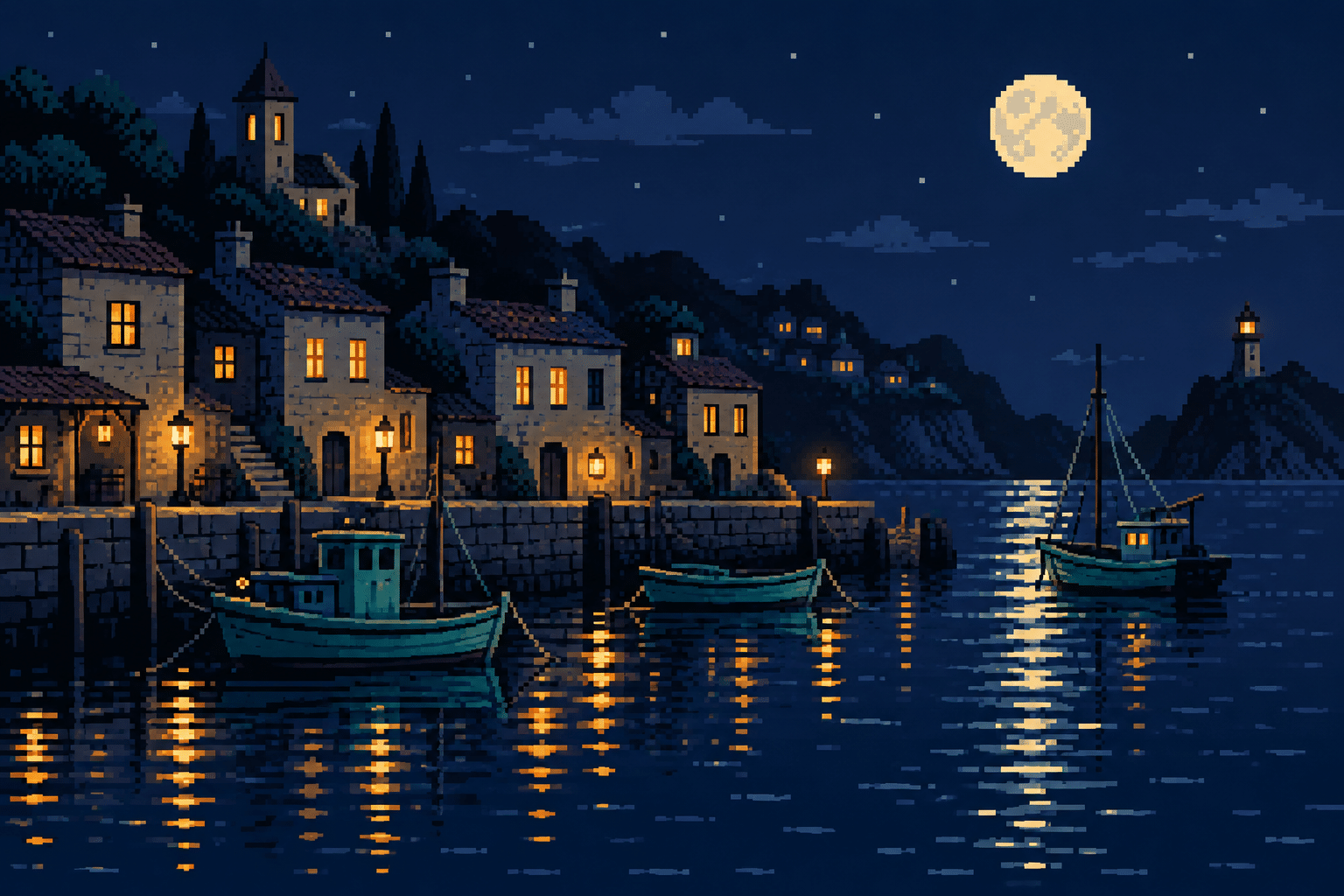
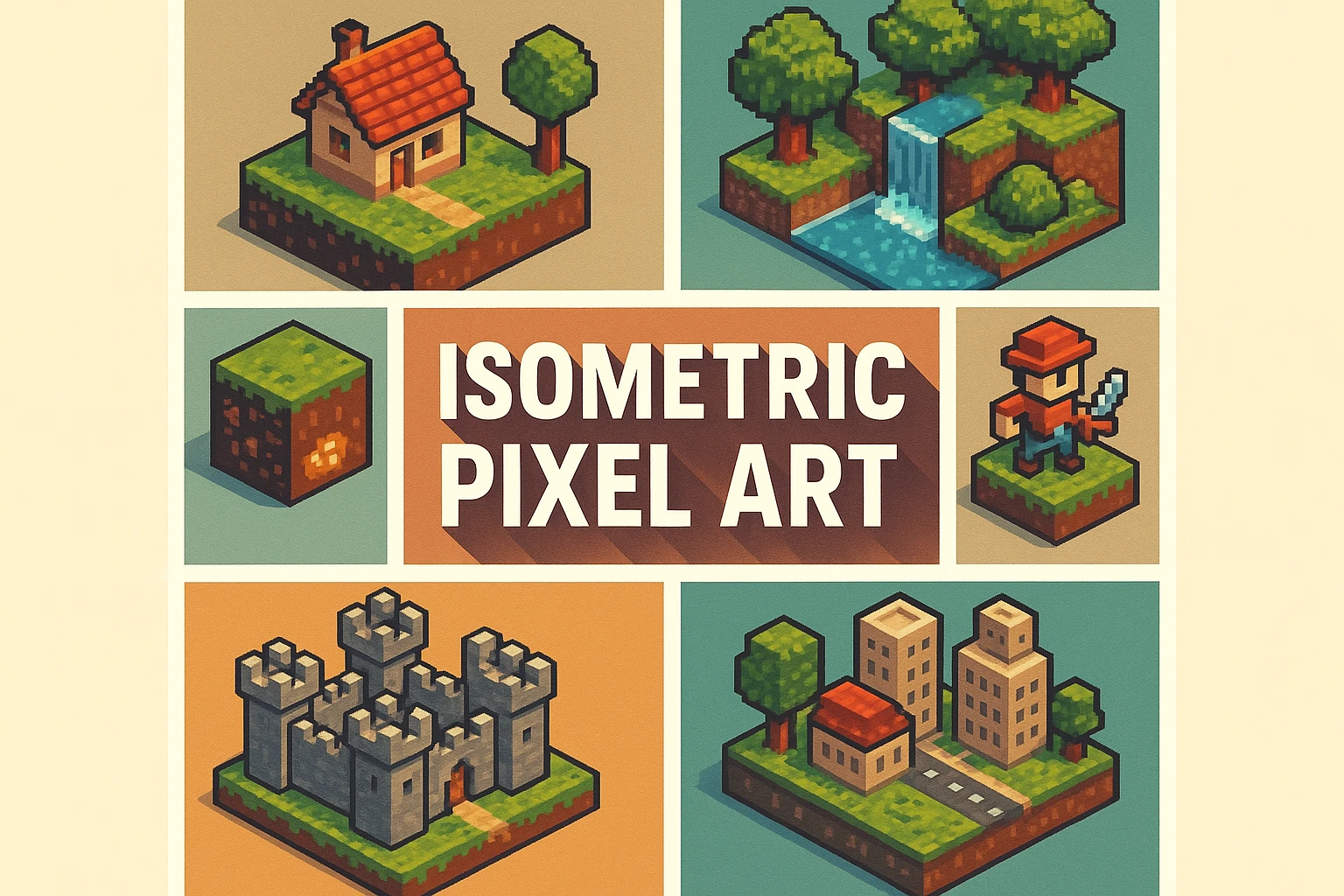
Seven original AI-generated interpretations: a dedicated banner, a centrally titled collage and five visual studies. These are contemporary illustrations, not historical game screenshots or certified hardware-ready assets.
Select an image for a closer look. Use the thumbnails, arrow keys or a swipe to compare examples. Zoom in to inspect details, or share the image that inspires you.
Creative toolbox · take this style further
Choose an input and a destination. Search sends your words to the chosen site; Copy & open puts them on your clipboard to paste there.
Create with AI
Turn your chosen input into an image prompt or a new creative direction.
ChatGPT
Copy your input and paste it into a ChatGPT conversation or image request.
Copy & open ChatGPT (new tab)Claude · Anthropic
Develop an image prompt or explore the style in a new Claude conversation.
Copy & open Claude · Anthropic (new tab)Midjourney
Paste your input into the Imagine bar on the Create page.
Copy & open Midjourney (new tab)Adobe Firefly
Copy your input, open Firefly, and paste it into the prompt field.
Copy & open Adobe Firefly (new tab)Leonardo.Ai
Copy your input, open Leonardo, and paste it into the generation field.
Copy & open Leonardo.Ai (new tab)Image search
Find visual references. Short, concrete keywords usually work best.
Lexica
Search AI images and prompts using your selected input.
Search with this input Lexica (new tab)Pexels
Search the photo and video library. Short keywords often work best.
Search with this input Pexels (new tab)Pixabay
Search photos, illustrations and other images.
Search with this input Pixabay (new tab)Unsplash
Search photographs using the style name or your own keywords.
Search with this input Unsplash (new tab)Wikimedia Commons
Search photographs, artworks and historical images. Check each file for its source and reuse terms.
Search with this input Wikimedia Commons (new tab)Art & research
Explore artists, collections and the ideas behind a style.
Wikipedia
Search for background reading. A style may not have its own article.
Search with this input Wikipedia (new tab)WikiArt
Copy your input into WikiArt’s search to explore artists and artworks.
Copy & open WikiArt (new tab)Europeana
Paste your keywords into the search to explore European museum, library and archive collections.
Copy & open Europeana (new tab)Inspiration
Discover portfolios and visual ideas from creative communities.
Instagram hashtags
Search a hashtag made from your input: spaces and punctuation are removed. Instagram may require sign-in.
Search with this input Instagram hashtags (new tab)ArtStation
Paste your input into artwork search for concept art, environments, characters and visual development.
Copy & open ArtStation (new tab)Behance
Paste your input into project search for illustration, design and visual storytelling.
Copy & open Behance (new tab)A closer look
Fine but readable clusters, layered scenery, richer colour ramps, selective edge transitions and a clear hierarchy between detailed focal areas and quieter distance.
More room, the same need to choose
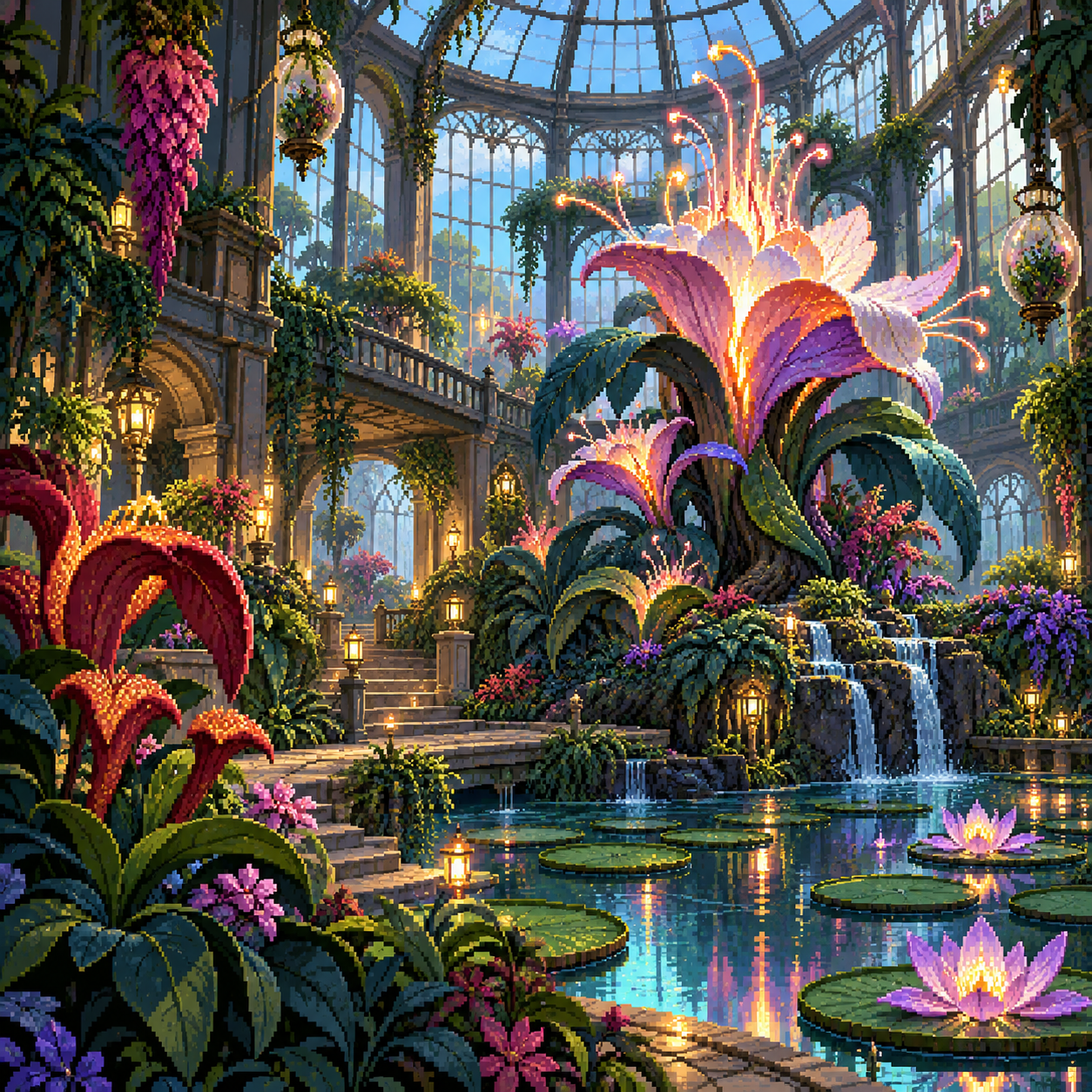
A larger visual vocabulary makes lush environments and intricate objects possible. It also makes hierarchy more important: the greenhouse needs a dominant entrance or plant mass before it needs another leaf. Owlboy’s official site offers a published reference for richly developed pixel worlds; the original AOI studies here are not screenshots or reproductions of its artwork. There is no universal threshold at which an image becomes hi-bit.
Detail follows the focal point
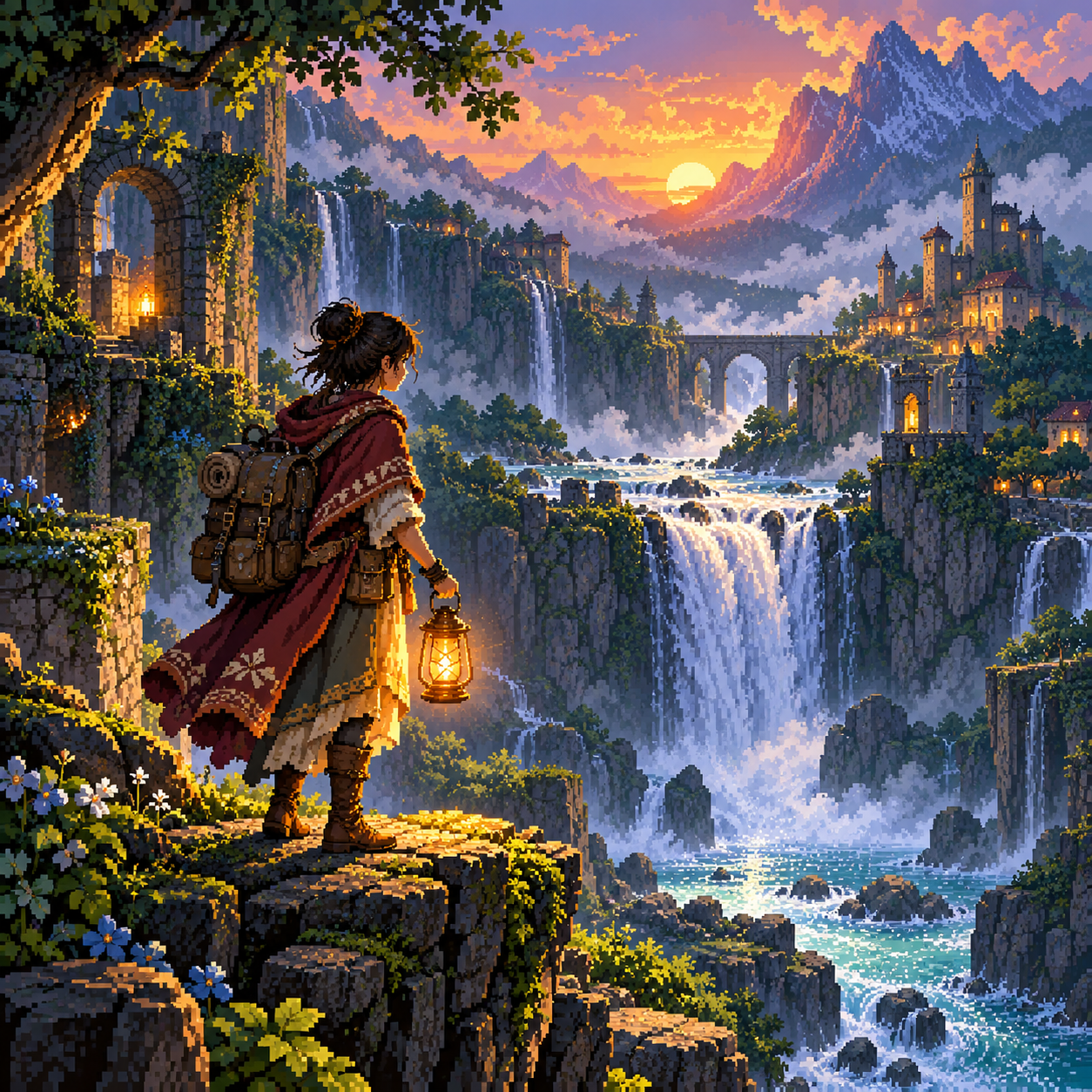
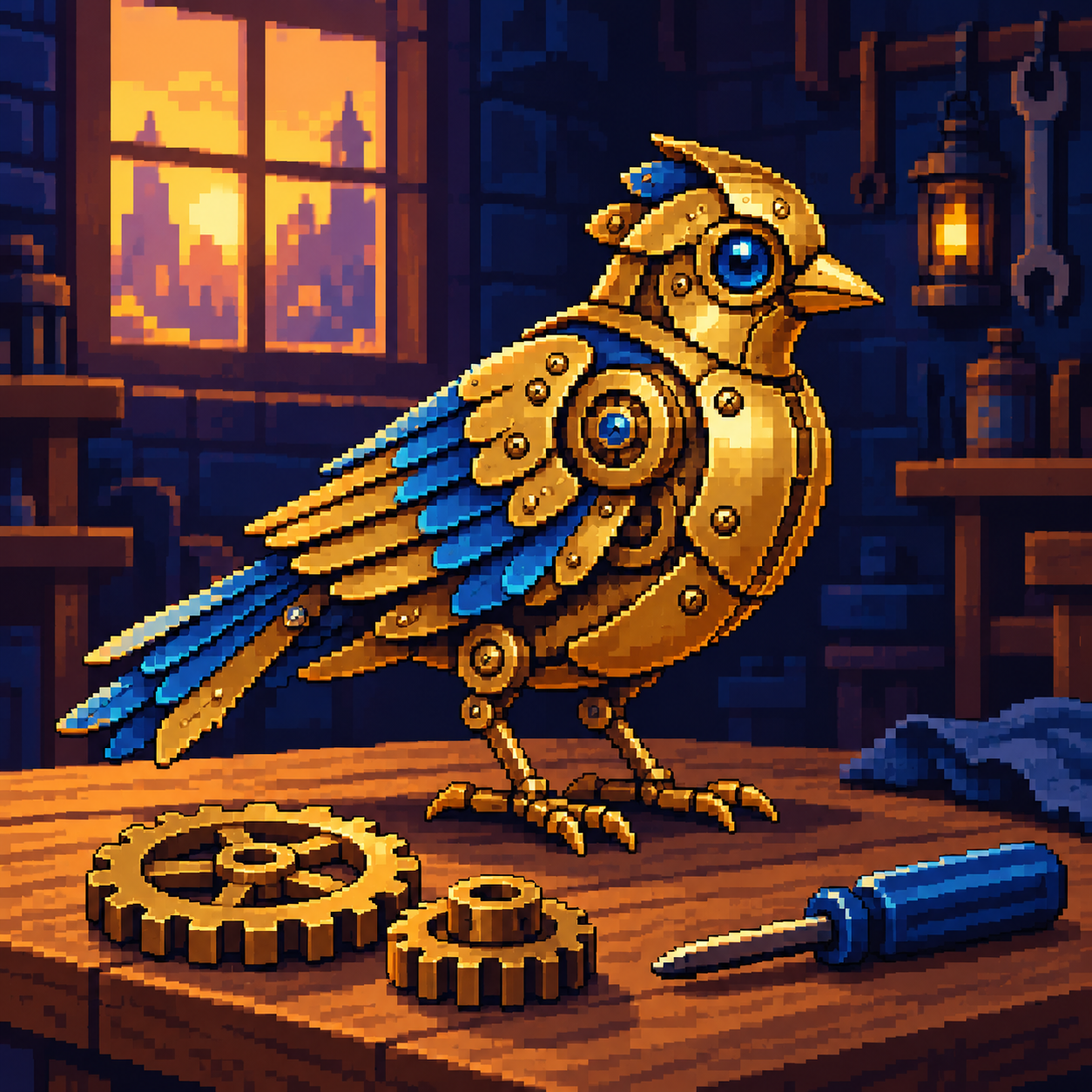
Establish large light and dark masses first. Add finer clusters to the traveller, architectural entrance or mechanical bird, while simplifying distant roofs and vegetation. Give each additional colour a visible purpose: separate a material, turn a form or connect a lighting transition. A detailed skyport becomes harder to read when every window and cloud receives the same contrast.
Softness without losing construction
Selected intermediate colours can ease a stepped edge or describe atmospheric distance while the underlying grid remains legible. Whole-image blur weakens that structure. Compare crisp metal contours with lower-contrast distant clouds. Finer outlines and more elaborate shading also create more work when poses or lighting change, especially in animation. Use this approach when the extra detail contributes to the scene, rather than treating complexity as an automatic upgrade.
Positive editorial assessment · AI-authored
Richer colour and fine clusters can give an imagined world convincing depth and material variety. The greenhouse and skyport reward close looking while their large structural shapes keep the scene navigable.
Negative editorial assessment · AI-authored
More detail can conceal weak composition and multiply production effort. Reduce competing highlights, simplify distant scenery and remove colours that do not change the reading of a form.
Neutral editorial assessment · AI-authored
Hi-bit describes an expanded pixel-art aesthetic rather than a technical specification. It suits detailed illustration and game scenery, but precise asset dimensions, palettes and animation budgets still need to be defined separately.
A small poetic detour
Original words from the AOI studio.
Poetry
Room for another colour
Five golds attend the roof above the street;
the sixth stays dark beneath a folded wing.
A hundred windows need not all compete
to tell the eye where evening starts to sing.
I give the distant towers a quieter blue,
one bright square to the door beneath the tree.
There is more colour now to wander through,
and still a place where looking comes to be.
The prompt workshop
Original creative exercises. These prompts create new illustrations, not documentary evidence.
Begin with one detailed object
Create an original hi-bit pixel-art mechanical bird on a dark workbench. Use fine deliberate clusters, a clear brass silhouette and a restrained range of purposeful highlights. Keep the background simple. No text.
Detail the focal object before its surroundings.
Build depth through restraint
Create an original hi-bit pixel-art greenhouse above a river. Use rich plants and crisp foreground architecture, quieter distant towers and selective intermediate edge colours. Preserve visible pixel construction.
Separate planes through contrast as well as detail.
Test what the extra detail adds
Create two pixel-art views of the same market entrance: one with broad economical clusters, one with finer materials and a richer palette. Keep viewpoint and lighting consistent. No lettering.
Assess whether each added texture improves recognition or atmosphere.
Your next inspiration
Discover another art style
Follow a visual thread to the next subject.
A smile from the studio
Jokes
Seventeen nearly identical golds gathered to defend their places in the palette. One represented reflected sunset, another aged brass, and a third insisted it was “emotionally different ochre.” The artist switched off the roof layer and the picture suddenly became easier to read. All seventeen colours agreed the problem had been architecture.