
Pixel-art introduction · 16-bit terminology explained
The familiar “16-bit” look often suggests lush tile-like scenery, expressive sprites and carefully shaded backgrounds. Treat it as a family of visual conventions, not a promise that every image has sixteen colors or one fixed resolution.
A visual introduction
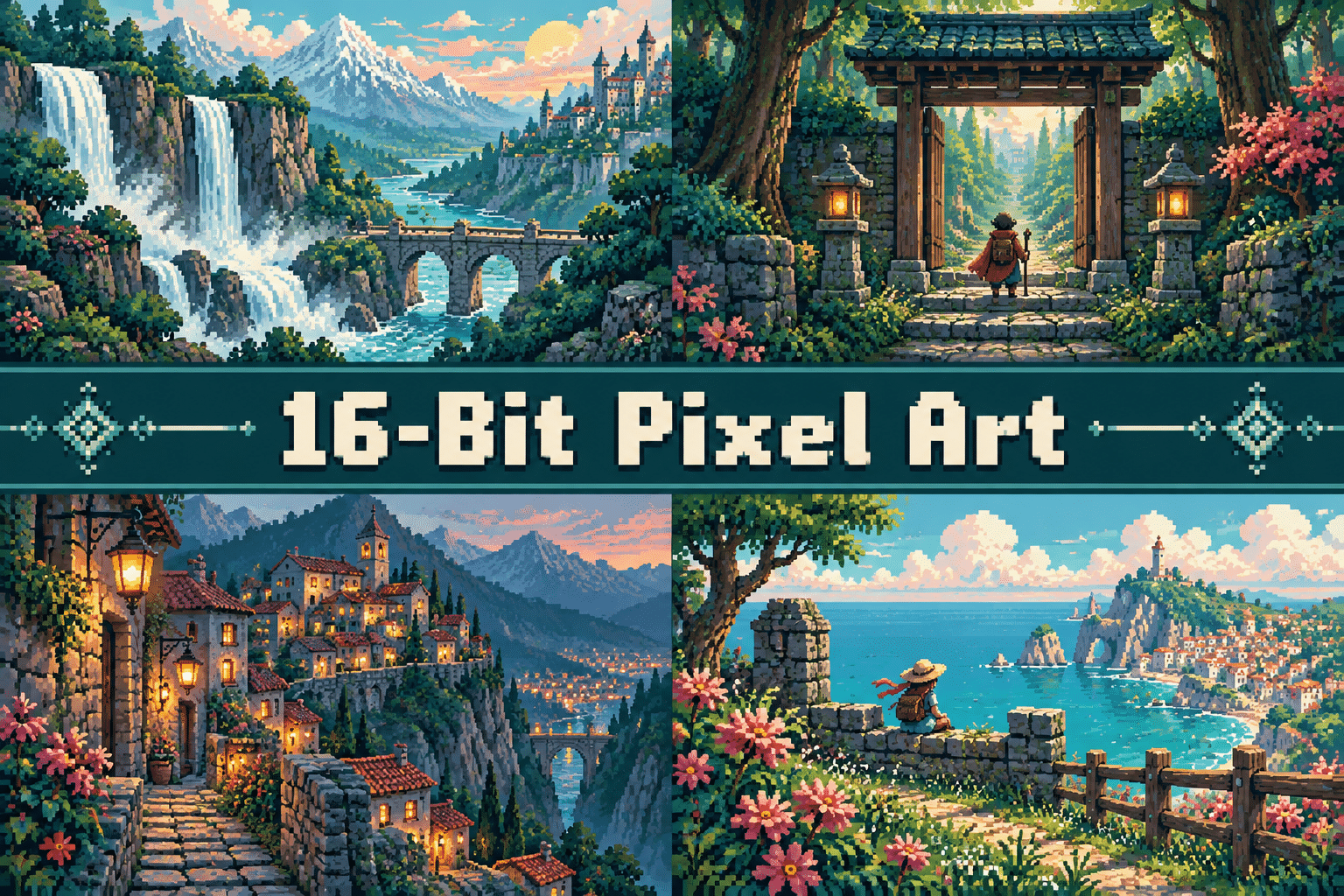
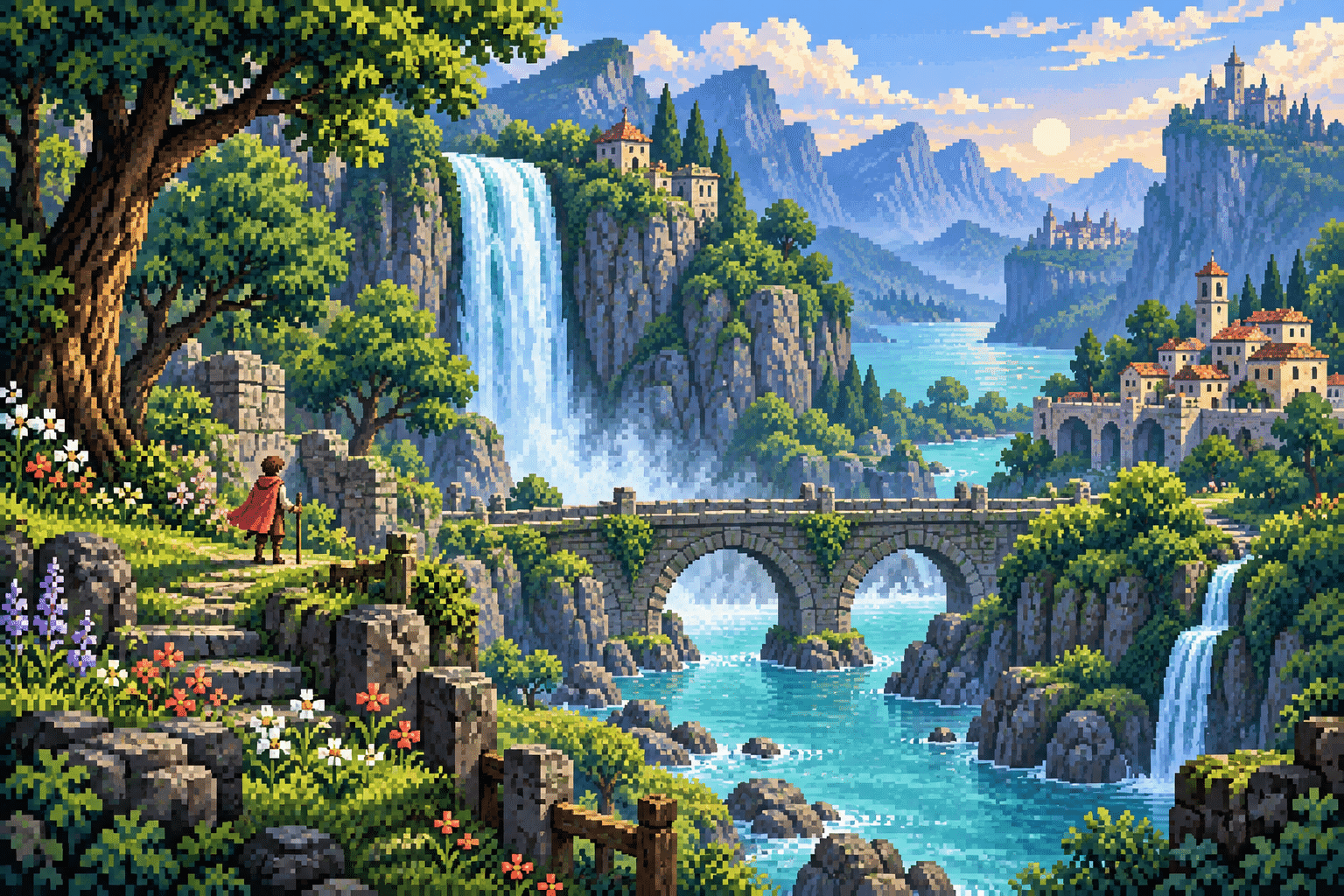
A dedicated example and a centrally titled collage introduce the visual possibilities. Both are AI-generated illustrations.
Select an image for a closer look. Use the arrow keys or gallery controls to compare the illustrations.
Creative toolbox · take this style further
Choose an input and a destination. Search sends your words to the chosen site; Copy & open puts them on your clipboard to paste there.
Create with AI
Turn your chosen input into an image prompt or a new creative direction.
ChatGPT
Copy your input and paste it into a ChatGPT conversation or image request.
Copy & open ChatGPT (new tab)Claude · Anthropic
Develop an image prompt or explore the style in a new Claude conversation.
Copy & open Claude · Anthropic (new tab)Midjourney
Paste your input into the Imagine bar on the Create page.
Copy & open Midjourney (new tab)Adobe Firefly
Copy your input, open Firefly, and paste it into the prompt field.
Copy & open Adobe Firefly (new tab)Leonardo.Ai
Copy your input, open Leonardo, and paste it into the generation field.
Copy & open Leonardo.Ai (new tab)Image search
Find visual references. Short, concrete keywords usually work best.
Lexica
Search AI images and prompts using your selected input.
Search with this input Lexica (new tab)Pexels
Search the photo and video library. Short keywords often work best.
Search with this input Pexels (new tab)Pixabay
Search photos, illustrations and other images.
Search with this input Pixabay (new tab)Unsplash
Search photographs using the style name or your own keywords.
Search with this input Unsplash (new tab)Wikimedia Commons
Search photographs, artworks and historical images. Check each file for its source and reuse terms.
Search with this input Wikimedia Commons (new tab)Art & research
Explore artists, collections and the ideas behind a style.
Wikipedia
Search for background reading. A style may not have its own article.
Search with this input Wikipedia (new tab)WikiArt
Copy your input into WikiArt’s search to explore artists and artworks.
Copy & open WikiArt (new tab)Europeana
Paste your keywords into the search to explore European museum, library and archive collections.
Copy & open Europeana (new tab)Inspiration
Discover portfolios and visual ideas from creative communities.
Instagram hashtags
Search a hashtag made from your input: spaces and punctuation are removed. Instagram may require sign-in.
Search with this input Instagram hashtags (new tab)ArtStation
Paste your input into artwork search for concept art, environments, characters and visual development.
Copy & open ArtStation (new tab)Behance
Paste your input into project search for illustration, design and visual storytelling.
Copy & open Behance (new tab)A closer look
16-bit-era-inspired scenic pixel art, layered tile-like landscape, selective hue-shifted ramps, crisp visible pixel edges.
Layered scenes with a console-era flavor
The familiar “16-bit” look often suggests lush tile-like scenery, expressive sprites and carefully shaded backgrounds. Treat it as a family of visual conventions, not a promise that every image has sixteen colors or one fixed resolution.
Pixel art is a practice of choosing how visible pixels and clusters describe a subject. The bit label is only one possible constraint. Canvas dimensions, color relationships, edge rhythm and the scale at which the image is displayed all affect the result. Start with a recognizable shape, then decide which details earn their place.
What the bit count does—and does not—mean
A processor-era label does not determine a complete graphics specification. Separately, a 16-bit RGB565 encoding distributes bits across red, green and blue and can represent 65,536 combinations; a 16-bit-per-channel editing document is something else again. None of these numbers alone makes an image pixel art.
Indexed color selects palette entries, while RGB stores color components. The linked Aseprite and image-format documentation provide the technical context. When sharing a strict exercise, record the actual palette, logical canvas dimensions and export settings. An era-inspired image should not be passed off as a capture from a particular machine.
A practical composition exercise
Design a valley scene in three readable bands: foreground foliage, a bridge and waterfall, then distant cliffs. Use sharper contrast and larger visible clusters close to the viewer; simplify the distance. Make a tiny traveler readable by silhouette rather than increasing detail everywhere.
Work at a small logical canvas and inspect it at native size as well as an integer enlargement. Prefer coherent clusters to scattered single pixels. Check diagonals for intentional step rhythms, and separate important silhouettes from the background before adding texture. A limited palette can still produce a confusing image if all areas compete equally.
Use the examples honestly
The banner and collage are AI-generated visual interpretations. They illustrate compositional ideas, not verified palette-limited files, hardware screenshots or native-resolution sprite assets. Their encoded colors and edges can exceed the strict exercise described above. Use them as references, then construct and validate a working version in a pixel editor.
For publication or a game asset, count the colors actually used, inspect transparency and confirm the intended pixel dimensions. Export with settings appropriate to the target. Increasing a file’s bit depth does not by itself add meaningful visual detail, and shrinking a photograph does not automatically produce deliberate pixel art.
Technique notes
Begin with one clear focal relationship.
Compare the example with the collage before varying the subject.
Label generated illustrations and distinguish visual references from tested technical assets.
A small poetic detour
Original words from the AOI studio.
Poetry
A little square admits the light,
Its neighbor keeps a piece of night.
The picture grows from what we choose,
And from the colors we refuse.
The prompt workshop
Original creative exercises. These prompts create new illustrations, not documentary evidence.
Start with the main scene
Original 16-Bit Pixel Art inspired illustration: A lush pixel-art valley with a waterfall, stone bridge and a tiny traveler. 16-bit-era-inspired scenic pixel art, layered tile-like landscape, selective hue-shifted ramps, crisp visible pixel edges. Clear silhouettes, one focal light and generous quiet space. No copied game characters, interface text or logos. Visual concept reference, not a claimed hardware screenshot.
Try a small still life
Original 16-Bit Pixel Art inspired still life of a small plant, a cup and a folded cloth on a window ledge; 16-bit-era-inspired scenic pixel art, layered tile-like landscape, selective hue-shifted ramps, crisp visible pixel edges. Strong light-dark grouping, restrained background and intentional pixel clusters. No text, signatures or photographic texture. Concept illustration rather than a verified native sprite.
Explore another world
Original 16-Bit Pixel Art inspired scene of a tiny railway stop beside a mountain lake, one waiting traveler and a bright shelter; 16-bit-era-inspired scenic pixel art, layered tile-like landscape, selective hue-shifted ramps, crisp visible pixel edges. Readable foreground, middle ground and distant hills, calm composition, no game logos or lettering. Preserve visible pixel structure; no blurred photo filter.
Your next inspiration
Discover another art style
Follow a visual thread to the next subject.
A smile from the studio
Jokes
Sixteen-bit nostalgia is powerful. It still cannot fix my awkward staircase.