Digital image-making practice
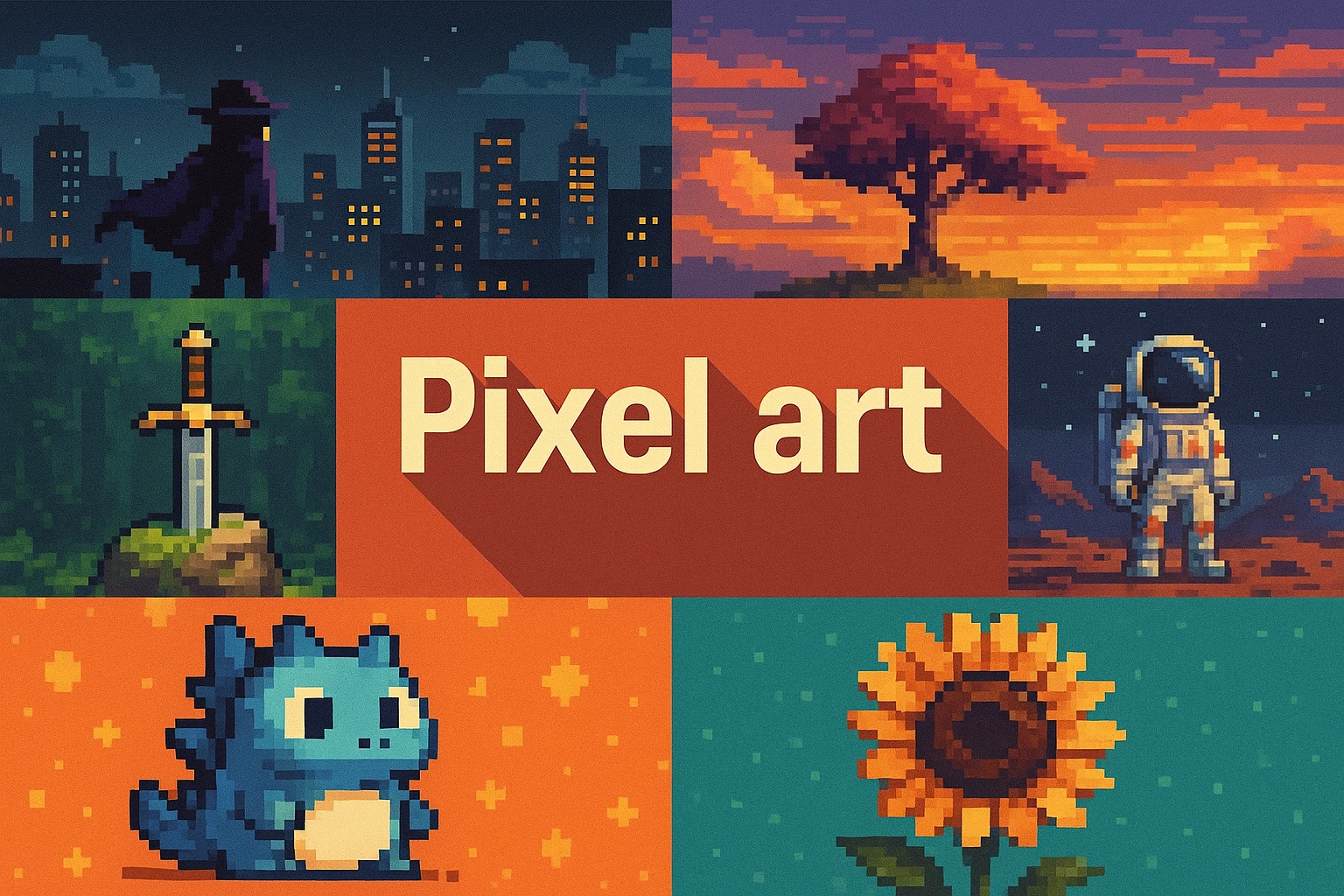
Pixel art treats the pixel grid as a design constraint. Clear clusters and economical color can make very small images expressive.
A closer look
Choose a modest canvas and a limited palette, then establish the silhouette before texture.
Understanding the subject
Pixel art is built through deliberate decisions about discrete marks, color and resolution. It has close associations with digital games, but its uses are broader. A low-resolution image is not automatically well-designed pixel art, and applying a mosaic filter does not reproduce the decisions of a pixel artist. The intended viewing size is part of the work because individual marks can merge or separate as the image is scaled.
AOI looking and making workshop
Choose a modest canvas and a limited palette, then establish the silhouette before texture. Group pixels into purposeful clusters instead of scattering isolated highlights. Use consistent lighting to distinguish surfaces with only a few values. Review at native size and scale with a method that preserves hard edges when appropriate. If using a generated concept, treat it as a starting point for cleanup: uneven pixel sizes and accidental smoothing are common problems. A small readable gesture can communicate more than dozens of decorative color changes.
The prompt workshop
Original creative exercises. These prompts create new illustrations, not documentary evidence.
A compact character
Create an original pixel-art gardener with a broad hat, a small watering can and a clear silhouette, limited to a restrained palette. Use consistent pixel size and no blurred edges.
A readable room
Design an original pixel-art bedroom with a bed, desk and open window, clear object clusters and warm afternoon light. Keep the scene legible at small size and avoid noisy texture.
Four-color weather
Create an original pixel-art landscape using only four colors to suggest wind moving through reeds beside water. Use repeated directional clusters and a simple horizon, without gradient smoothing.
Your next inspiration
Discover another art style
Follow a visual thread to the next subject.

Sources and further exploration
Image size, resolution, and resampling in Photoshop | Photoshop
Creative studies to try
Explore these collected prompts as creative interpretations. They are starting points for image-making, not reproductions of historical artworks or evidence about a tradition.
Visual cues: blocky resolution, screen logic, nostalgic constraint; Small squares, big character
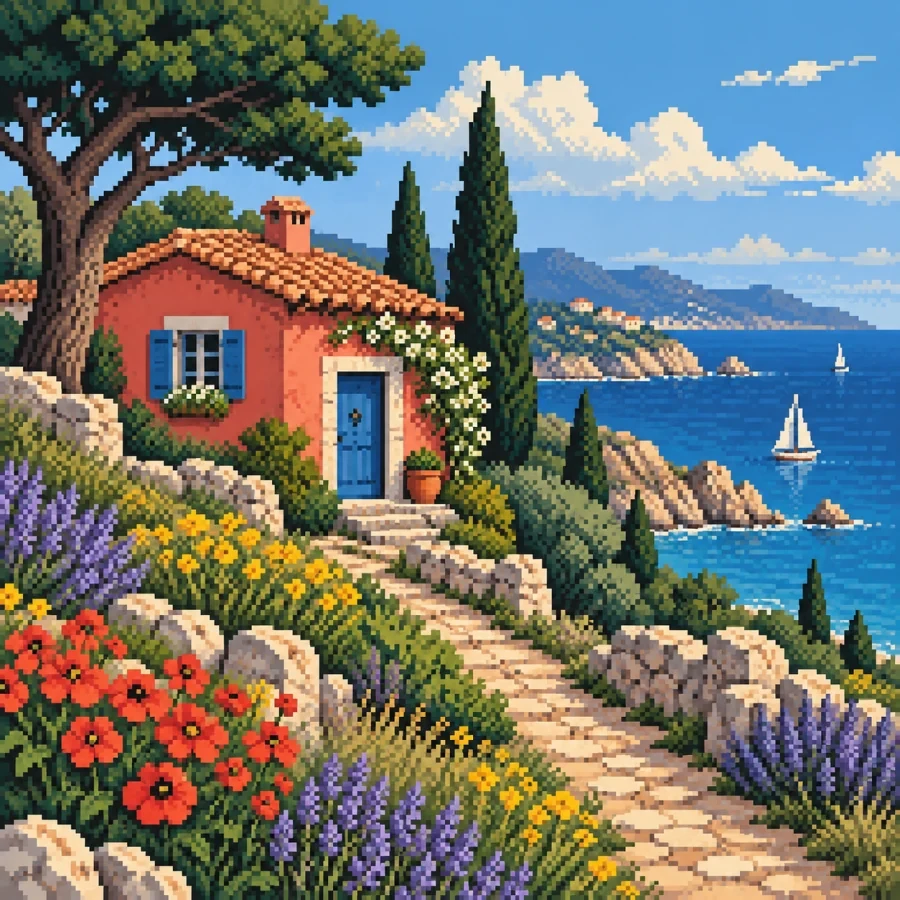
Study 1 — Pixel Art
Ultra-wide panoramic banner, a human hand and a sleek robotic hand reaching toward each other, fingertips almost touching, a bright luminous spark of intelligence between them, a subtle world map behind them with global data network lines, symbolizing human-AI collaboration and digital transformation, rendered in Pixel Art style, with refined composition, distinctive materials, elegant lighting, high-detail artistic finish, high quality, high detail, balanced composition, no text, no logo, no watermark, exact aspect ratio 1584:396
Prompt source: 1001 Art Styles. Select the text to copy, then adapt the subject and composition.
Study 2 — Pixel Art
Apply the following visual style to my subject or project, preserving its core content and purpose. Render as carefully crafted pixel art with a limited color palette, crisp square pixels, intentional stepped outlines, and clustered shading. Use selective dithering for texture and readable silhouettes. Avoid smoothing, blur, gradients, and anti-aliasing. Adapt the composition and palette to suit my subject. Do not add text unless my project calls for it.
Prompt source: Emergent Mind Style Atlas. Select the text to copy, then adapt the subject and composition.