
Hardware-inspired aesthetic · NES / Famicom Pixel Art
NES and Famicom imagery turns small tiles, local colour choices and sharply readable sprites into worlds. Its signature is not simply “few colours”: the important question is which colours may meet in each part of the picture.
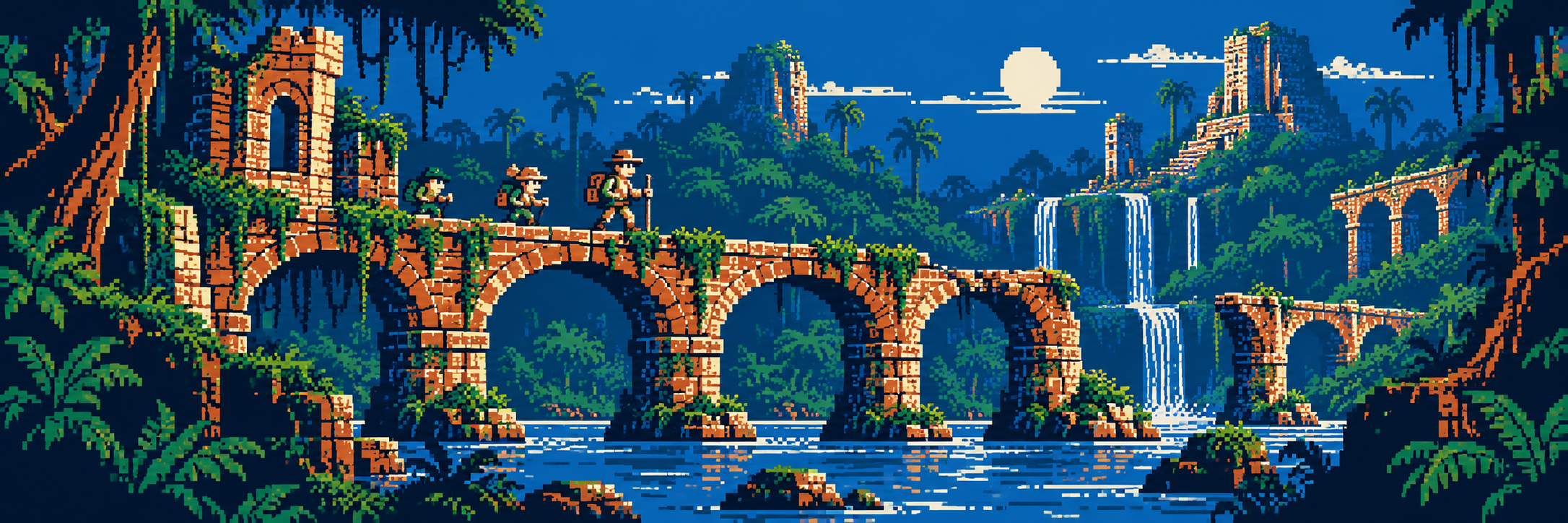
A visual introduction
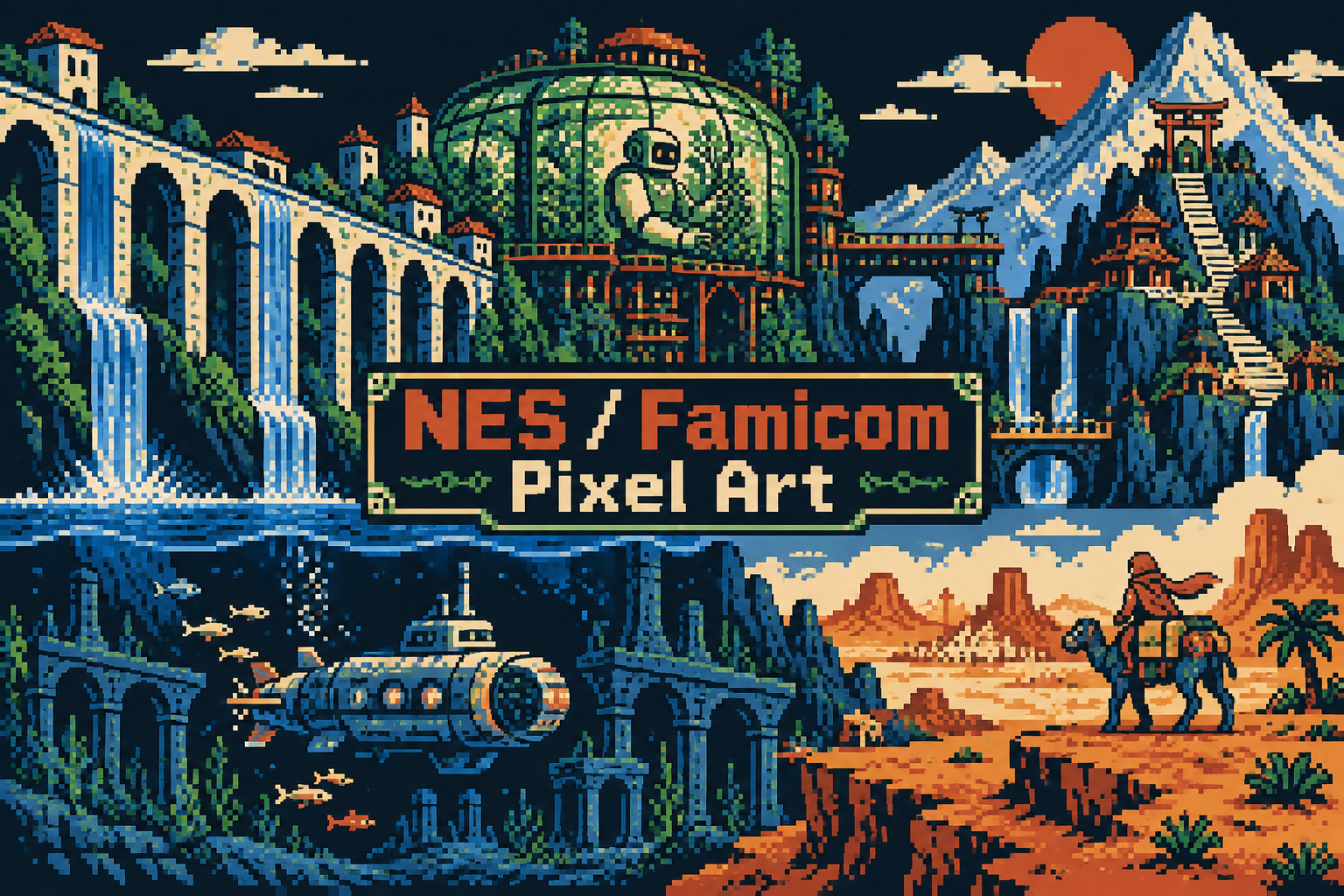
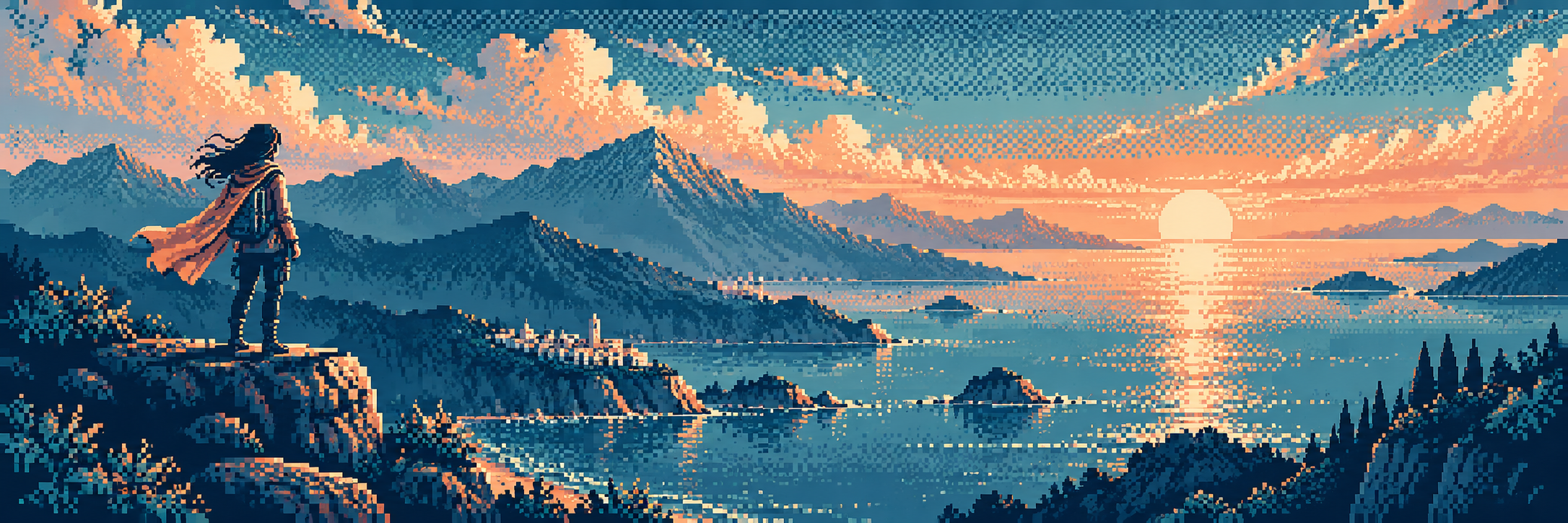
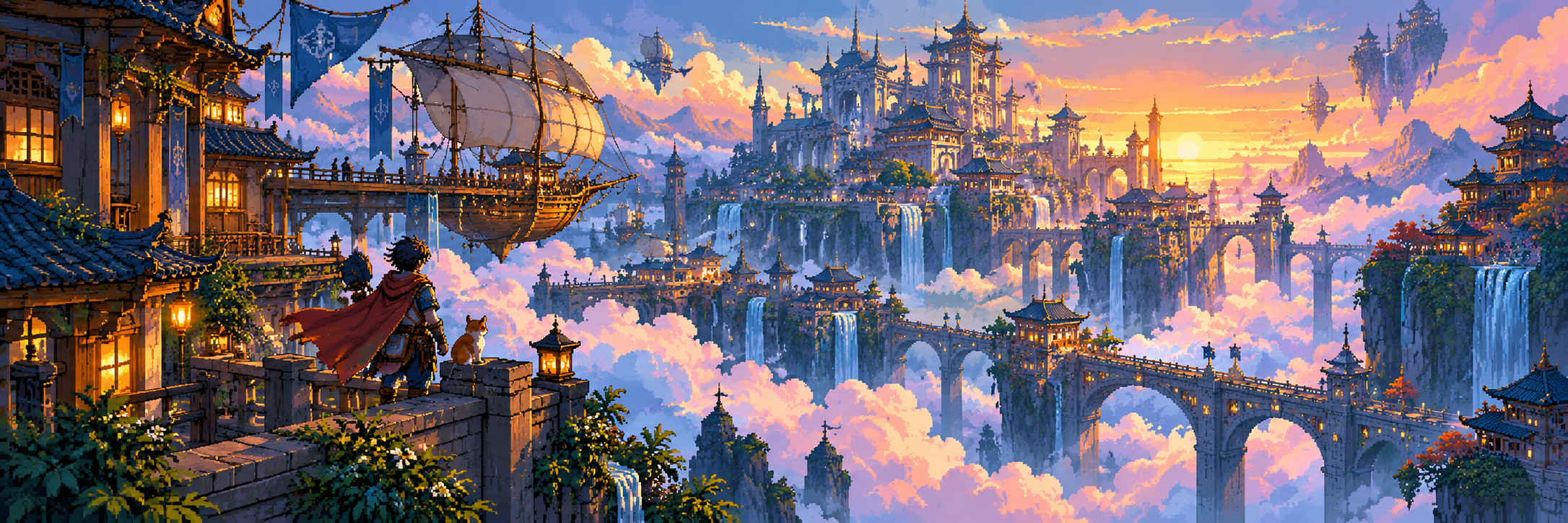
Seven original AI-generated interpretations: a dedicated banner, a centrally titled collage and five visual studies. These are contemporary illustrations, not historical game screenshots or certified hardware-ready assets.
Select an image for a closer look. Use the thumbnails, arrow keys or a swipe to compare examples. Zoom in to inspect details, or share the image that inspires you.
Creative toolbox · take this style further
Choose an input and a destination. Search sends your words to the chosen site; Copy & open puts them on your clipboard to paste there.
Create with AI
Turn your chosen input into an image prompt or a new creative direction.
ChatGPT
Copy your input and paste it into a ChatGPT conversation or image request.
Copy & open ChatGPT (new tab)Claude · Anthropic
Develop an image prompt or explore the style in a new Claude conversation.
Copy & open Claude · Anthropic (new tab)Midjourney
Paste your input into the Imagine bar on the Create page.
Copy & open Midjourney (new tab)Adobe Firefly
Copy your input, open Firefly, and paste it into the prompt field.
Copy & open Adobe Firefly (new tab)Leonardo.Ai
Copy your input, open Leonardo, and paste it into the generation field.
Copy & open Leonardo.Ai (new tab)Image search
Find visual references. Short, concrete keywords usually work best.
Lexica
Search AI images and prompts using your selected input.
Search with this input Lexica (new tab)Pexels
Search the photo and video library. Short keywords often work best.
Search with this input Pexels (new tab)Pixabay
Search photos, illustrations and other images.
Search with this input Pixabay (new tab)Unsplash
Search photographs using the style name or your own keywords.
Search with this input Unsplash (new tab)Wikimedia Commons
Search photographs, artworks and historical images. Check each file for its source and reuse terms.
Search with this input Wikimedia Commons (new tab)Art & research
Explore artists, collections and the ideas behind a style.
Wikipedia
Search for background reading. A style may not have its own article.
Search with this input Wikipedia (new tab)WikiArt
Copy your input into WikiArt’s search to explore artists and artworks.
Copy & open WikiArt (new tab)Europeana
Paste your keywords into the search to explore European museum, library and archive collections.
Copy & open Europeana (new tab)Inspiration
Discover portfolios and visual ideas from creative communities.
Instagram hashtags
Search a hashtag made from your input: spaces and punctuation are removed. Instagram may require sign-in.
Search with this input Instagram hashtags (new tab)ArtStation
Paste your input into artwork search for concept art, environments, characters and visual development.
Copy & open ArtStation (new tab)Behance
Paste your input into project search for illustration, design and visual storytelling.
Copy & open Behance (new tab)A closer look
Tile-based architecture, compact character sprites, short local colour ramps, repeated modules and clear separation between playable figures and scenery.
A console family with a visual grammar
The Famicom launched in Japan in 1983; the NES brought the platform to other markets. Artists worked with a picture-processing unit whose tile and palette systems shaped the image. The resulting aesthetic includes many different subjects and drawing styles. Platformers, adventure scenes and decorative title screens can share technical constraints without looking identical. Use the console name for a specific visual reference, not as a synonym for all 8-bit art.
The palette has neighbourhood rules
In the standard background arrangement, attribute data selects one of four three-colour palettes for each 16 by 16 pixel region, alongside a shared background colour. Graphics are built from 8 by 8 tiles. Sprites have their own palettes and transparency rules. Cartridge hardware and special techniques can change what is practical, so these are starting constraints rather than a complete catalogue of every trick. NESdev documents the ordinary arrangement and its exceptions.
Build modules, then break the monotony
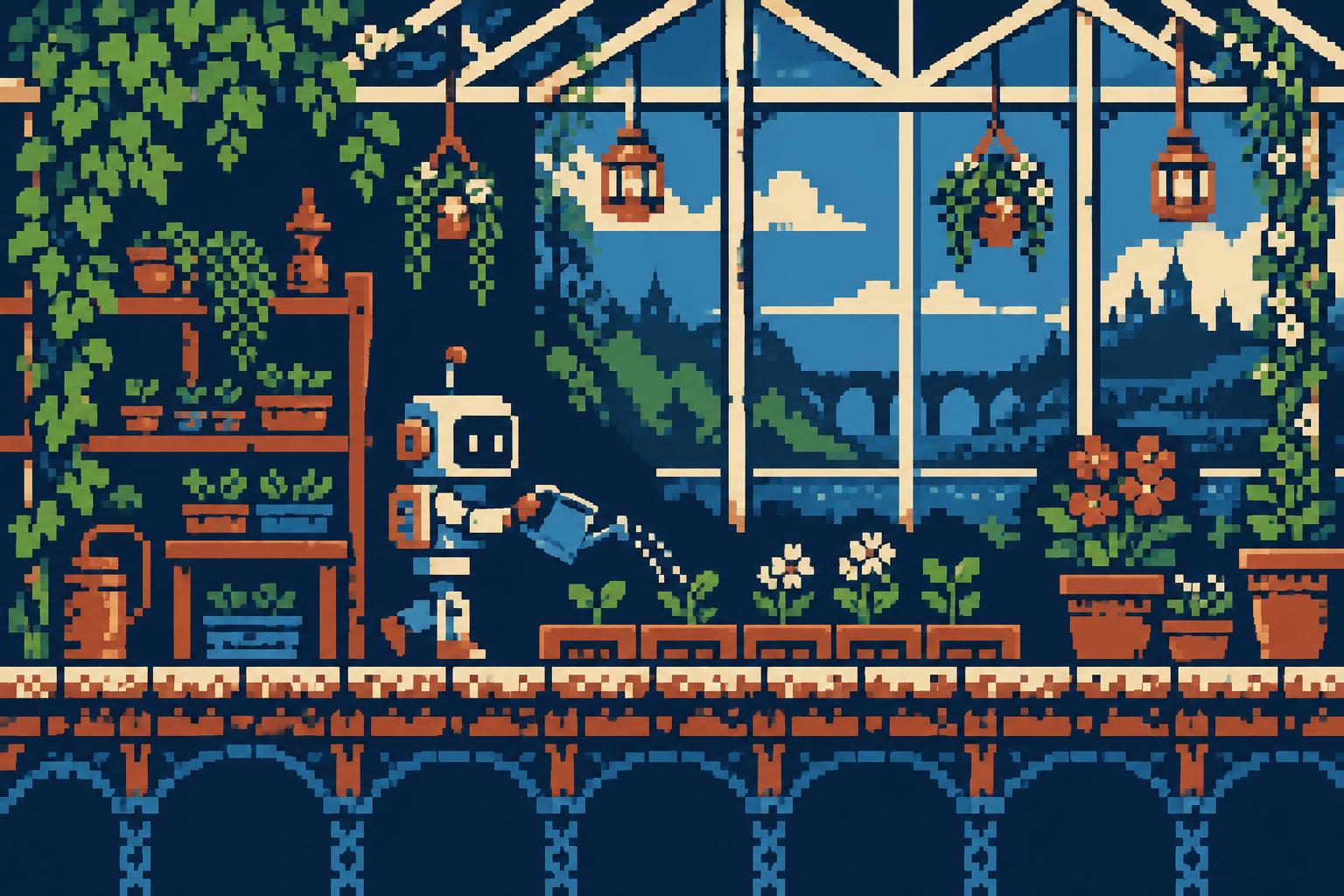
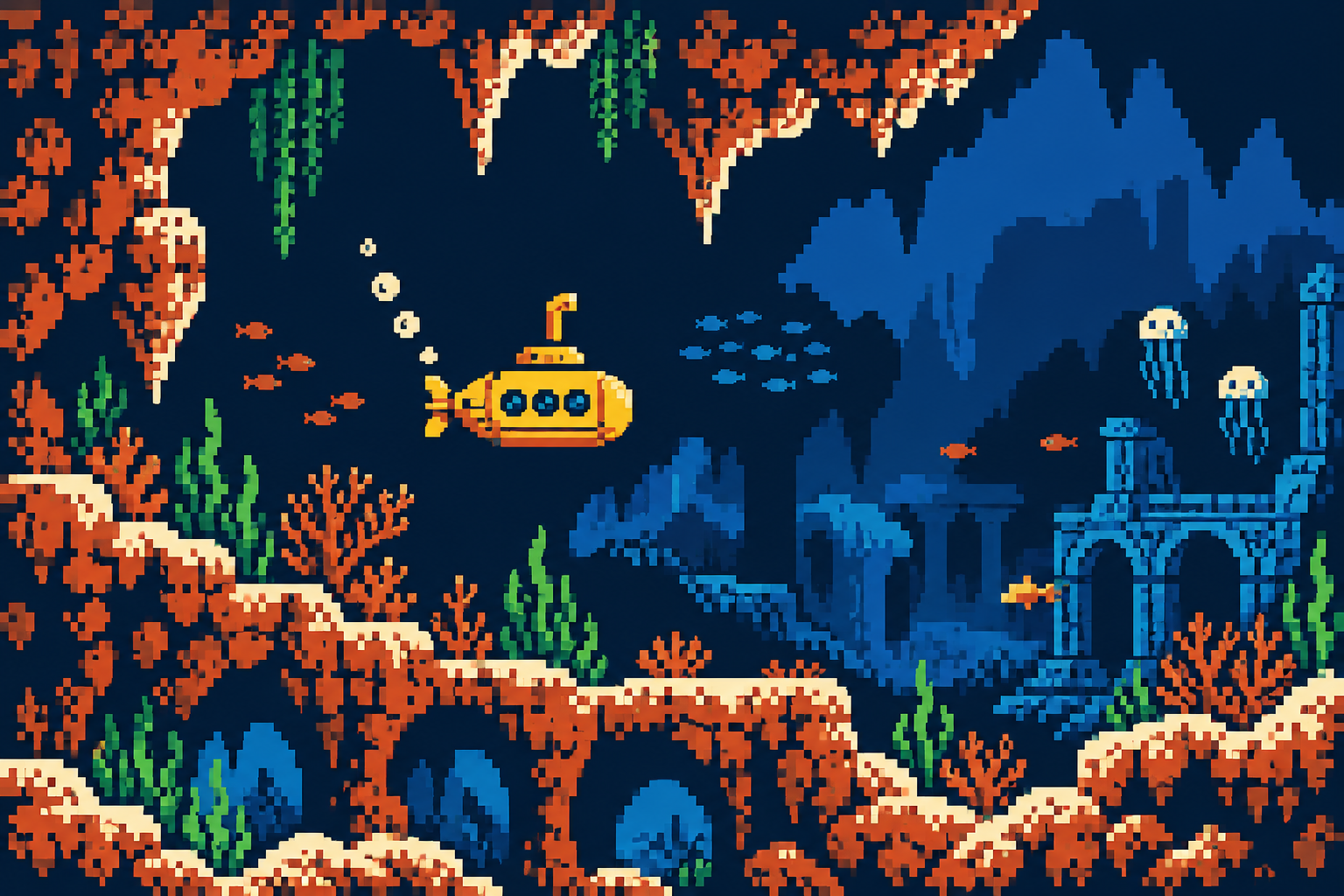
Design a few stone, foliage and water tiles that join cleanly. Use larger masses to guide the eye before introducing individual cracks and leaves. The gardening robot benefits from a clean silhouette against patterned plants; the submarine is legible because the surrounding water remains quiet. Repetition can establish rhythm and save space, but a perfect wallpaper of identical details makes a scene feel mechanical. Vary silhouettes and place a few unique landmarks where they matter.
Edges and honest scope
Hard edges help sprites remain visible during motion. Selective intermediate colours can soften a curve, but a tiny local palette makes those colours expensive. Dithering trades palette demand for texture and may flicker or become muddy under unsuitable scaling. These original generated illustrations demonstrate a contemporary console-inspired vocabulary at publication scale; they are not verified NES screens. For a genuine game, export tiles, inspect attribute boundaries and test sprite behaviour on the intended system.
Positive editorial assessment · AI-authored
Local colour planning encourages strong graphic relationships. The robot and submarine studies use readable focal shapes against modular scenery, showing how a limited vocabulary can support different kinds of space.
Negative editorial assessment · AI-authored
Generic retro filters imitate roughness while missing the tile and palette decisions that make this family distinctive. Too much surface texture weakens sprites. Reduce local competition and inspect the boundaries between colour regions.
Neutral editorial assessment · AI-authored
NES / Famicom pixel art names a console-related visual tradition rather than one drawing style. It is useful for studying modular worlds and small characters; actual compatibility requires a more exact technical workflow than aesthetic illustration.
A small poetic detour
Original words from the AOI studio.
Poetry
The wall remembers
Eight little steps become a block of stone;
four blocks remember how to build a wall.
A door is where the pattern stands alone,
a gap more necessary than them all.
The gardener lifts a metal hand to rain.
Three colours make the flower, two the sky.
We use the same small pieces once again,
and still a different world goes walking by.
The prompt workshop
Original creative exercises. These prompts create new illustrations, not documentary evidence.
Start with a sprite
Design an original small gardening robot sprite with a readable arm and watering can. Use three opaque colours plus transparency and inspect it against both light and dark tile backgrounds.
Keep character identity in silhouette and proportions.
Compose a modular world
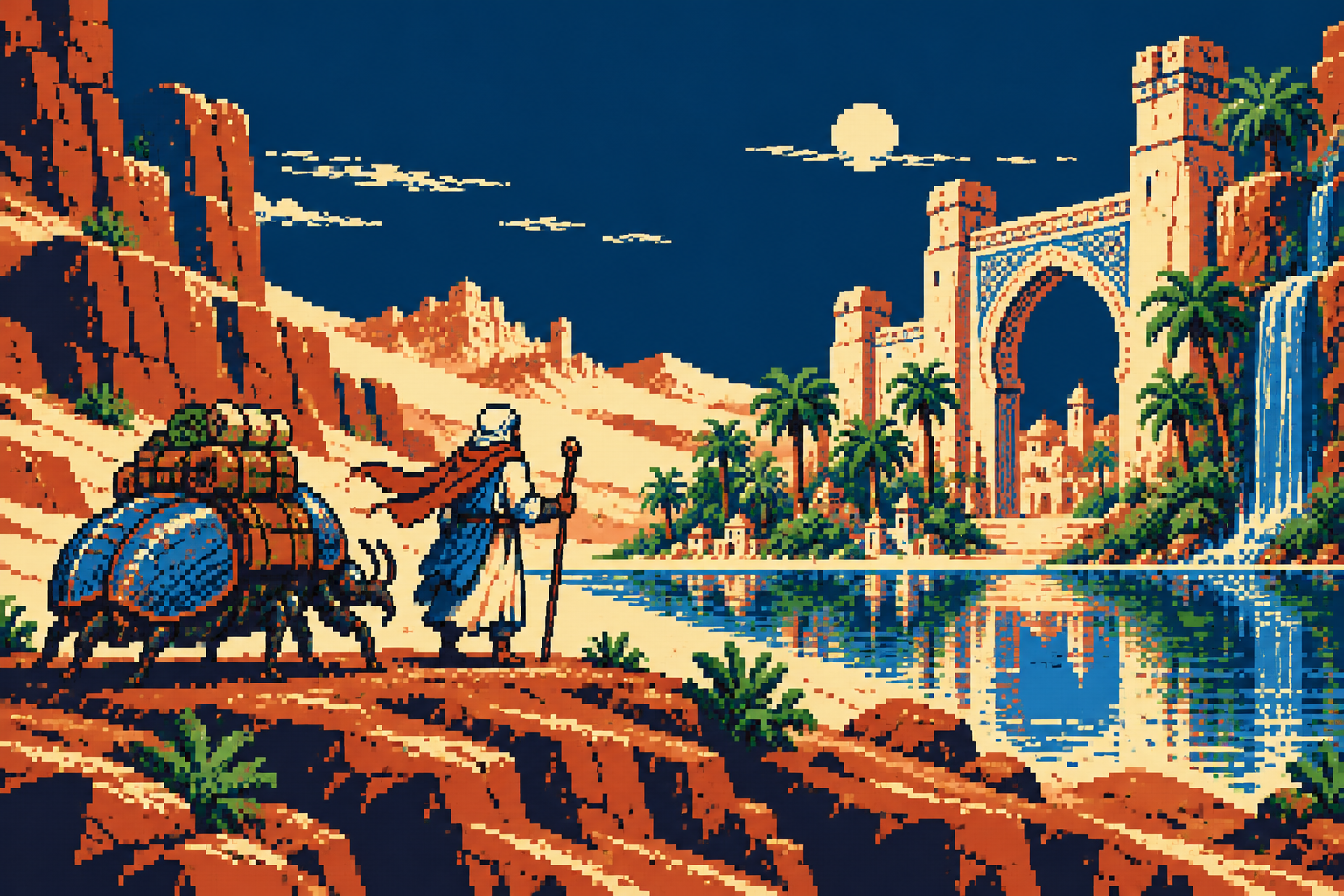
Create an original NES-inspired aqueduct scene from reusable stone, foliage and water tiles. Place one explorer against a quiet background and plan local palettes before texturing. No text.
Use one unique landmark to interrupt repetition.
Make the restriction visible
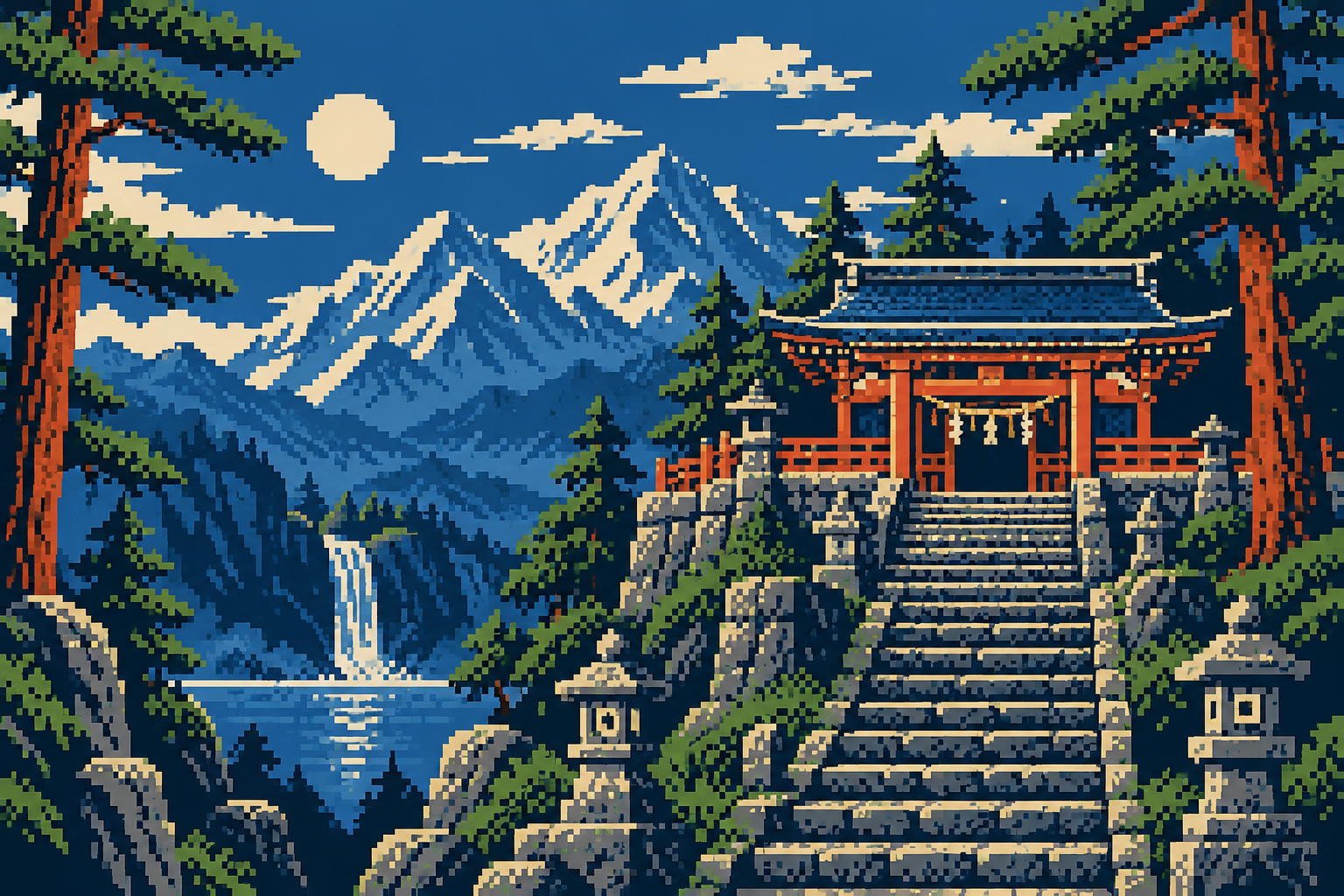
Design two versions of a small shrine: one planned around standard 16 by 16 background palette regions, one with unrestricted local colours. Keep the subject and viewpoint matched.
Use a tile-aware editor to verify the restricted version.
Your next inspiration
Discover another art style
Follow a visual thread to the next subject.
A smile from the studio
Jokes
A castle architect proudly announced that every brick was unique. The tile artist stared at the memory budget. By lunchtime the castle had four bricks, one exceptional door and an extensive backstory explaining its architectural discipline.