
Hardware-inspired aesthetic · Game Boy Pixel Art (DMG)
Four tones, a tiny screen, and an entire world that still has to make sense. Game Boy pixel art draws on the original monochrome handheld’s visual economy: readable silhouettes, compact tile-based scenery and carefully assigned light and dark values.
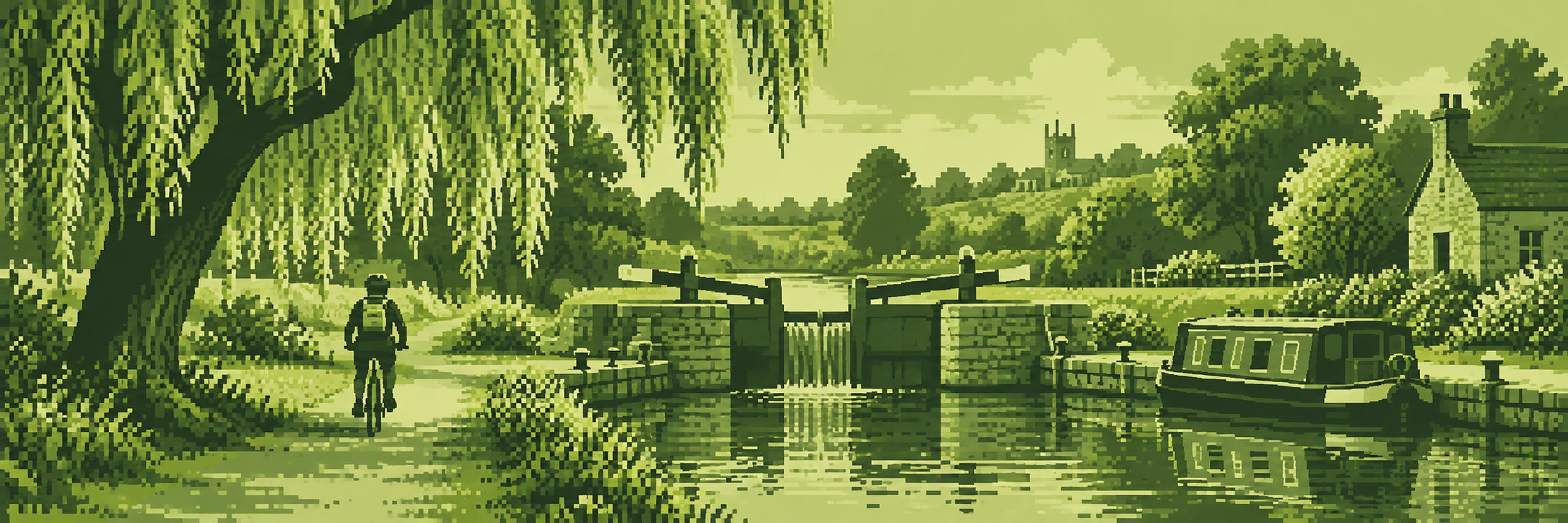
A visual introduction
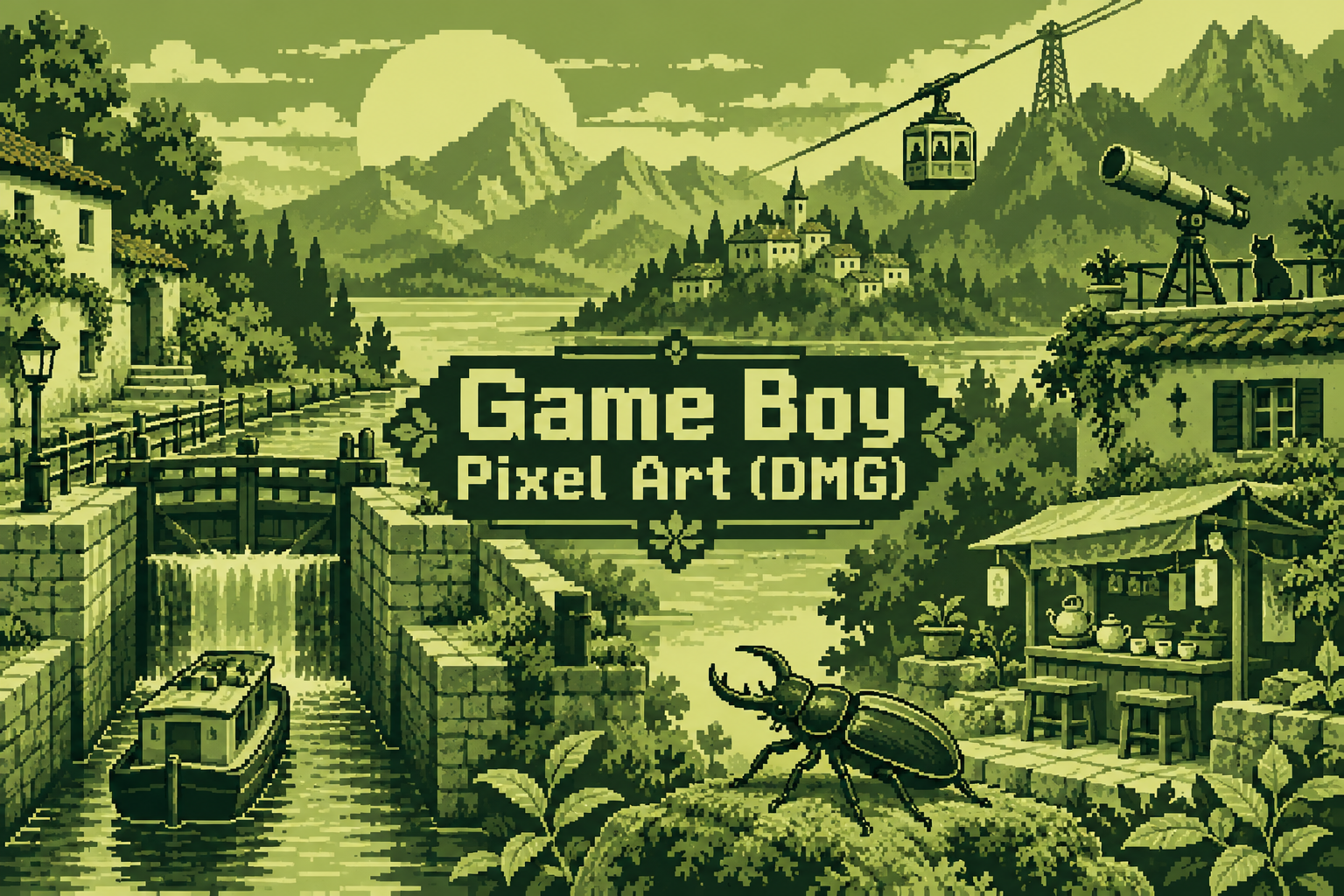
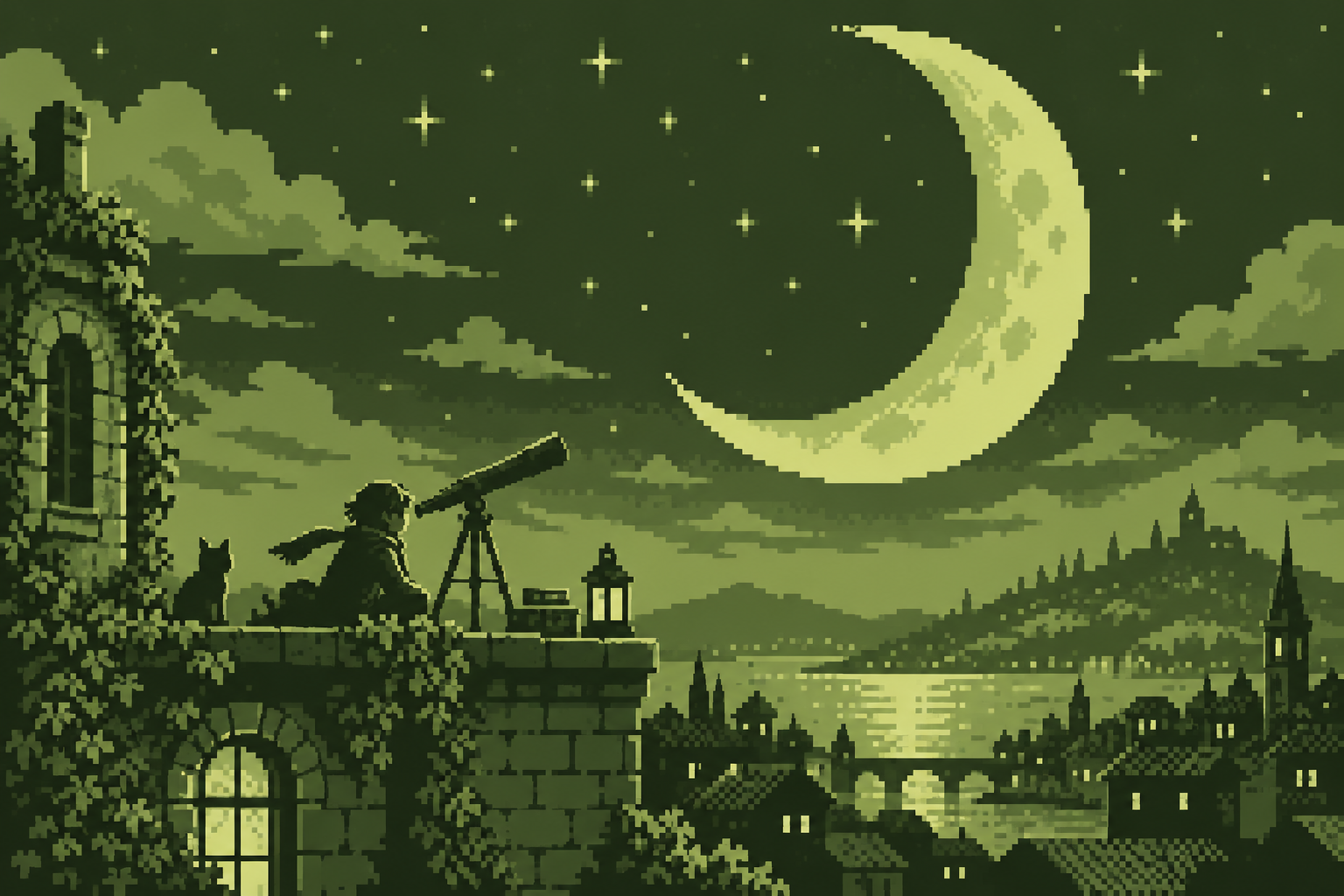
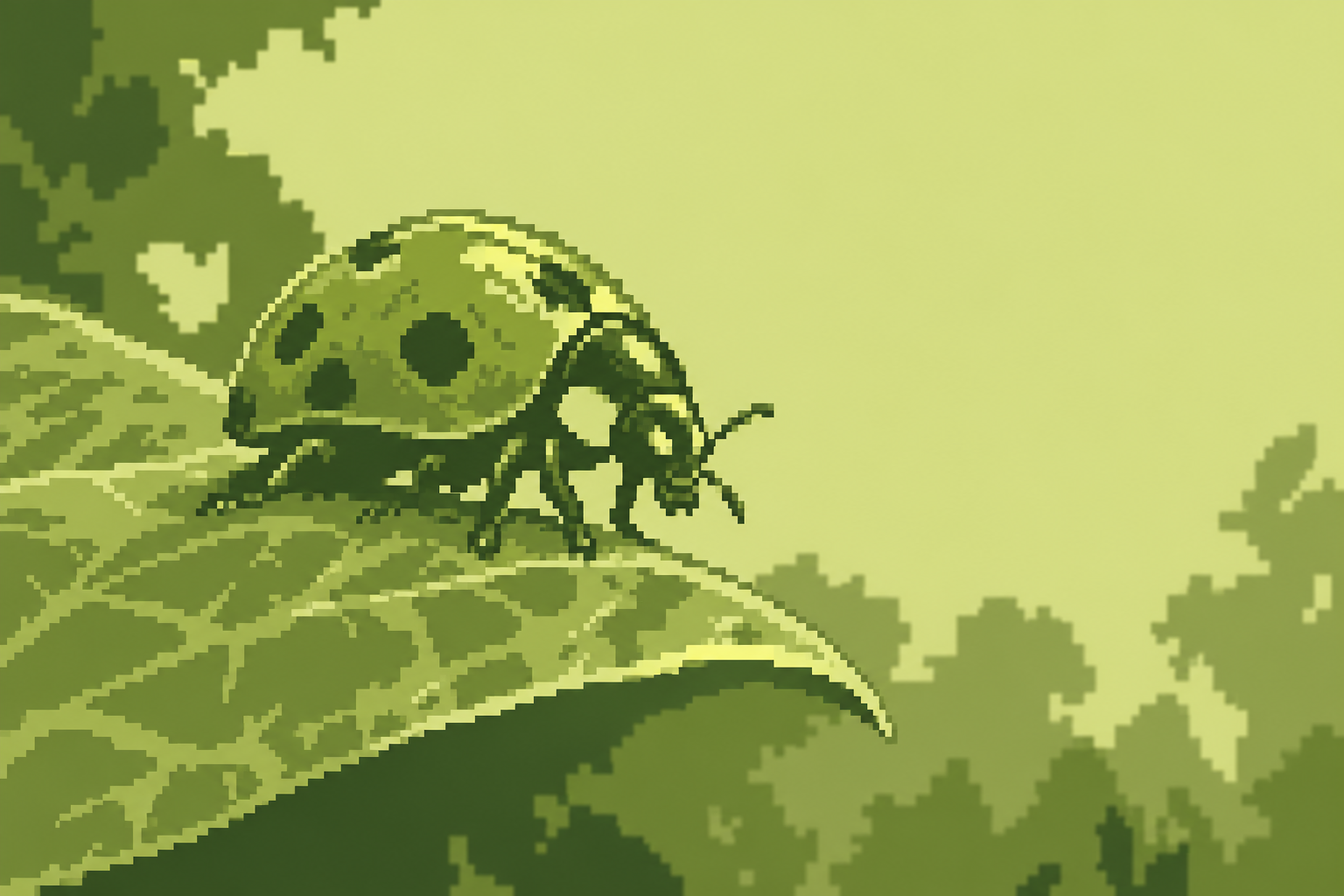
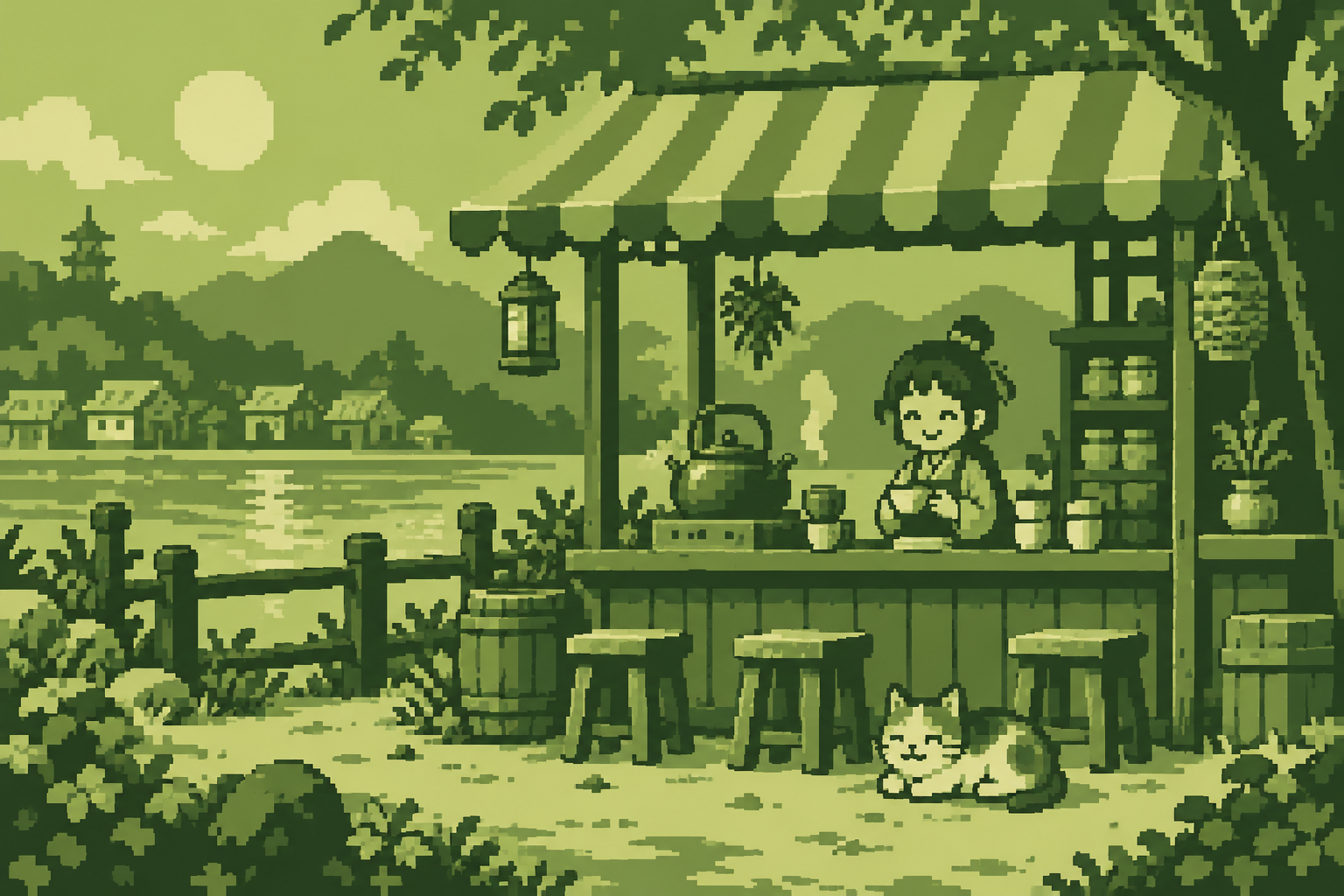
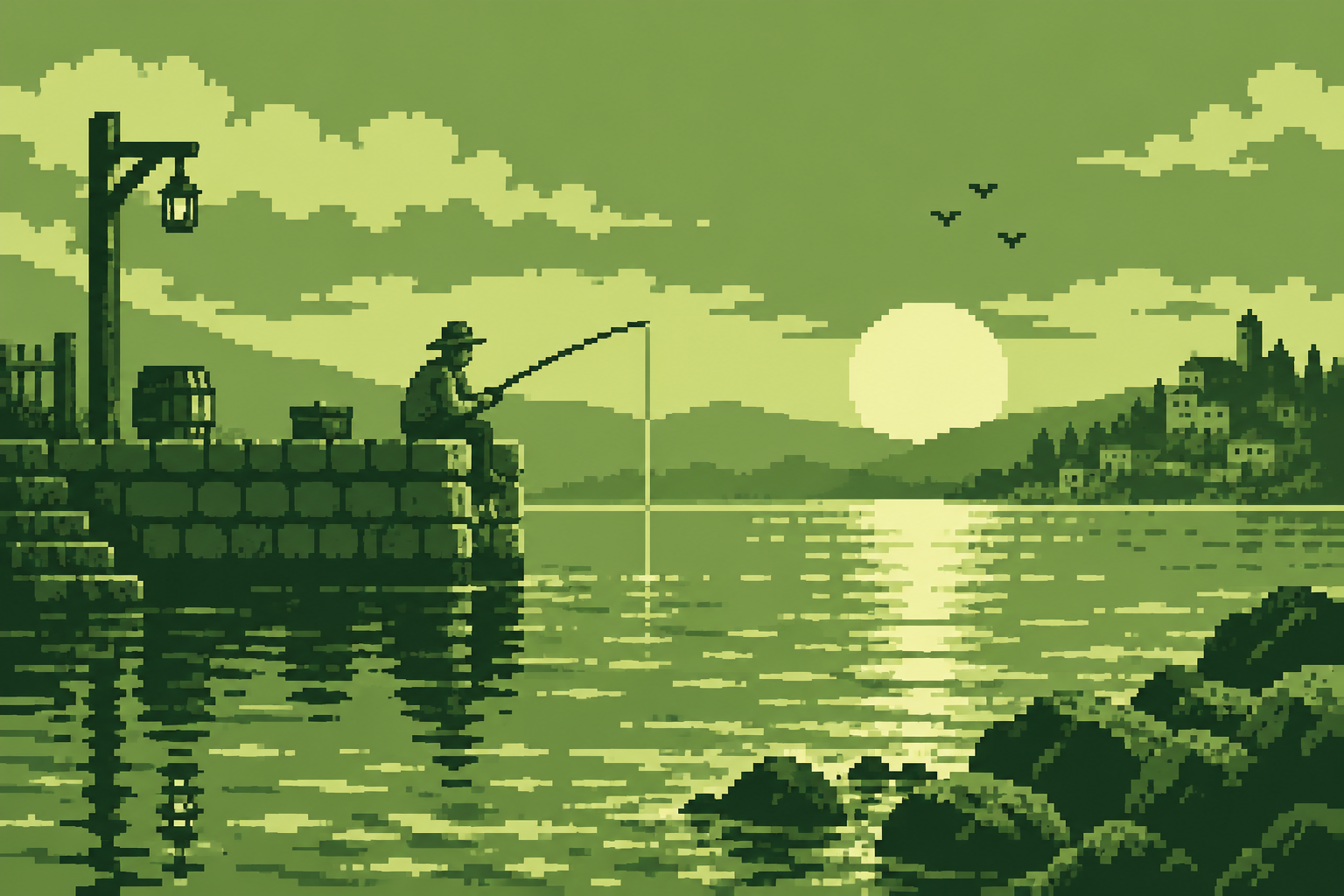
Seven original AI-generated interpretations: a dedicated banner, a centrally titled collage and five visual studies. These are contemporary illustrations, not historical game screenshots or certified hardware-ready assets.
Select an image for a closer look. Use the thumbnails, arrow keys or a swipe to compare examples. Zoom in to inspect details, or share the image that inspires you.
Creative toolbox · take this style further
Choose an input and a destination. Search sends your words to the chosen site; Copy & open puts them on your clipboard to paste there.
Create with AI
Turn your chosen input into an image prompt or a new creative direction.
ChatGPT
Copy your input and paste it into a ChatGPT conversation or image request.
Copy & open ChatGPT (new tab)Claude · Anthropic
Develop an image prompt or explore the style in a new Claude conversation.
Copy & open Claude · Anthropic (new tab)Midjourney
Paste your input into the Imagine bar on the Create page.
Copy & open Midjourney (new tab)Adobe Firefly
Copy your input, open Firefly, and paste it into the prompt field.
Copy & open Adobe Firefly (new tab)Leonardo.Ai
Copy your input, open Leonardo, and paste it into the generation field.
Copy & open Leonardo.Ai (new tab)Image search
Find visual references. Short, concrete keywords usually work best.
Lexica
Search AI images and prompts using your selected input.
Search with this input Lexica (new tab)Pexels
Search the photo and video library. Short keywords often work best.
Search with this input Pexels (new tab)Pixabay
Search photos, illustrations and other images.
Search with this input Pixabay (new tab)Unsplash
Search photographs using the style name or your own keywords.
Search with this input Unsplash (new tab)Wikimedia Commons
Search photographs, artworks and historical images. Check each file for its source and reuse terms.
Search with this input Wikimedia Commons (new tab)Art & research
Explore artists, collections and the ideas behind a style.
Wikipedia
Search for background reading. A style may not have its own article.
Search with this input Wikipedia (new tab)WikiArt
Copy your input into WikiArt’s search to explore artists and artworks.
Copy & open WikiArt (new tab)Europeana
Paste your keywords into the search to explore European museum, library and archive collections.
Copy & open Europeana (new tab)Inspiration
Discover portfolios and visual ideas from creative communities.
Instagram hashtags
Search a hashtag made from your input: spaces and punctuation are removed. Instagram may require sign-in.
Search with this input Instagram hashtags (new tab)ArtStation
Paste your input into artwork search for concept art, environments, characters and visual development.
Copy & open ArtStation (new tab)Behance
Paste your input into project search for illustration, design and visual storytelling.
Copy & open Behance (new tab)A closer look
Compact square clusters; four-tone value planning; clear figures against simpler backgrounds; an optional olive LCD presentation rather than a required green pigment.
A handheld tradition, not every green picture
Nintendo introduced the original Game Boy in 1989. DMG is the familiar model-family shorthand used to distinguish this monochrome hardware from Game Boy Color. Its display presents 160 by 144 pixels and four shades. The greenish appearance belongs to a particular display experience; grayscale or alternative display palettes can preserve the same value structure. A large green-tinted illustration does not automatically obey the original machine’s rules.
Give each tone a job
Begin with a small working canvas and four discrete values. Reserve the darkest for a figure or structural accents, the lightest for readable openings, and the middle pair for separating planes. Background tiles are 8 by 8 pixels; sprites use 8 by 8 or 8 by 16 arrangements, with a transparent colour index. An illustrator need not simulate an entire cartridge to learn from these constraints, but an actual game asset must also meet tile, sprite and memory rules. RGBDS and Pan Docs help bridge illustration and implementation.
Hard contours, gentle distance
The telescope and beetle studies need decisive silhouettes; the canal benefits from quieter distant buildings. Make a far plane gentler by reducing value contrast, rather than smearing its pixels. Dithering can suggest a transition using existing values, but excessive patterning competes with small faces and controls. Test recognition at the intended size before adding texture. Four shades are enough to describe light; they are not enough to rescue every overlapping shape.
Use the constraint honestly
This approach suits compact icons, game scenes, portable-scale storytelling and value studies. Generic 2-bit art describes four possible pixel values; the Game Boy reference adds a particular display, asset system and visual history. The AOI gallery offers contemporary interpretations at larger publication sizes, with illustrative tonal treatment; it is not a certified four-colour ROM asset pack. To target the hardware, rebuild or convert in a tile-aware editor, inspect the resulting palette and test on an emulator or device.
Positive editorial assessment · AI-authored
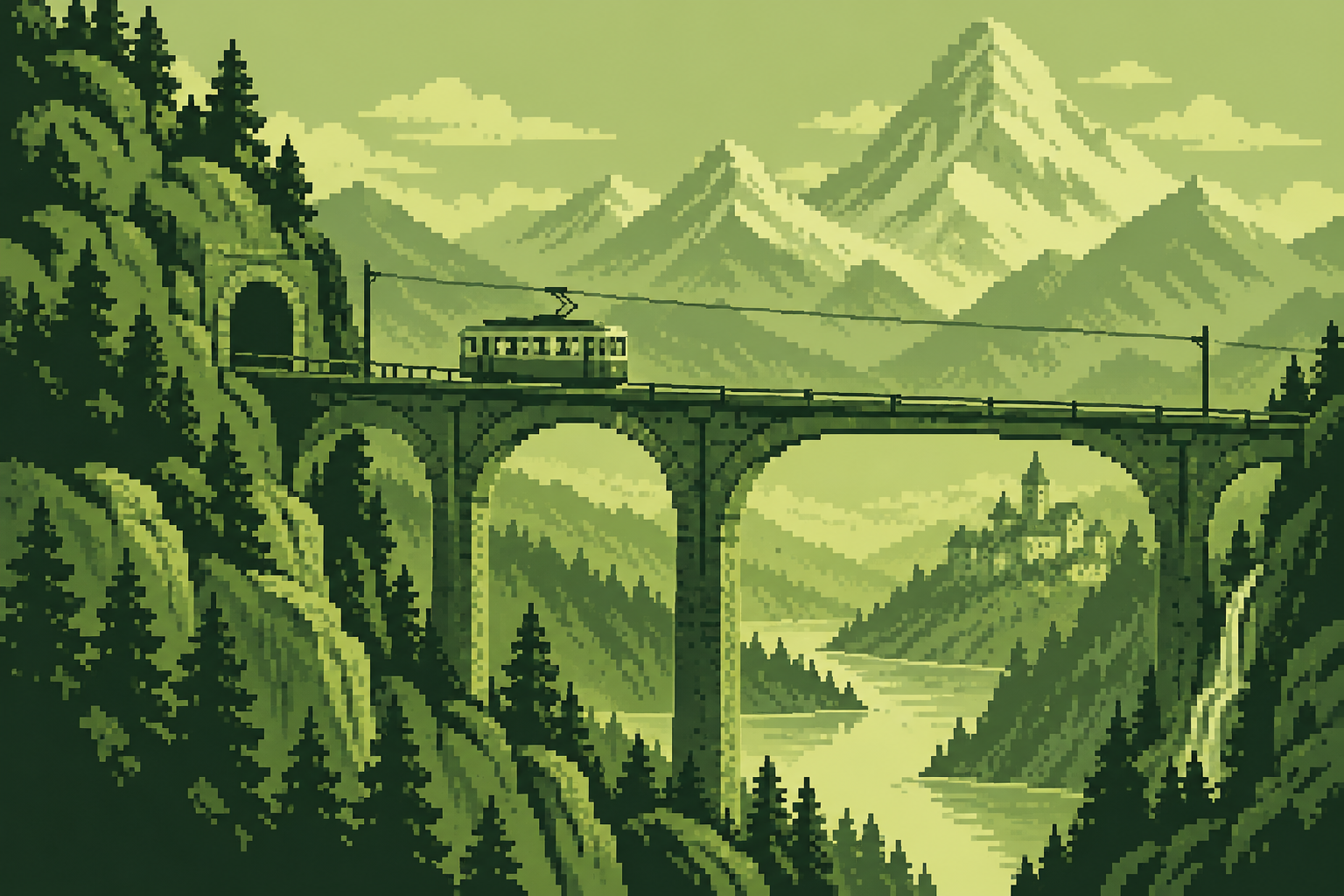
Strong value separation makes a small world readable before any detail is inspected. The tram’s dark horizontal shape against pale mountains shows how limited colour can strengthen composition rather than merely announce nostalgia.
Negative editorial assessment · AI-authored
The familiar green tint can become a shortcut that conceals weak pixel construction. Remove the tint in a draft, simplify busy scenery and check silhouettes. Hardware claims require actual palette and tile validation, not an attractive resemblance.
Neutral editorial assessment · AI-authored
This is a hardware-related aesthetic with a continuing illustration and homebrew practice. It overlaps monochrome and 2-bit work, while adding specific display and asset constraints. Larger generated studies are useful references, not ready-to-run game data.
A small poetic detour
Original words from the AOI studio.
Poetry
Four places for light
One shade guards the underside of stone,
one keeps the water separate from the quay.
A third gives every window light of its own;
the fourth leaves room for everything to be.
The train goes on beyond the little screen.
No extra colour tells us where it went.
We know the valley by the space between,
and call that small economy well spent.
The prompt workshop
Original creative exercises. These prompts create new illustrations, not documentary evidence.
Four values, one subject
Draw an original small beetle on a leaf using exactly four values on a 160 by 144 pixel canvas. Keep the beetle silhouette distinct from the leaf and reserve the lightest value for a small highlight. Enlarge with nearest-neighbour scaling. No text.
For hardware use, validate the resulting tiles and palette separately.
Build a handheld world
Create a Game Boy-inspired canal scene with a lock gate, cyclist and distant houses. Assign each of four tones a compositional job, simplify the background and keep the cyclist readable. Use deliberate square clusters.
Compare the image in green and grayscale; recognition should survive.
Test edge contrast
Make two small four-tone views of a mountain tram. In one, use hard dark outlines on every plane; in the other, reserve them for the tram and reduce distant contrast. Preserve the same geometry.
Compare depth without adding colours or blur.
Your next inspiration
Discover another art style
Follow a visual thread to the next subject.
A smile from the studio
Jokes
The art director asked for a sunset with twelve shades of gold. The handheld artist offered four greens. “Can you at least make it feel warm?” The artist put a kettle in the window. The director approved the scene, then requested steam with volumetric lighting. The kettle has since joined a union.