
Historical display mode · contemporary visual study
HAM makes colour depend on what came immediately before it. That small technical bargain gives Amiga imagery its particular tension: generous tonal colour, visible pixels and edges that sometimes negotiate their way into the next shade. The strongest interpretations understand the bargain before adding the nostalgia.
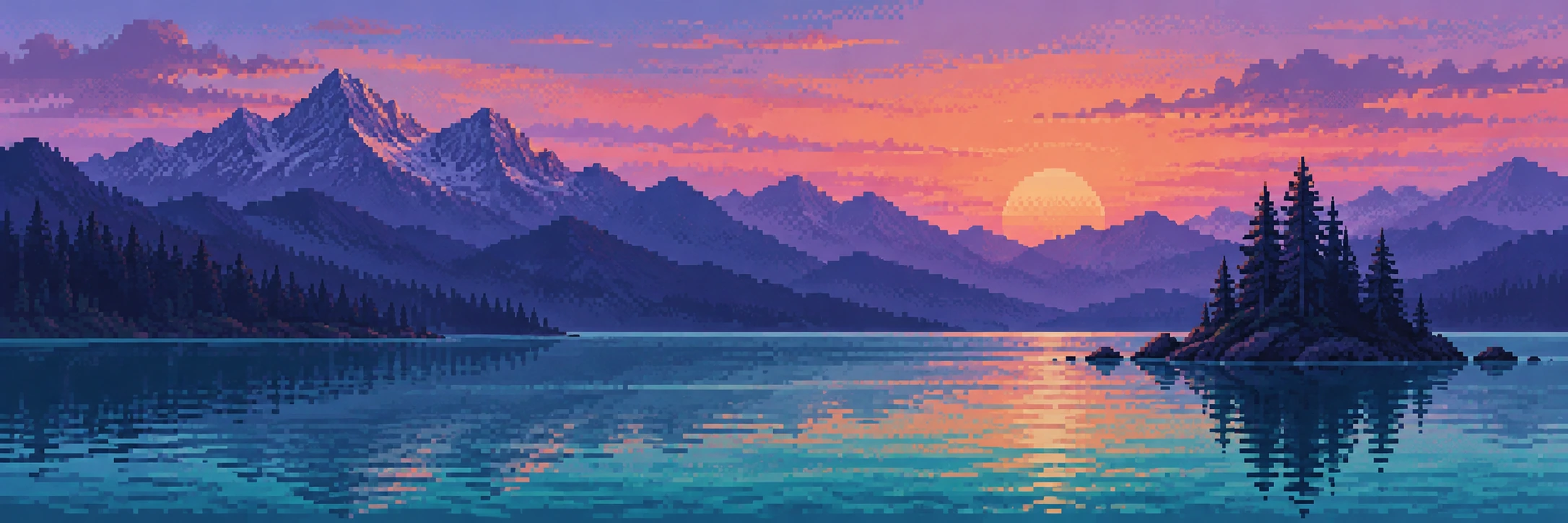
A visual introduction
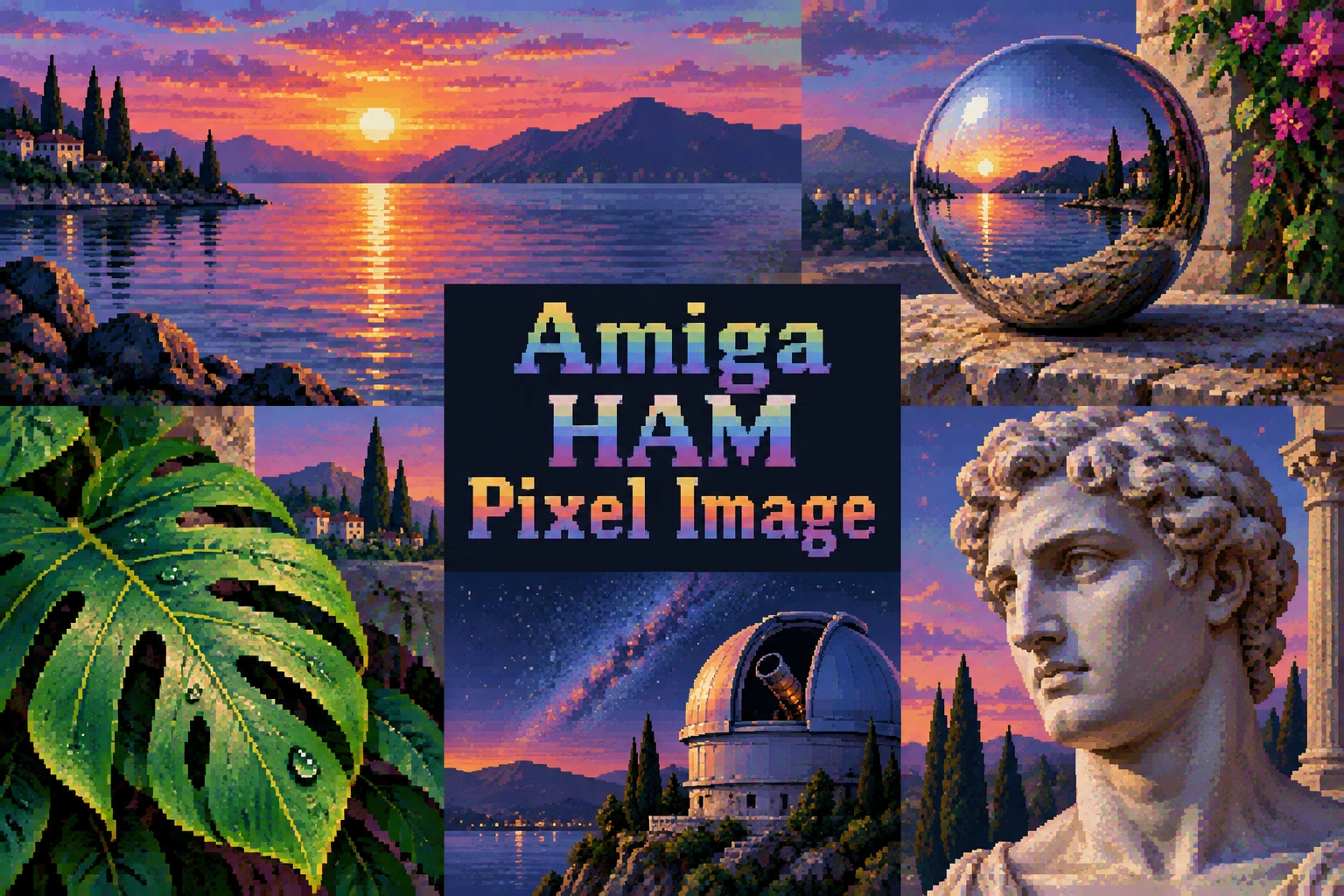
Seven original AI-generated interpretations: a dedicated banner, a centrally titled collage and five standalone studies. Captions identify the subject and distinguish these illustrations from historical or practitioner-made works.
Select an image for a closer look. Use the thumbnails, arrow keys or a swipe to compare examples. Zoom in to inspect details, or share the image that inspires you.

Creative toolbox · take this style further
Choose an input and a destination. Search sends your words to the chosen site; Copy & open puts them on your clipboard to paste there.
Create with AI
Turn your chosen input into an image prompt or a new creative direction.
ChatGPT
Copy your input and paste it into a ChatGPT conversation or image request.
Copy & open ChatGPT (new tab)Claude · Anthropic
Develop an image prompt or explore the style in a new Claude conversation.
Copy & open Claude · Anthropic (new tab)Midjourney
Paste your input into the Imagine bar on the Create page.
Copy & open Midjourney (new tab)Adobe Firefly
Copy your input, open Firefly, and paste it into the prompt field.
Copy & open Adobe Firefly (new tab)Leonardo.Ai
Copy your input, open Leonardo, and paste it into the generation field.
Copy & open Leonardo.Ai (new tab)Image search
Find visual references. Short, concrete keywords usually work best.
Lexica
Search AI images and prompts using your selected input.
Search with this input Lexica (new tab)Pexels
Search the photo and video library. Short keywords often work best.
Search with this input Pexels (new tab)Pixabay
Search photos, illustrations and other images.
Search with this input Pixabay (new tab)Unsplash
Search photographs using the style name or your own keywords.
Search with this input Unsplash (new tab)Wikimedia Commons
Search photographs, artworks and historical images. Check each file for its source and reuse terms.
Search with this input Wikimedia Commons (new tab)Art & research
Explore artists, collections and the ideas behind a style.
Wikipedia
Search for background reading. A style may not have its own article.
Search with this input Wikipedia (new tab)WikiArt
Copy your input into WikiArt’s search to explore artists and artworks.
Copy & open WikiArt (new tab)Europeana
Paste your keywords into the search to explore European museum, library and archive collections.
Copy & open Europeana (new tab)Inspiration
Discover portfolios and visual ideas from creative communities.
Instagram hashtags
Search a hashtag made from your input: spaces and punctuation are removed. Instagram may require sign-in.
Search with this input Instagram hashtags (new tab)ArtStation
Paste your input into artwork search for concept art, environments, characters and visual development.
Copy & open ArtStation (new tab)Behance
Paste your input into project search for illustration, design and visual storytelling.
Copy & open Behance (new tab)A closer look
Rich stepped colour ramps, deliberate pixel clusters, dithered transitions, clear silhouettes and occasional horizontal colour carry; broad tonal passages coexist with visibly constructed edges.
What the name means
Amiga HAM Pixel Image is a descriptive label for imagery associated with the Amiga’s Hold-And-Modify display mode. It is a technical reference with aesthetic consequences, rather than a formally declared art movement. Here the emphasis is on the original six-bit form, commonly called HAM6. A modern image can borrow the look without being encoded for an Amiga, but those two achievements should be described separately. The AOI gallery consists of newly generated visual studies, not hardware captures or executable Amiga image files.
The useful starting point is a relationship between abundance and economy. Large coloured surfaces suggest depth and atmosphere, while a sharply stepped contour reminds us that the picture has been assembled from discrete decisions. This is why a well-judged sky beside a dark roof can be more convincing than a frame crammed with tiny rainbow details. A computer-era aesthetic still needs composition; an old-looking limitation is not a substitute for one.
The colour rule, with a small example
The AmigaOS documentation describes six bitplanes and sixteen directly selectable base colours. Each pixel either selects a base colour or retains the preceding pixel’s colour while replacing one red, green or blue component with a four-bit value. The available colour space contains 4,096 colours, but every pixel cannot independently select any of them. The beginning of each line uses the background colour as its starting state; it does not inherit the end of the previous line.
For example, start with RGB values (15, 0, 0). Replacing blue with 15 produces magenta; replacing red with 0 next produces blue. A direct base-colour selection can jump immediately to its stored colour. This dependency explains why a difficult transition can require intermediate colours. Dithering is a separate image-making choice, not the definition of HAM. Nor is HAM the same as Extra-Half-Brite, which adds half-intensity versions of a base palette.
Build the picture before decorating the pixels
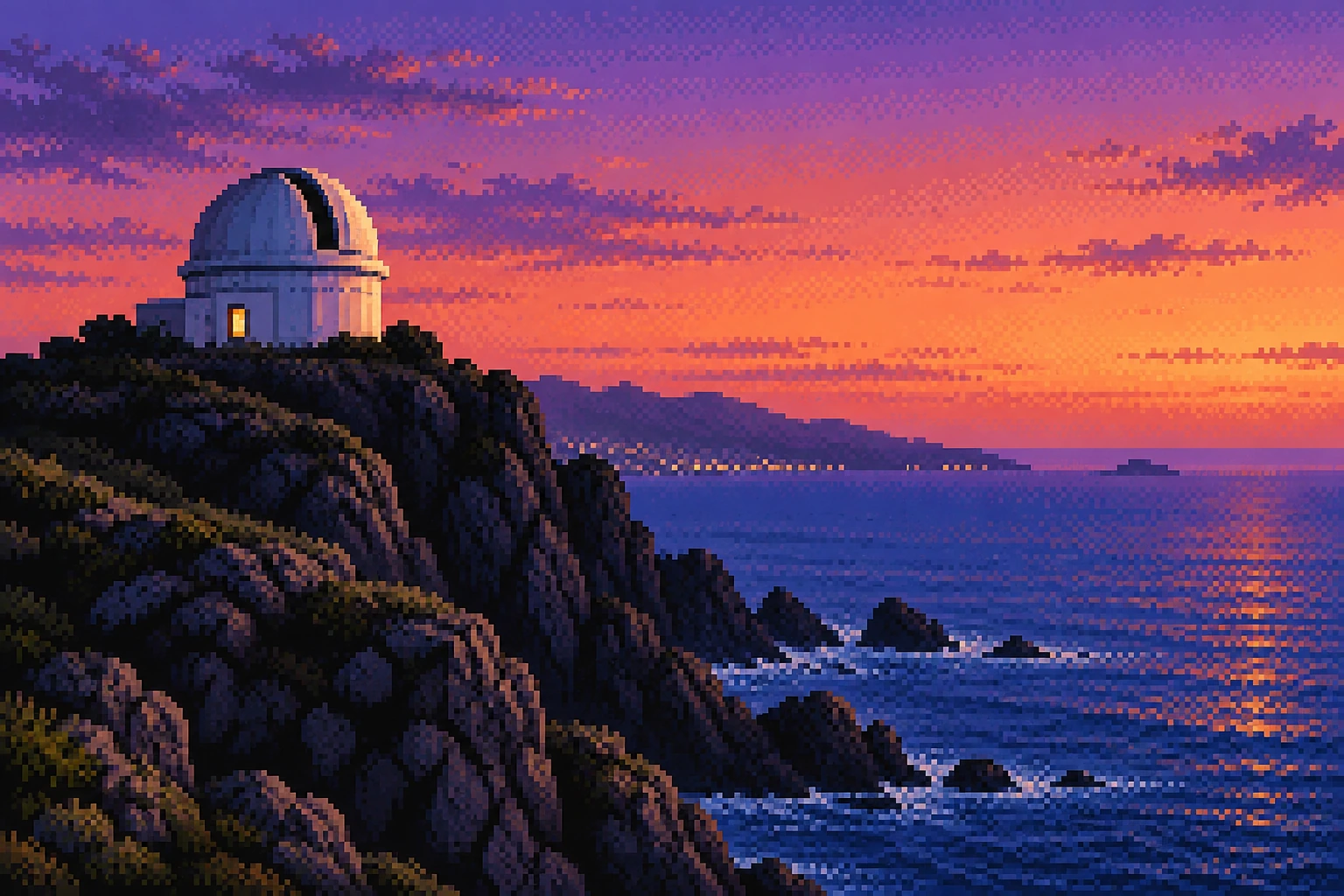
Begin with three readable value groups: a dark structure, a middle-distance mass and a lighter field. Reduce the composition mentally to a thumbnail. The observatory study, for instance, gives the small white dome a clear silhouette against a broad evening sky; the cliff supplies weight and the open water supplies breathing room. If all three regions were equally busy, no amount of careful dithering would rescue the hierarchy.
Choose clusters that describe a surface. A stair-step along a roof belongs to the outline; a checker pattern in a sky belongs to a transition. Neither should spread indiscriminately across the entire picture. Keep a few quiet areas where a single colour or broad ramp can settle. A helpful editing exercise is to remove half the isolated bright pixels and see whether the image becomes clearer. Detail earns its place by describing something.
Colour, dithering and the temptation of the glitch
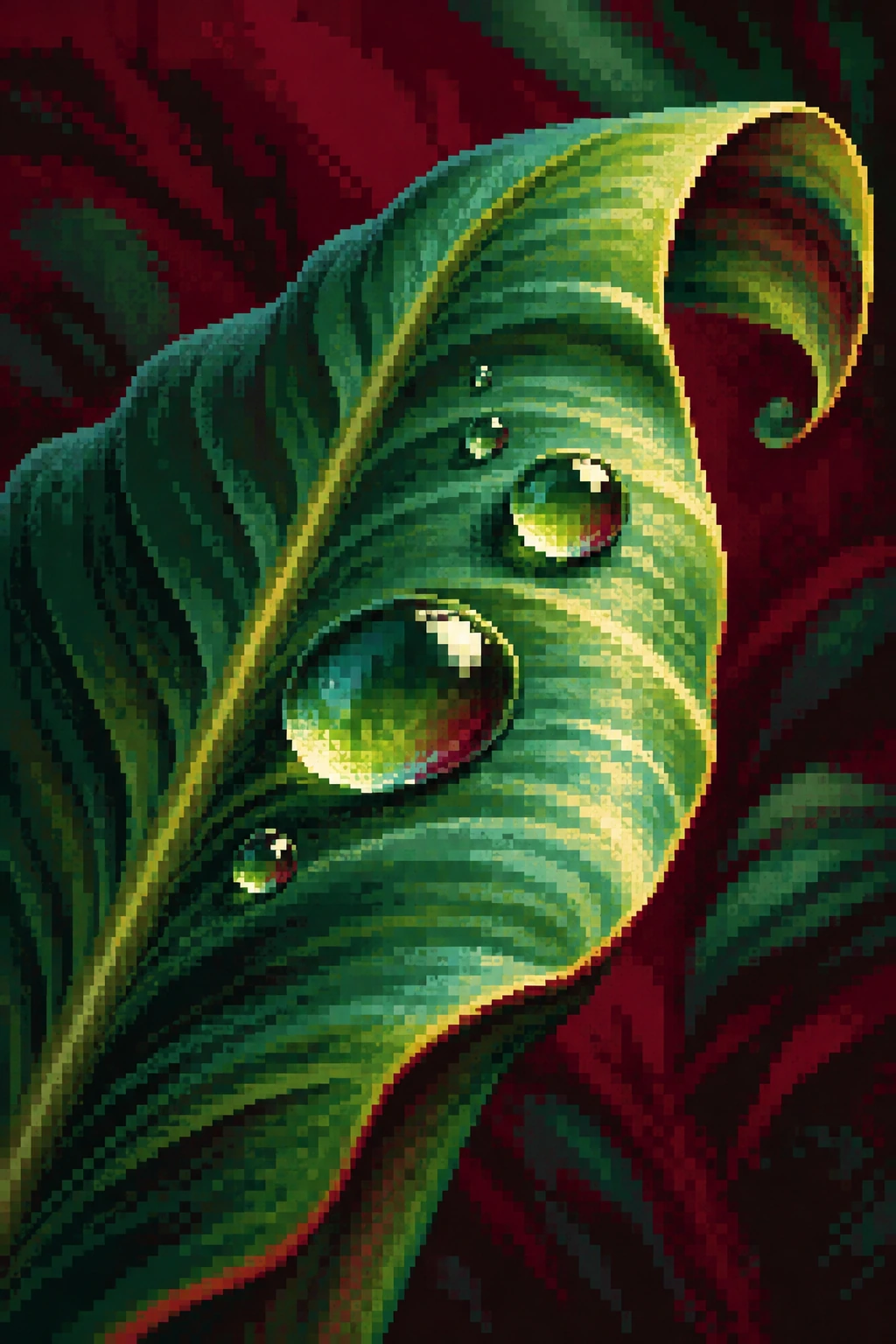
A useful contemporary palette has internal relationships: violet shadows that lead towards peach light, or deep teal that turns gradually towards pale green. Select one luminous accent and make the surrounding colours support it. In the still life, the orange and chrome sphere create different kinds of brightness; the cloth gives both somewhere to stop. In the leaf study, the dark burgundy field makes the green curve legible without requiring a neon outline.
Treat horizontal colour carry as a specific visual possibility, not a universal damage filter. Broad rainbow smears across every edge obscure the subject and teach the wrong lesson. Likewise, a CRT bezel, scanline overlay or exaggerated bloom may evoke old equipment, but none demonstrates HAM encoding. These studies prioritize pixel construction and tonal relationships. A different project could explore display photography, provided it identifies that additional layer honestly.
Five studies, five decisions
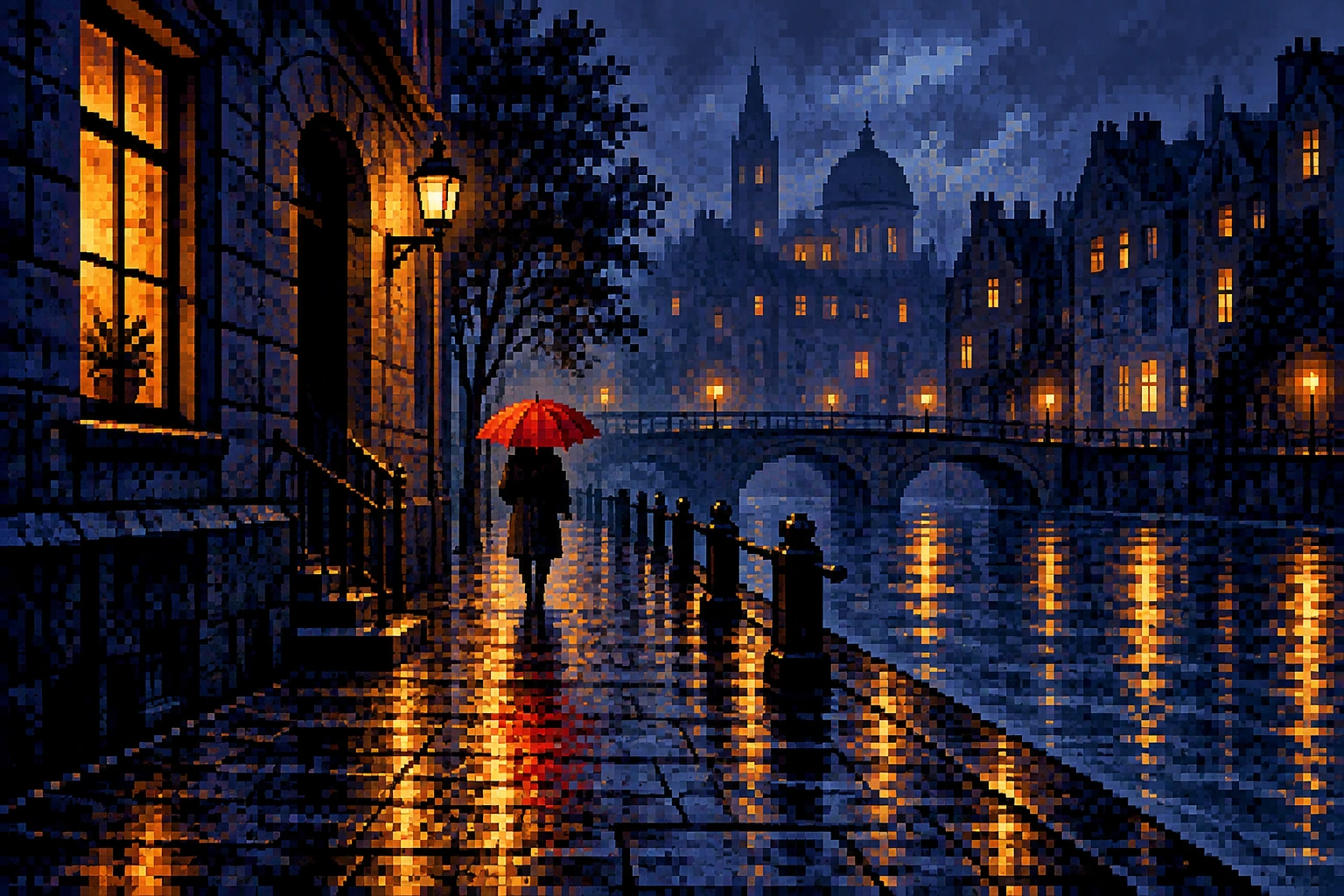
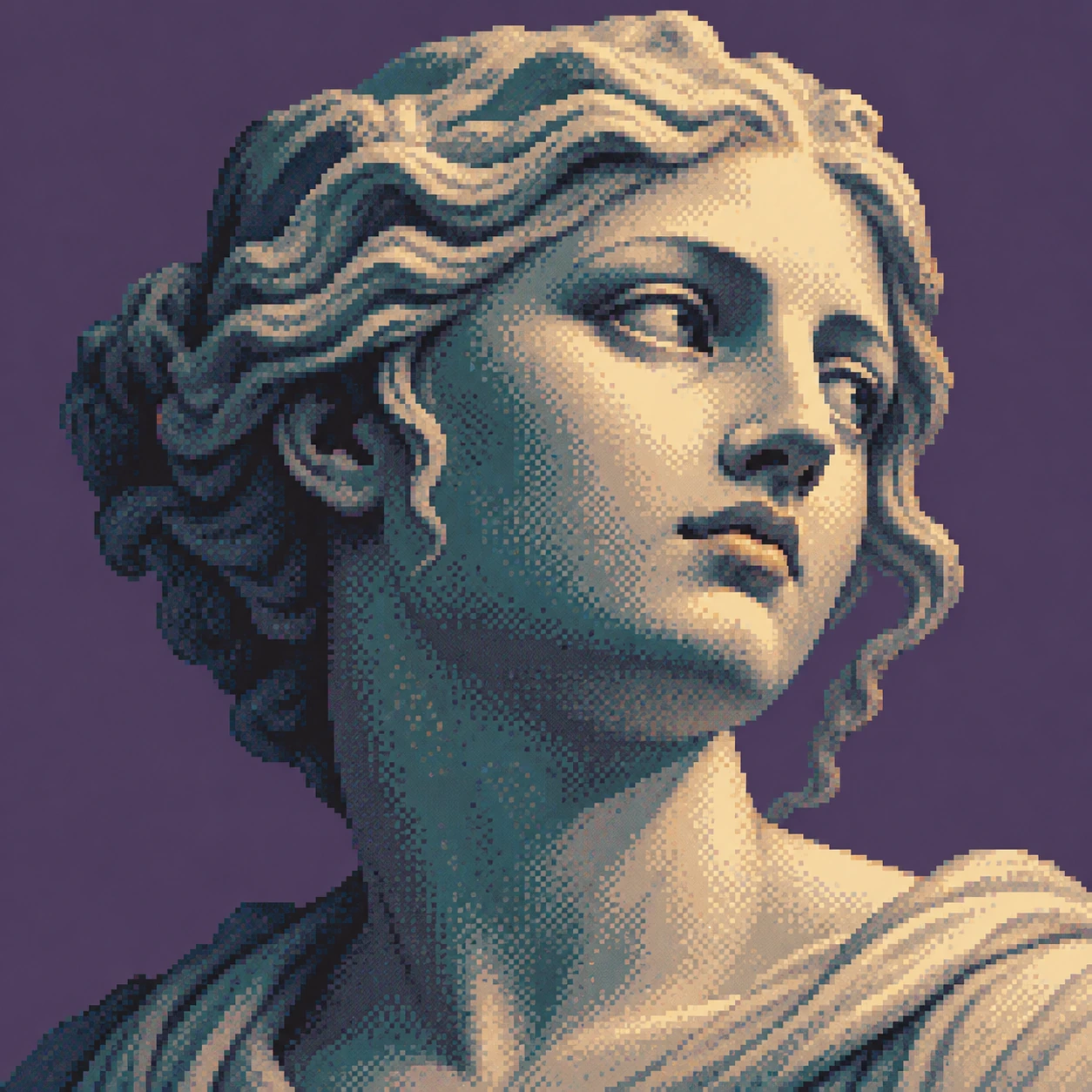
The observatory tests a small architectural form against atmospheric colour. The sphere and fruit test metallic reflection beside a matte surface. The curled leaf tests a diagonal close-up with concentrated highlights. The rainy street gives a tiny red umbrella the task of organizing a much darker scene. The plaster head asks whether a few warm and cool clusters can describe a face without smoothing away the pixel structure. Their shared visual language should survive these changes of subject.
Compare the studies at full size and at the size at which they will be published. A texture can be attractive close up and collapse into noise when reduced. Look for a continuous silhouette, a clear light source and a sensible distribution of the brightest marks. The generated images sometimes suggest more resolution or freer colour changes than historical hardware would permit. That is a limit of the illustration, not an undocumented feature of the Amiga.
Practical use and a stricter authenticity test
This approach can serve a retro-computing essay, a record-cover illustration, an atmospheric game concept or a study of constrained digital colour. State the intended use in the brief. A decorative cover can make selective visual references; a technical demonstration needs a valid encoded image and a documented display path. Do not let the same caption stand in for both. For actual hardware work, retain the source image, chosen mode, palette, conversion settings and a verified result from the intended machine or emulator.
For image generation, ask for visible clusters, a restrained colour progression and one dominant compositional idea. Then inspect the result rather than accepting “Amiga” in the prompt as proof. Random blocks, smooth airbrushed faces and indiscriminate chromatic fringes all weaken the claim. The interesting creative problem is how much atmosphere can emerge from carefully organized marks. Nostalgia is welcome; it should bring its working notes.
Positive editorial assessment · AI-authored
The strongest HAM-inspired image makes constrained colour feel generous. In the observatory study, a compact pale dome stands against a much larger sky; the tonal steps become part of the atmosphere rather than an obstacle to it. The still life offers another strength: the same visible clusters can describe cold metal and warm fruit through their placement. This approach rewards intentional grouping. Its pleasure comes from seeing both the depicted world and the small decisions that constructed it.
Negative editorial assessment · AI-authored
The weakest version adds square noise to an otherwise conventional digital painting and calls the result historical. Uniform checkerboard texture, arbitrary rainbow fringes and smooth areas with decorative pixels around them make the claim unconvincing. Even an attractive generated study can overpromise technical authenticity. Improve it by simplifying the value structure, giving different materials different cluster patterns and stating exactly what was tested. If hardware accuracy is the point, visual resemblance alone is insufficient.
Neutral editorial assessment · AI-authored
HAM is a display mechanism; HAM-inspired illustration is a broader creative category. The latter can communicate constrained digital colour effectively without reproducing the former. It is suitable for visual essays, atmospheric imagery and comparative studies, while technical demonstrations require actual encoding and playback verification. The AOI set is best read as five compositional experiments around a historical reference, not as evidence of what a particular Amiga configuration will display.
Pocket-sized facts
HAM means Hold-And-Modify.
HAM6 colour selection depends partly on the preceding pixel.
The gallery illustrates an aesthetic; it is not a set of validated HAM files.
Examples worth exploring
The AmigaOS graphics documentation provides the technical reference for this article; the AOI images are separate contemporary studies.
A small poetic detour
Original words from the AOI studio.
Poetry
Ode to the Pixel on My Left
I borrow dusk from the square beside me,
keep its red, let blue arrive.
A coast appears by small permissions;
a narrow band of light comes alive.
The mountain climbs in measured notches.
The lake repeats a broken star.
What looks like distance from the doorway
is patient counting from where we are.
At each new line the night starts over;
the far edge cannot send it news.
We build a sky from local choices,
from what we keep and what we lose.
No endless paint, no seamless weather—
just borrowed colour, placed with care.
One pixel asks its left-hand neighbour,
and suddenly the sea is there.
The prompt workshop
Original creative exercises. These prompts create new illustrations, not documentary evidence.
Start simple: a dome against dusk
Create an original HAM-inspired pixel illustration of a small white observatory above a cobalt sea at dusk. Use coherent chunky pixel clusters, stepped violet-to-peach sky colours, crisp silhouettes and selective dithering. Give the sky generous space. No text, CRT frame or smooth airbrushed surfaces.
An aesthetic study only; this prompt cannot certify valid HAM encoding.
Build a richer still life
Create an original retro pixel still life with a reflective chrome sphere, one orange and folded teal cloth against cobalt. Distinguish mirrored highlights from matte fruit and cloth. Use rich stepped colour ramps, controlled dithering and deliberate stair-step edges. Keep the objects readable at small size.
Judge surface differences before adding extra colours.
Experiment: one difficult colour boundary
Create a close pixel study of a curled green leaf against burgundy. Put a few large dew highlights along its curve. Explore a subtle horizontal colour transition at one high-contrast edge while keeping the remainder disciplined and legible. No global glitch filter or lettering.
Use the result to discuss edge behaviour, without presenting it as a measured hardware experiment.
Your next inspiration
Discover another art style
Follow a visual thread to the next subject.

A smile from the studio
Jokes
A small comedy of colour management
The art director asked a HAM pixel to become turquoise immediately.
“I can use a palette colour,” said the pixel, “or change one component of what my neighbour is already doing.”
“Fine. Ask your neighbour.”
The neighbour referred the request one pixel to the left. Three consultations later, the art director announced that the studio had accidentally invented a committee.
The background colour objected: “We already have a committee. We simply start a fresh one on every line.”
Management called this agile. The artist called it a colour fringe and moved the highlight.