
Pixel-art approach · Animated Pixel Art
Animated pixel art adds time to deliberate pixel construction. A held pose, a sudden change of spacing or a single shifting highlight can matter more than a large frame count.
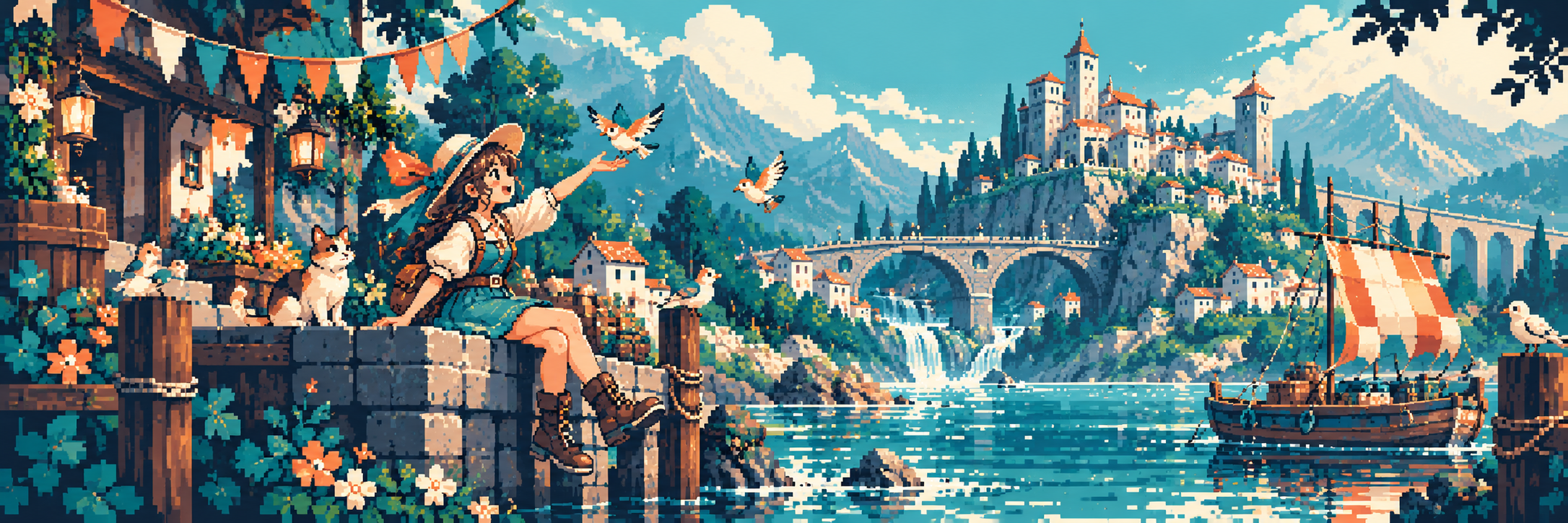
A visual introduction
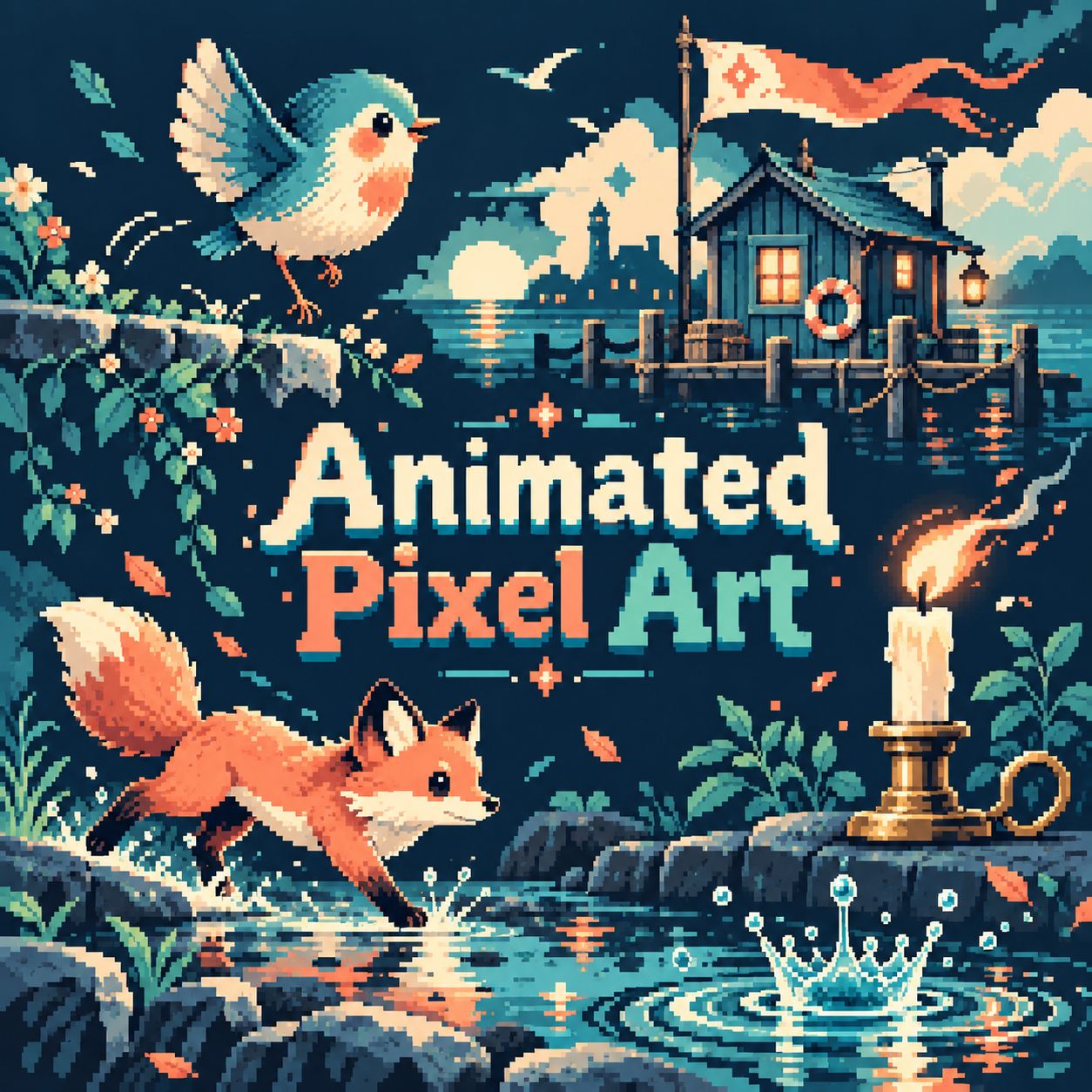
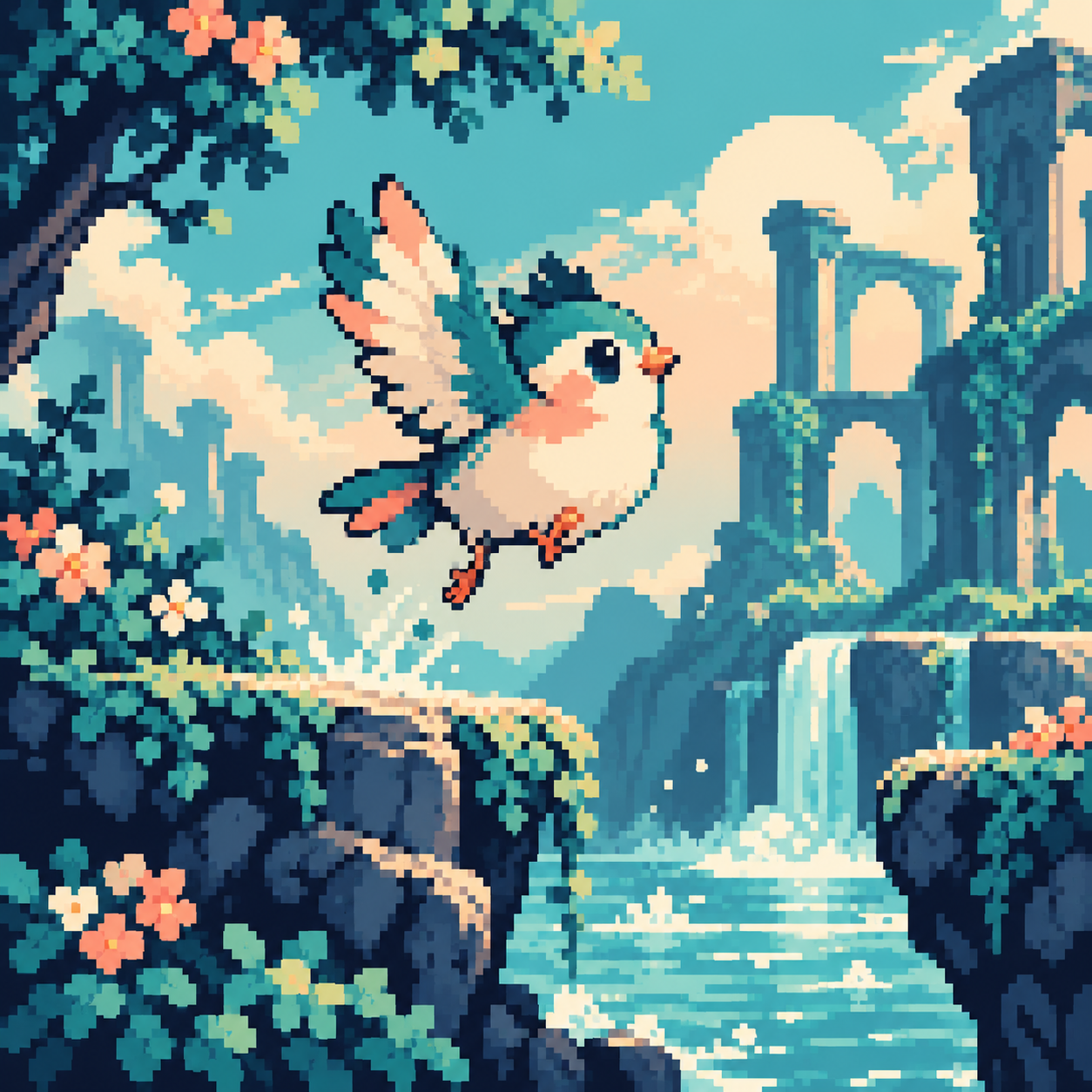
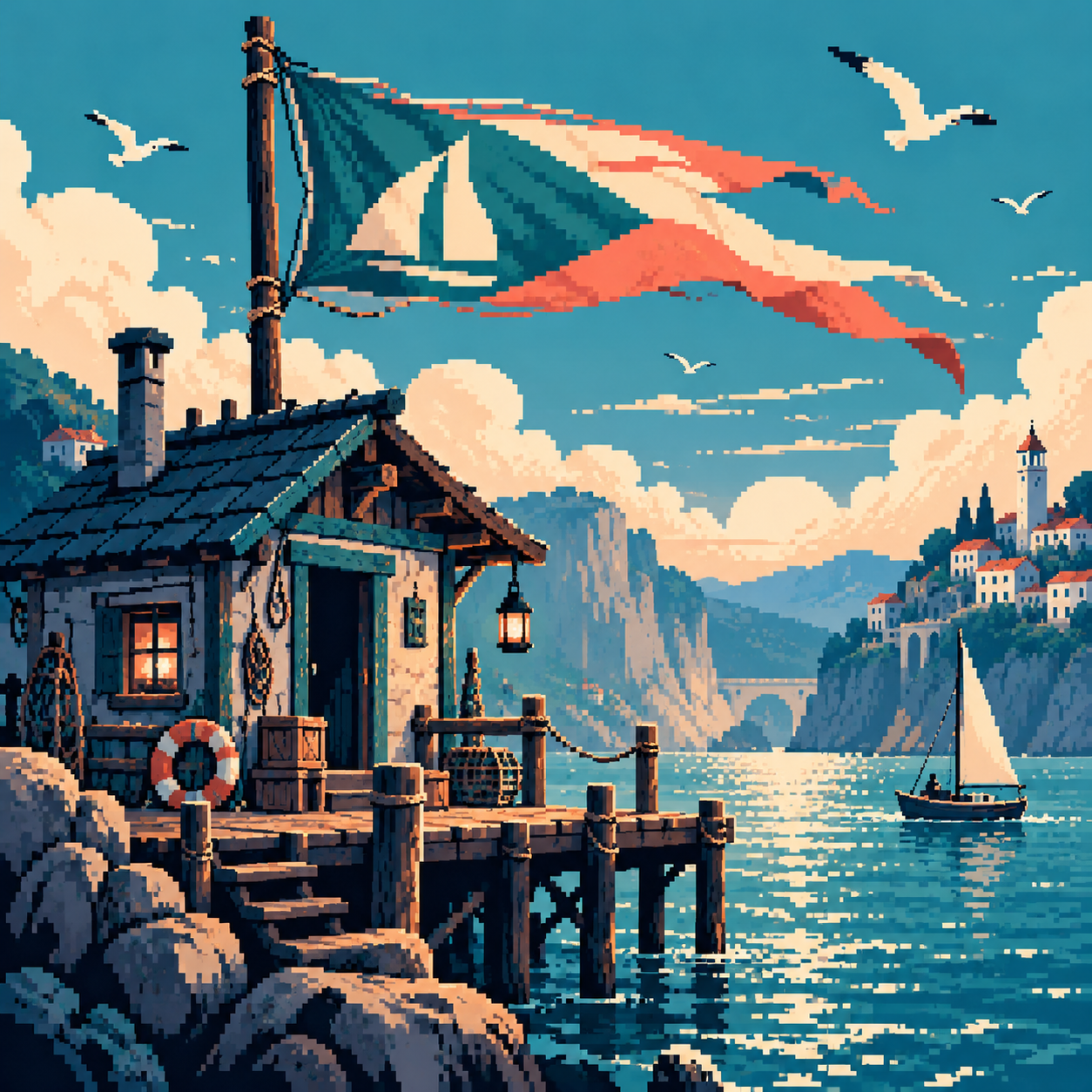
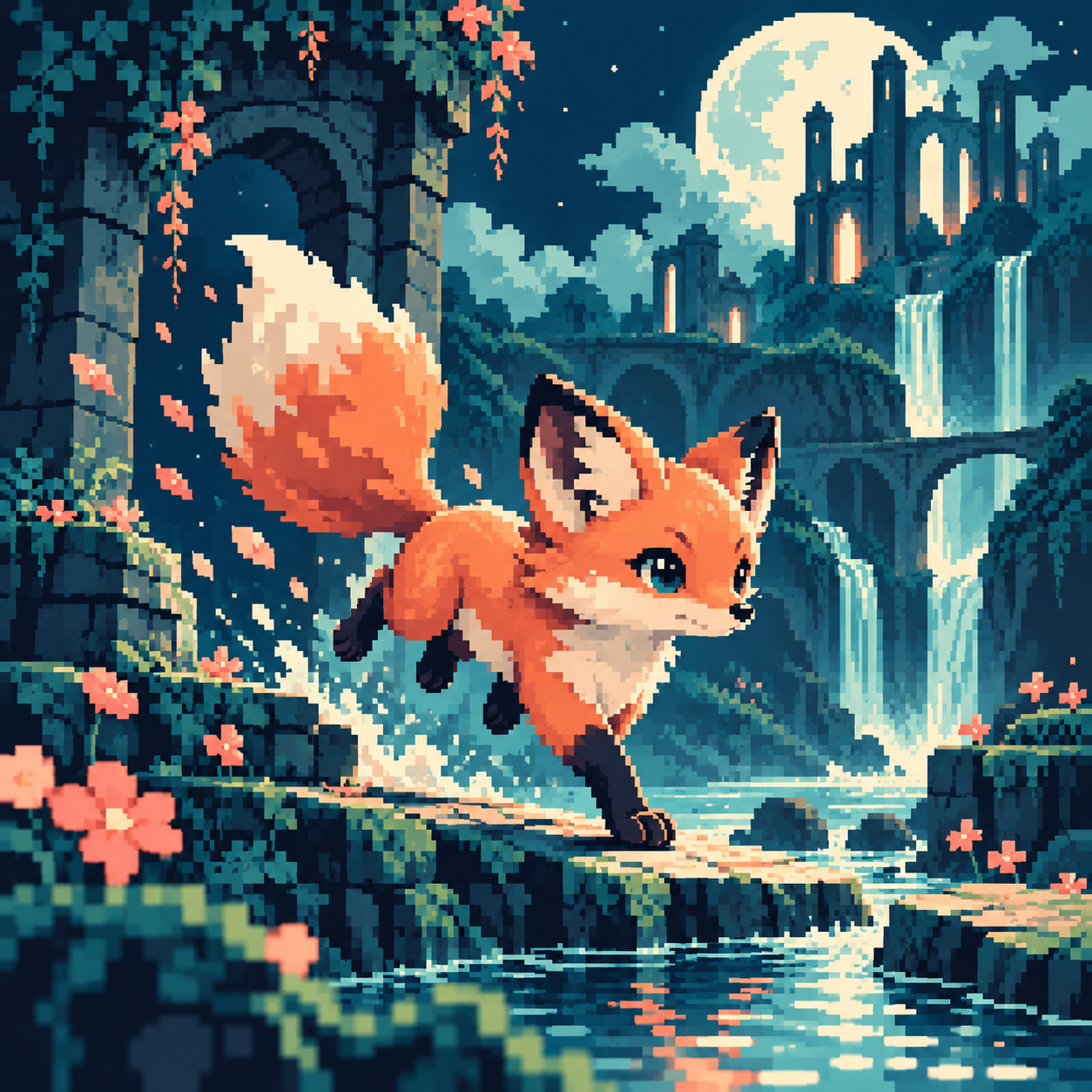
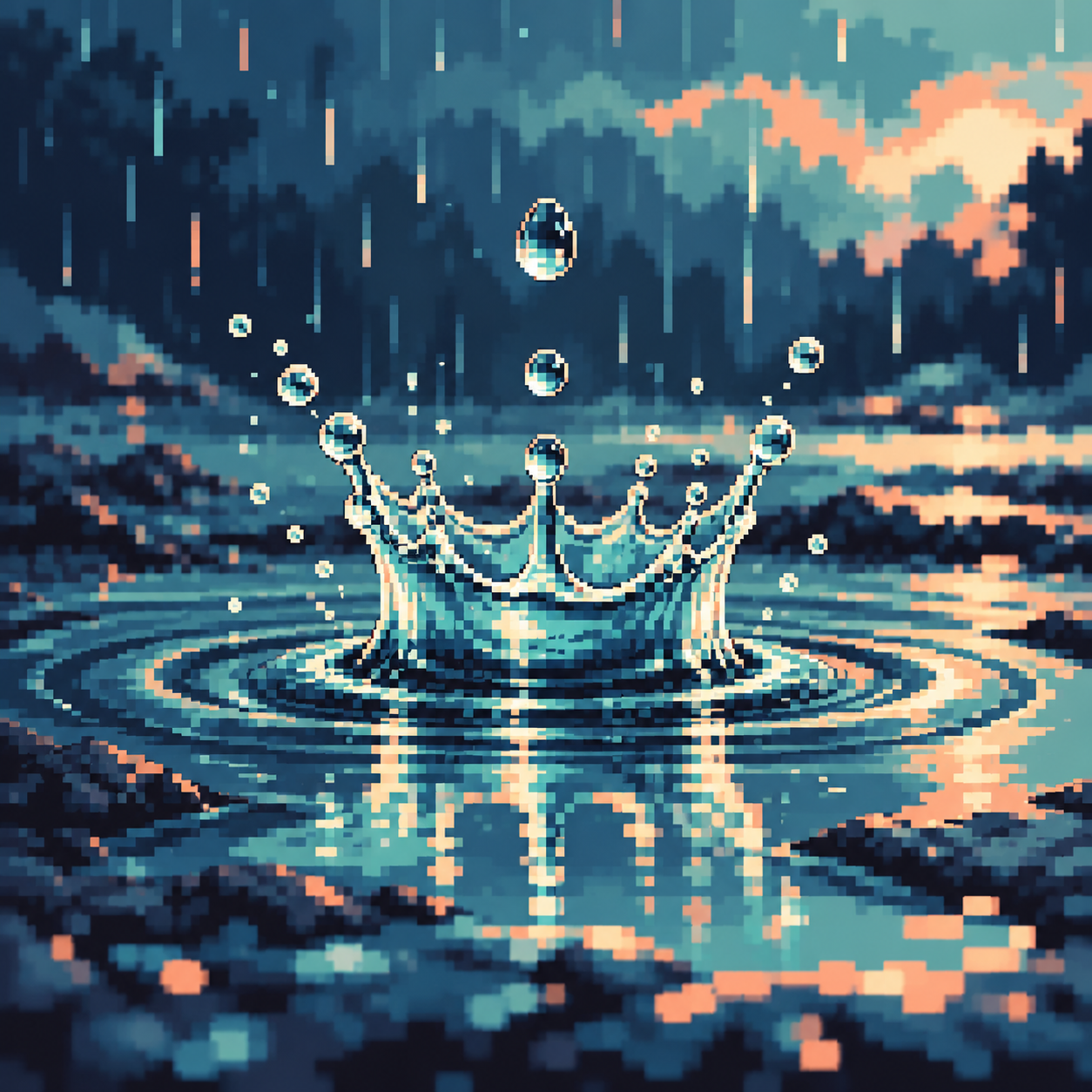
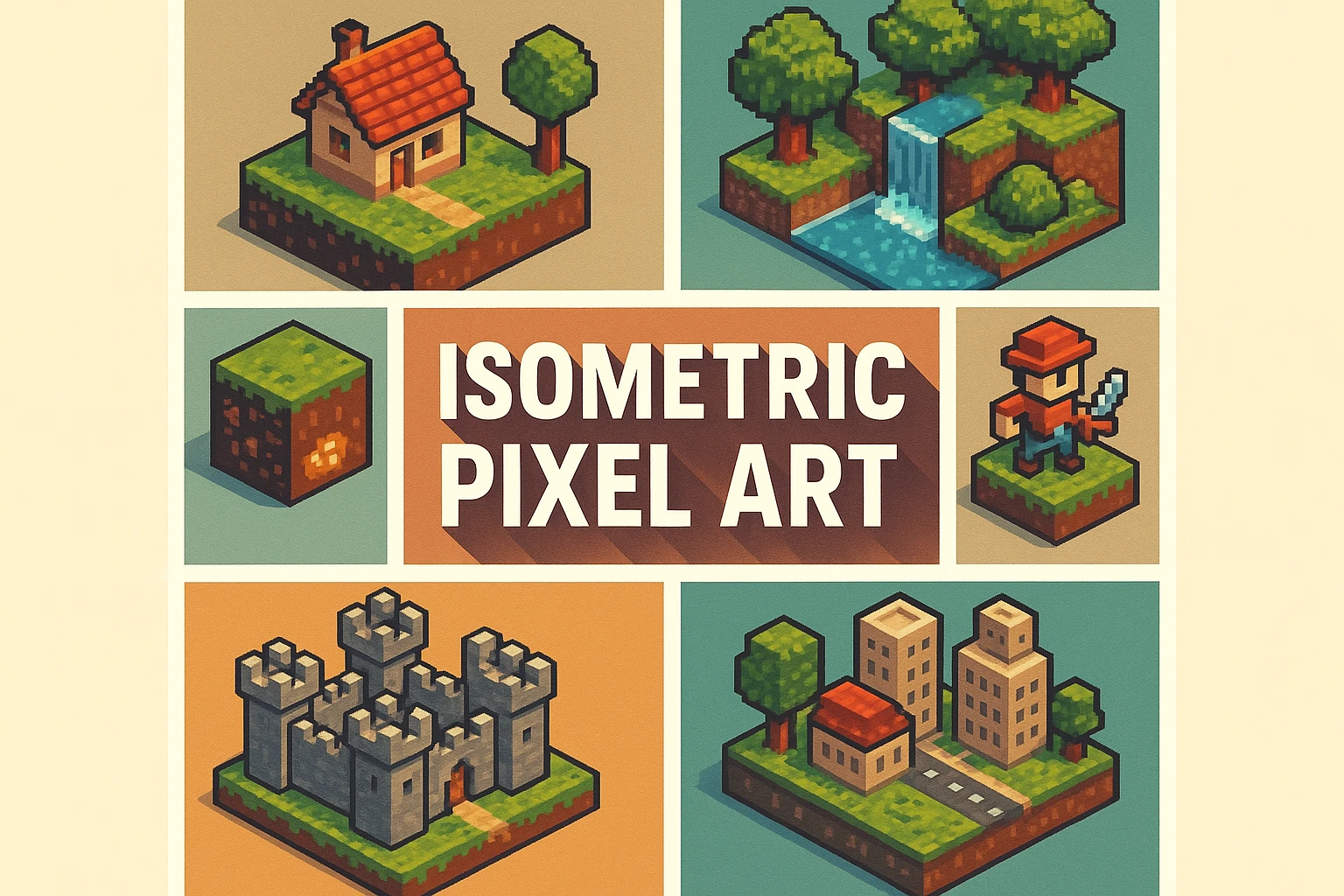
Seven original AI-generated static key-art studies: a banner, centrally titled collage and five motion subjects. They illustrate pose and scene ideas; they are not playable animations or production sprite sheets.
Select an image for a closer look. Use the thumbnails, arrow keys or a swipe to compare examples. Zoom in to inspect details, or share the image that inspires you.

Creative toolbox · take this style further
Choose an input and a destination. Search sends your words to the chosen site; Copy & open puts them on your clipboard to paste there.
Create with AI
Turn your chosen input into an image prompt or a new creative direction.
ChatGPT
Copy your input and paste it into a ChatGPT conversation or image request.
Copy & open ChatGPT (new tab)Claude · Anthropic
Develop an image prompt or explore the style in a new Claude conversation.
Copy & open Claude · Anthropic (new tab)Midjourney
Paste your input into the Imagine bar on the Create page.
Copy & open Midjourney (new tab)Adobe Firefly
Copy your input, open Firefly, and paste it into the prompt field.
Copy & open Adobe Firefly (new tab)Leonardo.Ai
Copy your input, open Leonardo, and paste it into the generation field.
Copy & open Leonardo.Ai (new tab)Image search
Find visual references. Short, concrete keywords usually work best.
Lexica
Search AI images and prompts using your selected input.
Search with this input Lexica (new tab)Pexels
Search the photo and video library. Short keywords often work best.
Search with this input Pexels (new tab)Pixabay
Search photos, illustrations and other images.
Search with this input Pixabay (new tab)Unsplash
Search photographs using the style name or your own keywords.
Search with this input Unsplash (new tab)Wikimedia Commons
Search photographs, artworks and historical images. Check each file for its source and reuse terms.
Search with this input Wikimedia Commons (new tab)Art & research
Explore artists, collections and the ideas behind a style.
Wikipedia
Search for background reading. A style may not have its own article.
Search with this input Wikipedia (new tab)WikiArt
Copy your input into WikiArt’s search to explore artists and artworks.
Copy & open WikiArt (new tab)Europeana
Paste your keywords into the search to explore European museum, library and archive collections.
Copy & open Europeana (new tab)Inspiration
Discover portfolios and visual ideas from creative communities.
Instagram hashtags
Search a hashtag made from your input: spaces and punctuation are removed. Instagram may require sign-in.
Search with this input Instagram hashtags (new tab)ArtStation
Paste your input into artwork search for concept art, environments, characters and visual development.
Copy & open ArtStation (new tab)Behance
Paste your input into project search for illustration, design and visual storytelling.
Copy & open Behance (new tab)A closer look
Readable key poses, stable pixel clusters, controlled changes between frames, purposeful timing and loops whose ending connects convincingly to their beginning.
A still pose is only the starting point
Animation requires a sequence displayed over time. The seven gallery illustrations are static key-art studies for possible motions, not playable animations or ready-to-use sprite sheets. A bird suggests a hop, a pennant a wave, a candle a flicker, a fox a stride and a splash a brief impact. Each needs designed intermediate states and timing before it can move convincingly.
Plan the action and its anchor
For a bird hop, sketch rest, compression, lift, apex and landing. Keep the contact point stable while the bird pushes off; preserve its apparent volume as the pose changes. A flag needs a fixed attachment while the free end travels. Establish a few meaningful poses before adding in-betweens. Frame duration and spacing control the perceived speed; duplicating frames can create a useful hold, but additional frames alone do not guarantee better movement.
Keep edges coherent through time
A sharp outline that changes unpredictably can flicker even when each still frame looks attractive. Track important clusters, avoid accidental one-pixel jumps and review the sequence at playback speed. Lower-contrast edge colours can soften an outline, but they must move consistently with it. Check the last-to-first transition of a loop. Aseprite’s animation and sprite-sheet documentation distinguishes timeline work from arranging frames for export: a sheet by itself does not specify a complete playback experience.
Positive editorial assessment · AI-authored
Purposeful timing can make very small changes expressive. A stable flag attachment or a clear landing pose gives the viewer something dependable against which to read movement.
Negative editorial assessment · AI-authored
Extra frames cannot repair unclear key poses, sliding contact points or unstable outlines. Simplify the action, lock the necessary anchors and inspect the loop at its intended speed before polishing highlights.
Neutral editorial assessment · AI-authored
Animation is a time-based practice that can be applied to many pixel aesthetics. Palette, canvas size, frame durations and export requirements remain separate choices; the still studies here illustrate subjects and pose ideas only.
A small poetic detour
Original words from the AOI studio.
Poetry
The frame between
The bird bends down before it leaves the stone;
one tiny pause makes room enough for flight.
The flag keeps faith with one fixed point alone;
the candle changes edges with the night.
A foot comes back to where the earth should be.
The splash falls home; its crown forgets the air.
The final frame returns the first to me,
and time begins again, already there.
The prompt workshop
Original creative exercises. These prompts create new illustrations, not documentary evidence.
Design a readable hop pose
Create an original pixel-art key pose of a small bird just leaving a stone ledge. Make its lifted body, feet and wing gesture clear with stable clusters and a quiet background. No text.
This produces a still reference; animate the action separately.
Plan a motion anchor
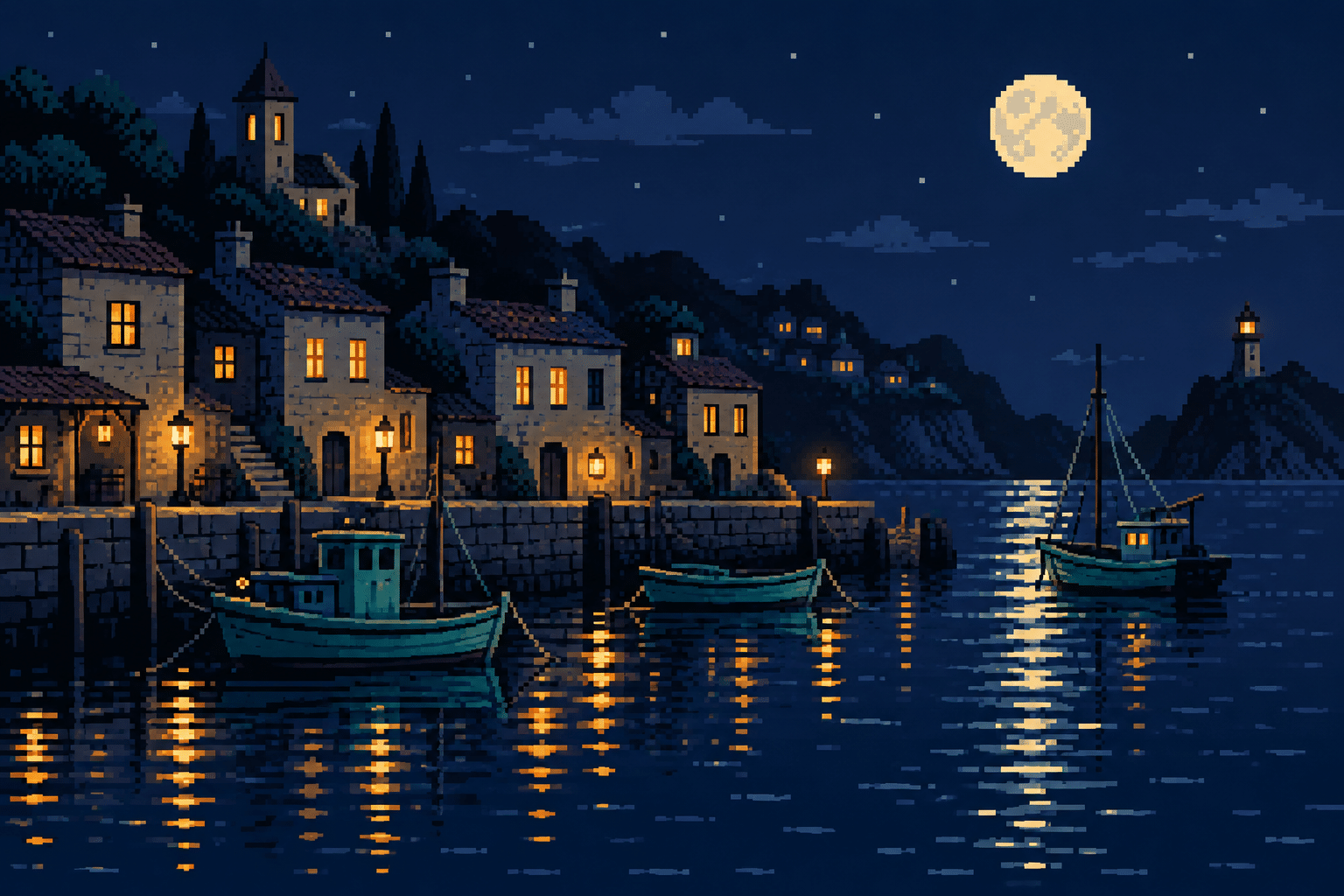
Create an original pixel-art harbour hut with a pennant attached clearly to a fixed pole. Give the flag one readable wave shape and keep surrounding details subordinate.
Use the attachment point as an anchor when drawing later frames.
Study a contact pose
Create a clear pixel-art fox walking pose with one planted paw and a readable body silhouette. Use restrained shading and sharp clusters. No motion blur or lettering.
Build and time the remaining poses in an animation editor; a single generated image is not a walk cycle.
Your next inspiration
Discover another art style
Follow a visual thread to the next subject.
A smile from the studio
Jokes
The animator copied a perfect fox into twelve identical frames. “Excellent consistency,” said the reviewer. “Why doesn’t it move?” The animator shifted one paw. Now the fox slid gracefully across the ground. “Much better. It has invented skating.” They fixed the foot contact, adjusted the timing, and finally gave the fox a walk. The original twelve frames were retained as its lunch break.