Digital art · Pixel-level composition
A few squares can suggest a face, a window or the last light on a lake. Pixel drawing makes those small decisions visible: edges become rhythms, colors become compact shapes, and a single highlight can change what we see. This guide explores the craft, offers practical exercises, and separates hand-refined pixel art from AI-generated images that borrow its appearance.
A visual introduction
Open any image to look closer, then browse the examples.
Creative toolbox · take this style further
Choose an input, adjust it, then open a tool. Search links pass your text to the destination. Copy & open copies it for you to paste into the generator; you start generation there.
ChatGPT
Copy your input and paste it into a ChatGPT conversation or image request.
Copy & open ChatGPT (new tab)Claude · Anthropic
Develop an image prompt or explore the style in a new Claude conversation.
Copy & open Claude · Anthropic (new tab)Midjourney
Paste your input into the Imagine bar on the Create page.
Copy & open Midjourney (new tab)Adobe Firefly
Copy your input, open Firefly, and paste it into the prompt field.
Copy & open Adobe Firefly (new tab)Leonardo.Ai
Copy your input, open Leonardo, and paste it into the generation field.
Copy & open Leonardo.Ai (new tab)Lexica
Search AI images and prompts using your selected input.
Search with this input Lexica (new tab)Pexels
Search the photo and video library. Short keywords often work best.
Search with this input Pexels (new tab)Pixabay
Search photos, illustrations and other images.
Search with this input Pixabay (new tab)Unsplash
Search photographs using the style name or your own keywords.
Search with this input Unsplash (new tab)Wikipedia
Search for background reading. A style may not have its own article.
Search with this input Wikipedia (new tab)WikiArt
Copy your input into WikiArt’s search to explore artists and artworks.
Copy & open WikiArt (new tab)Instagram hashtags
Search a hashtag made from your input: spaces and punctuation are removed. Instagram may require sign-in.
Search with this input Instagram hashtags (new tab)A closer look
Look for readable silhouettes, deliberate stair-step contours, connected areas of color and a consistent apparent pixel scale. Judge the image at its intended viewing size as well as enlarged: a beautiful patch of detail is useful only if the larger scene still reads clearly.
What makes a drawing pixel art?
Pixel drawing is used here as a plain-language name for pixel art. A raster photograph also contains pixels, but that alone does not make it pixel art. In cure’s Pixel Joint tutorial, the distinction is purposeful control at pixel level. Filling an area or drawing a line with a tool is compatible with that control; manually clicking every square is not a requirement.
The important question is what each small shape contributes. A short stair-step can describe a roof; a connected color cluster can become a cheek or a leaf. Dithering alternates colors in a pattern to suggest a transition or texture. Use it selectively so that texture does not overwhelm the silhouette. Pixel art is a working method and visual language, not a branch of Impressionism or a synonym for every bitmap image.
Choose constraints that help the picture
For an AOI practice exercise, try a 64 × 64 canvas and eight chosen colors. These are exercise constraints, not rules that define the medium. Draw one lit window in a dark house. Reserve your brightest color for the window, use two large shadow shapes for the building, and add only enough ground to explain where it stands. Compare the result at native size and at an enlarged view before adding texture.
Palette size and file color mode are different choices. Aseprite supports RGB, indexed and grayscale images. In its indexed mode, pixels refer to entries in a palette of up to 256 colors; changing a palette entry changes every pixel that references it. A small, deliberately chosen palette is also possible in RGB mode. Decide whether you want the convenience of indexed recoloring or the flexibility of RGB before building a large set of related assets.
Build a scene from readable shapes
Try a second exercise with a bridge, river and two buildings. First make the scene readable using only dark, middle and light values. Move the bridge until its silhouette separates cleanly from the buildings. Then introduce a warm accent for lit windows and repeat that accent sparingly in the water. Work from the overall arrangement toward small details; this exercise is an original AOI suggestion, not a reconstruction of a historical artwork.
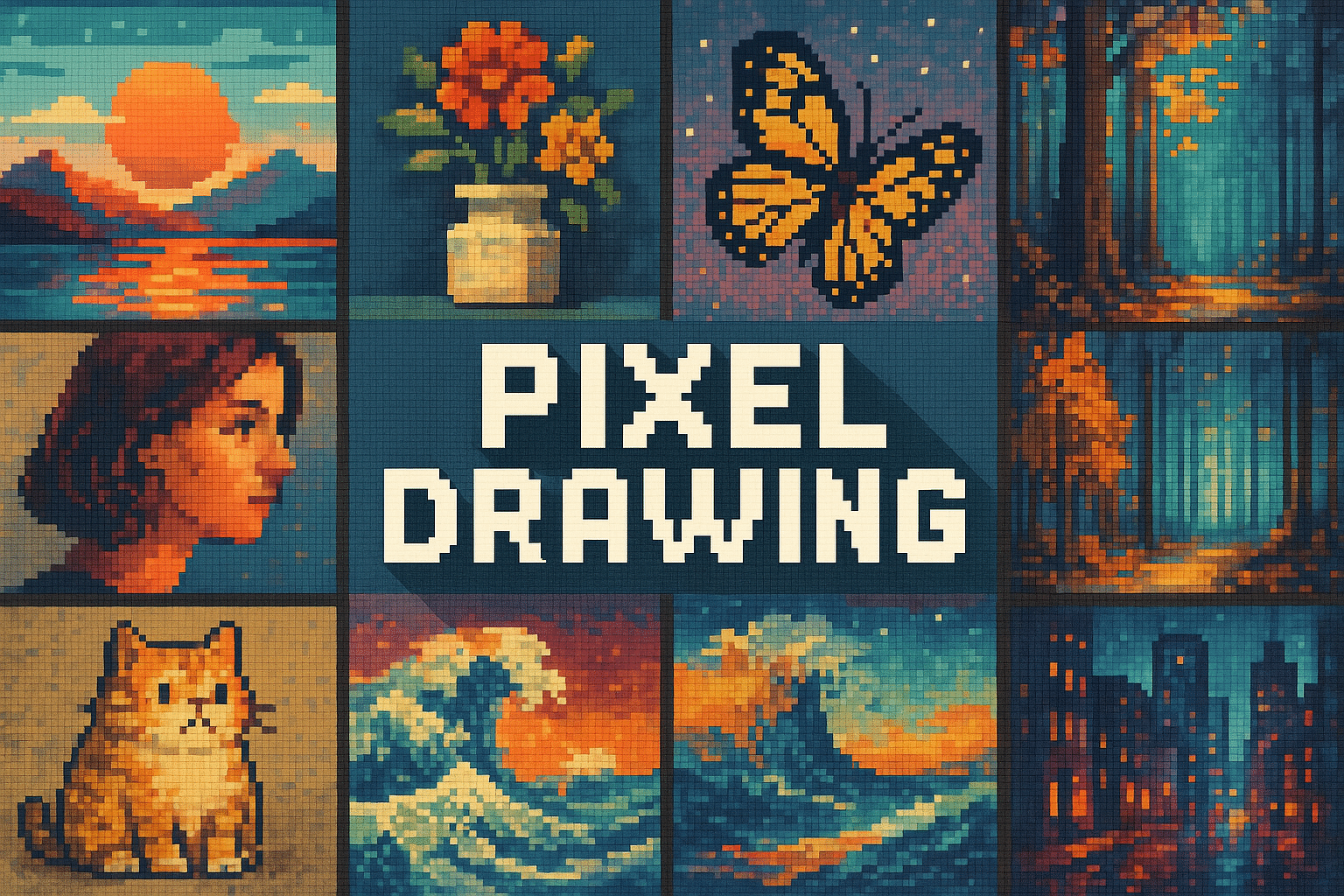
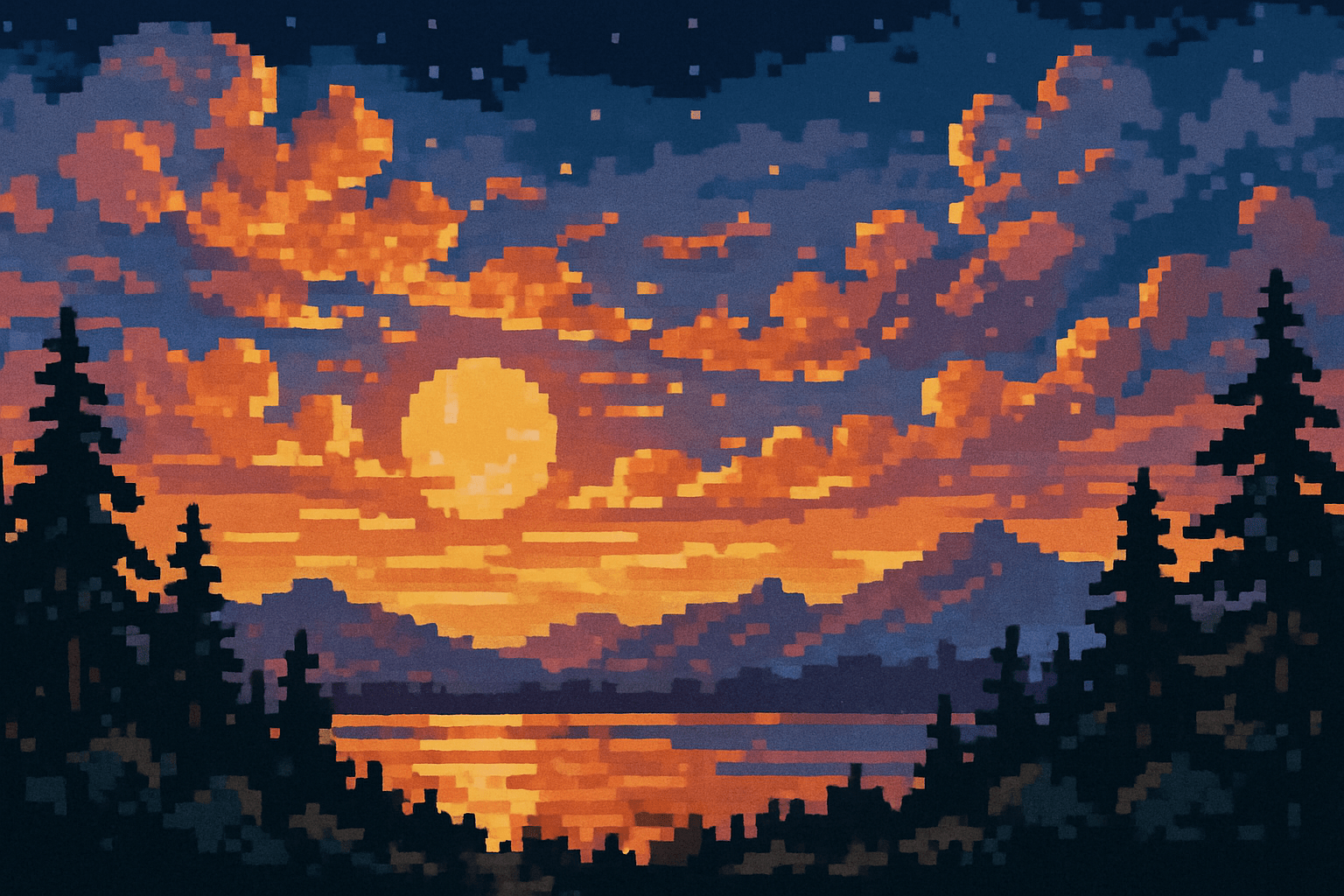
The gallery gives three different compositions to inspect. The collage compares subjects such as a butterfly, portrait and forest. The sunset example emphasizes broad bands of sky, mountain and reflection. The new banner puts a title above a riverside town, allowing the dark sky to separate the lettering from the scene. All are AI-generated interpretations from the AOI collection; they are visual study material, not evidence of a manually authored sprite grid.
Keep edges clear when exporting
Aseprite documents nearest-neighbor as the default method for its SpriteSize command, with bilinear and RotSprite alternatives. For a simple enlargement of a finished pixel drawing, try an integer scale such as 2× or 4× with nearest-neighbor and inspect the exported result. A non-integer display size can make pixel widths appear uneven. Keep an editable source file and export a PNG copy for the web; check the actual browser presentation rather than assuming the editor preview and page will look identical.
Use AI as a starting point, then inspect
Adobe’s Firefly guidance describes generating pixel-style images from prompts or reference pictures. This can help explore a scene or palette, but an appealing pixel-like surface is not a guarantee of consistent grid construction. Inspect edges, lettering, repeated shapes and color noise before treating an output as a production game asset. If a project needs an exact sprite size or strict palette, refine and verify those requirements in a pixel editor. The prompt workshop below is intended for visual exploration.
Pocket-sized facts
Pixel-level control distinguishes pixel art from an image that merely happens to be raster-based.
A fixed palette count is a chosen constraint, not a universal definition of pixel art.
Aseprite’s indexed mode allows up to 256 palette entries.
The gallery’s images are AI-generated interpretations, not reproductions of named artists’ works.
A small poetic detour
Original words from the AOI studio.
Poetry
Small squares catch the dusk.
A window of amber waits;
Night steps down the hill.
The prompt workshop
Original creative exercises. These prompts create new illustrations, not documentary evidence.
One window, eight colors
An original 2D pixel-art study of a small dark house with one warm glowing window, a clear stepped roof silhouette, eight-color palette, broad clean pixel clusters, simple night sky and a small path. Aim for the readability of a 64 by 64 sprite enlarged with nearest-neighbor. No blur, no soft brushwork, no text or logos.
A prompt describes the desired appearance. Verify the actual grid and palette manually if exact technical limits matter.
River town at twilight
A wide original pixel-art scene of a quiet river town at twilight, a stone bridge, two houses and their short broken reflections, deliberate square pixel clusters, consistent stepped contours, restrained blue and amber palette, a strong readable composition, selective dithering in the sky. Flat 2D artwork, no voxel rendering, no lettering.
Compare three silhouettes
Three original pixel-art variations of the same small tree, arranged separately against a plain background: a rounded canopy, an angular pine and a sparse branching tree. Consistent pixel scale, the same limited palette and clear negative space. Each silhouette should remain readable at thumbnail size. No captions or text.
People & works to explore
References discussed in this article. Consult the sources below for context.
Artists and practitioners
cure — author of The Pixel Art Tutorial on Pixel Joint, a practical reference for pixel-level control, clusters and palettes.
A smile from the studio
Jokes
Why did the pixel artist move house? They needed just one more square of space.