
Hardware-inspired aesthetic · ZX Spectrum Pixel Art
The ZX Spectrum gives colour a small room and asks it to share. Its familiar graphic look grows from bright hues, black negative space and attribute cells in which foreground and background colour must cooperate.
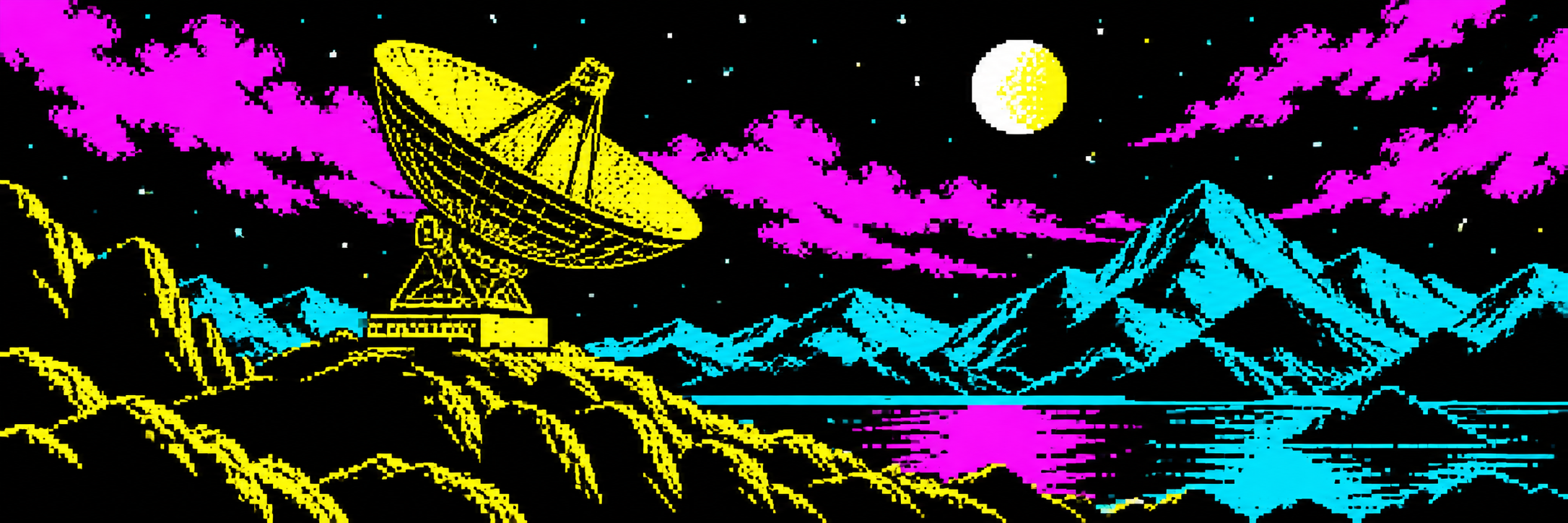
A visual introduction
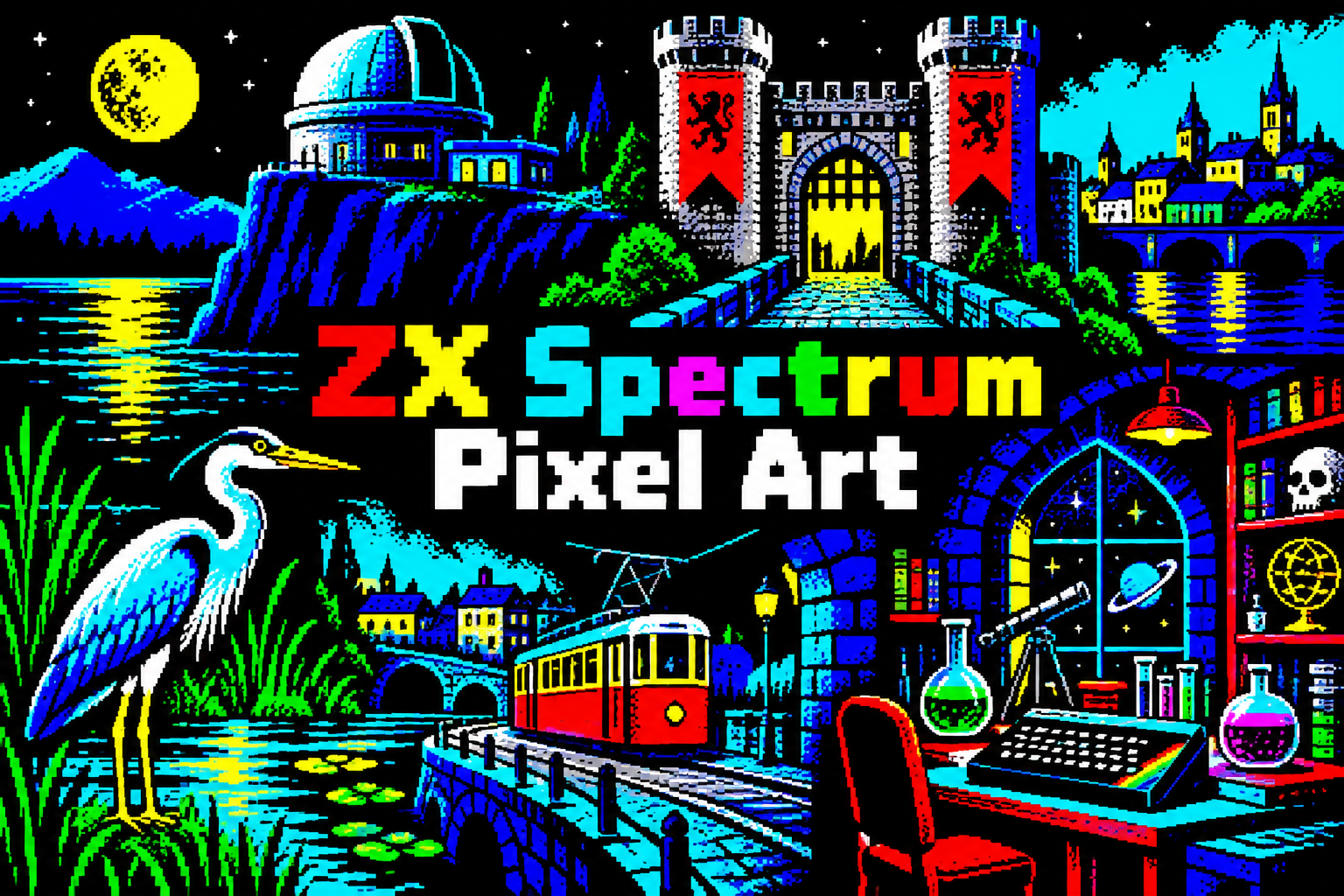
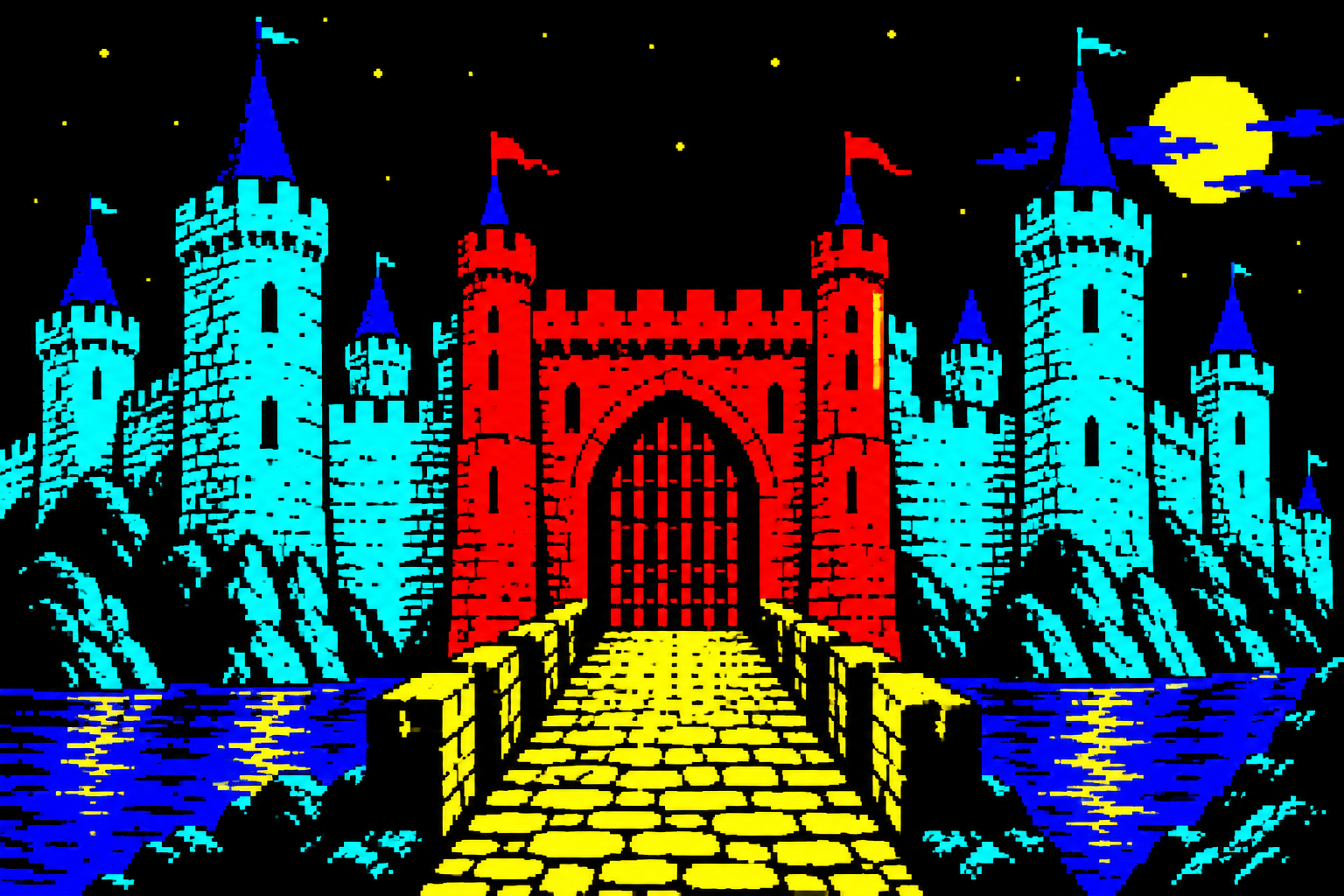
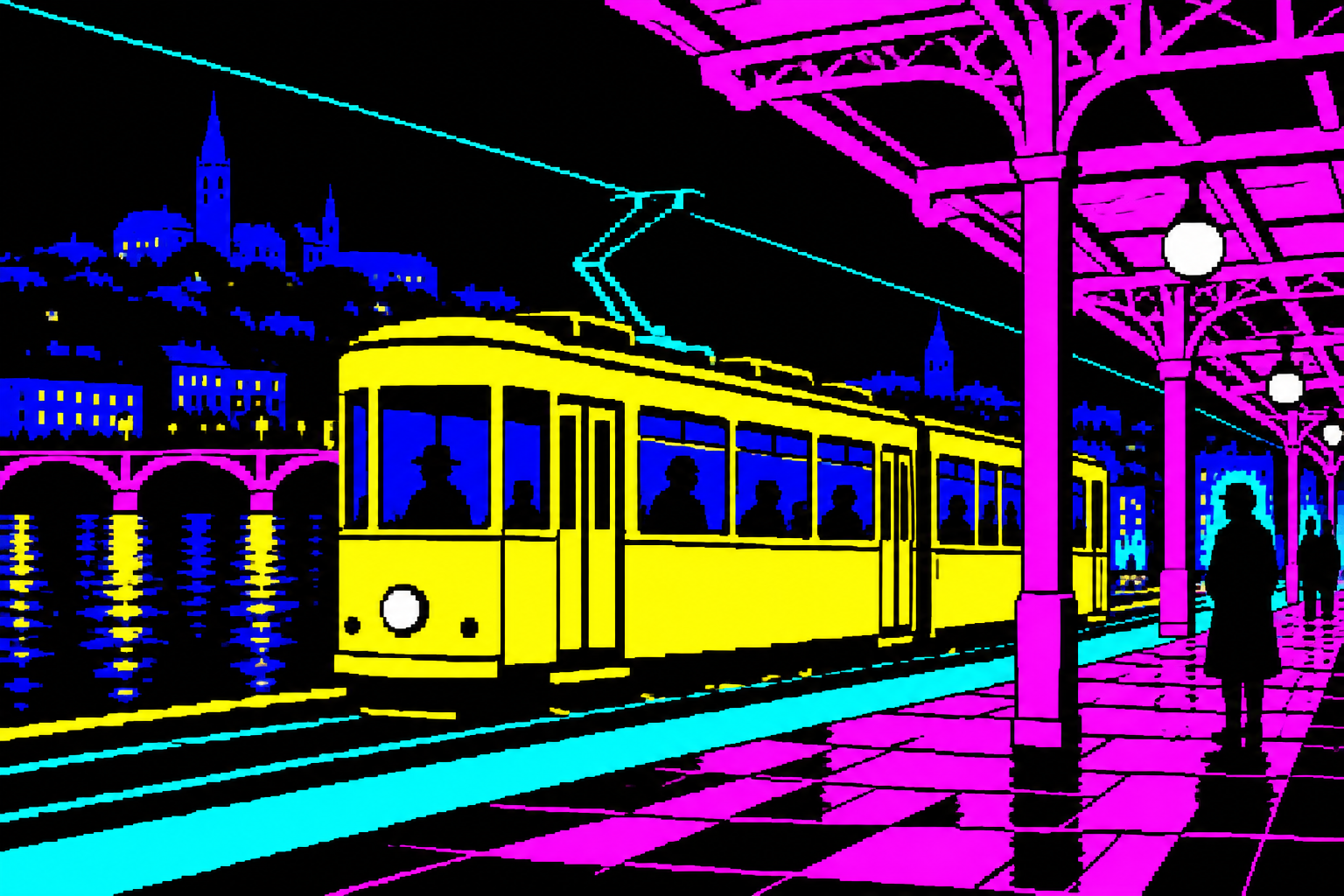
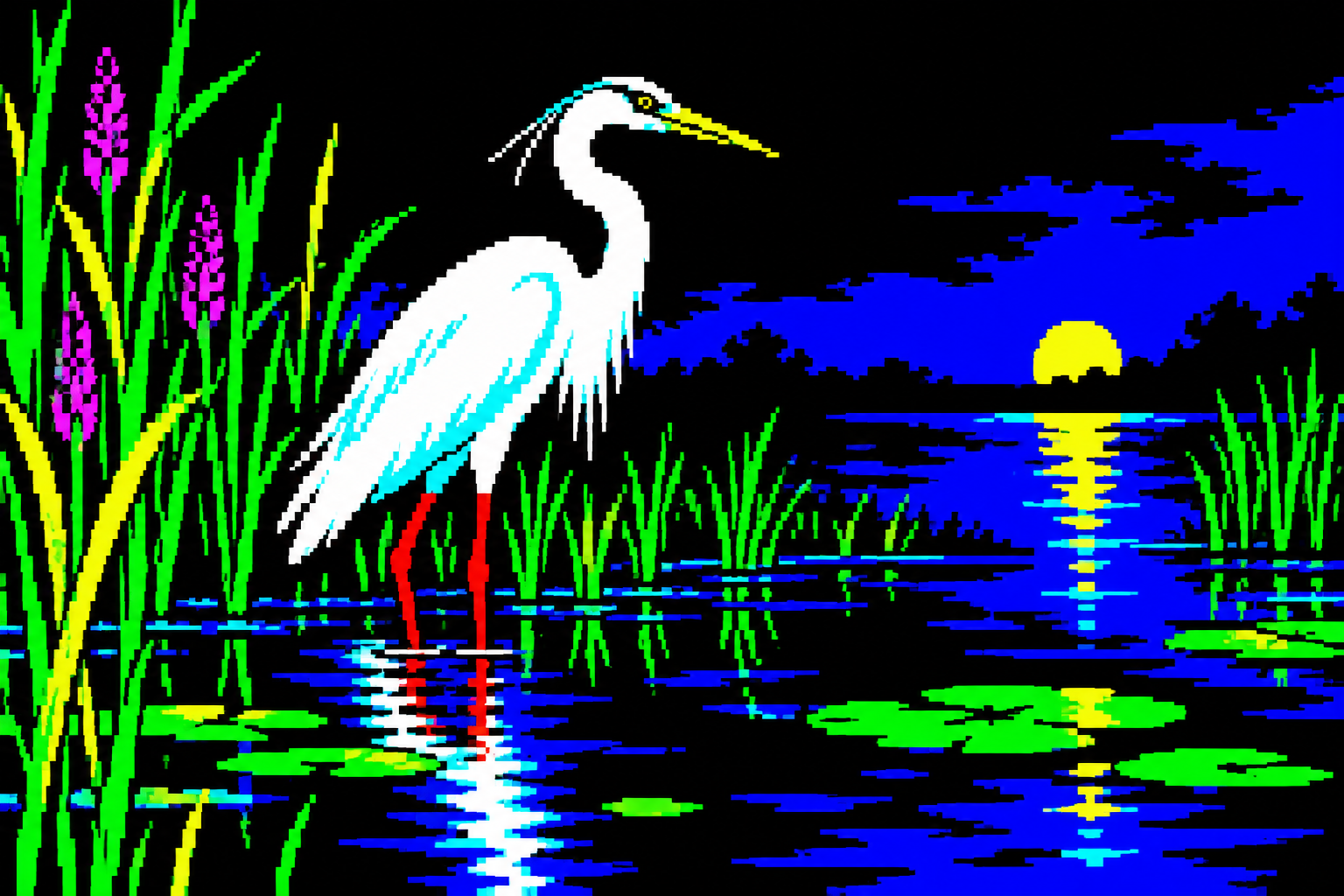
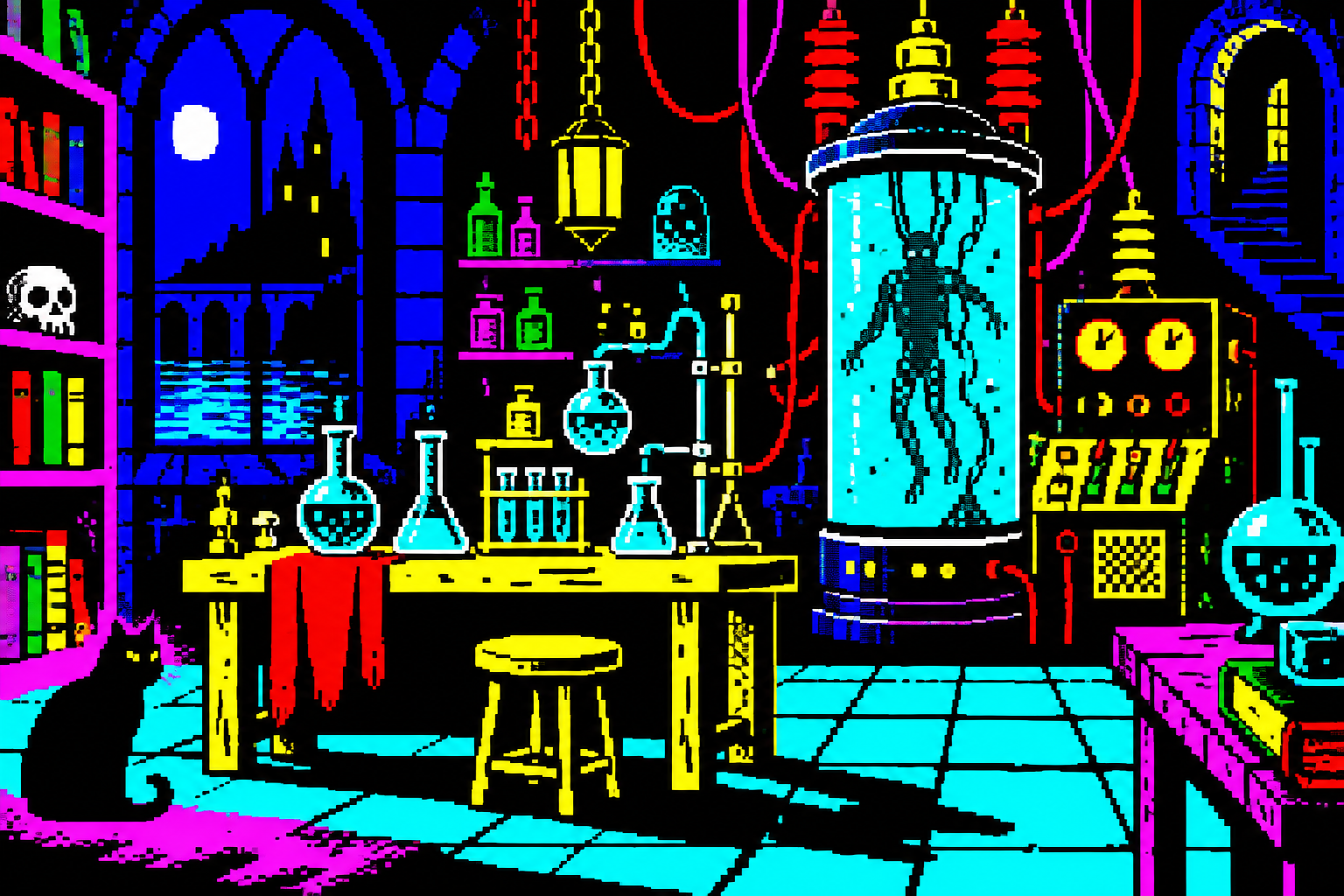
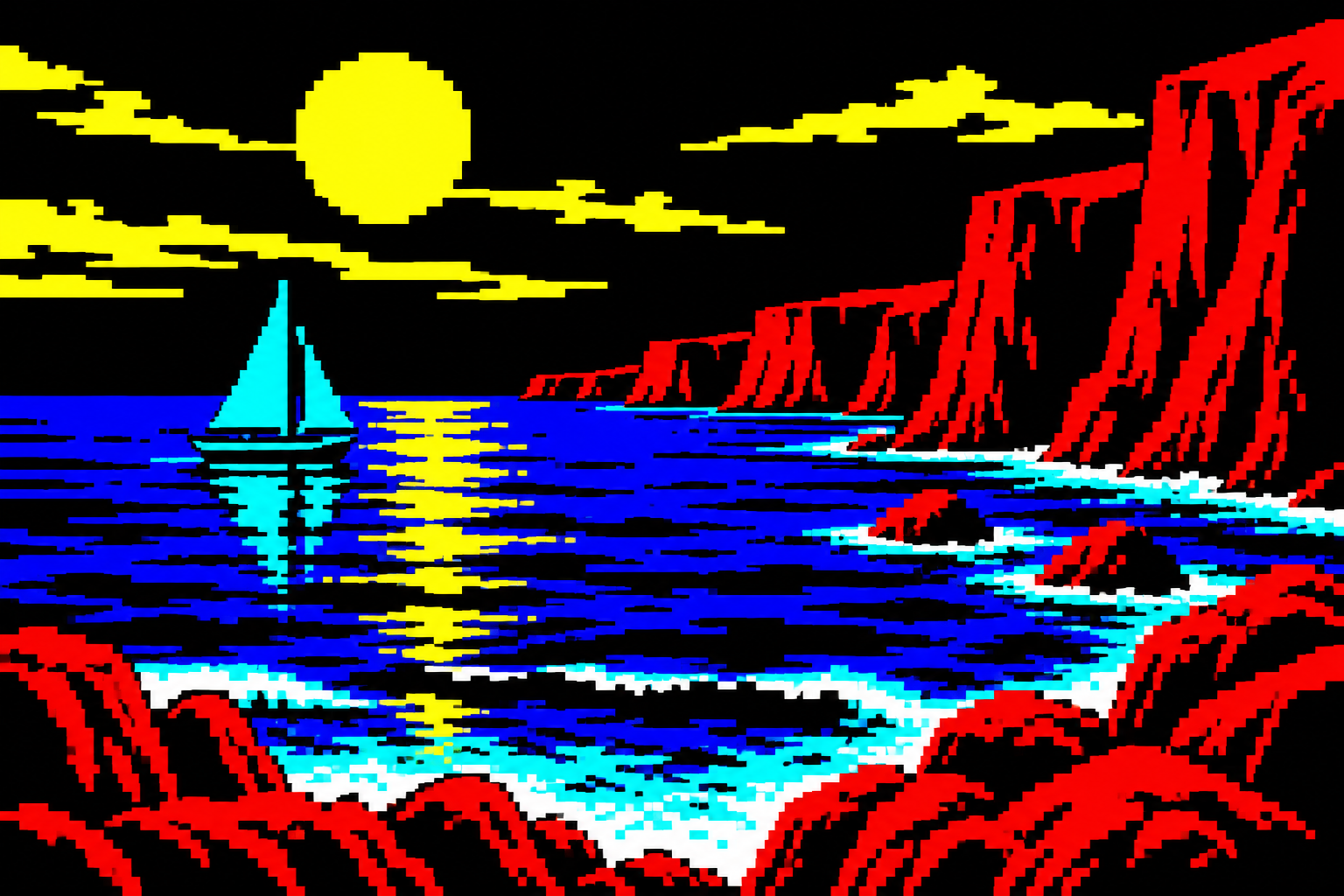
Seven original AI-generated interpretations: a dedicated banner, a centrally titled collage and five visual studies. These are contemporary illustrations, not historical game screenshots or certified hardware-ready assets.
Select an image for a closer look. Use the thumbnails, arrow keys or a swipe to compare examples. Zoom in to inspect details, or share the image that inspires you.
Creative toolbox · take this style further
Choose an input and a destination. Search sends your words to the chosen site; Copy & open puts them on your clipboard to paste there.
Create with AI
Turn your chosen input into an image prompt or a new creative direction.
ChatGPT
Copy your input and paste it into a ChatGPT conversation or image request.
Copy & open ChatGPT (new tab)Claude · Anthropic
Develop an image prompt or explore the style in a new Claude conversation.
Copy & open Claude · Anthropic (new tab)Midjourney
Paste your input into the Imagine bar on the Create page.
Copy & open Midjourney (new tab)Adobe Firefly
Copy your input, open Firefly, and paste it into the prompt field.
Copy & open Adobe Firefly (new tab)Leonardo.Ai
Copy your input, open Leonardo, and paste it into the generation field.
Copy & open Leonardo.Ai (new tab)Image search
Find visual references. Short, concrete keywords usually work best.
Lexica
Search AI images and prompts using your selected input.
Search with this input Lexica (new tab)Pexels
Search the photo and video library. Short keywords often work best.
Search with this input Pexels (new tab)Pixabay
Search photos, illustrations and other images.
Search with this input Pixabay (new tab)Unsplash
Search photographs using the style name or your own keywords.
Search with this input Unsplash (new tab)Wikimedia Commons
Search photographs, artworks and historical images. Check each file for its source and reuse terms.
Search with this input Wikimedia Commons (new tab)Art & research
Explore artists, collections and the ideas behind a style.
Wikipedia
Search for background reading. A style may not have its own article.
Search with this input Wikipedia (new tab)WikiArt
Copy your input into WikiArt’s search to explore artists and artworks.
Copy & open WikiArt (new tab)Europeana
Paste your keywords into the search to explore European museum, library and archive collections.
Copy & open Europeana (new tab)Inspiration
Discover portfolios and visual ideas from creative communities.
Instagram hashtags
Search a hashtag made from your input: spaces and punctuation are removed. Instagram may require sign-in.
Search with this input Instagram hashtags (new tab)ArtStation
Paste your input into artwork search for concept art, environments, characters and visual development.
Copy & open ArtStation (new tab)Behance
Paste your input into project search for illustration, design and visual storytelling.
Copy & open Behance (new tab)A closer look
Vivid basic colours, black fields, crisp bitmap contours and blockwise colour decisions; attribute clash may become a deliberate accent rather than an accidental surprise.
Colour belongs to a cell
The original Spectrum display uses a 256 by 192 bitmap divided into 8 by 8 attribute cells. Each cell has an INK colour, a PAPER colour, a shared brightness setting and a flashing attribute. The manual lists eight colours and two brightness levels; black remains black. This structure helps explain why a detailed shape can be drawn pixel by pixel while its colour changes in larger blocks.
Attribute clash is a consequence, not a requirement
When differently coloured objects occupy the same cell, the shared attributes can produce a visible colour conflict. An artist may avoid it with monochrome characters, careful placement or matching colour regions, or use it knowingly. Strong Spectrum work is not necessarily full of mistakes. The constraint encourages designers to make colour part of layout: place a yellow tram against a dark area, reserve cyan for a mountain mass and let black separate competing forms.
Bright does not mean equally loud
Begin with a black-and-one-colour structure, then allocate additional cell colours to focal areas. A white heron can stand apart from reeds without colouring every feather. Hard stair-step contours preserve the bitmap character; dithering can make texture within a cell, while a soft photographic gradient ignores the underlying palette logic. Let some objects read as silhouettes, and use a single bright highlight where it changes recognition.
A historical constraint with current uses
The aesthetic suits graphic posters, compact scenes, playful signage and studies of colour-region planning. It differs from C64 multicolor through its square bitmap pixels and attribute-cell rules. The original AOI illustrations explore this vocabulary without claiming cell-by-cell compatibility. To make a true Spectrum screen, validate every 8 by 8 cell and test the final bitmap and attribute data; a recognisable palette alone is insufficient.
Positive editorial assessment · AI-authored
Cell-based colour planning produces forceful graphic structure. Black space can act as a deliberate separator, letting a dish, tram or bird remain readable amid very bright colour choices.
Negative editorial assessment · AI-authored
Random colour blocks parody the hardware without solving an image. If clashes obscure the focal subject, reduce competing colours or change placement. The strongest result uses constraints to clarify relationships instead of making error the whole subject.
Neutral editorial assessment · AI-authored
Spectrum pixel art is a hardware-related visual tradition with many individual styles. Attribute clash is one possible effect, while careful monochrome and colour-block composition are equally relevant approaches.
A small poetic detour
Original words from the AOI studio.
Poetry
Two colours in a room
The yellow tram arrives beside the blue;
the little square can only hold so much.
We leave a strip of darkness running through,
a careful space where brighter things can touch.
The heron needs no hundred shades of white.
One lifted neck is all the marsh requires.
Eight colours take their places for the night;
the black between them keeps the smaller fires.
The prompt workshop
Original creative exercises. These prompts create new illustrations, not documentary evidence.
Two colours per cell
Design a small white heron among green reeds using a Spectrum-like bitmap. Plan INK and PAPER choices on an 8 by 8 cell grid; use black gaps to separate competing colours.
Validate cells in a Spectrum-aware editor for a genuine export.
Compose around colour regions
Create an original yellow tram under a magenta canopy with a cyan distant skyline. Use crisp square pixels, strong black negative space and deliberate colour-region boundaries.
Make the tram readable before introducing windows and signs.
Explore clash deliberately
Make two views of one small figure crossing a coloured doorway: one avoids attribute conflicts, the other deliberately reveals the shared-cell effect. No labels inside the art.
Explain the difference in the caption instead of calling all clash an error.
Your next inspiration
Discover another art style
Follow a visual thread to the next subject.
A smile from the studio
Jokes
Red and cyan booked the same eight-by-eight room. Both insisted they had a reservation. The artist moved the wall, dimmed the corridor and called it composition. The booking system still describes the incident as an attribute clash; the visitors remember an unusually stylish hotel.
Sources and further exploration
Original ZX Spectrum BASIC manual, chapter 16 — INK, PAPER, BRIGHT and 8×8 cells