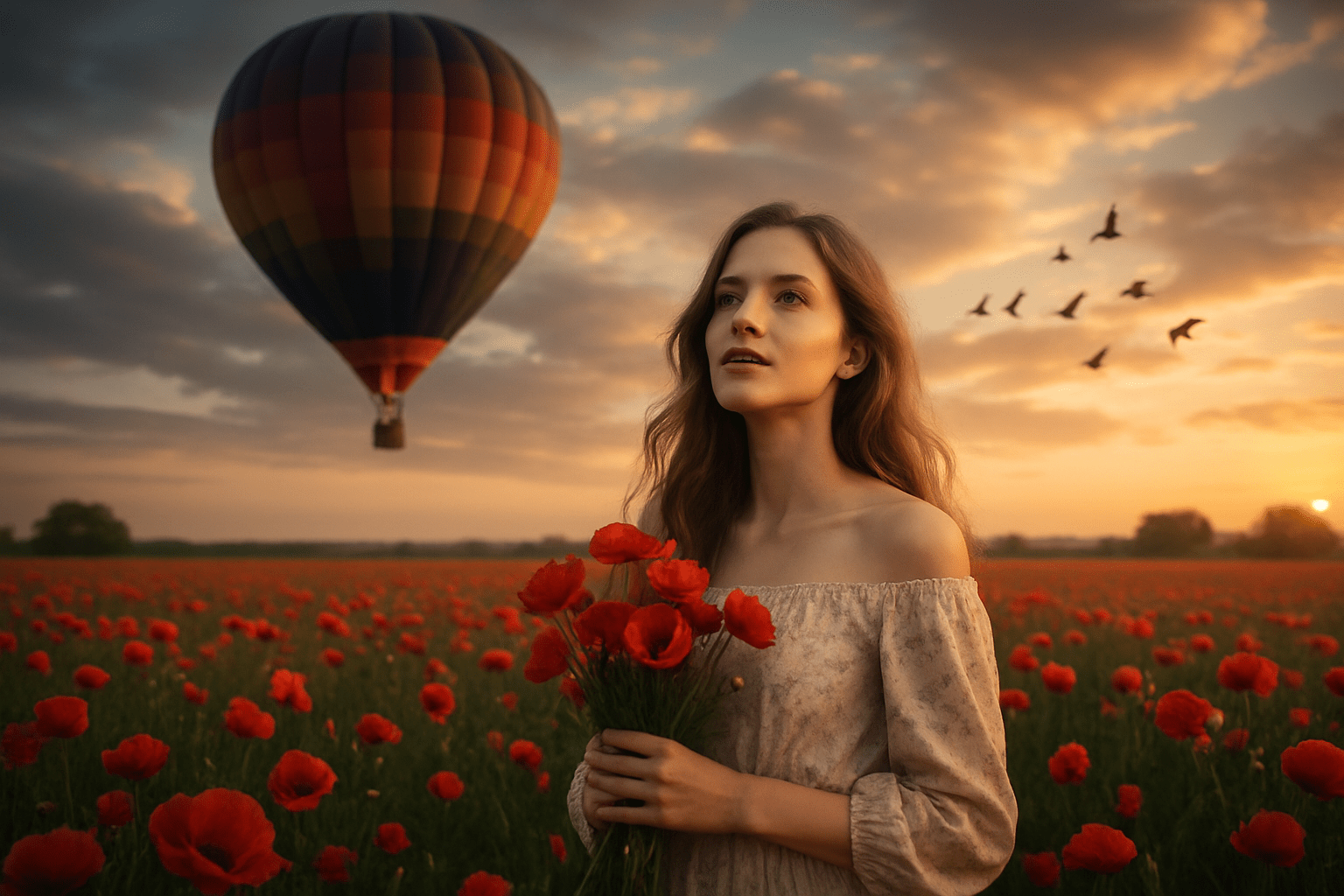
Photography · Clothing, image and culture
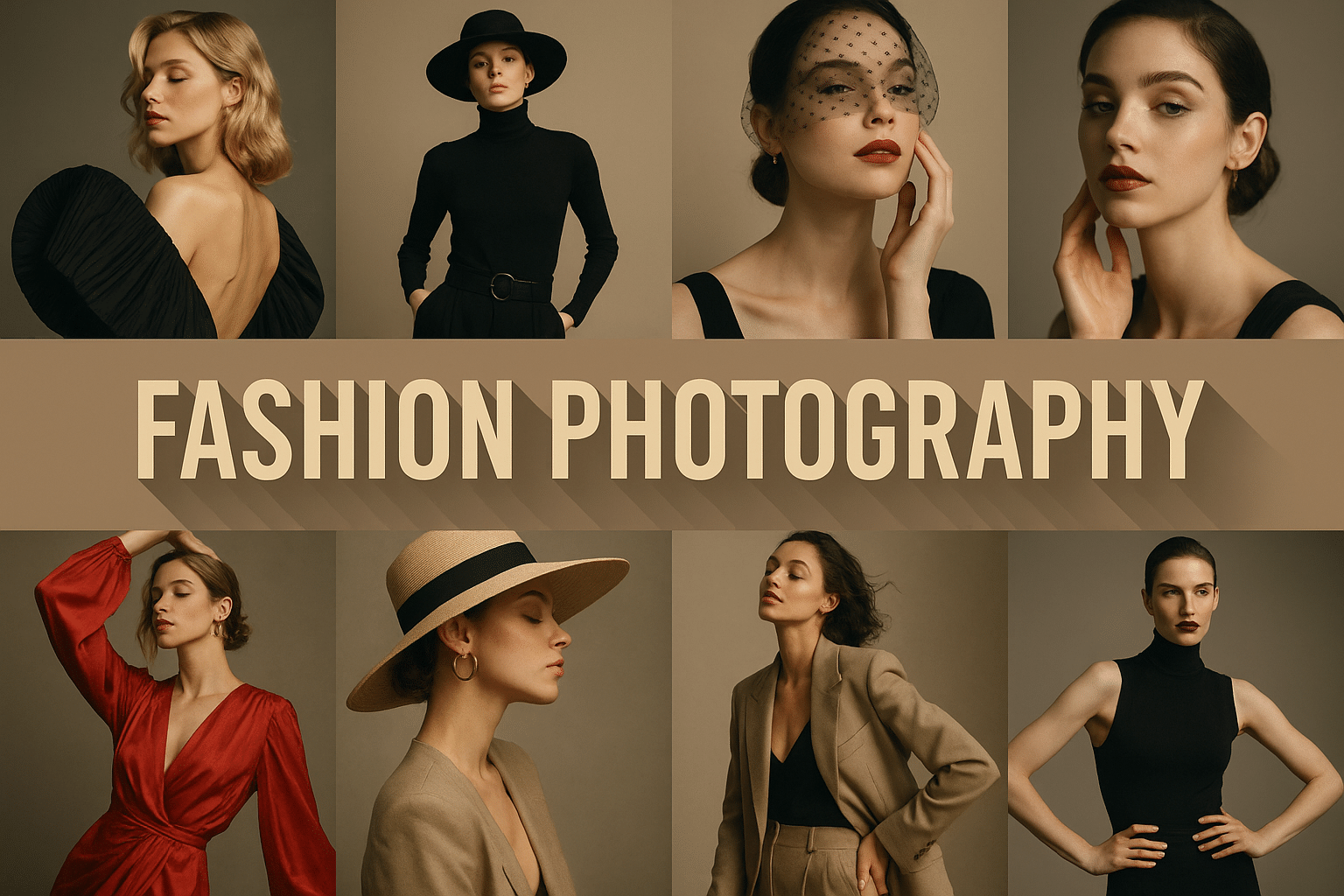
Fashion photography gives clothing a setting, a body and an attitude. It can explain how a garment moves, sell an imagined way of life, or question the image of elegance itself. Bright colors and elaborate sets are possibilities, not a definition of the genre.

A closer look
Look at the garment’s silhouette first, then at pose, light and surroundings. Does the fabric hang, fold or catch the air? Does the location clarify the clothes or compete with them? A useful fashion image makes these choices work together.
Clothing meets a constructed world
The V&A traces fashion photography through portraiture, illustrated magazines and changing commercial contexts. Its history includes Edward Steichen’s 1911 photographs of Paul Poiret designs for Art et Décoration. These images are a reminder that the genre developed through collaboration among photographers, designers, models and publishers rather than through one universal photographic look.
Treat the intended use as part of the composition. A catalog image may need to describe cut and material clearly; an editorial image may build a story around movement, setting or character. Neither purpose automatically produces better art. Ask what the image promises the viewer and whether the garment remains visible within that promise.
Movement can carry the idea
The V&A discusses Richard Avedon’s In Homage to Munkácsi, photographed in Paris in 1957, with a model moving in a Cardin coat. The coat’s movement is part of the picture’s structure. When studying such an example, look beyond the model’s expression: notice how fabric, limbs and the space around the figure contribute to its rhythm.
For a new exercise, choose a garment with one distinctive property—crisp pleats, a soft drape or a strong sleeve shape. Design an action that reveals that property. A small turn may communicate more than an exaggerated leap. Compare a still frame with a moving one and ask what each allows you to understand about the clothes.
Plan the collaboration
Write a short visual brief before choosing a backdrop: the garment, the intended mood, the direction of light and the movement to explore. Give the person wearing it room to contribute, and keep the set comfortable. In editing, compare the fabric edges and proportions with the intended design; dramatic retouching can accidentally make a garment appear to fit or move in a way it does not. Generated fashion studies are useful for ideas, but should not be presented as photographs of a real designer’s product unless that claim is supported.
Pocket-sized facts
Fashion photography includes controlled studio work and location-based approaches.
Steichen photographed Poiret designs in 1911; Avedon’s In Homage to Munkácsi dates to 1957, as documented by the V&A.
The prompt workshop
Original creative exercises. These prompts create new illustrations, not documentary evidence.
Let the fabric speak
An original editorial fashion illustration with a photographic finish: an adult model wearing an unbranded sculptural cream coat, simple slate-gray backdrop, soft side light revealing folds and seams, relaxed three-quarter pose, accurate hands and believable garment construction.
Clothes in motion
A fictional fashion editorial on a quiet modern terrace, an adult model taking one small turning step in a flowing deep-red dress, breeze lifting only the outer folds, clear silhouette, cool blue sky and warm skin tones, full-length framing with room around the hem. No designer attribution or logos.
A study in contrast
An experimental fashion triptych using the same unbranded black pleated garment against white, pale cyan and charcoal backgrounds, consistent adult model and camera height, three subtle poses that reveal texture, edge and movement. Treat the images as concept studies, not product photographs.
A small poetic detour
Red cloth catches wind.
A quiet seam draws a line;
The pose lets it go.
A smile from the studio
The dress requested a wind machine. The hat immediately asked for a separate contract.
Look closer
Explore the image gallery
Select an image to enlarge it. Browse with the arrows, and press Escape to return.
Your next inspiration
Discover another art style
Follow a visual thread to the next subject.
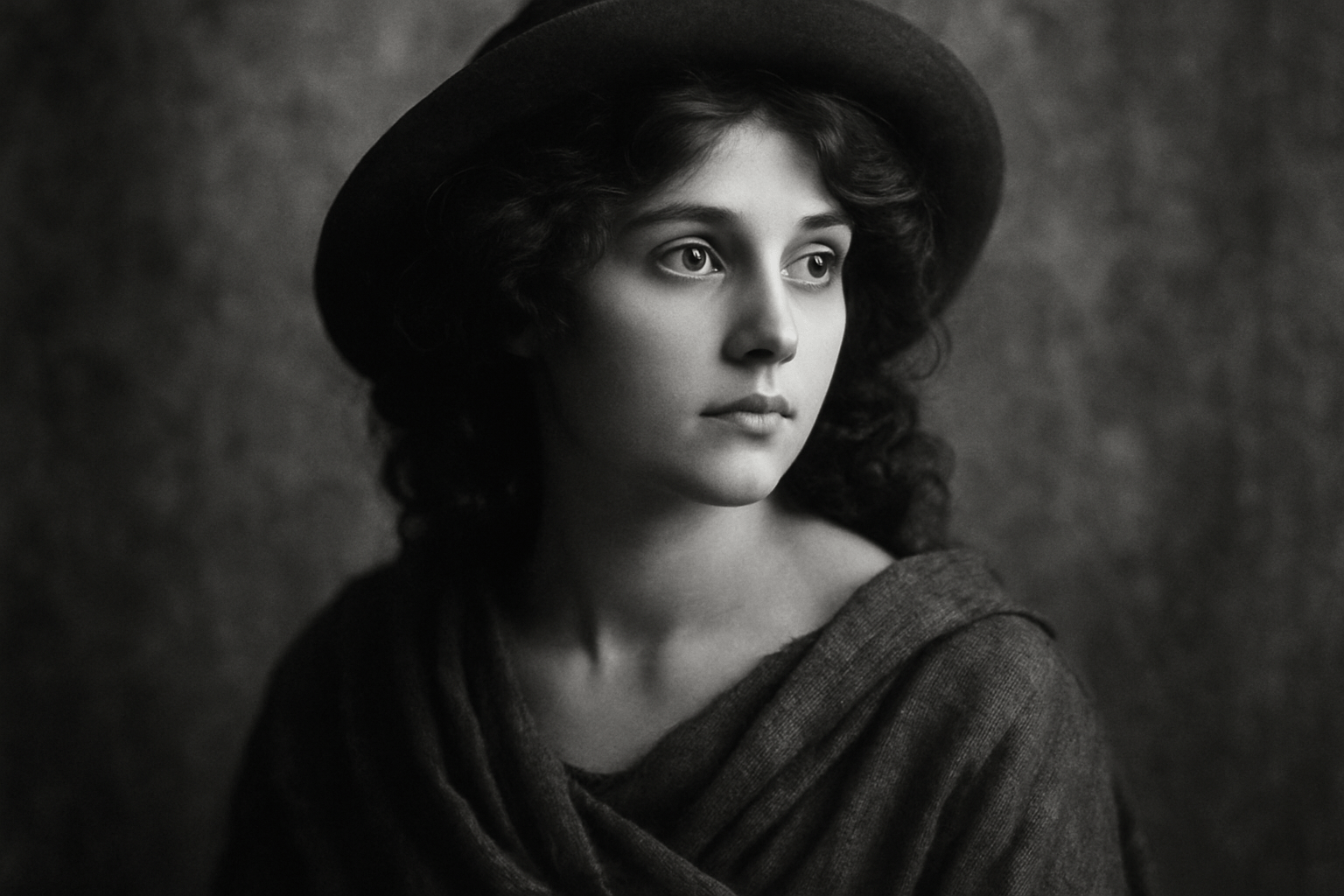
Historic Black and White Photography
An old photograph is more than a modern image with the color removed.