
Digital image-making
Digital image-making uses software to draw, paint, construct, combine or transform pictures. This practical companion to our broader Digital Art overview concentrates on how an image is built: the relationship between marks, editable structure, light, colour and its final destination. Digital describes the working medium, not a compulsory futuristic appearance.
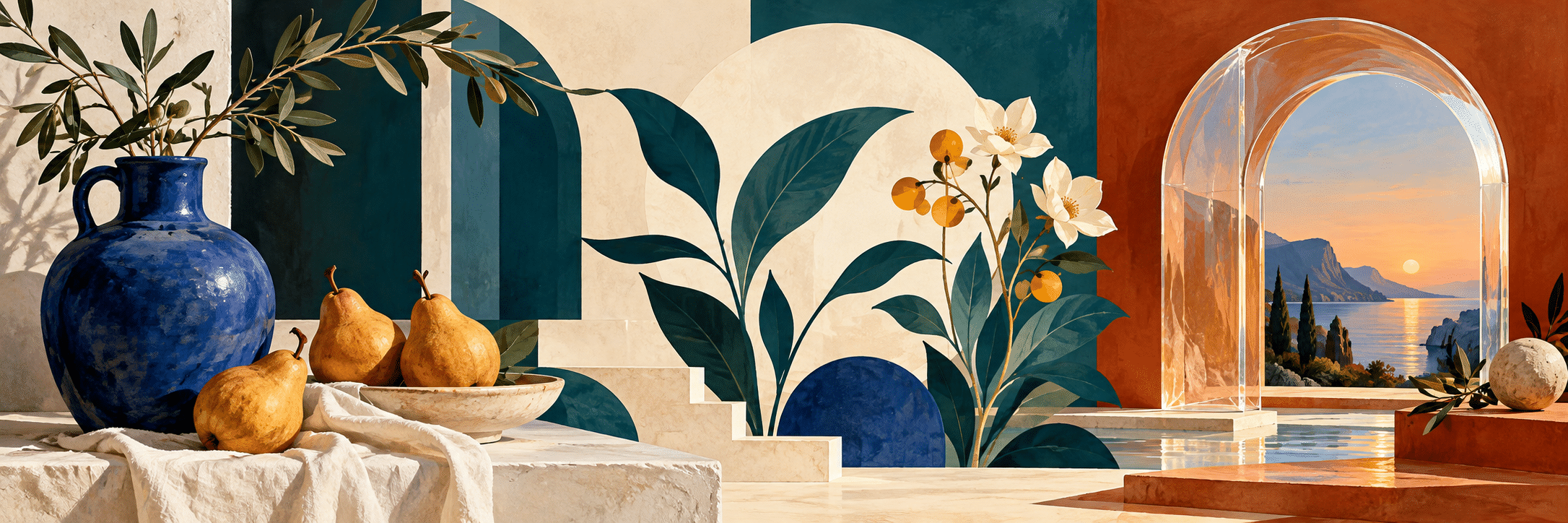
A visual introduction
Select an image for a closer look. Use the thumbnails, arrow keys or a swipe to compare examples. Zoom in to inspect details, or share the image that inspires you.

Creative toolbox · take this style further
Choose an input and a destination. Search sends your words to the chosen site; Copy & open puts them on your clipboard to paste there.
Create with AI
Turn your chosen input into an image prompt or a new creative direction.
ChatGPT
Copy your input and paste it into a ChatGPT conversation or image request.
Copy & open ChatGPT (new tab)Claude · Anthropic
Develop an image prompt or explore the style in a new Claude conversation.
Copy & open Claude · Anthropic (new tab)Midjourney
Paste your input into the Imagine bar on the Create page.
Copy & open Midjourney (new tab)Adobe Firefly
Copy your input, open Firefly, and paste it into the prompt field.
Copy & open Adobe Firefly (new tab)Leonardo.Ai
Copy your input, open Leonardo, and paste it into the generation field.
Copy & open Leonardo.Ai (new tab)Image search
Find visual references. Short, concrete keywords usually work best.
Lexica
Search AI images and prompts using your selected input.
Search with this input Lexica (new tab)Pexels
Search the photo and video library. Short keywords often work best.
Search with this input Pexels (new tab)Pixabay
Search photos, illustrations and other images.
Search with this input Pixabay (new tab)Unsplash
Search photographs using the style name or your own keywords.
Search with this input Unsplash (new tab)Wikimedia Commons
Search photographs, artworks and historical images. Check each file for its source and reuse terms.
Search with this input Wikimedia Commons (new tab)Art & research
Explore artists, collections and the ideas behind a style.
Wikipedia
Search for background reading. A style may not have its own article.
Search with this input Wikipedia (new tab)WikiArt
Copy your input into WikiArt’s search to explore artists and artworks.
Copy & open WikiArt (new tab)Europeana
Paste your keywords into the search to explore European museum, library and archive collections.
Copy & open Europeana (new tab)Inspiration
Discover portfolios and visual ideas from creative communities.
Instagram hashtags
Search a hashtag made from your input: spaces and punctuation are removed. Instagram may require sign-in.
Search with this input Instagram hashtags (new tab)ArtStation
Paste your input into artwork search for concept art, environments, characters and visual development.
Copy & open ArtStation (new tab)Behance
Paste your input into project search for illustration, design and visual storytelling.
Copy & open Behance (new tab)A closer look
Painterly strokes, precise silhouettes, discrete pixel clusters, photographic fragments and modeled-looking surfaces can all belong to digital imagery. What matters is how edges, value groups, scale and texture cooperate. The same tools can produce a quiet still life or an elaborate imaginary environment.
A practical focus within a broad field
The Digital Art overview surveys histories, systems, moving images and interactive experiences. Here the question is narrower: how do you make a still image that remains convincing when its layers, masks and effects have disappeared into the final picture? Start with what the viewer should notice, then choose the construction method that serves it.
Digital work did not begin with recent image generators. The V&A documents early collaborations between artists and laboratories, including the computational practices of Vera Molnár and Manfred Mohr. Their work also reminds us that computer-based art can become a physical drawing. A digital process does not require a glowing screen as its final form.
Choose a construction method deliberately
Raster images describe a picture through a grid of pixels. They suit painted marks, photographic editing and complex surface variation. Vector artwork describes shapes through paths and related properties; it supports clean contours and flexible changes of scale. A finished raster preview cannot establish that an editable vector original exists behind it.
Three-dimensional construction adds geometry, a camera, materials and light before an image is rendered. Compositing brings separate elements into a common picture. These methods can be combined: a modeled object may receive painted adjustments, while a drawn silhouette can sit inside a photographic environment. Choose the method for the decisions it lets you control, rather than for its prestige.
Establish the image before the detail
Begin with a few broad shapes and a clear hierarchy of light and dark. Decide where the eye enters, which area holds attention and how the surrounding space supports it. Reduce the image to a small preview. If the important relationship vanishes, more texture will probably make the confusion expensive rather than solve it.
A useful exercise is to make three versions of one arrangement with different focal emphasis. Keep the objects fixed, but change their relative contrast or the direction of light. Compare the results before choosing a finish. This makes composition a decision you can examine instead of an accidental consequence of whichever brush was nearest.
Layers and masks preserve choices
Layers separate parts of an image so that one decision can change without repainting everything else. A mask controls visibility while preserving underlying material. Krita’s official manual explains these relationships and describes non-destructive filters and transformation masks. The advantage is the ability to revise a picture, not a requirement to accumulate hundreds of layers.
Organize the file around meaningful functions: subject, background, atmosphere and adjustments, for example. Name the important groups. Keep an editable working version before flattening an export. If an effect has become essential, understand what it contributes: a blend operation should help the image, not become a mystery that nobody can safely touch.
Edges give digital surfaces character
A sharp edge attracts attention; a soft or broken one can suggest atmosphere, movement or a surface turning away. Use these differences deliberately. Uniformly sharp contours may flatten a painted scene, while softening every boundary can make it indecisive. Reserve crisp intersections for places where the structure or focal point needs them.
Texture should follow form and scale. A grain that looks convincing in a close view may become distracting across a distant hillside. Repeated brush stamps can betray the tool more strongly than the depicted material. Change scale, direction and density where the subject calls for it, and let some areas remain quiet enough for the texture to mean something.
Colour relationships before colour effects
Establish the dominant temperature and the role of your strongest accent. A small warm shape can hold attention in a cool field without making the whole image intensely saturated. Compare neighbouring colours rather than judging each swatch in isolation. Check that the light-dark structure still carries the composition when colour becomes less distinct.
Consider the destination early. A luminous screen and a reflective print offer different viewing conditions, so the final appearance needs checking in its intended setting. Keep the working file, inspect the exported file and make a physical proof when print quality matters. A bright preview alone is not evidence that every output will preserve the same contrast.
Compositing: decide whether the join should show
For a seamless composite, compare perspective, light direction, shadow softness and the scale of texture across the elements. A beautifully cut-out object can still feel pasted on if its contact with the ground is unclear. Establish where it touches, what it obscures and how the surrounding light affects it.
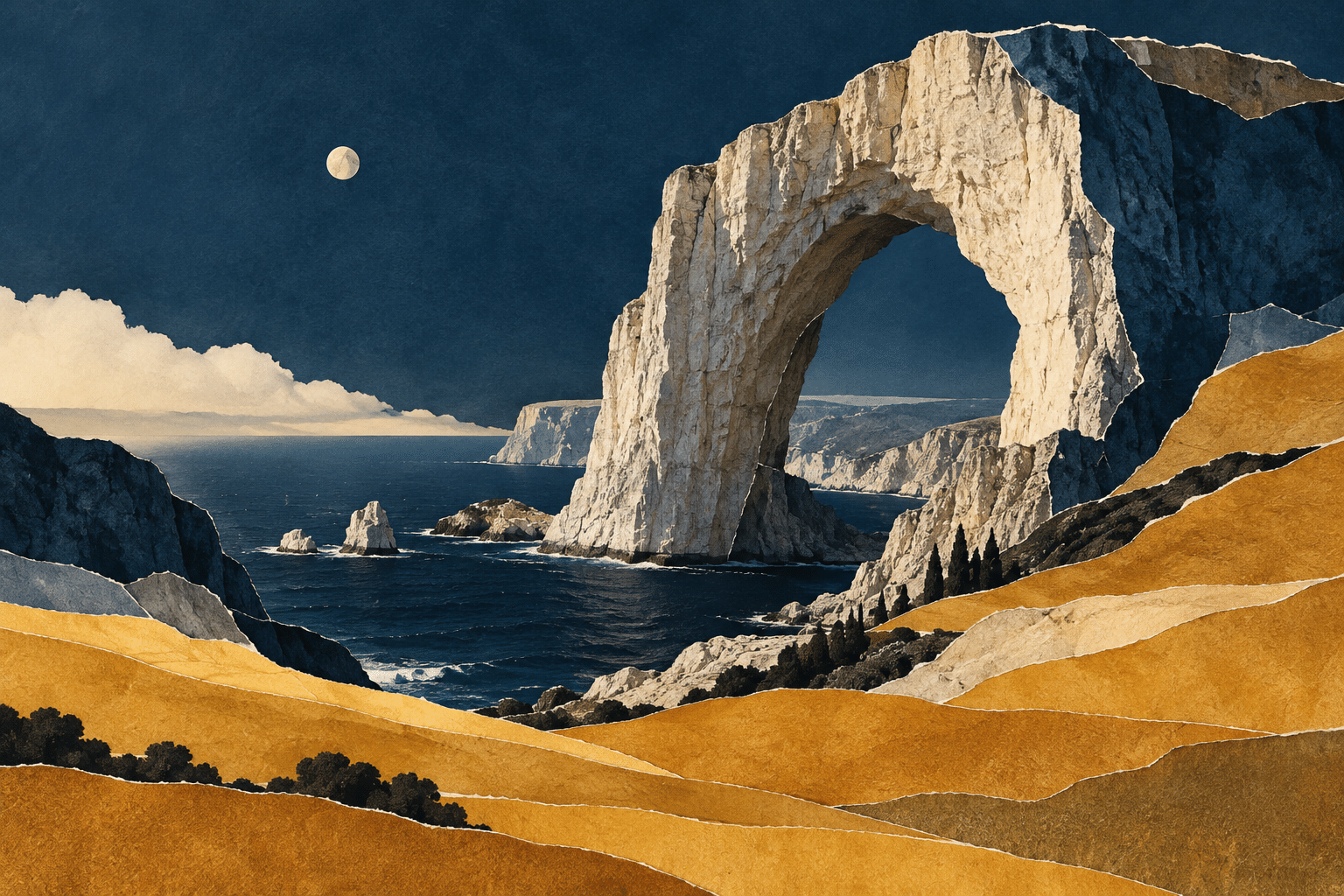
An intentionally visible collage follows another logic. Differences in scale or texture can create tension and meaning. Keep those differences purposeful: a cut edge, interruption or impossible overlap should help the idea. Describe a constructed scene honestly when it could otherwise be mistaken for a documentary photograph, and keep a record of the source material used.
Iteration needs a question
Save alternatives when a change answers a real visual question. Does a lower horizon strengthen the figure? Does removing a reflected highlight restore the silhouette? Compare a small number of deliberate alternatives under the same viewing conditions. Unlimited undo is useful, but endless minor changes can conceal the absence of a clear intention.
AI generation can supply a starting image or a component, but the result still needs inspection. Check structure, accidental lettering, repeated forms and the consistency of objects across the picture. Distinguish the actual process from the requested look: a generated image of brushwork does not document a hand-painted workflow, and a sculptural-looking object is not proof of an editable 3D scene.
Finish for a real viewer
Inspect the image at its intended display size and at full resolution for unwanted artifacts. Confirm the crop, file dimensions and compression suit the destination. Keep the editable master separate from delivery copies. Add a useful description when the picture is published, explaining the subject and relevant visual relationships rather than listing vague praise.
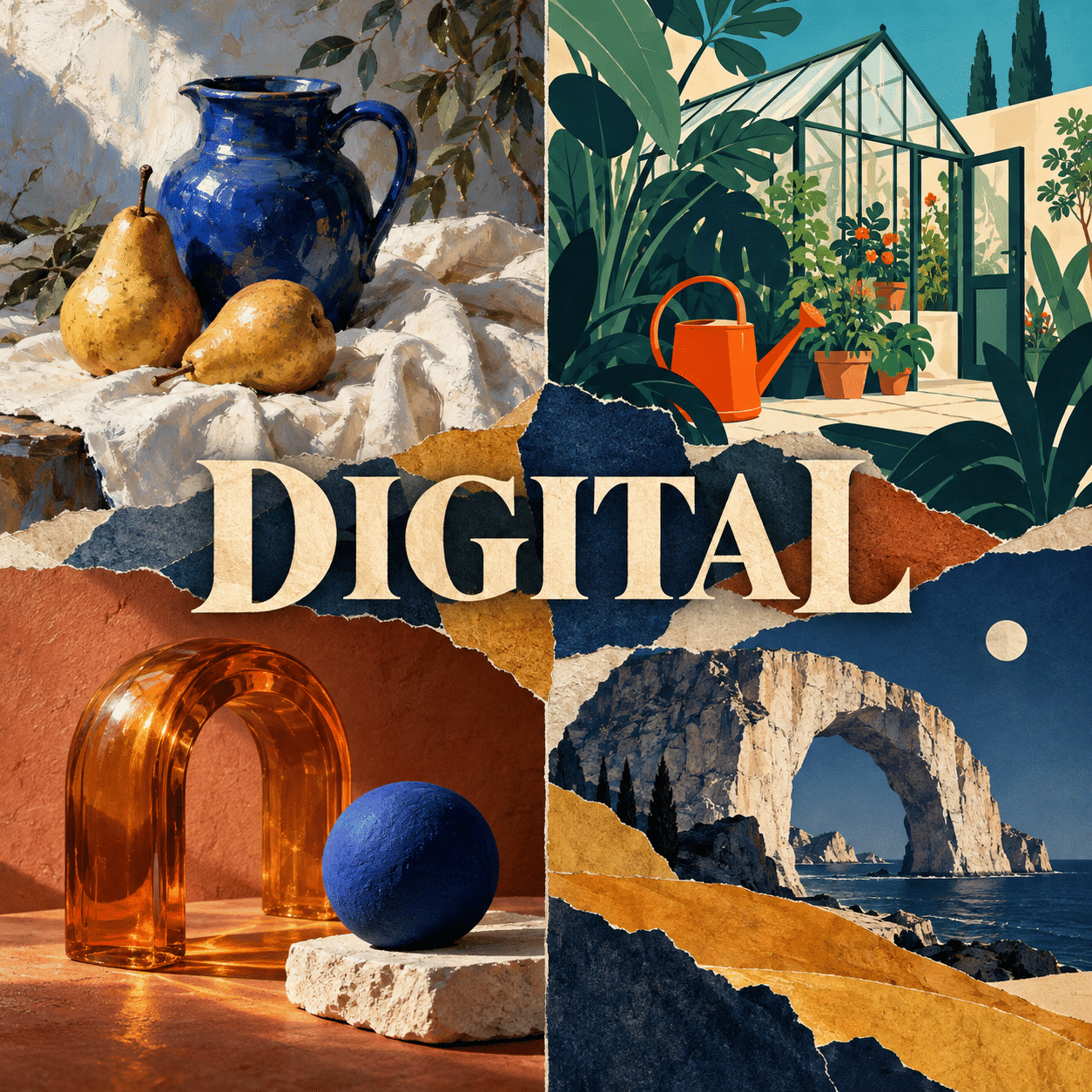
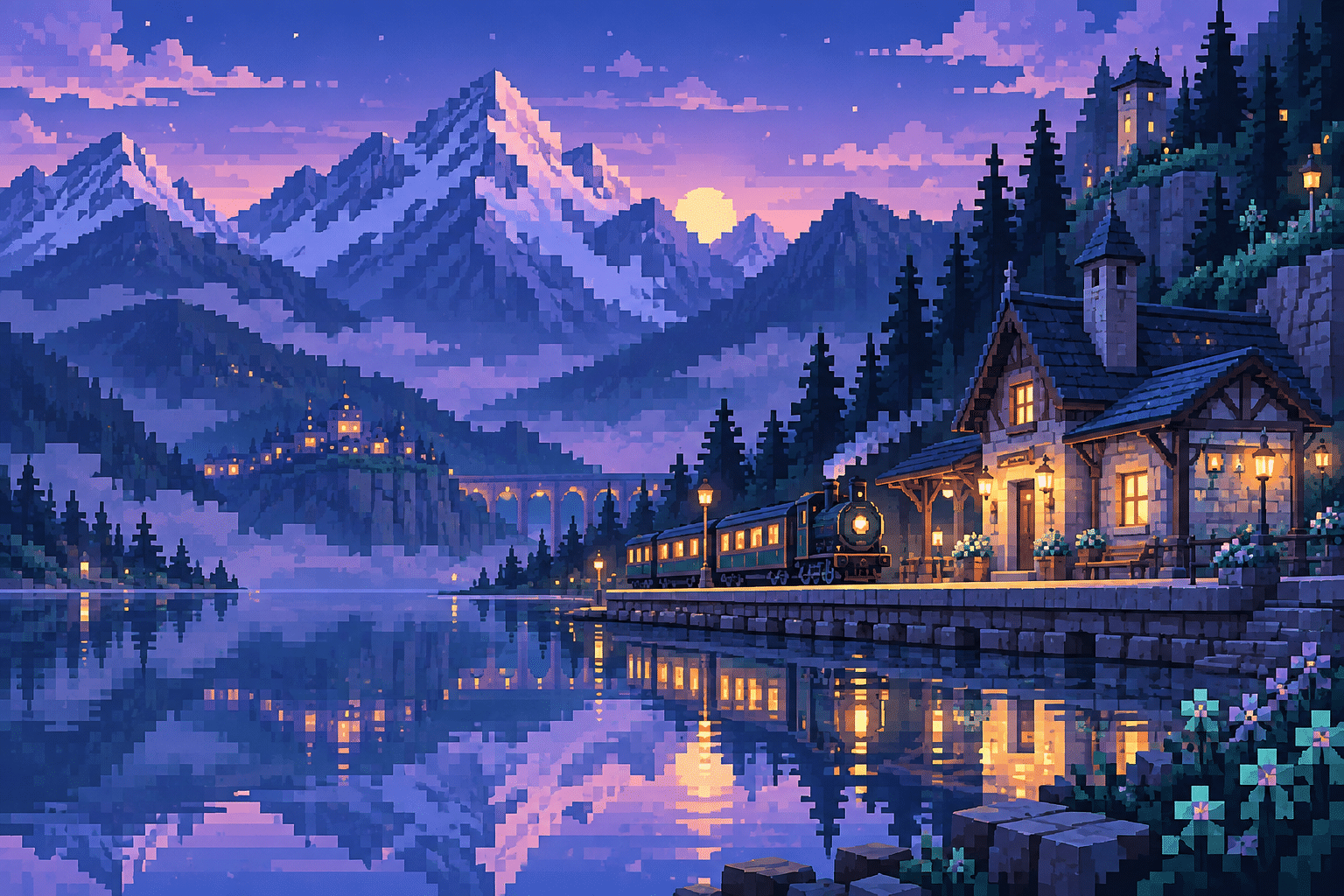
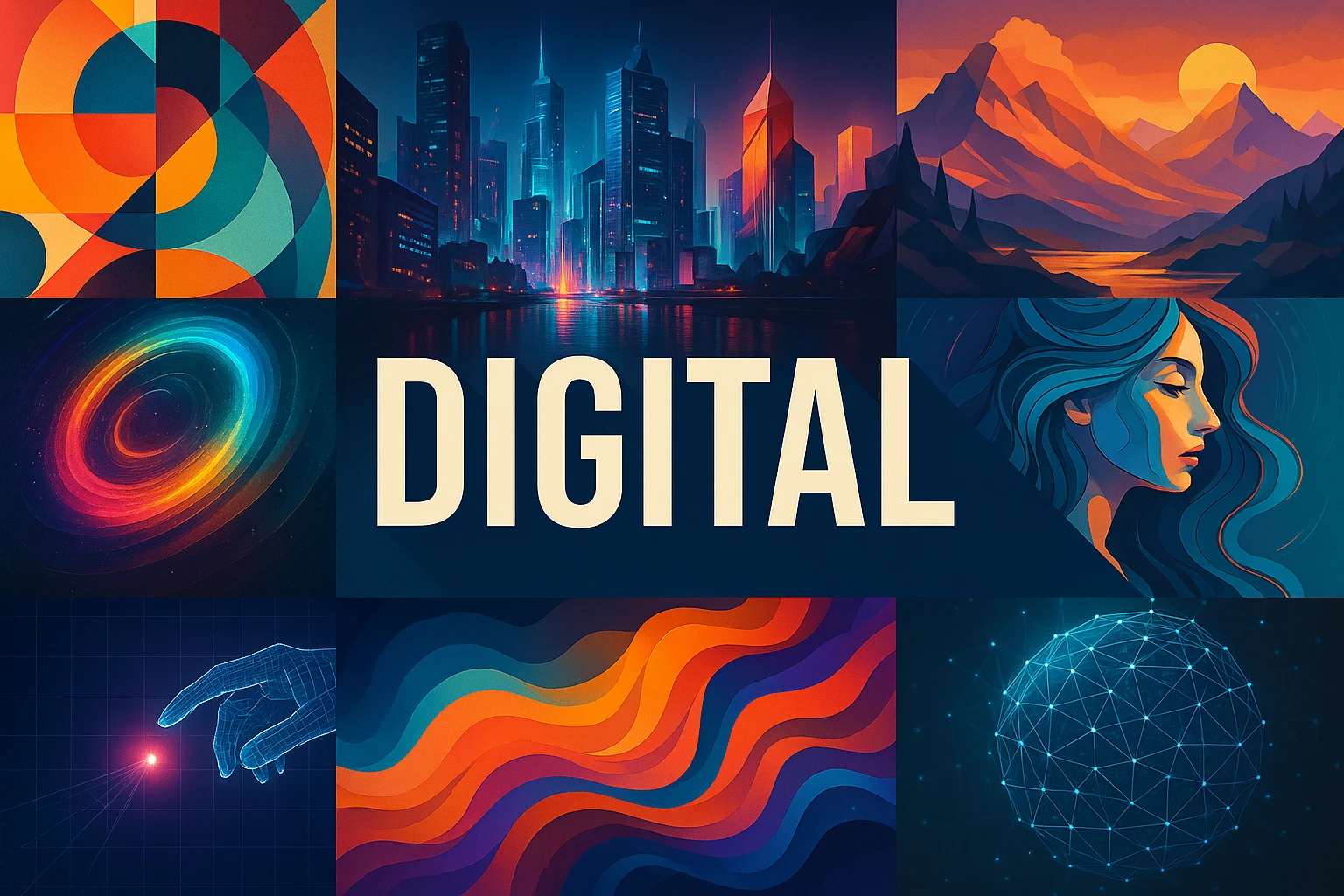
The new gallery offers five AI-generated teaching studies: painterly still life, flat graphic illustration, sculptural materials, a visibly constructed collage and a pixel-inspired environment. They demonstrate different visual decisions, not verified software workflows. Use them as comparisons, then choose constraints for your own practice and judge what those constraints actually produce.
Positive editorial assessment — AI-authored
Digital image-making makes revision unusually accessible. Separate elements, reversible adjustments and alternative versions can help an artist test a visual idea carefully. Its strongest results use that flexibility to clarify relationships, whether the final surface is restrained, rough, precise or richly layered.
Critical editorial assessment — AI-authored
Effects can become a substitute for structure, and an image can acquire detail long after its central idea has become unreadable. Start with a smaller set of decisions, compare the picture at its intended size and remove treatments that add activity without improving the composition.
Neutral editorial assessment — AI-authored
Digital is a description of tools and processes across many visual practices. Quality depends on intention, construction, editing and presentation. A polished surface may be appropriate, but visible marks, limited palettes and deliberately rough combinations can be equally considered choices.
Pocket-sized facts
Digital is a medium and process category, not one fixed appearance.
Layers and masks can preserve editable decisions.
A generated visual appearance does not establish the production method it imitates.
A small poetic detour
Original words from the AOI studio.
Poetry
A layer waits beneath the light,
a curve returns to be revised;
the edges soften into night,
the quiet shape is recognized.
A thousand choices fill the screen,
but only some belong to sight;
leave room for what the marks can mean,
and let the last small change be right.
The prompt workshop
Original creative exercises. These prompts create new illustrations, not documentary evidence.
Study light and edges
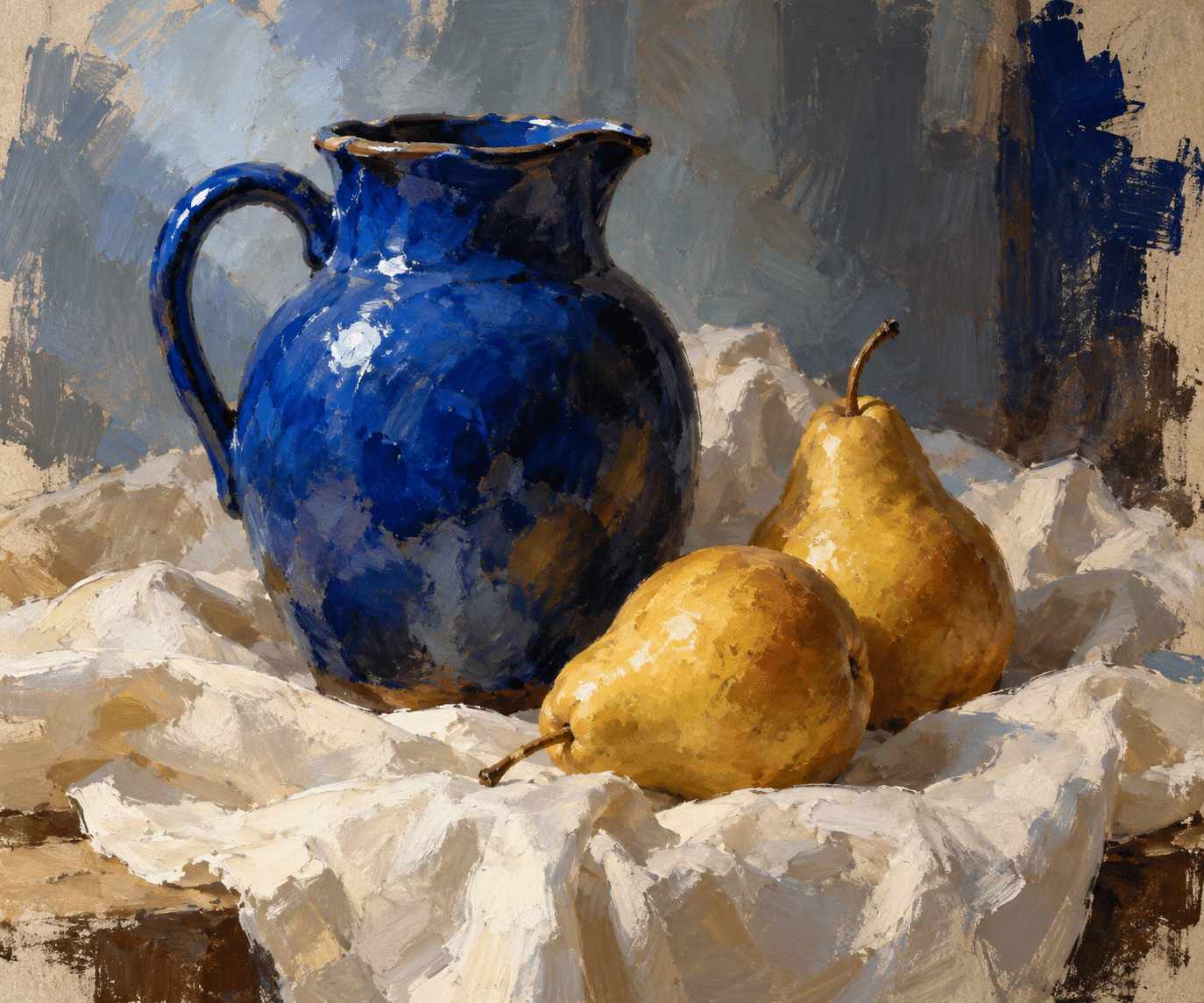
Create an original digital-painting study of a blue ceramic jug and two pears on a folded ivory cloth, cool window light, five broad value groups, painterly broken edges away from the focal highlight, subdued blue, ochre and cream, quiet asymmetrical composition. No text or interface. AI-generated interpretation, not a documented manual painting.
Build a clear graphic image
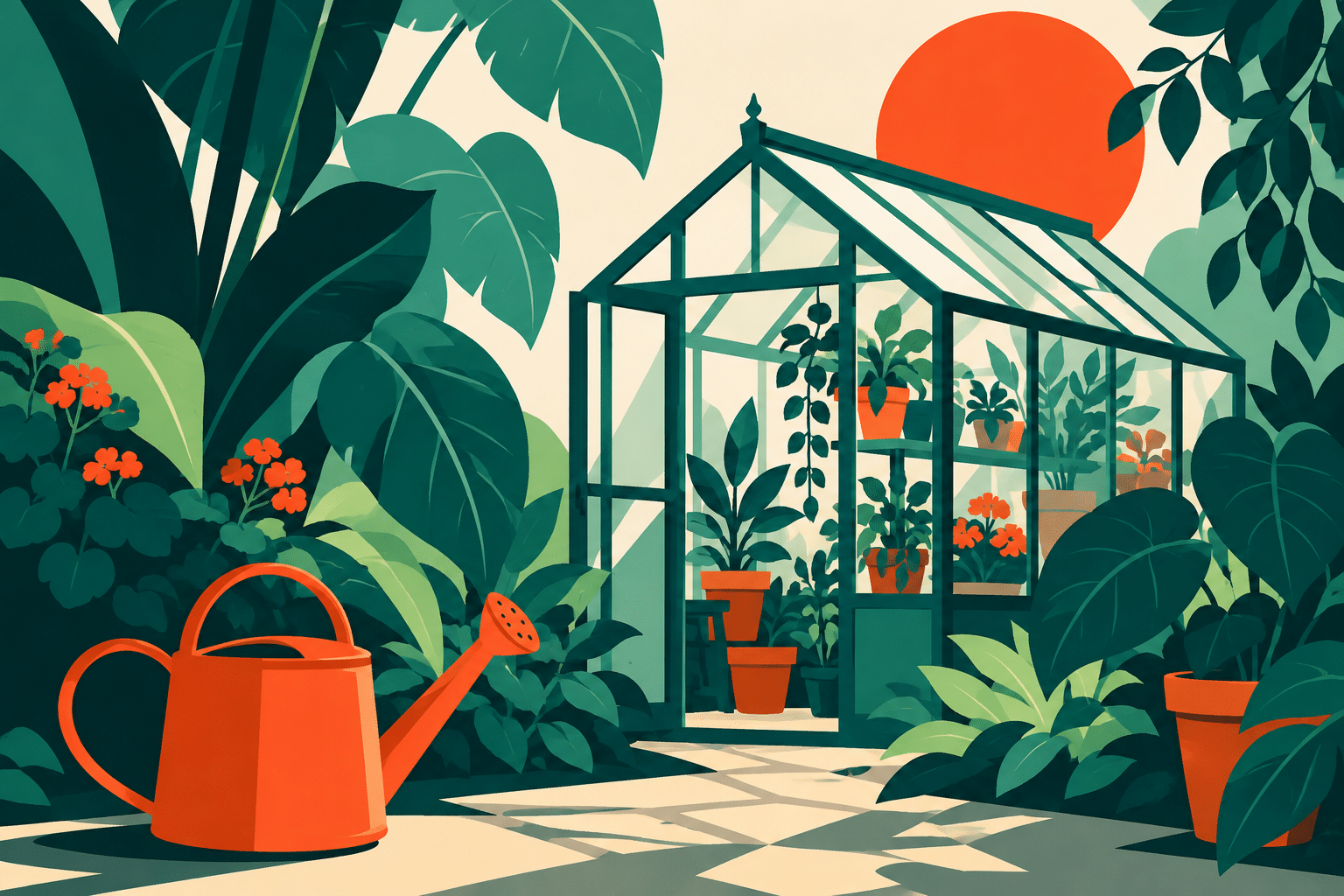
Create an original flat graphic illustration of a greenhouse with broad leaves and one orange watering can. Strong silhouettes, deep teal, mint, cream and vermilion, generous negative space, a few deliberate overlaps, crisp shapes. No words, gradients or software interface. Raster concept with a vector-like appearance.
Make the join meaningful
Create an original surreal digital collage of a coastal arch, a small moon and a field of folded paper, visibly cut contours, deliberately mismatched scales, coherent ochre and indigo palette, one strong diagonal. Keep the joins visible and purposeful. No text; clearly an imaginary construction rather than a documentary scene.
Your next inspiration
Discover another art style
Follow a visual thread to the next subject.
Digital Art
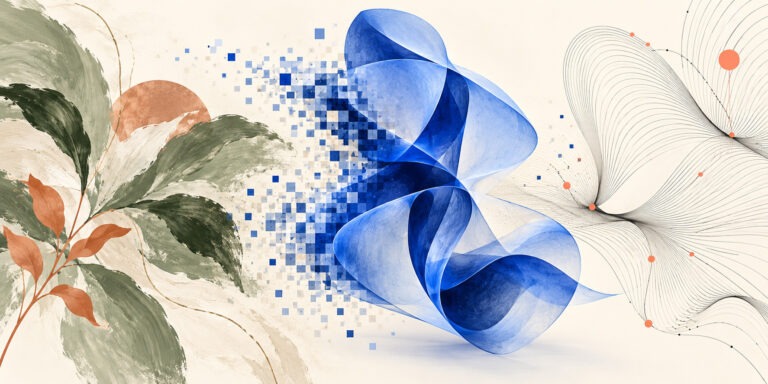
Read the broader history and range of digital art, including interaction and moving images.
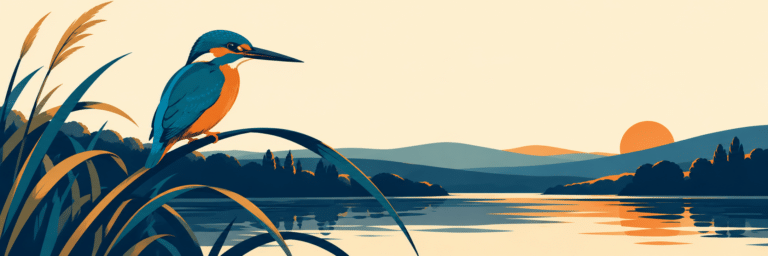
Vector Art: Shape, Curves and Images Built to Adapt
Explore paths, silhouettes and the distinction between vector masters and raster previews.
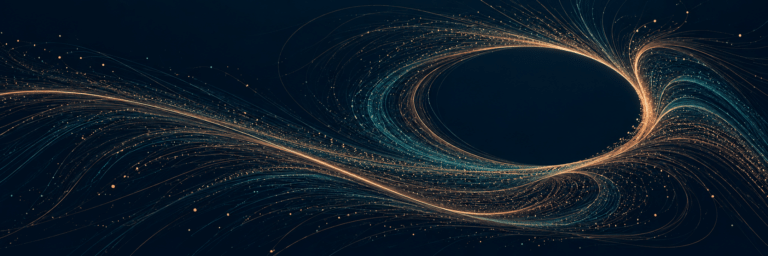
Algorithmic Art: Rules, Variation and the Art of Choosing
Compare direct image editing with rule-based artistic construction.
A smile from the studio
Jokes
The file had ninety layers. Unfortunately, the good idea was still called Untitled.