
Digital medium and drawing practice
Digital drawing uses computational tools to develop lines, shapes and marks. Explore raster and vector approaches, editable structure and the visual decisions that matter beyond a brush preset or polished surface.
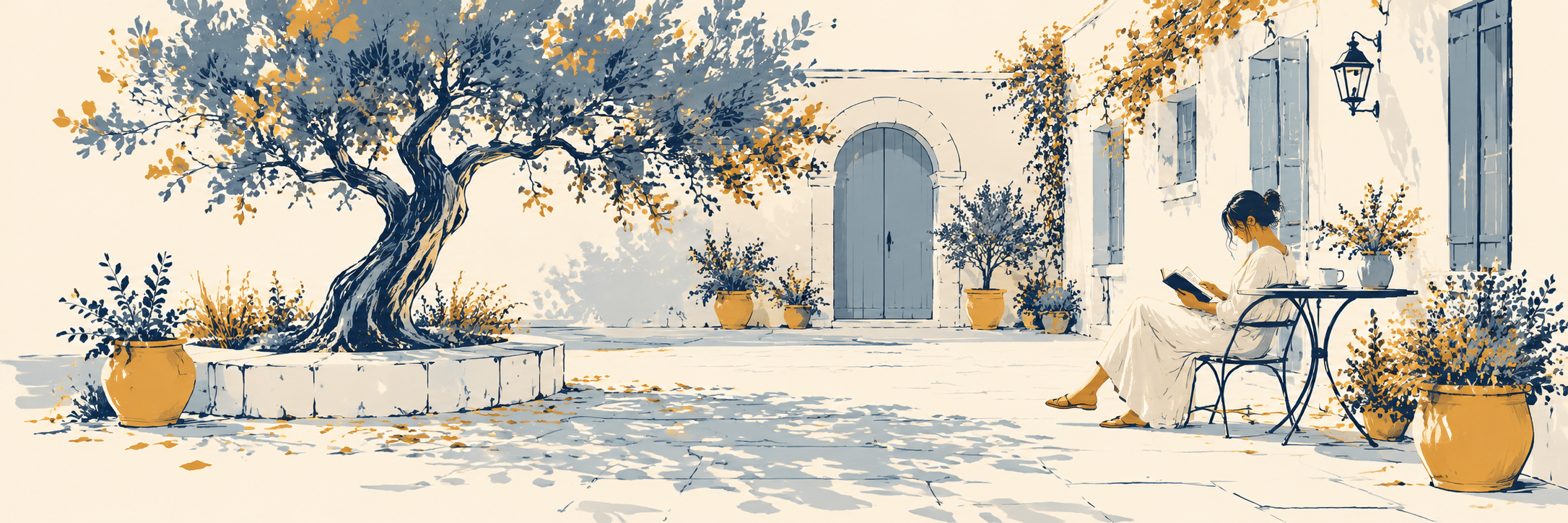
A visual introduction
Select an image for a closer look. Use the thumbnails, arrow keys or a swipe to compare examples. Zoom in to inspect details, or share the image that inspires you.
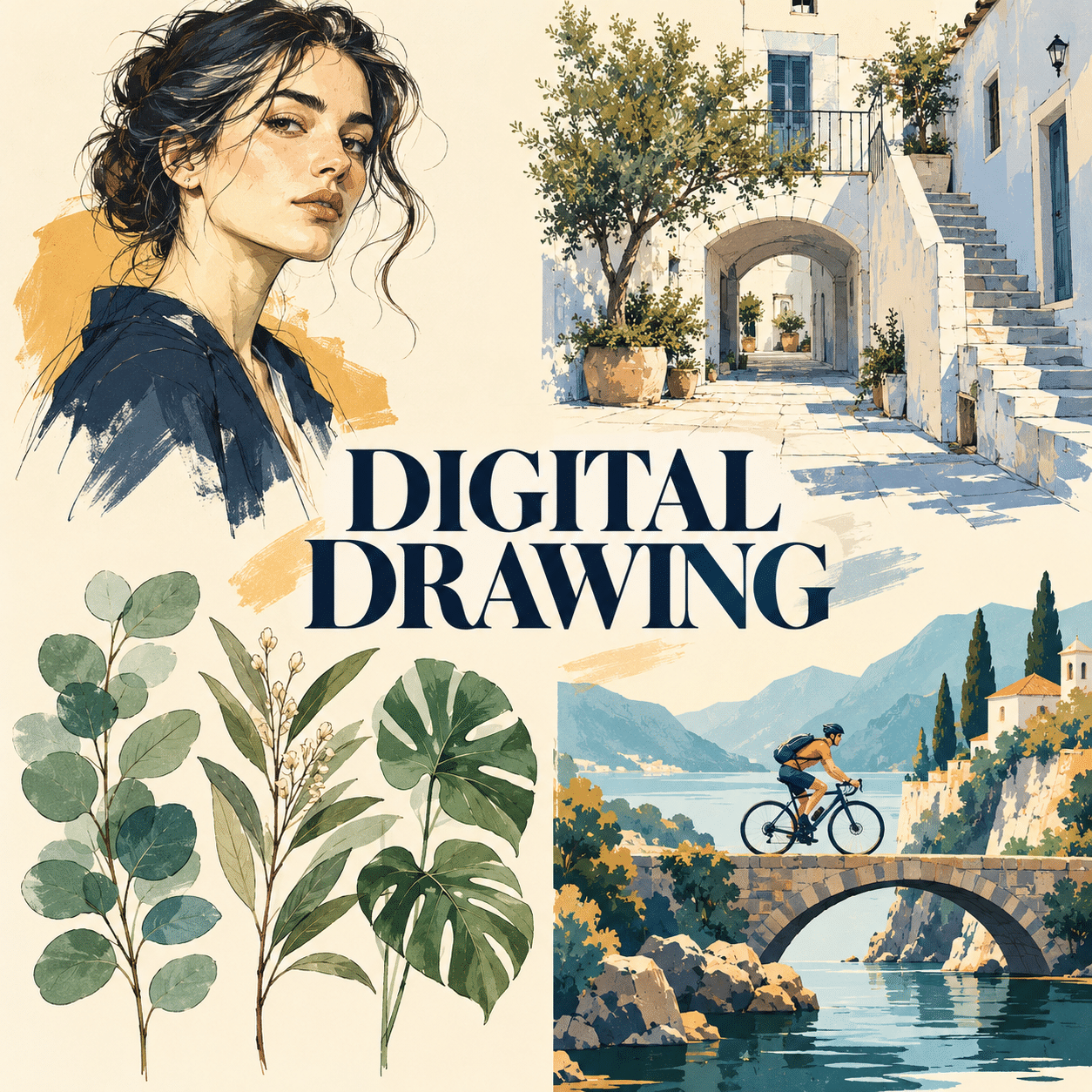
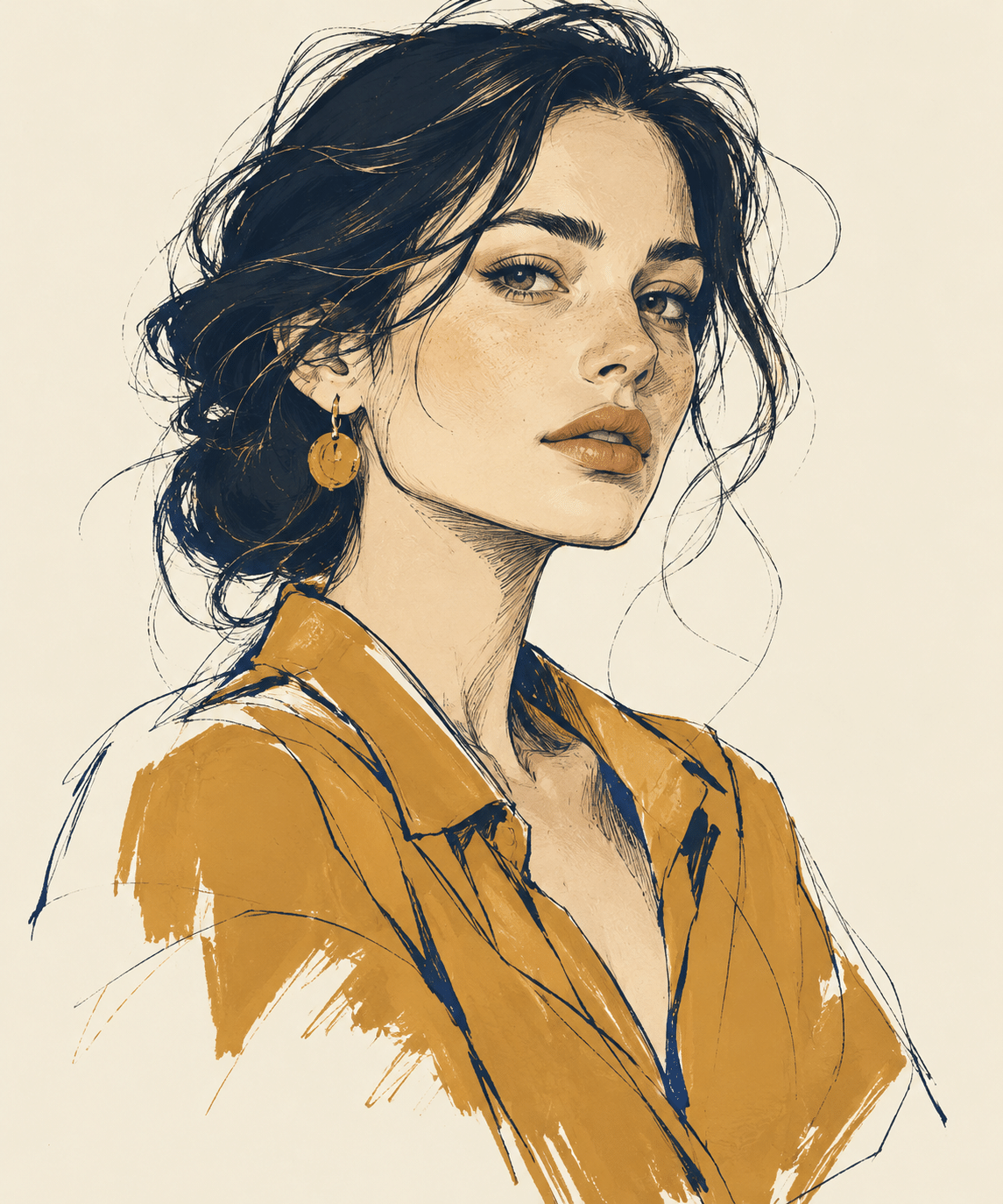
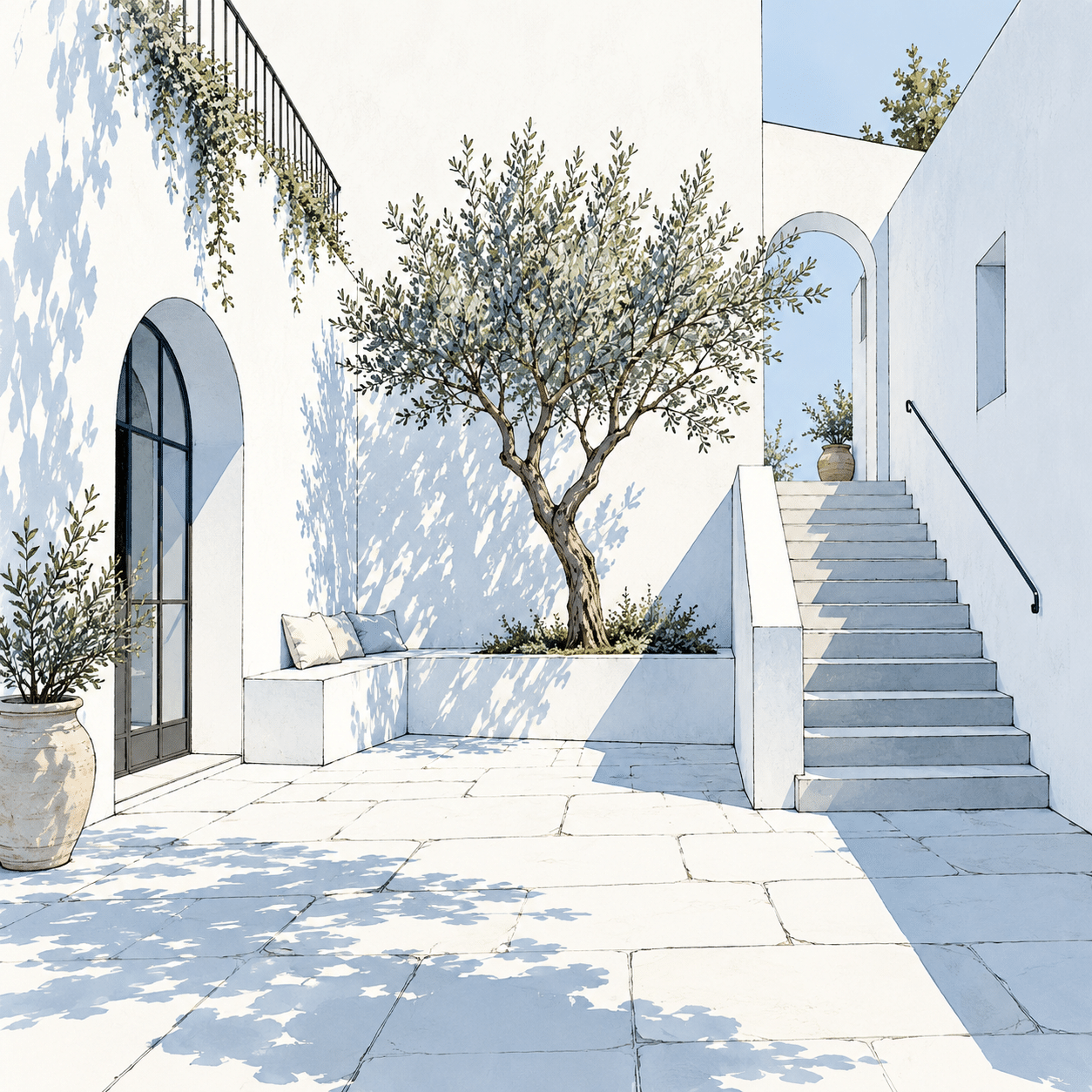
Creative toolbox · take this style further
Choose an input and a destination. Search sends your words to the chosen site; Copy & open puts them on your clipboard to paste there.
Create with AI
Turn your chosen input into an image prompt or a new creative direction.
ChatGPT
Copy your input and paste it into a ChatGPT conversation or image request.
Copy & open ChatGPT (new tab)Claude · Anthropic
Develop an image prompt or explore the style in a new Claude conversation.
Copy & open Claude · Anthropic (new tab)Midjourney
Paste your input into the Imagine bar on the Create page.
Copy & open Midjourney (new tab)Adobe Firefly
Copy your input, open Firefly, and paste it into the prompt field.
Copy & open Adobe Firefly (new tab)Leonardo.Ai
Copy your input, open Leonardo, and paste it into the generation field.
Copy & open Leonardo.Ai (new tab)Image search
Find visual references. Short, concrete keywords usually work best.
Lexica
Search AI images and prompts using your selected input.
Search with this input Lexica (new tab)Pexels
Search the photo and video library. Short keywords often work best.
Search with this input Pexels (new tab)Pixabay
Search photos, illustrations and other images.
Search with this input Pixabay (new tab)Unsplash
Search photographs using the style name or your own keywords.
Search with this input Unsplash (new tab)Wikimedia Commons
Search photographs, artworks and historical images. Check each file for its source and reuse terms.
Search with this input Wikimedia Commons (new tab)Art & research
Explore artists, collections and the ideas behind a style.
Wikipedia
Search for background reading. A style may not have its own article.
Search with this input Wikipedia (new tab)WikiArt
Copy your input into WikiArt’s search to explore artists and artworks.
Copy & open WikiArt (new tab)Europeana
Paste your keywords into the search to explore European museum, library and archive collections.
Copy & open Europeana (new tab)Inspiration
Discover portfolios and visual ideas from creative communities.
Instagram hashtags
Search a hashtag made from your input: spaces and punctuation are removed. Instagram may require sign-in.
Search with this input Instagram hashtags (new tab)ArtStation
Paste your input into artwork search for concept art, environments, characters and visual development.
Copy & open ArtStation (new tab)Behance
Paste your input into project search for illustration, design and visual storytelling.
Copy & open Behance (new tab)A closer look
Intentional line and shape; controlled edge hierarchy; editable layers or paths; varied digital mark behaviour; clear value grouping; a finish chosen for the image rather than imposed by a software default.
A medium, not one appearance
Digital drawing describes drawing made or developed with digital tools. It can resemble pencil, ink or chalk, use crisp geometric paths, or establish a visual language particular to computation. It is part of the broader field of digital art, which also includes practices such as moving image, interactive work and three-dimensional environments.
The V&A’s collection places computer-generated drawings and algorithmic work within a longer history of art and technology. Its account includes Vera Molnár’s plotter-based practice and Harold Cohen’s programmed drawing investigations. This history is broader than the contemporary image of an artist using a stylus on a tablet; human-directed and computationally generated marks have developed through different relationships with machines.
Raster and vector solve different problems
Raster images store colour in a pixel grid. Vector graphics describe shapes and paths mathematically. Adobe’s technical documentation explains the consequence for scaling: enlarging a fixed raster image may reveal its limits, while vector geometry can be resized without the same pixel-grid dependence. A displayed or exported preview of vector work is still often rasterized for a screen.
Neither representation guarantees better art. A textured charcoal-like mark may be naturally handled in raster form; a precise repeatable contour may suit a vector path. Hybrid workflows are also possible. Choose according to the kind of mark, revision and output the project needs, rather than treating one format as an artistic rank.
Make a drawing before making a finish
Begin with the large relationships: silhouette, proportion, perspective and the balance of light and dark. A sophisticated brush cannot repair an unclear pose or a confused spatial arrangement. Work at a scale where the whole image remains visible, then move closer to resolve selected details.
Line weight and edge quality can create hierarchy. A strong outer contour may establish the subject while lighter internal marks suggest texture. Broken lines can imply light or incomplete knowledge; a continuous hard edge can define a deliberate boundary. Use these differences purposefully. Uniformly smooth contours can be as monotonous as uniformly scratchy ones.
Editability should support decisions
Separating a sketch, line work and colour into understandable components can make revisions easier. The useful principle is to preserve options without losing track of the image. An enormous number of unnamed layers does not automatically create a flexible process. Keep the organization proportionate to the complexity of the work.
Repeatedly undoing and polishing can also erase the energy of an early mark. Save stages when they represent meaningful decisions, and compare the whole composition before refining another small area. The goal is not to make every pixel equally finished. A deliberate contrast between resolved and open passages can make the drawing more expressive.
Surface, authorship and the new studies
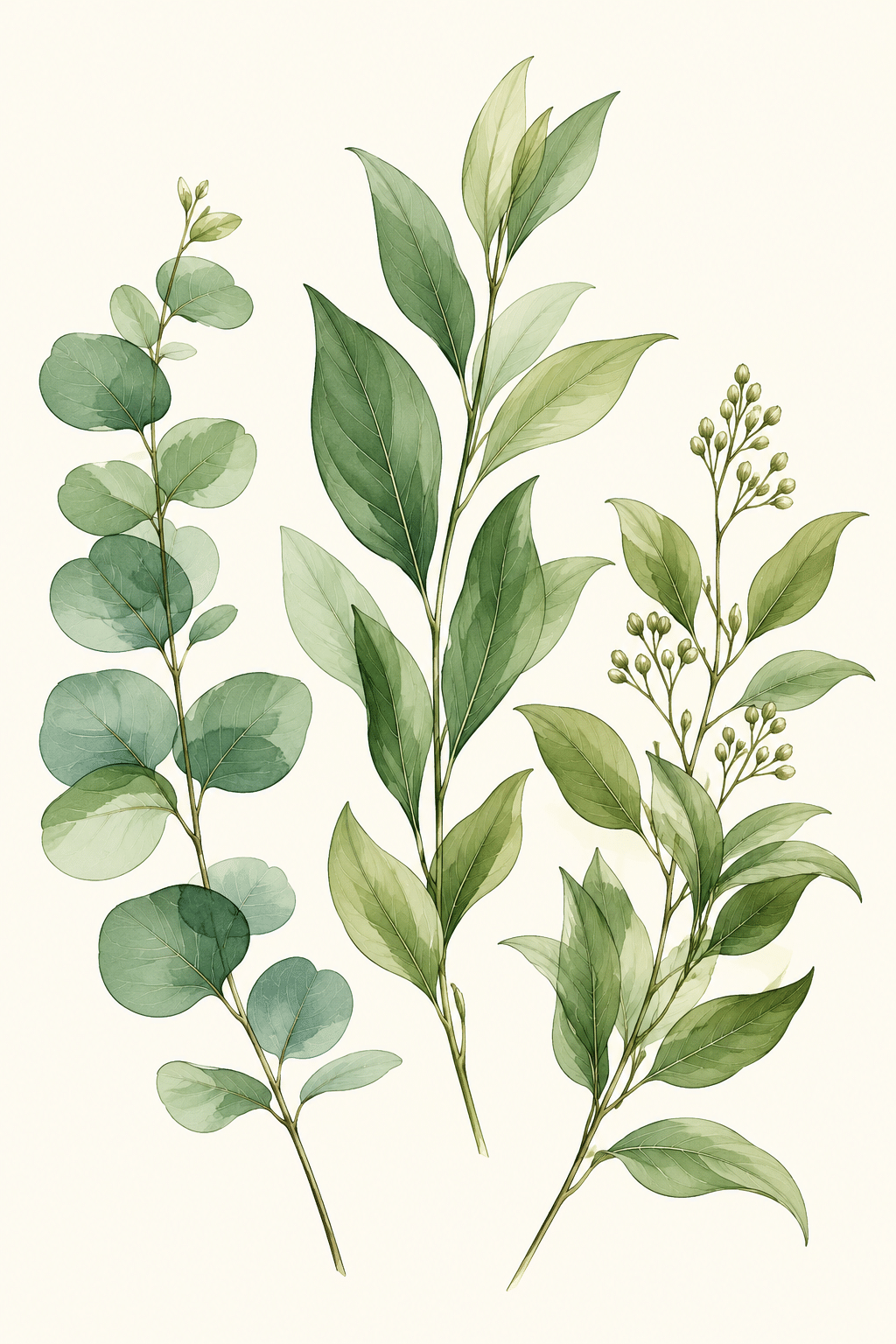
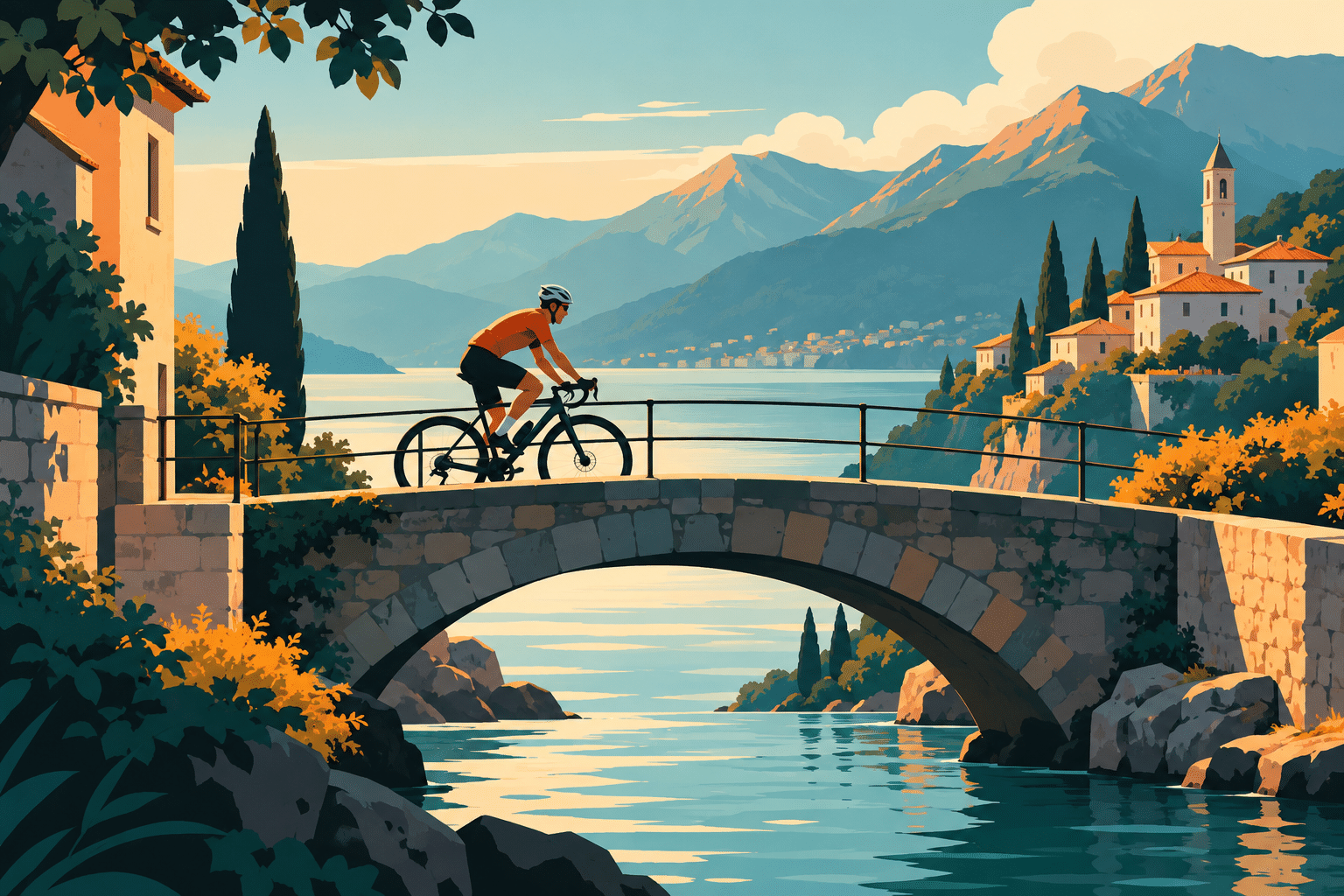
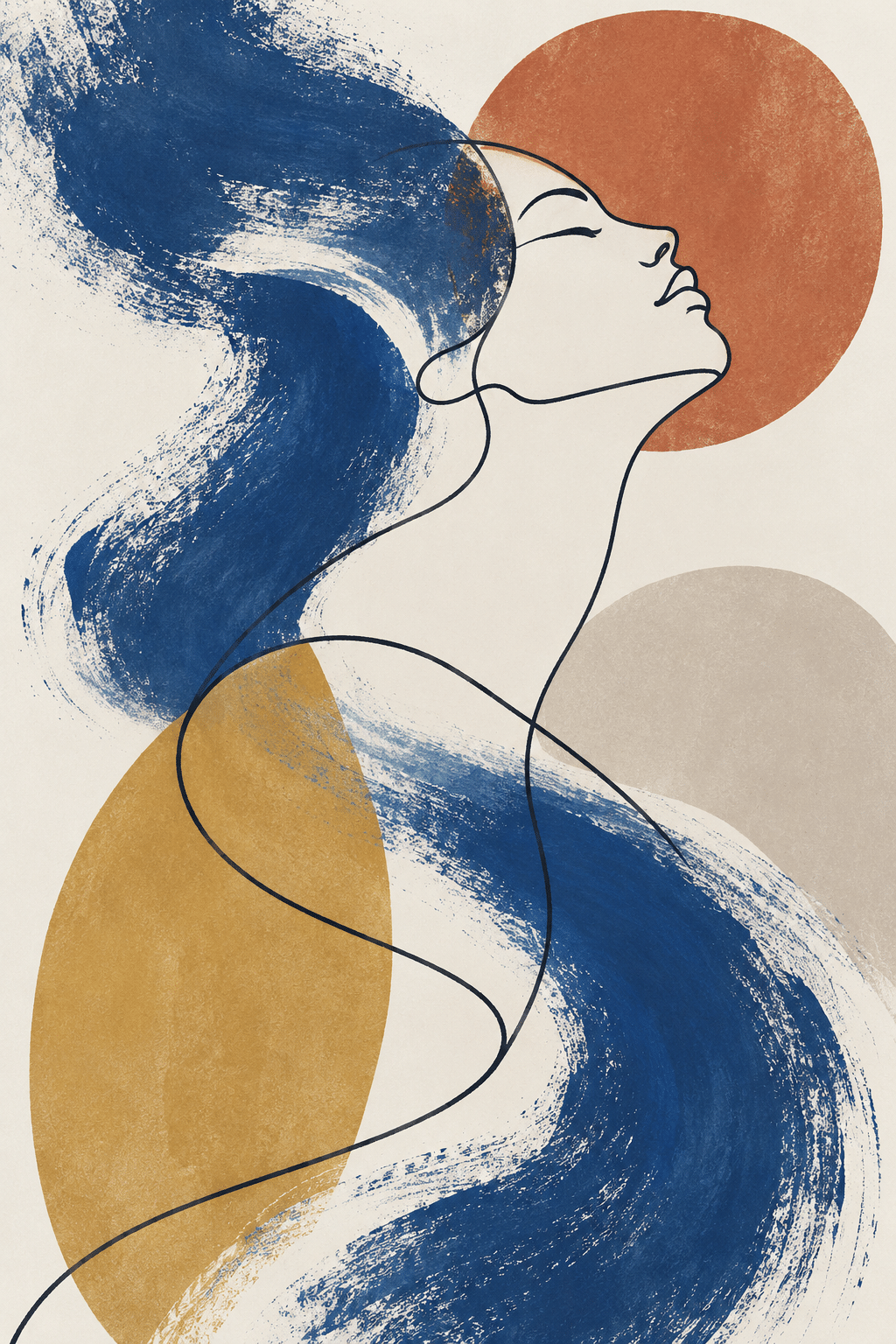
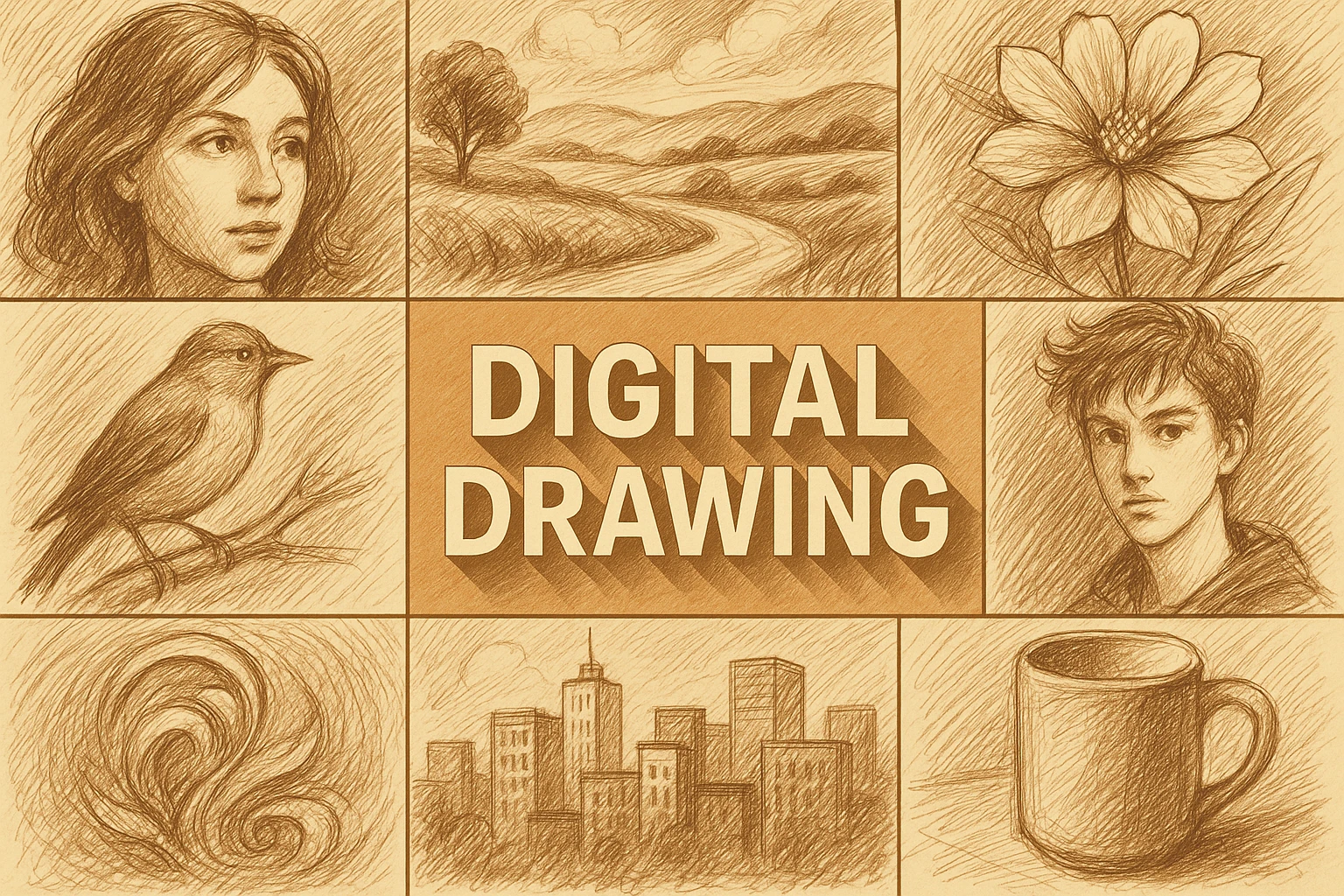
The new gallery explores line-led portraiture, an architectural sketch, a botanical study, a crisp shape-based scene and an abstract mark composition. These are AI-generated interpretations of digital drawing appearances. They are not recordings of a hand-drawn stylus process, editable vector originals or evidence that a particular software workflow was used.
Prompt vocabulary should therefore describe the desired visual result honestly: tapered ink-like contours, flat colour grouping, granular dry marks, a restrained palette or open sketch lines. “Digital” alone says little about the intended image. When sharing actual process work, retain the appropriate editable source and describe substantial automated or generative contributions accurately.
Positive editorial assessment — AI-authored
Digital drawing can combine exploratory mark-making with unusually flexible revision. It allows a visual idea to move between sketch, graphic structure and textured surface while preserving earlier decisions. The strongest work uses that flexibility to clarify intention rather than merely increase the amount of detail.
Critical editorial assessment — AI-authored
Preset textures, effortless gradients and unlimited correction can encourage a polished but generic finish. An image may look technically complete while lacking a clear focal idea. Improve it by reducing the tool vocabulary, strengthening the large shapes and deciding which edges and details genuinely deserve emphasis.
Neutral editorial assessment — AI-authored
Digital drawing is defined by its tools and process rather than a single style. Its results range from sparse line studies to dense illustrations. Evaluation should consider drawing decisions, suitability for the intended output and honest process description, without assuming that a digital surface reveals how it was made.
The prompt workshop
Original creative exercises. These prompts create new illustrations, not documentary evidence.
Line-led portrait
Original digital-drawing interpretation of an adult in three-quarter view, tapered navy ink-like contours, a few open sketch lines and restrained ochre colour shapes on cream. Coherent anatomy, clear focal eyes, no glossy rendering or signature.
A spatial sketch
Original digital architectural drawing of a small courtyard with one tree and a stair, confident perspective, varied line weight, pale blue shadow blocks and generous white space. Preserve exploratory marks without clutter; no software interface or text.
Limit the tools
Original abstract digital drawing using only a thin dark contour, a granular broad brush and three muted colour shapes. Asymmetric composition, one clear focal crossing and large open margins. The result should feel deliberate rather than like a brush demonstration.
A smile from the studio
Jokes
The sketch requested one more layer. The file replied that it would first like names for the previous forty.