
AOI interpretive aesthetic · emissive geometry and digital-world atmosphere
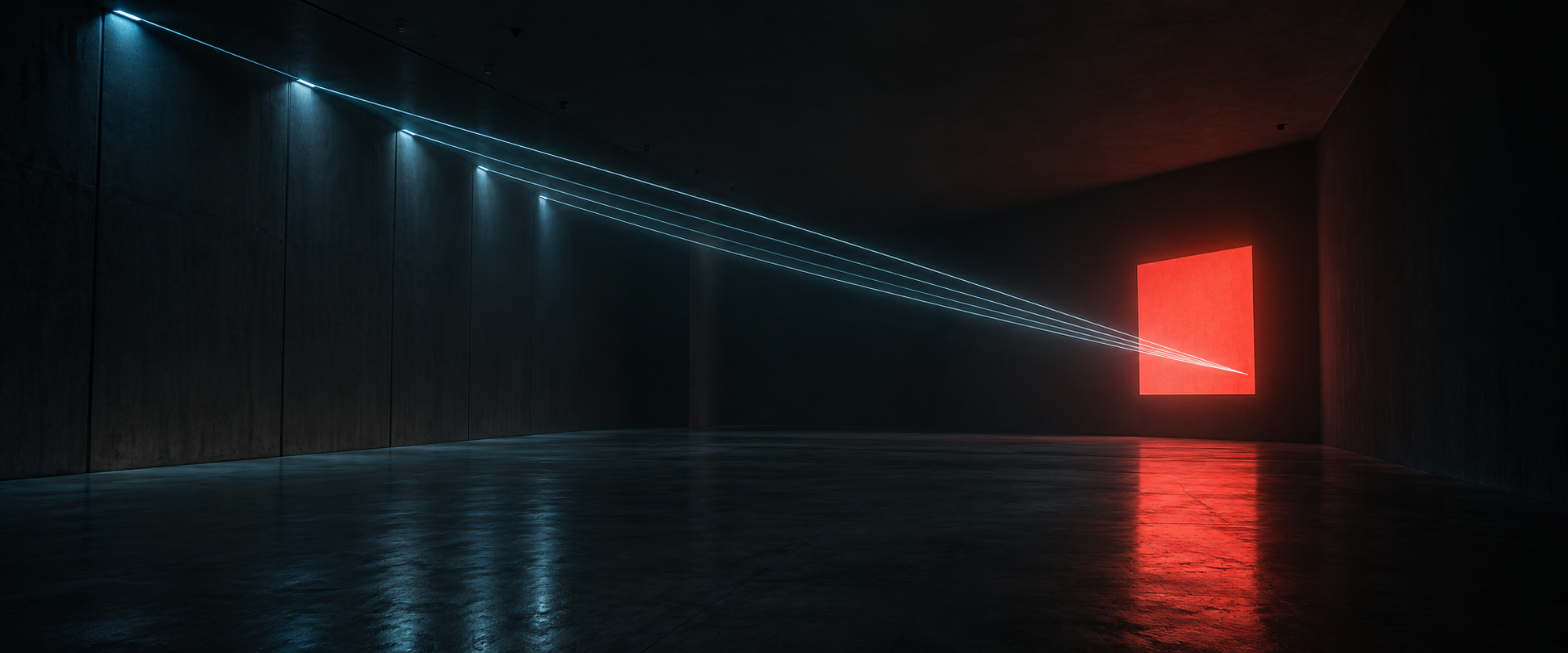
Tron-HDR turns darkness into a framework for luminous geometry. Thin cyan or amber edges reveal enormous spaces, while selective reflections and controlled glow make the light feel powerful rather than merely bright.
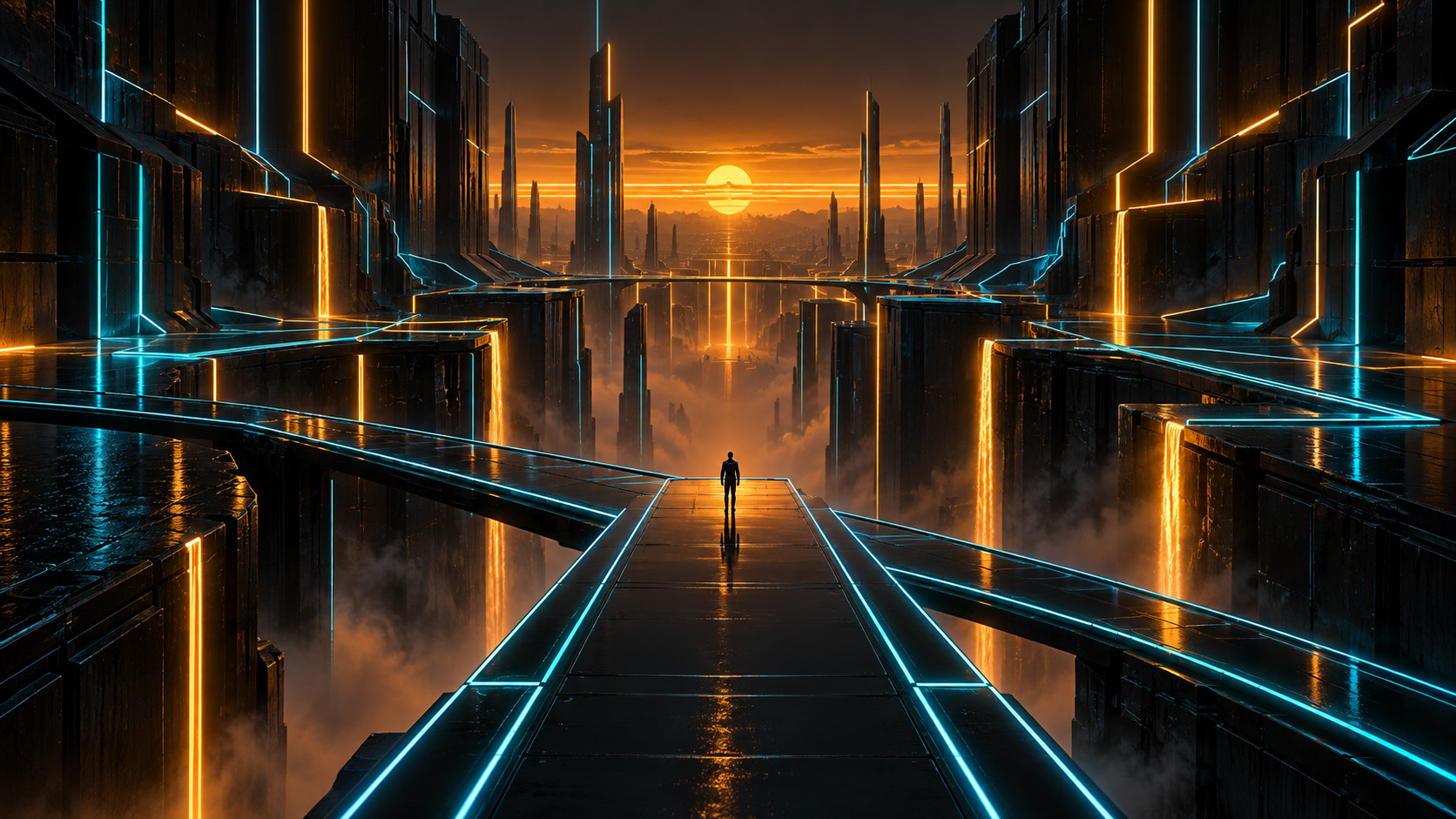
A visual introduction
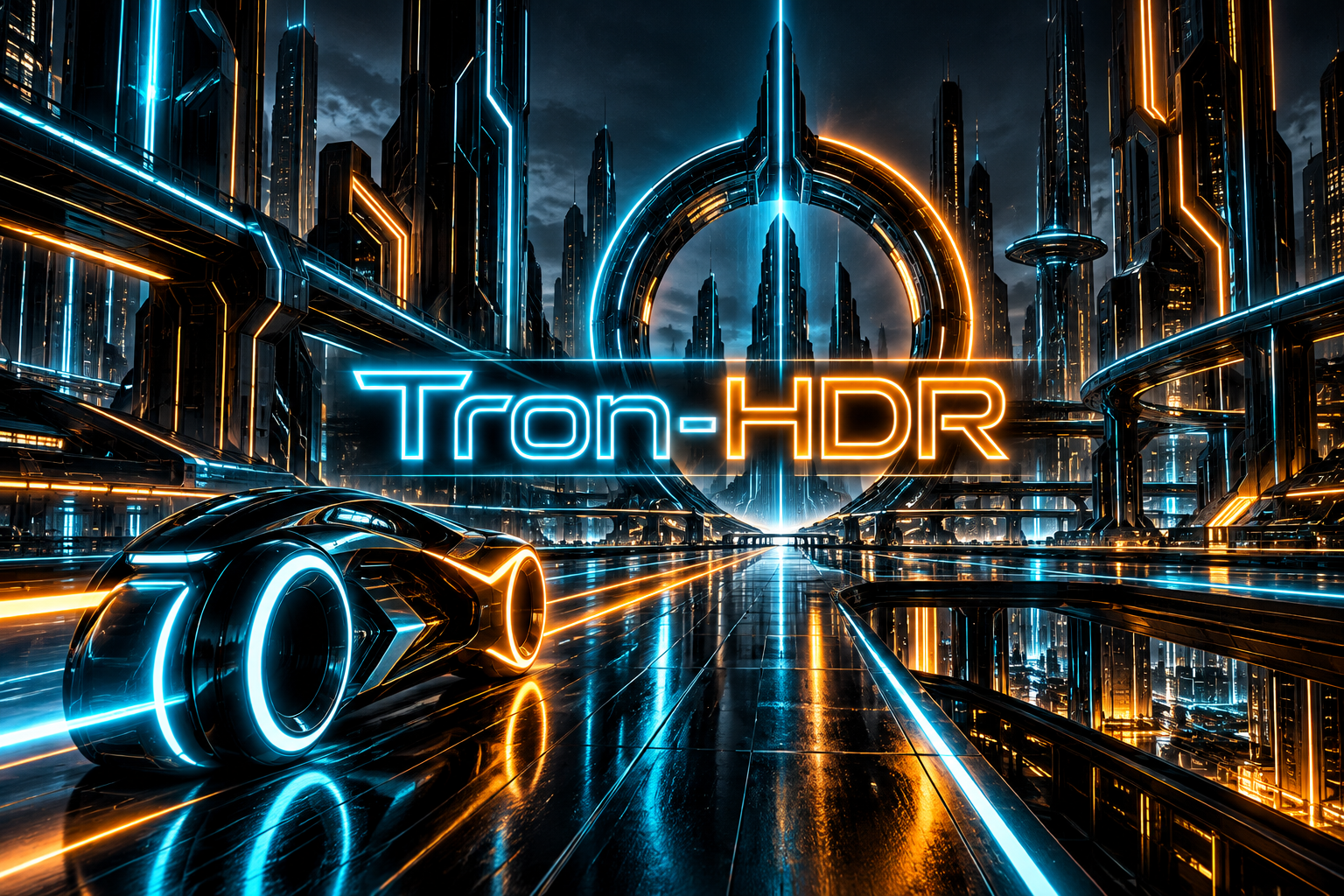
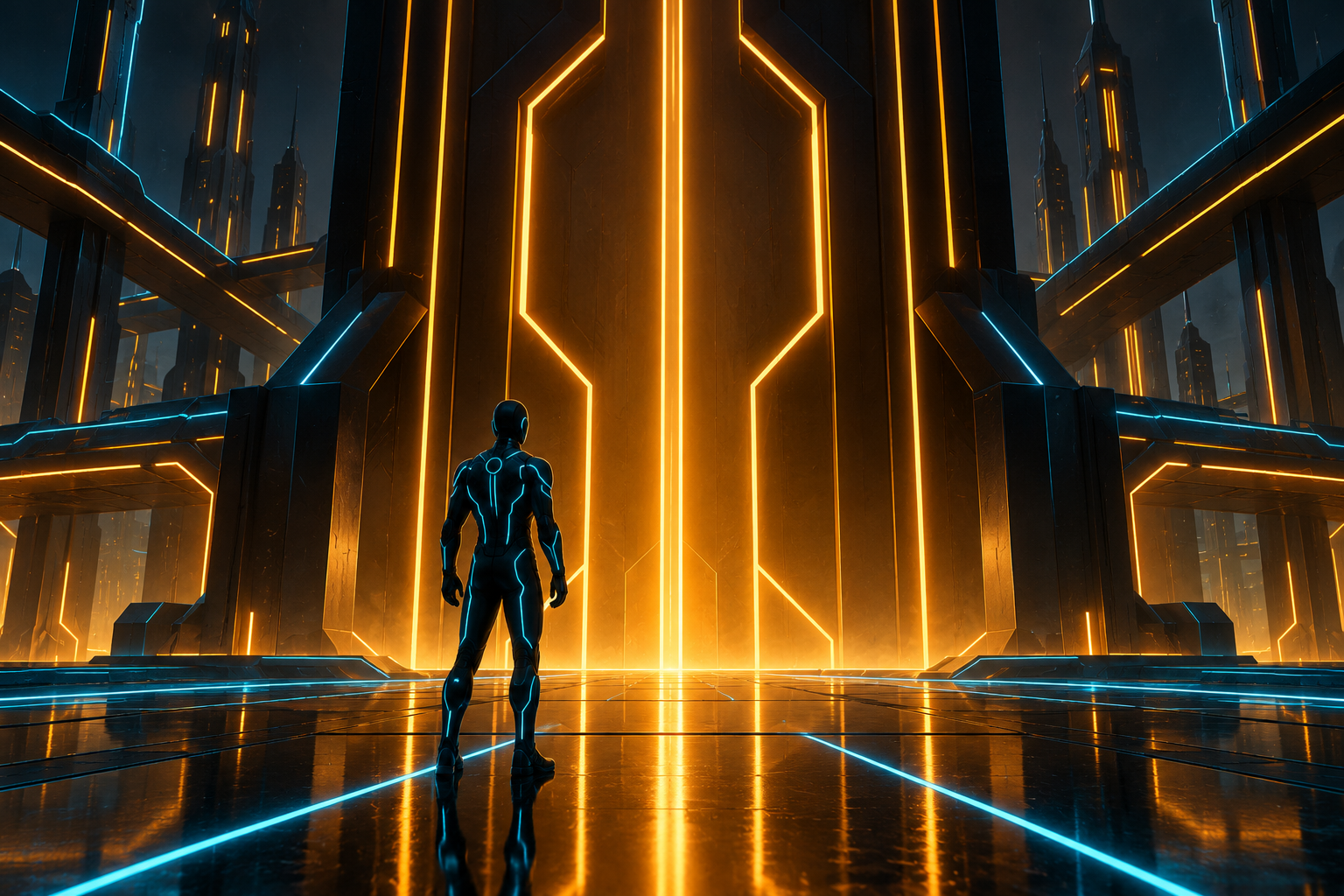
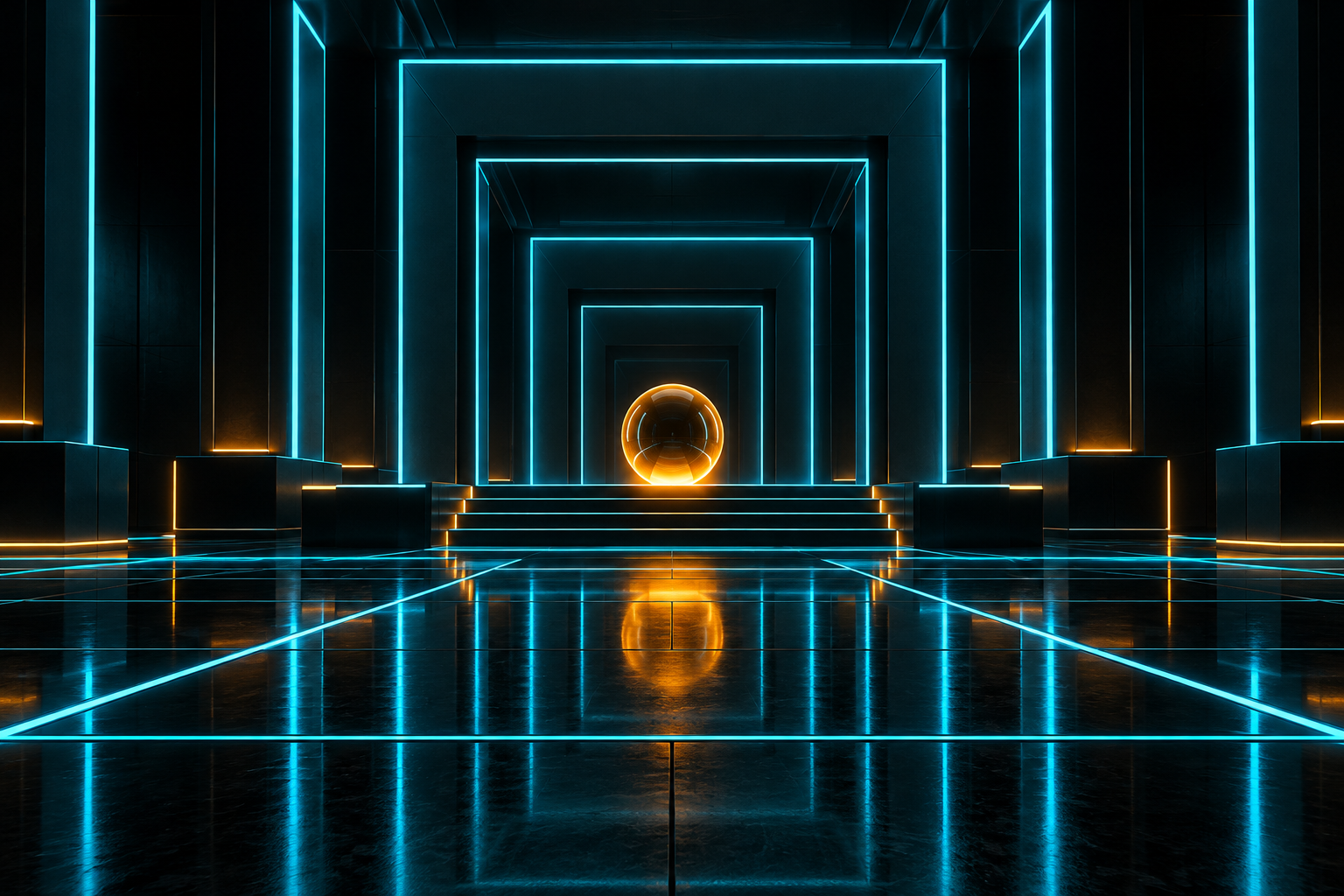
Five original AI-generated AOI interpretations: a dedicated banner, a centrally titled collage and three standalone studies. These are new illustrations, not historical objects or works by the referenced artist.
Select an image for a closer look. Use the thumbnails, arrow keys or a swipe to compare examples. Zoom in to inspect details, or share the image that inspires you.

Creative toolbox · take this style further
Choose an input and a destination. Search sends your words to the chosen site; Copy & open puts them on your clipboard to paste there.
Create with AI
Turn your chosen input into an image prompt or a new creative direction.
ChatGPT
Copy your input and paste it into a ChatGPT conversation or image request.
Copy & open ChatGPT (new tab)Claude · Anthropic
Develop an image prompt or explore the style in a new Claude conversation.
Copy & open Claude · Anthropic (new tab)Midjourney
Paste your input into the Imagine bar on the Create page.
Copy & open Midjourney (new tab)Adobe Firefly
Copy your input, open Firefly, and paste it into the prompt field.
Copy & open Adobe Firefly (new tab)Leonardo.Ai
Copy your input, open Leonardo, and paste it into the generation field.
Copy & open Leonardo.Ai (new tab)Image search
Find visual references. Short, concrete keywords usually work best.
Lexica
Search AI images and prompts using your selected input.
Search with this input Lexica (new tab)Pexels
Search the photo and video library. Short keywords often work best.
Search with this input Pexels (new tab)Pixabay
Search photos, illustrations and other images.
Search with this input Pixabay (new tab)Unsplash
Search photographs using the style name or your own keywords.
Search with this input Unsplash (new tab)Wikimedia Commons
Search photographs, artworks and historical images. Check each file for its source and reuse terms.
Search with this input Wikimedia Commons (new tab)Art & research
Explore artists, collections and the ideas behind a style.
Wikipedia
Search for background reading. A style may not have its own article.
Search with this input Wikipedia (new tab)WikiArt
Copy your input into WikiArt’s search to explore artists and artworks.
Copy & open WikiArt (new tab)Europeana
Paste your keywords into the search to explore European museum, library and archive collections.
Copy & open Europeana (new tab)Inspiration
Discover portfolios and visual ideas from creative communities.
Instagram hashtags
Search a hashtag made from your input: spaces and punctuation are removed. Instagram may require sign-in.
Search with this input Instagram hashtags (new tab)ArtStation
Paste your input into artwork search for concept art, environments, characters and visual development.
Copy & open ArtStation (new tab)Behance
Paste your input into project search for illustration, design and visual storytelling.
Copy & open Behance (new tab)A closer look
Near-black architecture, sharp emissive contours and strong perspective create a digital-world impression. A restrained secondary color and small human silhouette can establish direction and scale.
A reference and an interpretation
The name combines a recognizable visual reference with an AOI design treatment. Disney's TRON, released in 1982, provides the fictional digital-world context. This guide develops original environments inspired by luminous geometric space; it is not an official franchise style guide or a claim that all imagery associated with TRON looks the same.
HDR here describes a sought-after luminous impression in the concept. It does not certify a file's dynamic range, transfer function or display capability. The generated illustrations are ordinary publication images. Actual HDR delivery requires a separate technical workflow and suitable formats and displays.
Make the dark areas useful
Begin with a dark structure whose planes can be understood from a few edges. Illuminate selected boundaries rather than every seam. A bright outline is most convincing when it explains a surface or route. If every object glows equally, the scene loses both depth and emphasis.
Keep some low-value information within the shadows. A completely featureless black region can be a useful pause, but a whole environment made of disconnected neon lines may feel like a wireframe diagram. Subtle reflected light can connect the luminous edge to the material around it.
Control bloom and reflection
Separate the sharp light source from its softer halo. Let the source remain narrow and legible, with bloom that falls away before neighboring edges merge. Cyan and amber can form a clear directional relationship, but reserve the secondary color for a portal, destination or focal object.
Reflections should follow the surface and perspective. A glossy floor can echo the lights without becoming a perfect mirror everywhere. Avoid adding rain, fog and lens flare automatically; each should contribute to depth or scale rather than conceal the geometry.
Build an original digital world
The figure, vehicle and chamber studies isolate character scale, motion and architectural rhythm. Invent the costume and vehicle instead of reproducing a named character or existing design. A simple silhouette with a few luminous seams often reads more strongly than a dense network of decorative circuits.
Check parallel lines, vanishing points, wheel or hover relationships and the attachment of glowing parts. Reduce the image to a small preview: the main route or portal should still be obvious. The goal is a convincing balance of darkness, edge and depth, not maximum saturation at every pixel.
A small poetic detour
Original words from the AOI studio.
Poetry
An edge of light
The room is almost nothing yet,
a dark suggestion, depth withheld.
One cyan line begins to set
the bounds of where the shadows dwelled.
An amber doorway waits ahead;
the floor repeats a softer trace.
A little figure, lightly led,
gives all that darkness human space.
The brightest thing need not be wide.
A single edge can turn the tide.
The prompt workshop
Original creative exercises. These prompts create new illustrations, not documentary evidence.
Reveal a room with edges
Create an original dark geometric chamber with selective cyan edges and one amber portal, restrained bloom and readable perspective.
Keep the emitting lines sharper than their halos.
Give light a human scale
Place an invented adult figure with simple luminous seams before an immense digital doorway, with subtle floor reflections.
Avoid existing characters, logos and costume copies.
Study one reflective object
Design an original low futuristic vehicle on a dark plane, using a few cyan contours and an amber distant structure.
Treat the result as an SDR illustration, not certified HDR media.
Your next inspiration
Discover another art style
Follow a visual thread to the next subject.
A smile from the studio
Jokes
The lighting designer asked for more darkness. The client pointed out that the room was already black. “Yes,” said the designer, “but the neon has been talking over it.” They switched off three strips, and the remaining doorway immediately received a promotion.