
Graphic-design format and cutting technique
Die-cut Sticker design turns an illustration into a shaped object: a readable silhouette, deliberate border and compact visual idea that works beyond the page.
A visual introduction
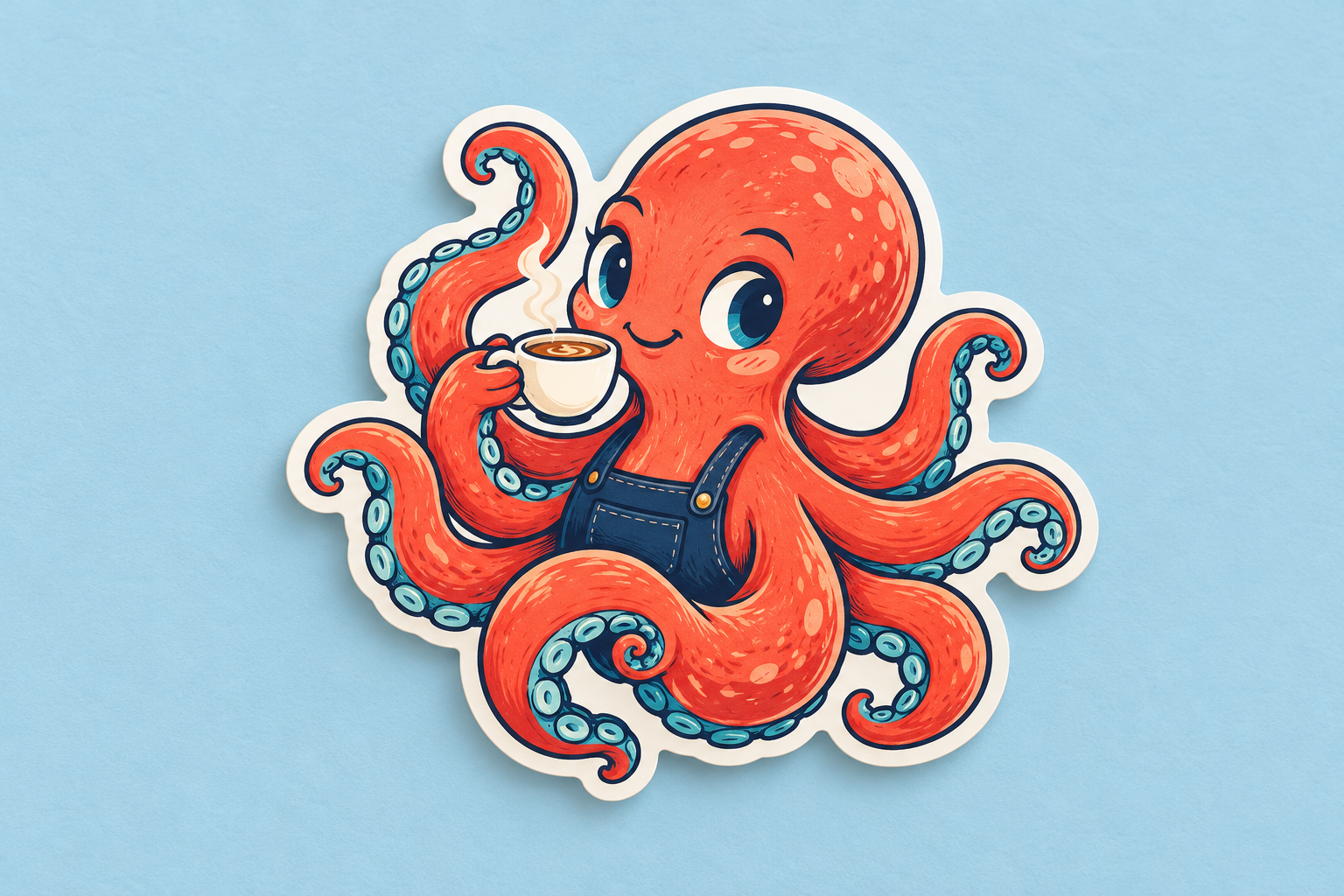
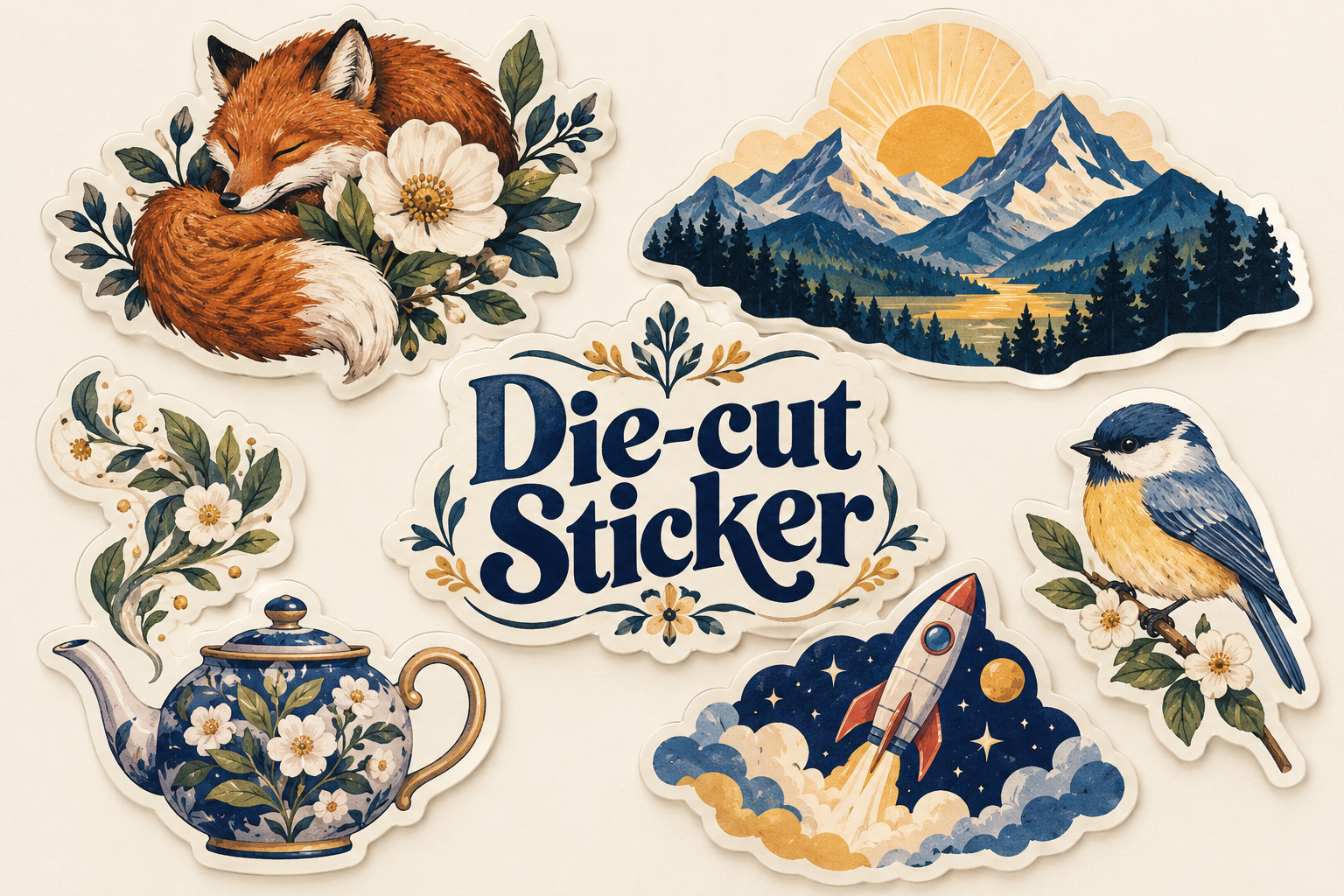
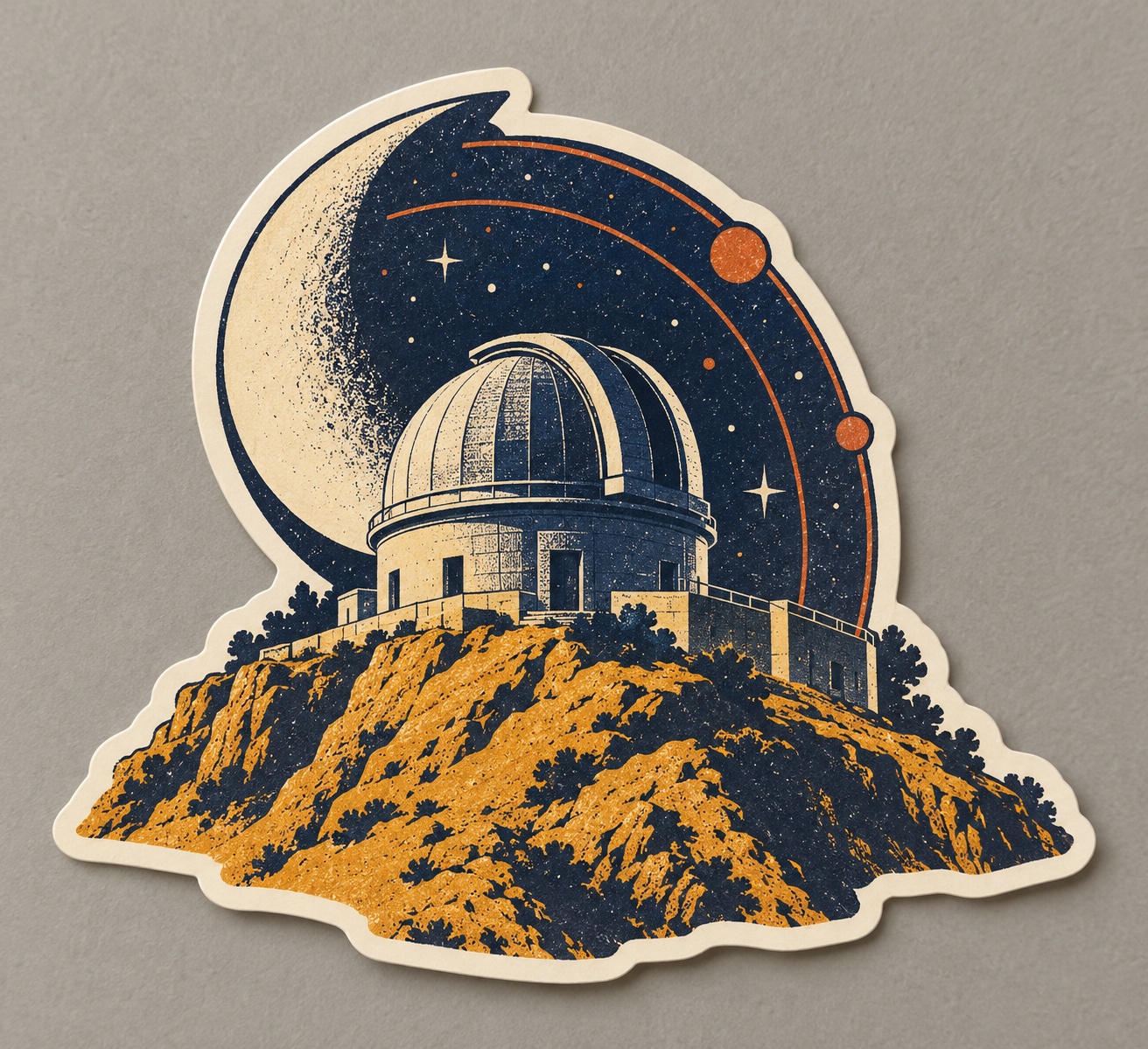
Five original AI-generated AOI sticker-design studies: a dedicated banner, a centrally titled collage and three standalone examples. These are visual concepts, not production-ready cutting files.
Select an image for a closer look. Use the thumbnails, arrow keys or a swipe to compare examples. Zoom in to inspect details, or share the image that inspires you.
Creative toolbox · take this style further
Choose an input and a destination. Search sends your words to the chosen site; Copy & open puts them on your clipboard to paste there.
Create with AI
Turn your chosen input into an image prompt or a new creative direction.
ChatGPT
Copy your input and paste it into a ChatGPT conversation or image request.
Copy & open ChatGPT (new tab)Claude · Anthropic
Develop an image prompt or explore the style in a new Claude conversation.
Copy & open Claude · Anthropic (new tab)Midjourney
Paste your input into the Imagine bar on the Create page.
Copy & open Midjourney (new tab)Adobe Firefly
Copy your input, open Firefly, and paste it into the prompt field.
Copy & open Adobe Firefly (new tab)Leonardo.Ai
Copy your input, open Leonardo, and paste it into the generation field.
Copy & open Leonardo.Ai (new tab)Image search
Find visual references. Short, concrete keywords usually work best.
Lexica
Search AI images and prompts using your selected input.
Search with this input Lexica (new tab)Pexels
Search the photo and video library. Short keywords often work best.
Search with this input Pexels (new tab)Pixabay
Search photos, illustrations and other images.
Search with this input Pixabay (new tab)Unsplash
Search photographs using the style name or your own keywords.
Search with this input Unsplash (new tab)Wikimedia Commons
Search photographs, artworks and historical images. Check each file for its source and reuse terms.
Search with this input Wikimedia Commons (new tab)Art & research
Explore artists, collections and the ideas behind a style.
Wikipedia
Search for background reading. A style may not have its own article.
Search with this input Wikipedia (new tab)WikiArt
Copy your input into WikiArt’s search to explore artists and artworks.
Copy & open WikiArt (new tab)Europeana
Paste your keywords into the search to explore European museum, library and archive collections.
Copy & open Europeana (new tab)Inspiration
Discover portfolios and visual ideas from creative communities.
Instagram hashtags
Search a hashtag made from your input: spaces and punctuation are removed. Instagram may require sign-in.
Search with this input Instagram hashtags (new tab)ArtStation
Paste your input into artwork search for concept art, environments, characters and visual development.
Copy & open ArtStation (new tab)Behance
Paste your input into project search for illustration, design and visual storytelling.
Copy & open Behance (new tab)A closer look
A self-contained motif with a contour-following perimeter, strong internal hierarchy and a visible edge. Flat color, detailed illustration, typography and photographic imagery can all work; the cut shape organizes the result.
The edge becomes part of the picture
A die-cut sticker is a printed adhesive piece whose outer cut passes through both the sticker material and its backing liner. The individual object follows a chosen shape. A kiss-cut sticker can have the same illustrated contour, but the cut stops before passing through the surrounding backing. The difference is therefore in the supplied object, not necessarily in the artwork once it is applied. Avery and StickerApp explain this distinction in their production guides.
AOI treats Die-cut Sticker as a design format and technique, rather than a historical art movement. A mascot, botanical drawing, geometric emblem or typographic phrase can occupy it. The useful question is how the image behaves when its rectangular page disappears: the silhouette must introduce the subject, and the interior should reward a closer look. A die-cut outline can be simple or intricate; it need not trace every tiny detail.
Silhouette, border and small-scale clarity
Begin by reducing the motif to a dark shape. Can you still distinguish a bird from a leaf, or a teapot from a cloud? Large directional changes usually carry more information than many small notches. Group related parts into a coherent island. A broad outer contour can unite separate leaves or appendages, while narrow connections and exposed points deserve particular attention during proofing.
A white offset border is a common visual choice, not the definition of die cutting. It separates colored artwork from a busy surface and gives the eye a quiet interval. A colored border can reinforce the palette; artwork extending to the cut edge creates a different, more integrated silhouette. Bold edges often help a small mascot read quickly, while softer interior shading can add volume. Keep those decisions separate: a soft painted interior can still have a precise cut perimeter.
From image study to production file
Choose the finished size before judging detail. View the design at that size, check lettering and thin marks, then inspect the contour again. The visible border, the safety area inside the cut and the bleed outside it are different things. Bleed extends printed color beyond the intended edge; a safety area keeps important information away from trimming. A decorative outline drawn inside the image is not automatically a usable cutting path.
Follow the selected printer's current specifications rather than treating one vendor's numbers as universal. StickerApp describes a separate cutline layer, a 2 mm inner safety distance and 2 mm bleed. Sticker Mule gives different border and bleed requirements and accepts a differently specified cutline indication. These examples show why the artwork and production instructions must be checked together. The generated studies on this page demonstrate appearance; they do not contain certified vector cut paths or production proofs.
Materials, applications and useful variations
Die cutting describes a cut, not a single material or finish. StickerApp lists white, holographic, mirror and paper options, with different compatible finishes. Decide what role the surface plays: matte appearance can keep a botanical image quiet, while a reflective accent can become part of an emblem. Do not infer durability, removability or outdoor suitability from a rendered glossy highlight; those properties belong to the chosen product.
For merchandise, gifts or a small series, give each sticker a complete idea and let shared colors or border widths connect the collection. Avoid filling every available millimeter. Tiny decorative fragments may look impressive on a monitor and become visual dust at hand size. Try three versions of one subject: a thick white border, a narrow colored border and an edge-to-edge treatment. Compare their legibility on both pale and dark backgrounds before selecting the final direction.
A small poetic detour
Original words from the AOI studio.
Poetry
A little border gathers up the sky,
then trims the empty weather from its wing.
The paper world is small enough to carry,
yet large enough to let a red bird sing.
One curve persuades the blossom to stay near;
one quiet gap gives every petal room.
A pocket moon prepares to leave its backing,
a lantern cut to travel through the gloom.
No frame insists on where the picture ends.
The edge becomes a promise made by hand:
a small bright shape, released from its rectangle,
with somewhere ordinary left to land.
The prompt workshop
Original creative exercises. These prompts create new illustrations, not documentary evidence.
Start with one readable mascot
An original cheerful octopus holding a small coffee cup, compact die-cut sticker concept, one continuous rounded silhouette, bold navy contours, coral and teal flat colors, generous white offset border, no detached tiny pieces, shown as a single flat printed sticker on a pale neutral surface, no words or logos.
Judge the silhouette first, then inspect details at the intended finished size. This is an image concept, not a production cut file.
Build a botanical contour
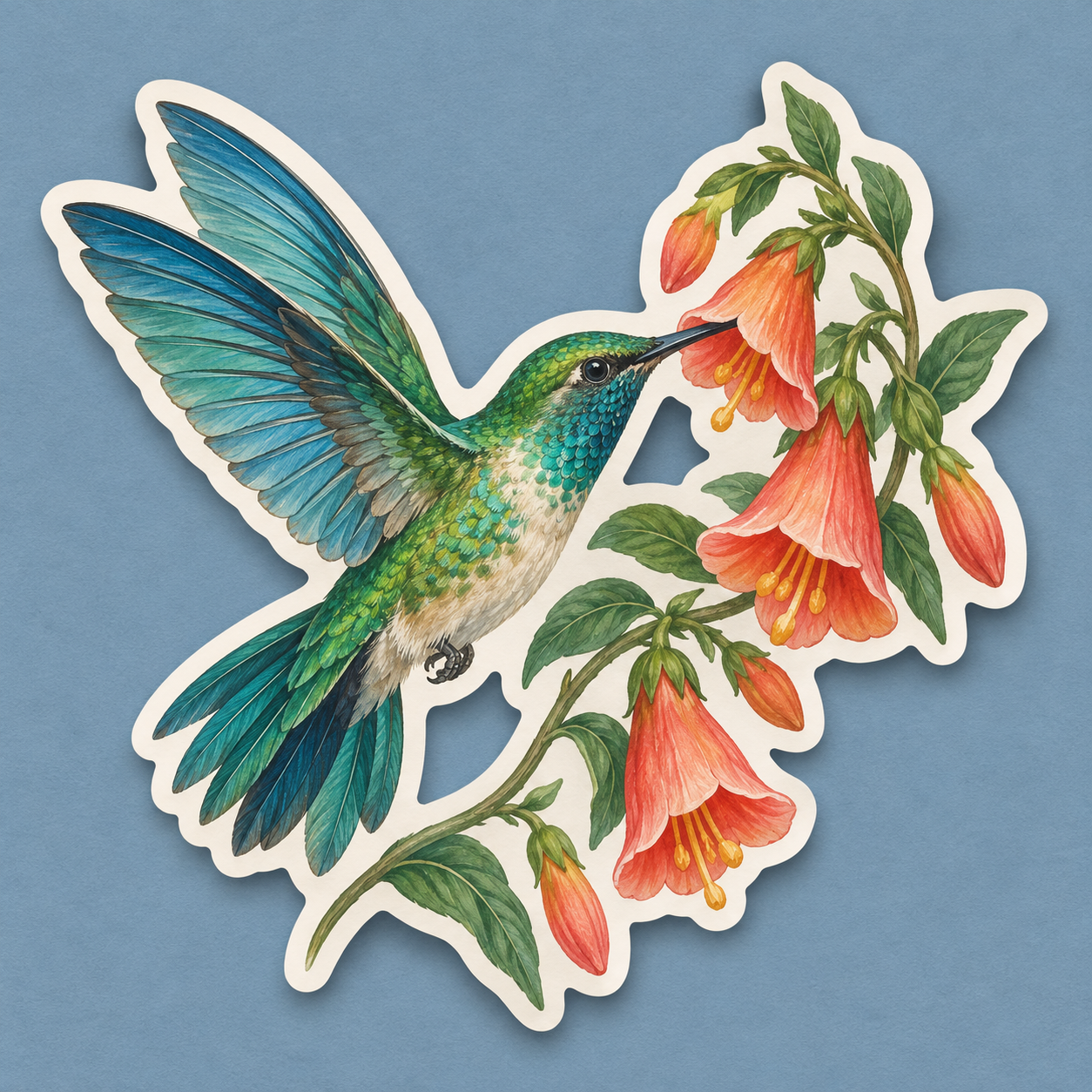
An original hummingbird and flowering sprig composed as one elegant die-cut sticker, emerald wings, warm coral petals, restrained fine interior detail, connected outer silhouette, consistent ivory border, flat printed appearance with a slight paper-edge shadow on muted blue, no text, no logos.
Let the border connect the bird and plant. Keep delicate details inside the supporting outer shape.
Explore a minimal edge
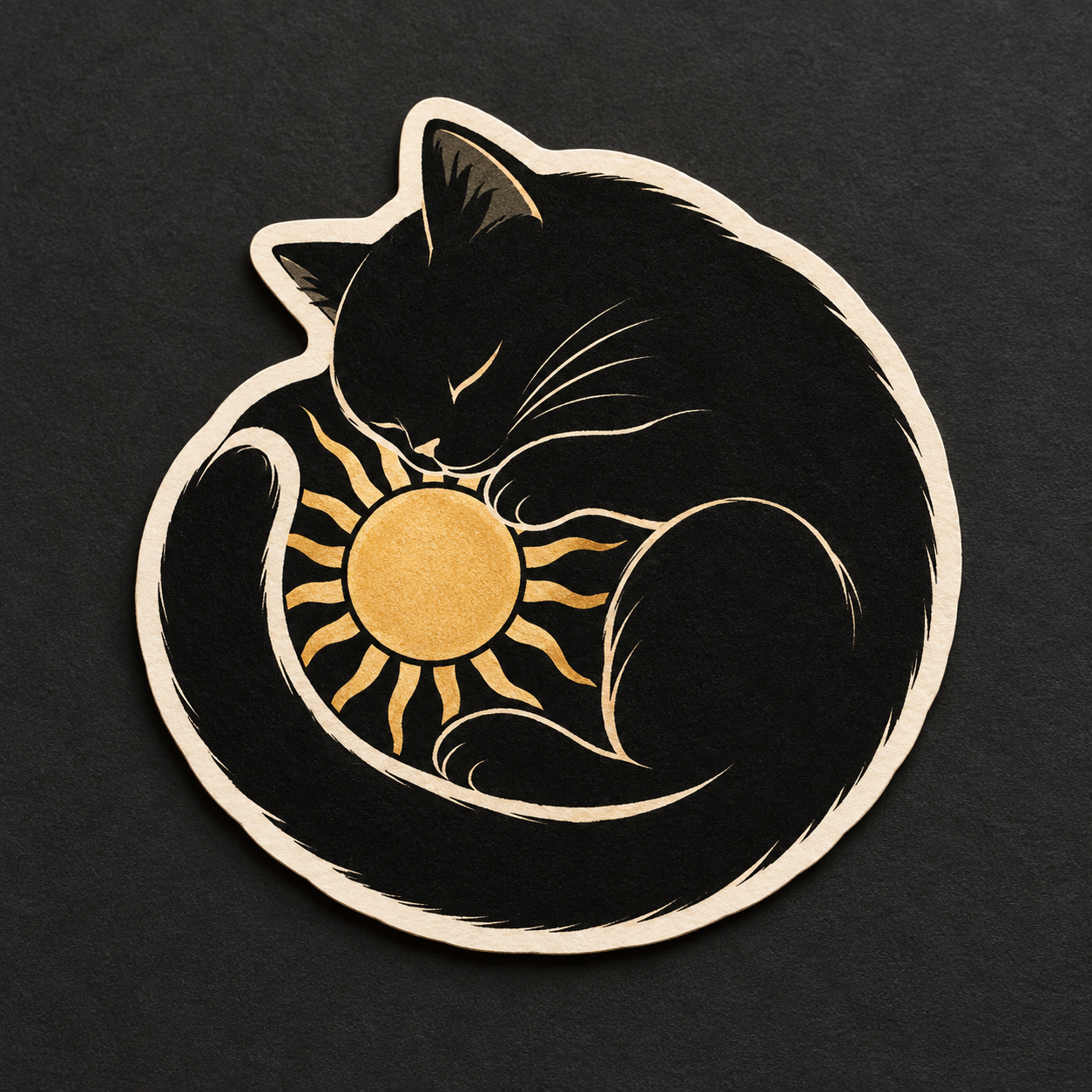
A single black-and-cream sleeping cat curled into a crescent around a small golden sun, original minimalist die-cut sticker design, three large interlocking shapes, subtle cream perimeter following the silhouette, one coherent piece, no lettering, clean flat ink-like finish on a charcoal surface.
Compare a light perimeter with an edge-to-edge version in a later study; avoid confusing the display background with a printable cut path.
Your next inspiration
Discover another art style
Follow a visual thread to the next subject.
A smile from the studio
Jokes
Penny designed a magnificent octopus sticker with eight elegant arms, seventeen tiny bubbles and a border thinner than her patience. At notebook size, the bubbles became dust and the octopus looked like a tangled charging cable. Simplex suggested fewer details by sitting on half the sketch. Penny enlarged the silhouette, joined the smallest gaps and asked the printer for a proof. The octopus finally looked employable. She then spent forty minutes choosing where to stick it. The adhesive was permanent; her commitment was still in draft.
Sources and further exploration
Avery — explains how die-cut and kiss-cut products differ in their backing
StickerApp — product definition, materials and finish choices
StickerApp — its cutline, safety-area and bleed setup requirements
Sticker Mule — compare supplier-specific artwork, border and bleed specifications