
Platform label and portfolio presentation
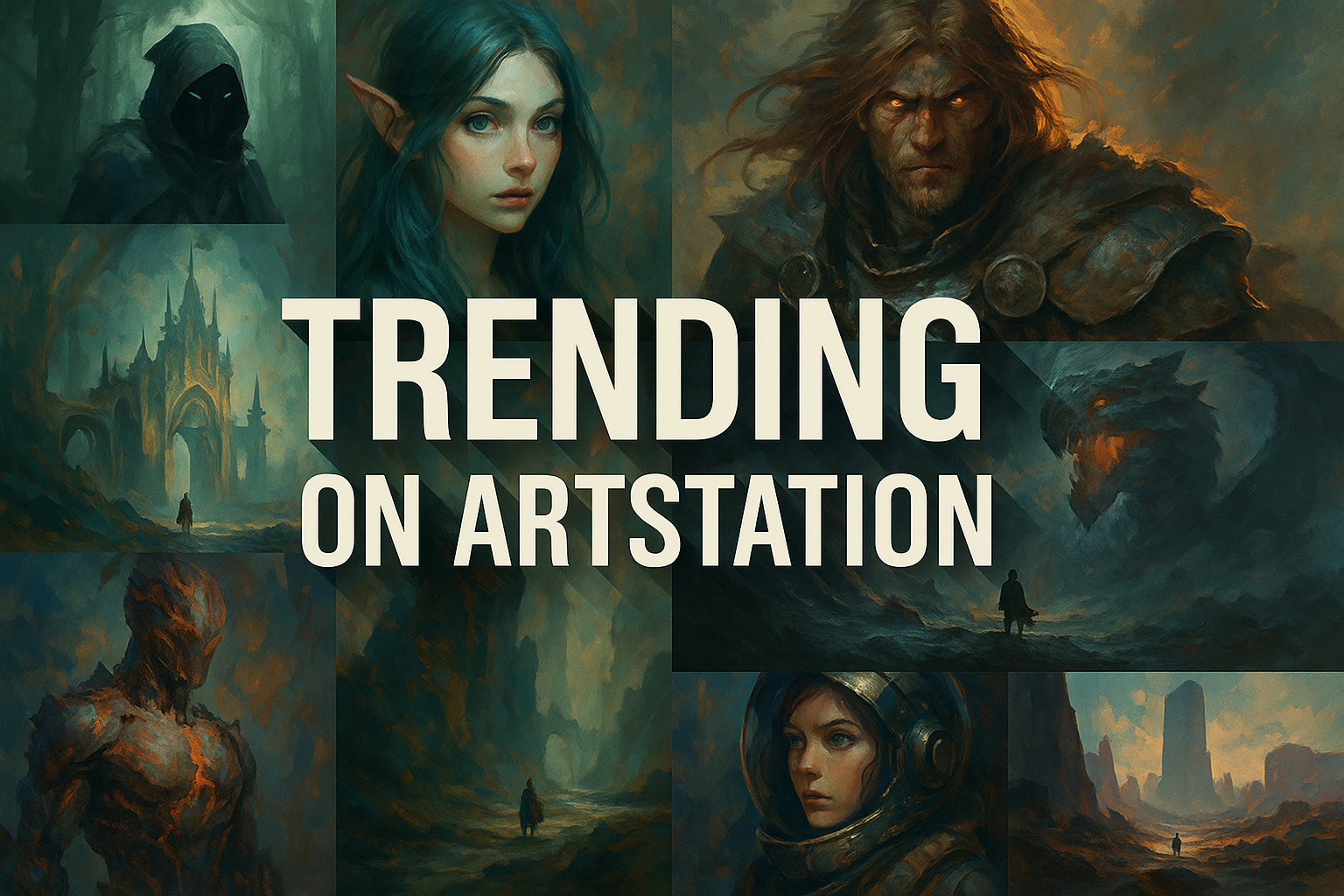
“Trending on ArtStation” describes visibility within a platform, not a visual movement or a reliable recipe for image quality. This entry explains how to replace that vague prompt phrase with concrete decisions about the work itself.
A visual introduction
Select an image for a closer look. Use the thumbnails, arrow keys or a swipe to compare examples. Zoom in to inspect details, or share the image that inspires you.

Creative toolbox · take this style further
Choose an input and a destination. Search sends your words to the chosen site; Copy & open puts them on your clipboard to paste there.
Create with AI
Turn your chosen input into an image prompt or a new creative direction.
ChatGPT
Copy your input and paste it into a ChatGPT conversation or image request.
Copy & open ChatGPT (new tab)Claude · Anthropic
Develop an image prompt or explore the style in a new Claude conversation.
Copy & open Claude · Anthropic (new tab)Midjourney
Paste your input into the Imagine bar on the Create page.
Copy & open Midjourney (new tab)Adobe Firefly
Copy your input, open Firefly, and paste it into the prompt field.
Copy & open Adobe Firefly (new tab)Leonardo.Ai
Copy your input, open Leonardo, and paste it into the generation field.
Copy & open Leonardo.Ai (new tab)Image search
Find visual references. Short, concrete keywords usually work best.
Lexica
Search AI images and prompts using your selected input.
Search with this input Lexica (new tab)Pexels
Search the photo and video library. Short keywords often work best.
Search with this input Pexels (new tab)Pixabay
Search photos, illustrations and other images.
Search with this input Pixabay (new tab)Unsplash
Search photographs using the style name or your own keywords.
Search with this input Unsplash (new tab)Wikimedia Commons
Search photographs, artworks and historical images. Check each file for its source and reuse terms.
Search with this input Wikimedia Commons (new tab)Art & research
Explore artists, collections and the ideas behind a style.
Wikipedia
Search for background reading. A style may not have its own article.
Search with this input Wikipedia (new tab)WikiArt
Copy your input into WikiArt’s search to explore artists and artworks.
Copy & open WikiArt (new tab)Europeana
Paste your keywords into the search to explore European museum, library and archive collections.
Copy & open Europeana (new tab)Inspiration
Discover portfolios and visual ideas from creative communities.
Instagram hashtags
Search a hashtag made from your input: spaces and punctuation are removed. Instagram may require sign-in.
Search with this input Instagram hashtags (new tab)ArtStation
Paste your input into artwork search for concept art, environments, characters and visual development.
Copy & open ArtStation (new tab)Behance
Paste your input into project search for illustration, design and visual storytelling.
Copy & open Behance (new tab)A closer look
Readable design, purposeful detail and a clear presentation can strengthen a portfolio image; no particular rendering finish guarantees a place in a trending feed.
A feed is not a style definition
ArtStation's official help explains that its Trending wall considers multiple signals and is moderated. It is not simply a ranking of raw views or a universal measure of artistic quality. Different kinds of work can appear within the same discovery surface.
An image therefore cannot be identified as a coherent “ArtStation style” merely because it is polished or dramatic. Examine its actual medium, subject, composition and purpose. Those descriptions are more useful for learning and for directing a new project.
Replace the phrase with a brief
Instead of asking for “trending” imagery, state what the image needs to do. A character concept might emphasize silhouette and construction; an environment study might explain scale and routes; an illustration might concentrate on one narrative moment.
Choose a viewing size and audience. A detailed production study and a compact promotional image solve different problems. The quality of each should be judged against its purpose rather than against a generic expectation of cinematic spectacle.
Present evidence of the work
ArtStation's guidance emphasizes useful project descriptions, categories and tags. A presentation can also clarify decisions through selected details or process views. Include information that helps a viewer understand what was made and the contributor's role.
Avoid padding a project with repetitive crops or implying that a concept render is a finished product. Distinguish studies, final images and generated material. Accurate context makes the portfolio more informative even when the artwork is visually ambitious.
Judge the image before the label
Check its main shapes, scale, lighting and focal hierarchy. Remove details that compete with the subject. If the composition fails at thumbnail size, adding more texture is unlikely to solve the underlying issue.
The prompts below focus on original design problems. They make no claim about popularity, awards or platform endorsement. Distribution systems can change, so consult the current official help for platform behavior; use specific visual language for the artistic work.
The prompt workshop
Original creative exercises. These prompts create new illustrations, not documentary evidence.
A clear design study
Original environment concept of a compact mountain research station, readable silhouette, coherent human scale and material construction, no platform logos or popularity claims.
A focused illustration
Original narrative illustration of a courier delivering a fragile object during a quiet storm, one clear action, controlled detail and consistent lighting.
Explain the object
Original industrial design presentation of an invented portable field instrument, one hero view and two useful detail views, coherent construction and no fabricated awards.
Sources and further exploration
ArtStation Help — what the Trending wall represents
ArtStation Help — useful project descriptions and categorization