
Established
Black Inline is a pixel-art linework approach in which black defines both the outer silhouette and selected details inside it. Its strength lies in crisp separation: a sleeve, cheek, feather or machine panel can remain readable at a very small scale.
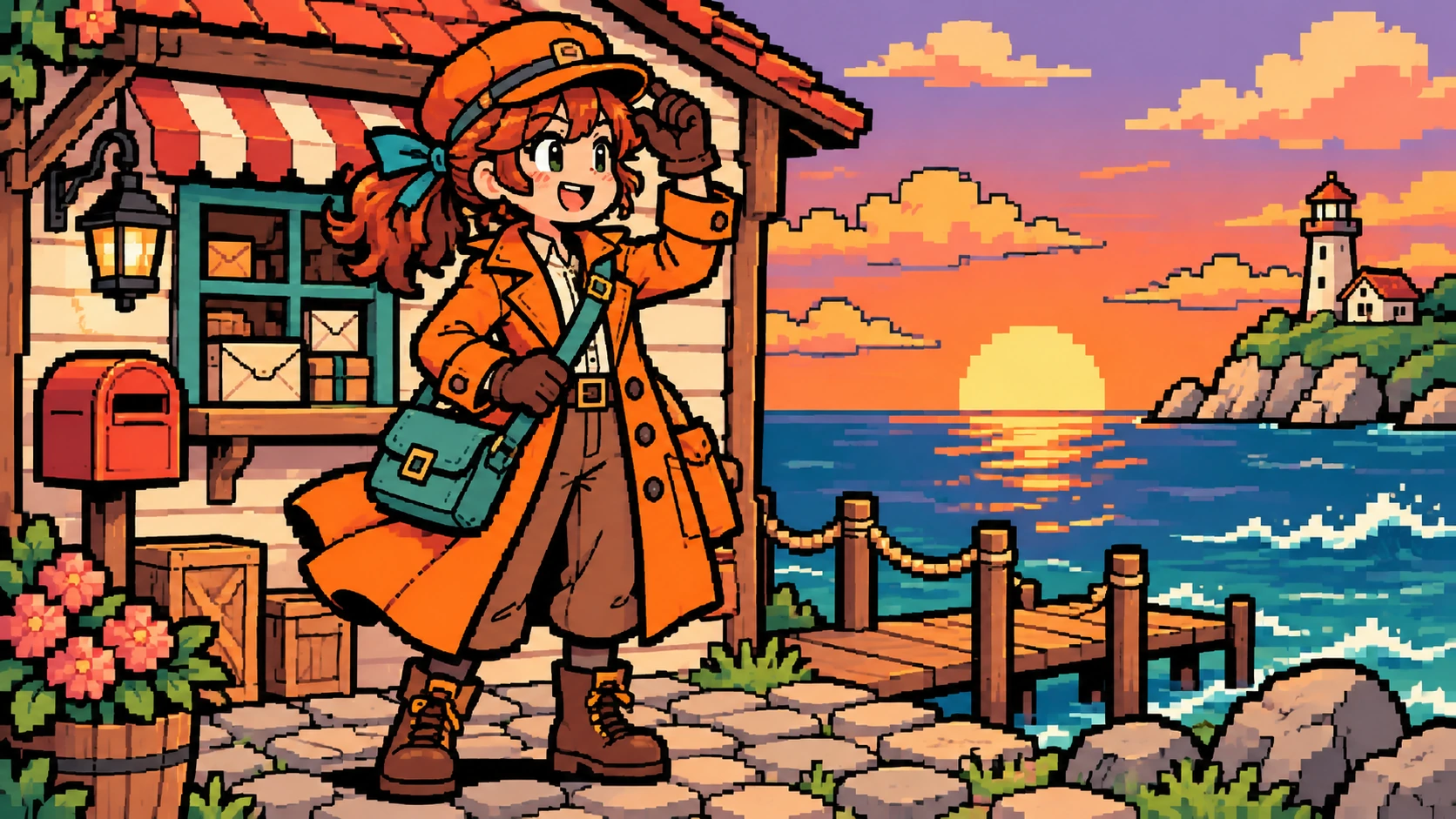
A visual introduction
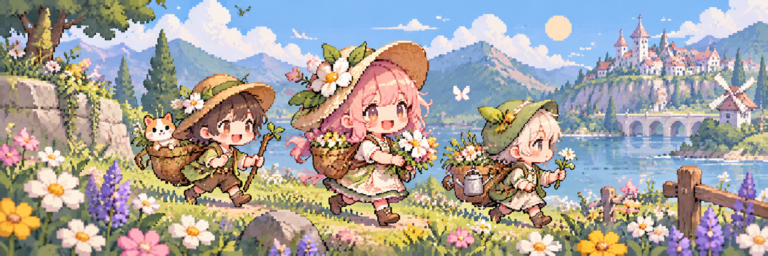
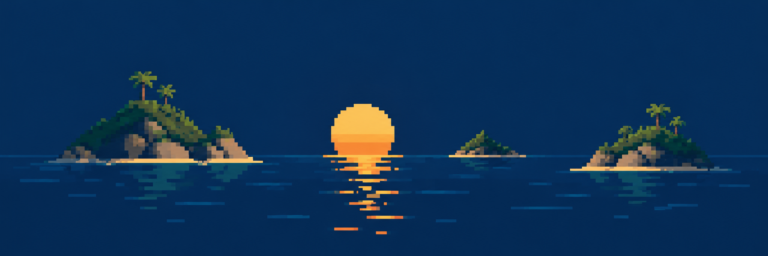
Five original AI-generated studies explore this subject through a banner, a titled collage and three standalone examples.
Select an image for a closer look. Use the thumbnails, arrow keys or a swipe to compare examples. Zoom in to inspect details, or share the image that inspires you.
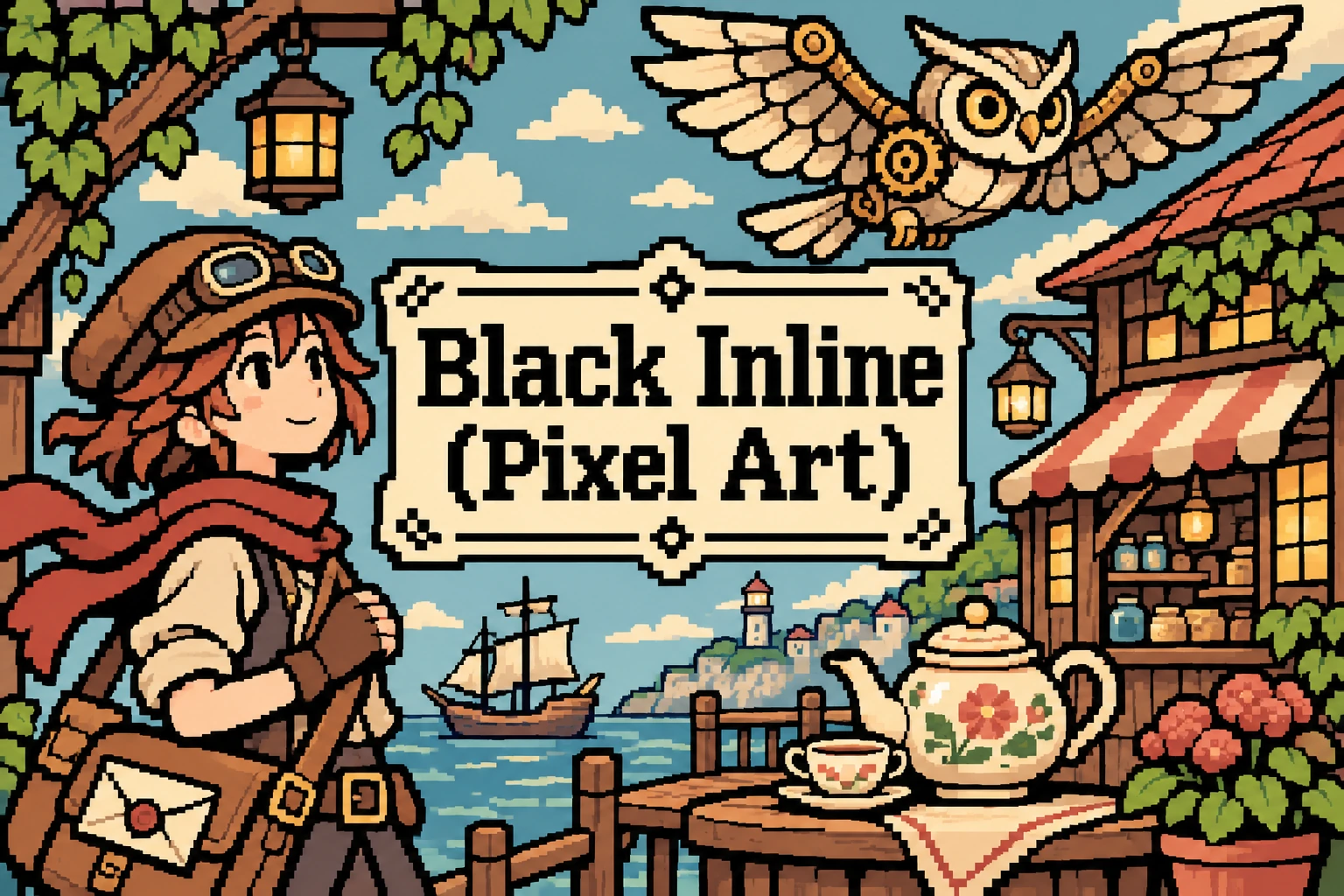
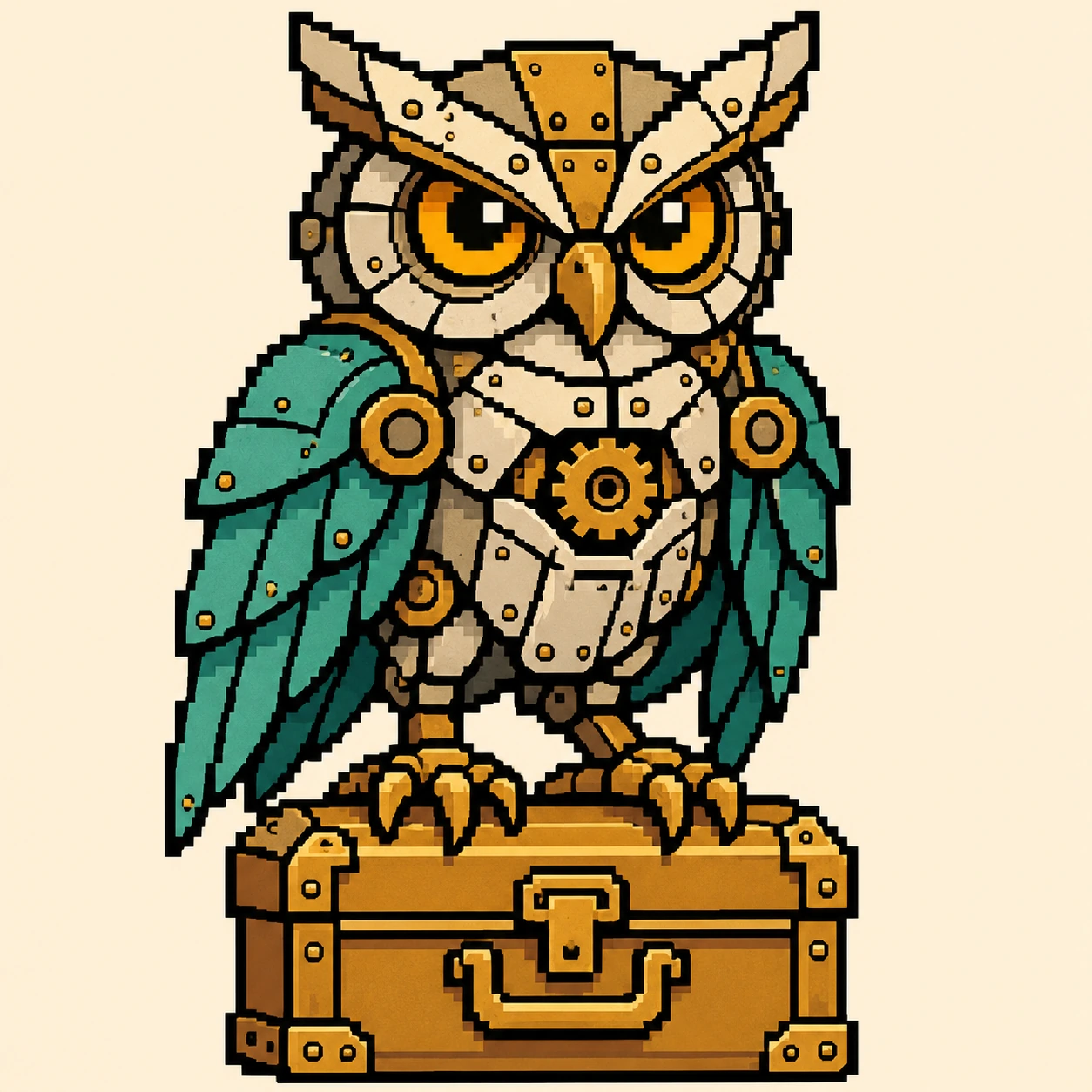

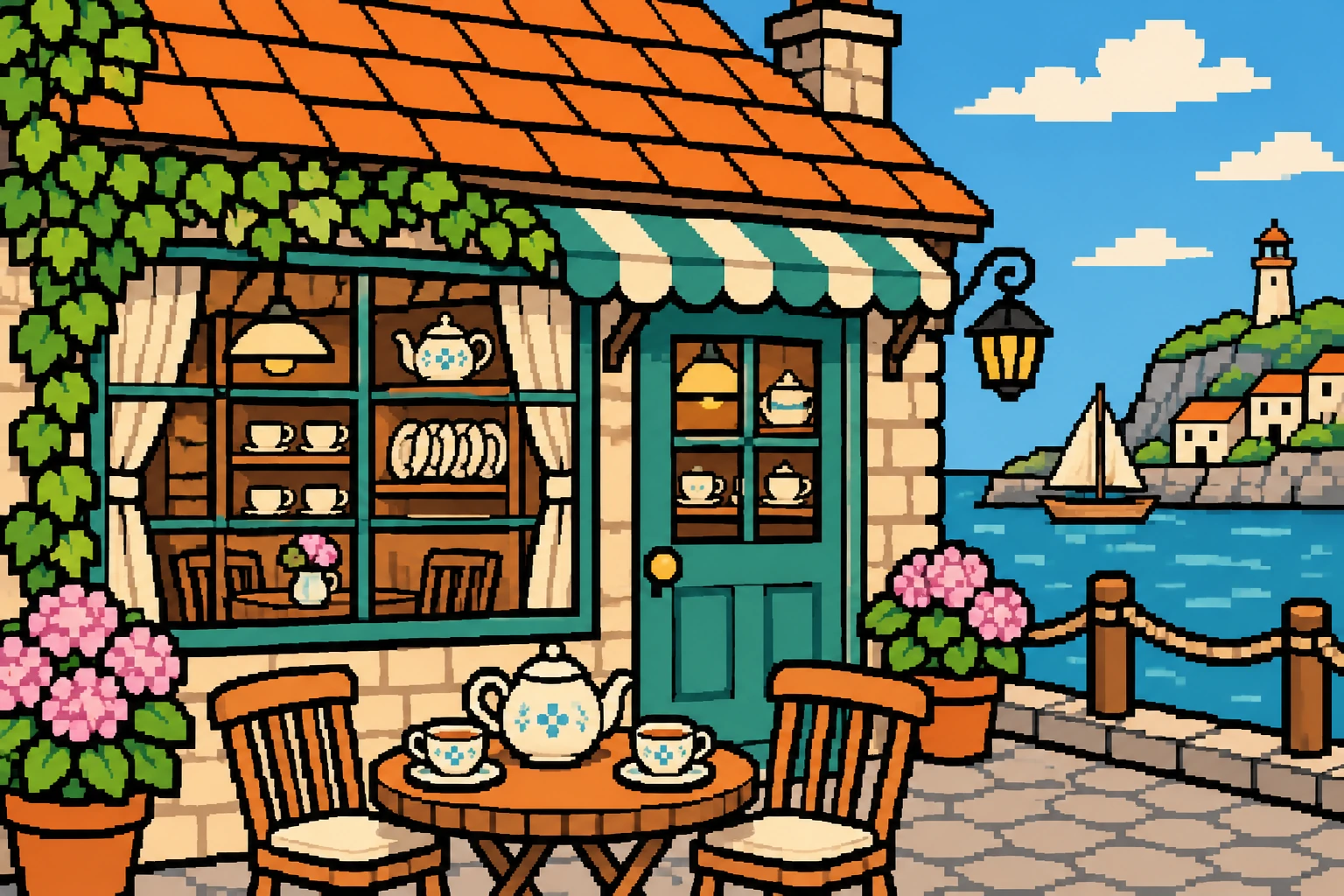
Creative toolbox · take this style further
Choose an input and a destination. Search sends your words to the chosen site; Copy & open puts them on your clipboard to paste there.
Create with AI
Turn your chosen input into an image prompt or a new creative direction.
ChatGPT
Copy your input and paste it into a ChatGPT conversation or image request.
Copy & open ChatGPT (new tab)Claude · Anthropic
Develop an image prompt or explore the style in a new Claude conversation.
Copy & open Claude · Anthropic (new tab)Midjourney
Paste your input into the Imagine bar on the Create page.
Copy & open Midjourney (new tab)Adobe Firefly
Copy your input, open Firefly, and paste it into the prompt field.
Copy & open Adobe Firefly (new tab)Leonardo.Ai
Copy your input, open Leonardo, and paste it into the generation field.
Copy & open Leonardo.Ai (new tab)Image search
Find visual references. Short, concrete keywords usually work best.
Lexica
Search AI images and prompts using your selected input.
Search with this input Lexica (new tab)Pexels
Search the photo and video library. Short keywords often work best.
Search with this input Pexels (new tab)Pixabay
Search photos, illustrations and other images.
Search with this input Pixabay (new tab)Unsplash
Search photographs using the style name or your own keywords.
Search with this input Unsplash (new tab)Wikimedia Commons
Search photographs, artworks and historical images. Check each file for its source and reuse terms.
Search with this input Wikimedia Commons (new tab)Art & research
Explore artists, collections and the ideas behind a style.
Wikipedia
Search for background reading. A style may not have its own article.
Search with this input Wikipedia (new tab)WikiArt
Copy your input into WikiArt’s search to explore artists and artworks.
Copy & open WikiArt (new tab)Europeana
Paste your keywords into the search to explore European museum, library and archive collections.
Copy & open Europeana (new tab)Inspiration
Discover portfolios and visual ideas from creative communities.
Instagram hashtags
Search a hashtag made from your input: spaces and punctuation are removed. Instagram may require sign-in.
Search with this input Instagram hashtags (new tab)ArtStation
Paste your input into artwork search for concept art, environments, characters and visual development.
Copy & open ArtStation (new tab)Behance
Paste your input into project search for illustration, design and visual storytelling.
Copy & open Behance (new tab)A closer look
Look for stepped black contours that continue into the sprite, enclosing or separating colored clusters. Interior lines should explain form without consuming the small areas of color that make the subject recognizable.
Black travels inside the silhouette
The useful distinction is between a black outer contour and black linework that also enters the object. Black Inline gives both kinds of boundary a shared visual voice. A coat lapel can carry the same dark emphasis as the shoulder around it. This makes the sprite feel drawn and graphic, even when its interior is shaded with only a few colors.
The name appears in pixel-art teaching, including ZororoWhite's 2019 line-art workshop. It is practical vocabulary rather than a separate historical movement, universal standard or guarantee of a particular console's limitations. Different artists may organize their outline categories differently.
Spend the dark pixels deliberately
At a small working resolution, every internal line costs space. Begin with the silhouette and the largest color masses. Add an interior stroke only when it clarifies an overlap, expression or structural division. A dark diagonal can separate an arm from a torso; outlining every fold may turn the same torso into a black tangle.
Give parallel strokes room to breathe. If two contours touch, decide whether the resulting dark mass describes a deliberate shadow or an accidental collision. Corners also need judgment: a heavy black square at every turn can make a small character look armored, whether or not that is the intention.
Shape the steps and the palette
Treat curved lines as designed runs of pixels. A gradual change in run length usually reads more smoothly than alternating long and short steps without a reason. Keep the scale of those steps compatible across the face, clothing and props. The black itself can remain constant while the colored clusters supply warmth, volume and material.
Choose colors that remain distinct beside black. A very dark blue may disappear into its boundary, whereas a pale blue gives the same line great force. Use that difference intentionally. A bright face surrounded by a quieter coat can hold attention without adding another highlight to every surface.
A working method and a useful comparison
Design a small subject first, inspect it at its intended display size, then enlarge it with nearest-neighbor sampling for review. Aseprite's official documentation describes resizing sprites and selections. Smooth resampling changes the appearance of hard pixel boundaries; it should be a deliberate presentation decision.
Compare the same design with black interior lines, colored interior lines and no interior lines. The first emphasizes drawing and separation, the second can integrate shading, and the third asks color shapes to carry more of the structure. None wins automatically. Choose the version that communicates the intended character and setting.
Where the approach earns its space
Black Inline can suit expressive characters, readable inventory objects and comic scenes. It is especially useful when a shape must survive against several backgrounds. It becomes less useful when fine atmospheric transitions or very small facial features require more room than the remaining colored pixels allow.
These AI-generated showcase images interpret the visual approach. They are not certified game-ready sprite sheets or exact restricted-palette assets. For production use, redraw or clean the work on a fixed pixel grid, check the actual color count and test it against the game's backgrounds. The important lesson is the relationship between the dark drawing and the shapes it encloses.
A small poetic detour
Original words from the AOI studio.
Poetry
A black step turns; a small face wakes.
A sleeve finds room beside a hand.
The narrow line that joins and breaks
makes colored islands understand.
One pixel moved, the gesture clears:
the little world acquires its ears.
The prompt workshop
Original creative exercises. These prompts create new illustrations, not documentary evidence.
One readable character
Create an original small pixel-art courier with black outer contours and selective black interior lines separating jacket, hands and satchel. Large clear color clusters, warm coat, cool background, crisp stepped edges.
A scene with clear overlaps
Design a pixel-art harbor shop with a black-inline character in front. Use black internal strokes to clarify sleeves, crates and door panels. Keep background detail quieter and preserve colored space between parallel lines.
Compare line treatments
Draw an invented bird in three versions at the same grid size: black internal lines, colored internal lines and no internal lines. Keep pose and palette constant. Compare silhouette, wing readability and the space left for color.
Your next inspiration
Discover another art style
Follow a visual thread to the next subject.

A smile from the studio
Jokes
The sprite asked for more personal space. I removed one black pixel between its arm and its coat. It immediately stopped looking like a suitcase and demanded a walking animation.