
Interface and identity design
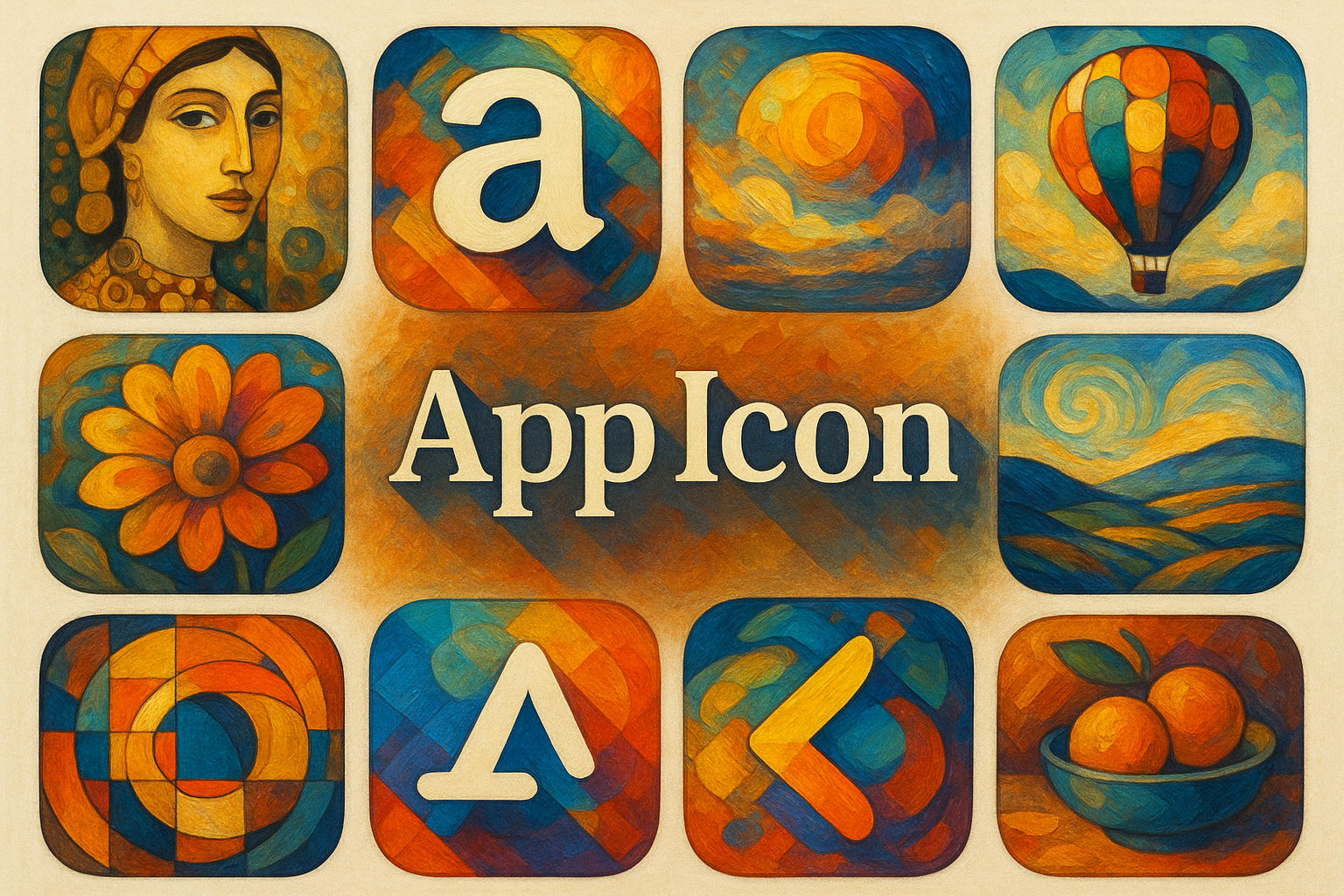
An app icon gives a product a recognizable visual identity in crowded, changing contexts. Its success depends on silhouette, metaphor, contrast and platform behavior as much as decorative finish.
A visual introduction
Select an image for a closer look. Use the thumbnails, arrow keys or a swipe to compare examples. Zoom in to inspect details, or share the image that inspires you.
Creative toolbox · take this style further
Choose an input and a destination. Search sends your words to the chosen site; Copy & open puts them on your clipboard to paste there.
Create with AI
Turn your chosen input into an image prompt or a new creative direction.
ChatGPT
Copy your input and paste it into a ChatGPT conversation or image request.
Copy & open ChatGPT (new tab)Claude · Anthropic
Develop an image prompt or explore the style in a new Claude conversation.
Copy & open Claude · Anthropic (new tab)Midjourney
Paste your input into the Imagine bar on the Create page.
Copy & open Midjourney (new tab)Adobe Firefly
Copy your input, open Firefly, and paste it into the prompt field.
Copy & open Adobe Firefly (new tab)Leonardo.Ai
Copy your input, open Leonardo, and paste it into the generation field.
Copy & open Leonardo.Ai (new tab)Image search
Find visual references. Short, concrete keywords usually work best.
Lexica
Search AI images and prompts using your selected input.
Search with this input Lexica (new tab)Pexels
Search the photo and video library. Short keywords often work best.
Search with this input Pexels (new tab)Pixabay
Search photos, illustrations and other images.
Search with this input Pixabay (new tab)Unsplash
Search photographs using the style name or your own keywords.
Search with this input Unsplash (new tab)Wikimedia Commons
Search photographs, artworks and historical images. Check each file for its source and reuse terms.
Search with this input Wikimedia Commons (new tab)Art & research
Explore artists, collections and the ideas behind a style.
Wikipedia
Search for background reading. A style may not have its own article.
Search with this input Wikipedia (new tab)WikiArt
Copy your input into WikiArt’s search to explore artists and artworks.
Copy & open WikiArt (new tab)Europeana
Paste your keywords into the search to explore European museum, library and archive collections.
Copy & open Europeana (new tab)Inspiration
Discover portfolios and visual ideas from creative communities.
Instagram hashtags
Search a hashtag made from your input: spaces and punctuation are removed. Instagram may require sign-in.
Search with this input Instagram hashtags (new tab)ArtStation
Paste your input into artwork search for concept art, environments, characters and visual development.
Copy & open ArtStation (new tab)Behance
Paste your input into project search for illustration, design and visual storytelling.
Copy & open Behance (new tab)A closer look
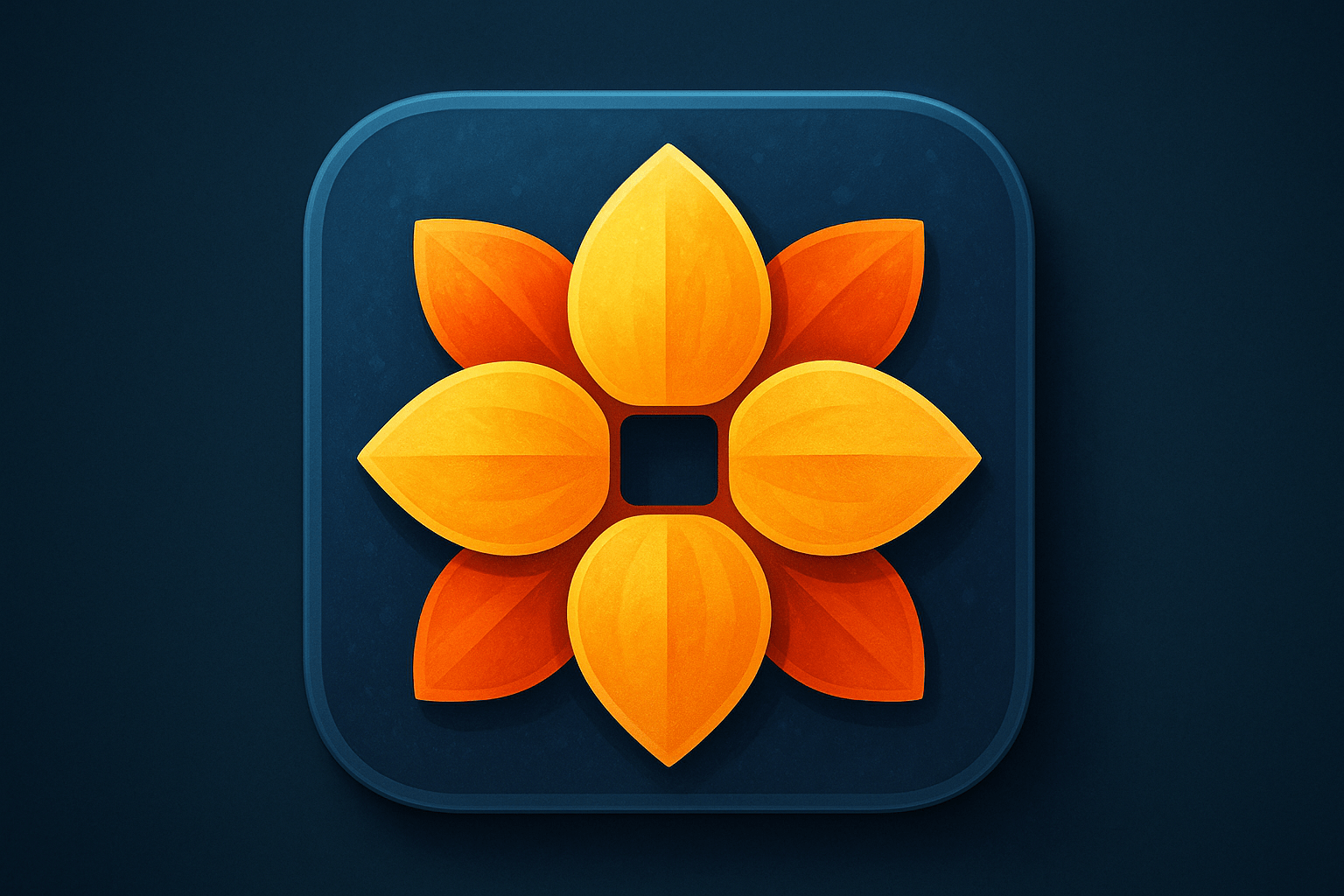
A compact dominant shape, controlled interior detail and stable color relationships should remain legible when the icon is reduced or shown against different backgrounds.
Decide what the icon needs to identify
An app icon is an applied design problem rather than a historical art movement. It must help someone find the right application and distinguish it from nearby alternatives. Begin with one idea connected to the product's function or identity. A visually elaborate scene may be attractive at presentation size while becoming an indistinct patch in a launcher.
GNOME's guidelines recommend a recognizable metaphor and discourage reusing another application's identity. This is a useful starting question: what does the image communicate before the viewer reads the name? A familiar object can help, but its shape and treatment still need enough specificity to avoid confusion.
Build the silhouette before the surface
Sketch the icon as a single dark shape, then as two or three value groups. If its identity depends entirely on a tiny interior mark, reconsider the structure. Give the main motif breathing room and avoid accidental tangencies where a foreground shape nearly touches the enclosing edge.
Choose material cues selectively. A small highlight can describe a curved surface; many competing highlights can dissolve it. Compare a simple version with a detailed one at the actual viewing size. Keep details only when they improve recognition or hierarchy.
Platform rules are part of the composition
Apple's guidance shows that icon shape, layers and appearances differ by platform. GNOME also provides its own perspective, spacing and small-size conventions. There is no single universal rounded-square export that solves every deployment context. Check the current requirements of the intended platform before producing final assets.
Preview the design on light and dark backgrounds, beside unrelated icons and at smaller sizes. Consider system masking and the space reserved around important features. A beautiful edge detail is ineffective if the platform crops it away.
Use generated artwork as a concept stage
An AI image can explore metaphors, materials and palette. It does not by itself provide a validated icon package. Refine edges, remove incidental text, make variants consistent and inspect the exported assets in context. Keep a clear distinction between the concept illustration displayed here and a production-ready application icon.
A useful review compares three candidates by recognition, distinctiveness and reduced-size clarity. Choose the one that survives those tests, even if another looks more impressive when enlarged.
The prompt workshop
Original creative exercises. These prompts create new illustrations, not documentary evidence.
A simple metaphor
Design an original concept icon for a tide diary app: one recognizable wave intersecting a small notebook shape, clear silhouette, two blue values and one warm accent, generous empty margin, no lettering.
Material without clutter
Original app-icon concept for a ceramic inventory tool, one simple bowl viewed consistently, subtle glaze highlight, strong separation from a quiet background, legible miniature silhouette, no logos.
Compare three directions
Three separate original icon concepts for a birdwatching journal using a feather, an open field notebook and a geometric bird silhouette; equal visual weight, restrained palette, no text, each readable at small scale.