
AI ART SYSTEMS · TOOL GUIDE
Deep Dream Generator: A Practical Guide to the AI Art Platform
Begin with a clear experiment. Learn what the service does, what its name does not guarantee, and what to check before sharing your work.
AI-assisted editorial guide. Service information checked against public official pages; no paid generation or account-level test claimed.
Visit Deep Dream Generator · Browse tools and tutorials
What Deep Dream Generator offers now
Deep Dream Generator is an online creative platform, accessed through a browser. Its current site offers image generation and editing alongside video, music and upscaling sections. The company describes a history beginning in 2015 and an expansion into text-to-image generation in 2022. Those are the service’s own descriptions, checked on 4 October 2026; available models and account limits can change. Read the official overview.
Think of it as a place to explore image-making workflows and community examples. A polished gallery is useful for discovering possibilities, but it is a selection of outcomes. It does not tell you how many attempts were discarded, whether the settings still exist or whether your subject will work equally well. I would begin with one small experiment and a question I could actually answer.
The platform and the original DeepDream are different things
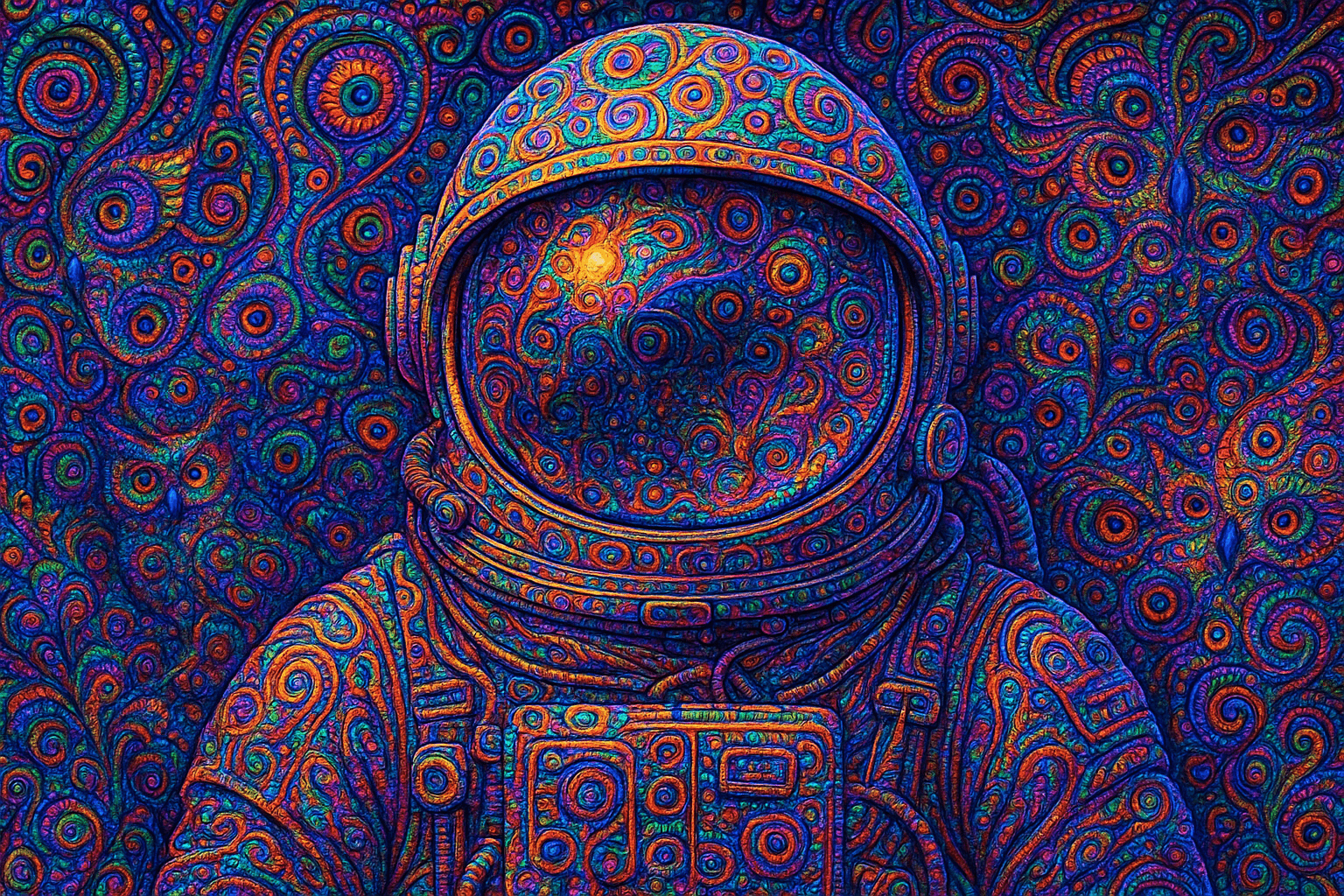
Google’s 2015 Inceptionism article describes techniques for visualising what a neural network has learned. In one approach, an input image is adjusted to amplify features detected at a selected layer. Repeating the process can exaggerate patterns into elaborate forms. The choice of layer and the network’s training affect what appears. This is the technical context behind the familiar dreamlike imagery. Read Google Research’s original explanation.
That history does not mean every image on today’s Deep Dream Generator is made with that specific procedure. A prompt-based image from one model, an edited source image and an iterative DeepDream transformation should not be described as interchangeable processes. Record the actual mode and model used. A service name is a poor substitute for a method.
A first experiment you can learn from
Choose a modest brief: a red ceramic cup beside a window, for example. Describe the arrangement, lighting and desired medium. Begin with the controls currently offered by the selected tool, and check the displayed cost or allowance before running it. This is a suggested workflow based on public documentation, not a claim that we tested a paid account.
Save the prompt, model name, date, aspect ratio and any other settings the interface exposes. Inspect the result at full size: the cup handle, the contact shadow and the window reflection are useful places to look. Change one instruction and compare. If you change the subject, lighting, model and format together, you will learn very little about which choice mattered.
An original starting prompt: A red ceramic cup on a plain wooden table beside a north-facing window, soft daylight, one clear handle, quiet background, restrained editorial illustration, no lettering or logo. This is a composition exercise, not a promise of a particular result. You can make it surreal later; first give yourself something concrete to judge.
Before uploading, paying or publishing
Check the service’s current plan information and generation cost inside the relevant workflow. “Free” on a landing page does not explain every account limit or the cost of every model. Choose a trial budget before experimenting, and check download size and format before planning a print job.
Read the current Terms of Use and linked privacy policy before uploading source material. Check visibility settings before treating an image as private, and use material you are entitled to upload. For commercial work, review the applicable service and model terms for that particular use; a downloadable image alone does not establish all the permissions you might need.
Use the community as a starting point
A gallery can teach you to notice lighting, palette, framing and recurring motifs. Write down what you see before copying an entire prompt. If a result relies on a reference image or an additional editing step, the text alone may not reproduce it. Public visibility also does not turn someone else’s image into a reusable asset.
Keep a small comparison sheet with the brief, output and your decision: keep, revise or reject. Export the useful result and its notes to your own archive. The tool is doing part of the making; you still need to decide whether the image says what you intended. A machine can offer a hundred variations. Taste begins when you stop requesting the hundred-and-first.